AI Relight: Change the Lighting in a Photo
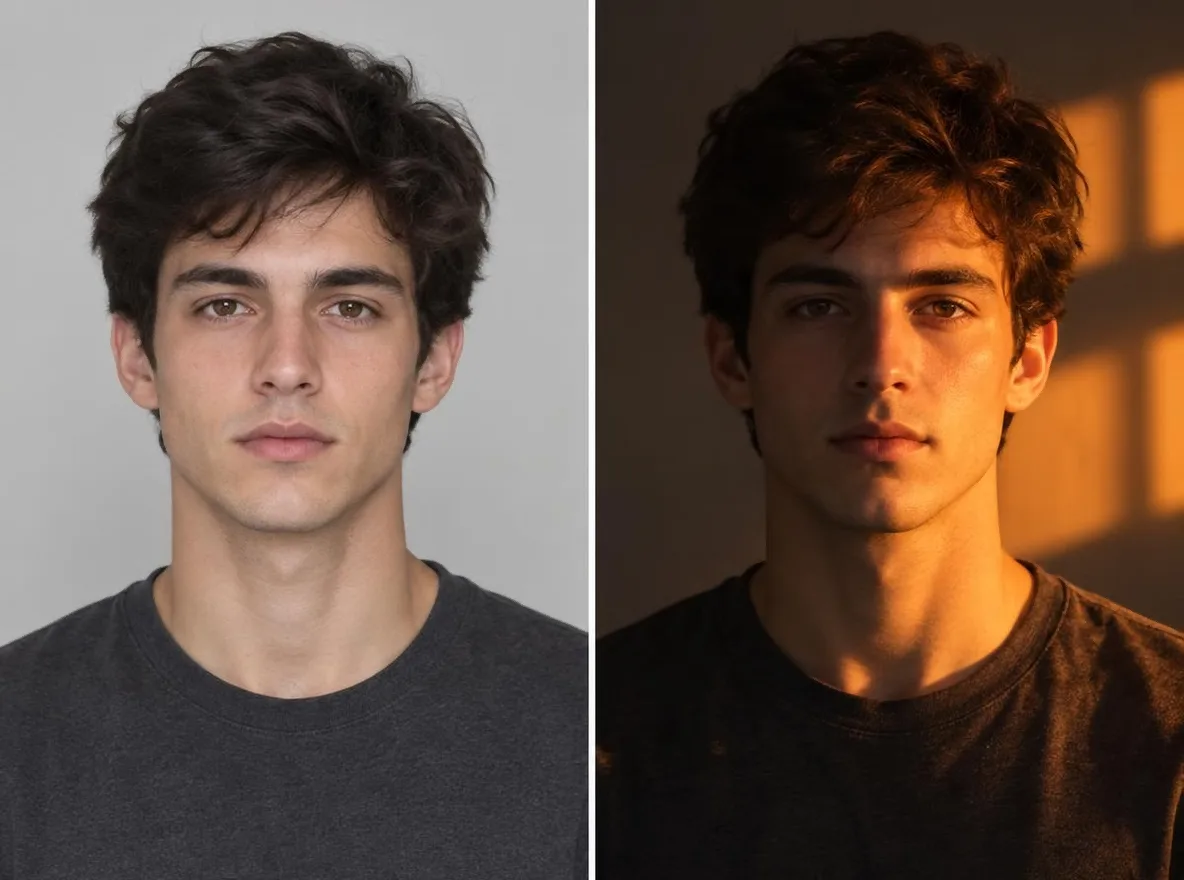
Pickshot's Relight app keeps the subject, pose, clothing and composition of your photo and changes only where the light comes from and how it feels. Combine five directions (left, right, top, backlight, front) with five moods (golden hour, neon, studio, moonlight, window light) to turn an overcast snapshot into a sunset portrait or add a rim of backlight to a flat selfie.
Нові акаунти отримують 50 кредитів. Безкоштовні облікові записи можуть створювати необмежену кількість зображень на сайті за допомогою 5 базових моделей без списання кредитів. Відео Lacquer на сайті безкоштовні: 3 на день, до 5 секунд на ролик. Передплатники користуються включеними моделями безлімітно без списання кредитів. Інші моделі та API/MCP оплачуються окремо.
Оновлено
Як це працює
- Upload the photo you want to relight.
- Pick one light direction (left, right, top, back or front) and one mood (golden hour, neon, studio, moonlight or window light).
- Press Relight, check the result and download it.
Приклад підказує
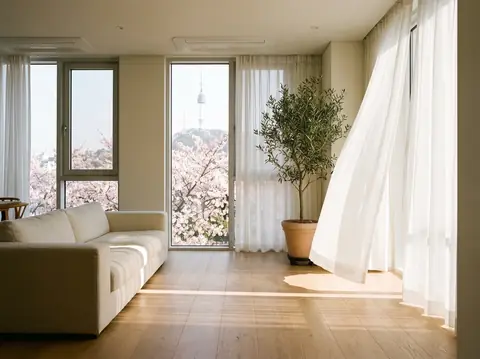
Реальні результати зі згенерованих штучним інтелектом зображень у нашій бібліотеці. Не було використано фото реальної людини.
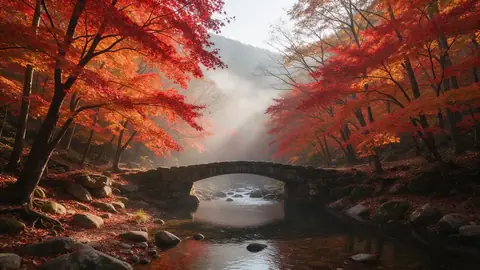 Раніше
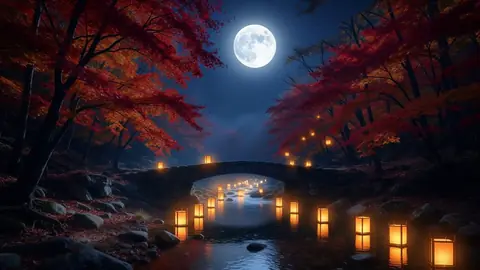 Після
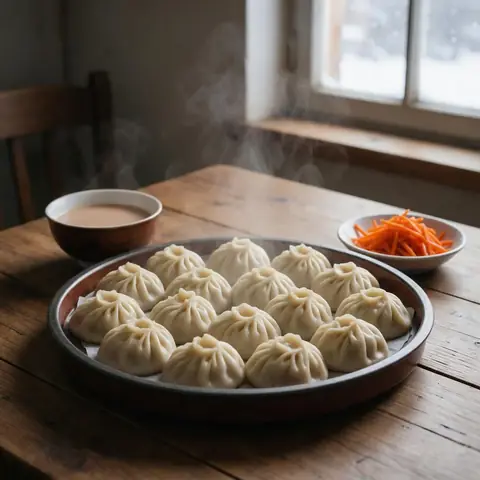 Раніше
 Після
 Раніше
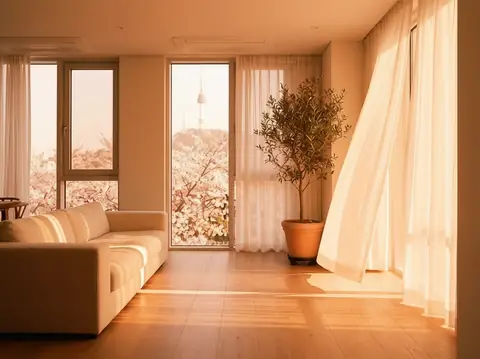 Після
Добре для
- Turning an overcast portrait into golden hour
- Giving product shots a studio-lit look
- Matching the mood of photos across a social feed
Поради для кращих результатів
- The sharper the subject, the more naturally the new light settles on it.
- Backlight puts a rim of light around hair and shoulders, which flatters portraits.
- Make a few versions of one photo with different moods and keep the one that fits your feed.
Питання
How much does it cost?
Free models are unlimited with an account. Models marked “Free with membership” are unlimited without credits during membership. Otherwise, the displayed credit price applies. Developer API usage is billed separately.
Does the background change?
The app keeps the background and framing and changes only the light, but shadows and colours across the whole picture follow the new light. Because the result is AI-generated, small details can differ from the original.
What happens to the photo I upload?
Only upload photos of yourself or photos you have the right to use. Impersonating real people or using results to deceive others is prohibited. Uploaded photos go through a safety check, you can delete your generated images at any time, and nothing appears in the public Explore feed unless you choose to share it.
Більше програм

Фото до аніме
Перемалюйте селфі як аніме, вебтун, акварель або тривимірну фігуру.

Фото профілю AI
Перетворіть повсякденне селфі на фотографію, що посвідчує особу, знімок із заявки на роботу або аватар у соціальній мережі.

Традиційне вбрання
Побачте себе в ханбок, кімоно, ципао або ханфу.

Подорож фоном
Збережіть себе, поміняйте фон на Кіото, Сеул, Шанхай чи Чеджу.