AI Relight: Change the Lighting in a Photo
Pickshot's Relight app keeps the subject, pose, clothing and composition of your photo and changes only where the light comes from and how it feels. Combine five directions (left, right, top, backlight, front) with five moods (golden hour, neon, studio, moonlight, window light) to turn an overcast snapshot into a sunset portrait or add a rim of backlight to a flat selfie.
Novi računi dobivaju 50 kredita. Besplatni računi mogu stvarati neograničen broj slika na web-stranici s 5 osnovnih modela, bez trošenja kredita. Lacquer videozapisi na webu su besplatni: 3 dnevno, uz najviše 5 sekundi po isječku. Članovi koriste uključene modele neograničeno bez oduzimanja kredita. Ostali modeli i API/MCP naplaćuju se zasebno.
Ažurirano
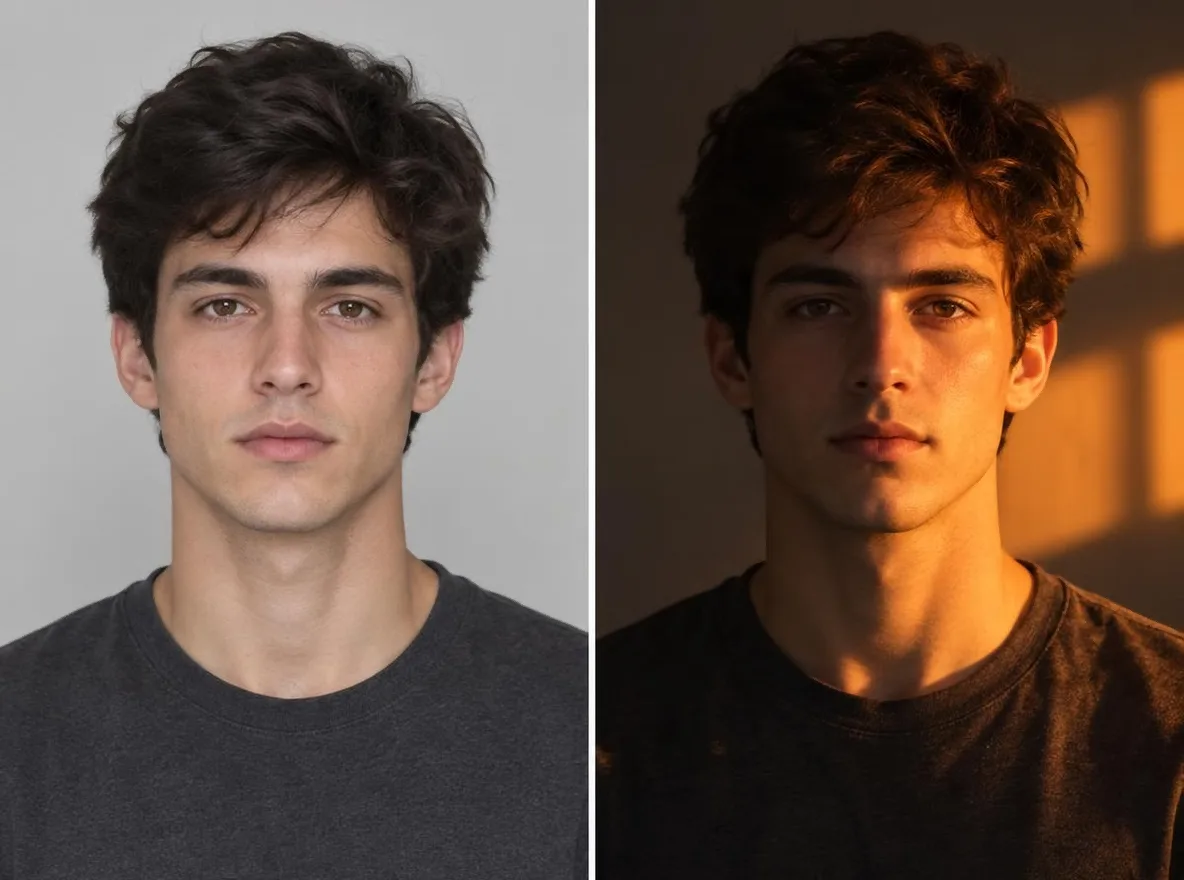
Kako funkcionira
- Upload the photo you want to relight.
- Pick one light direction (left, right, top, back or front) and one mood (golden hour, neon, studio, moonlight or window light).
- Press Relight, check the result and download it.
Primjeri opisa
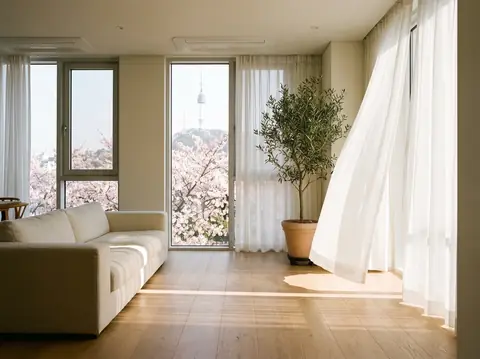
Stvarni rezultati iz AI slika u našoj biblioteci. Nije korištena fotografija stvarne osobe.
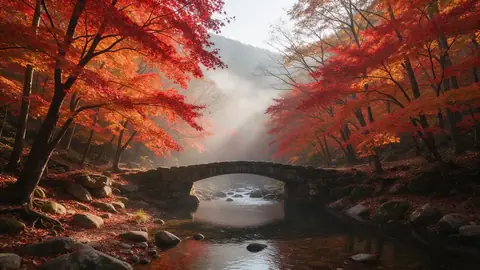 Prije
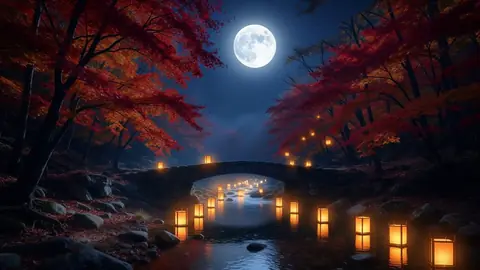 Poslije
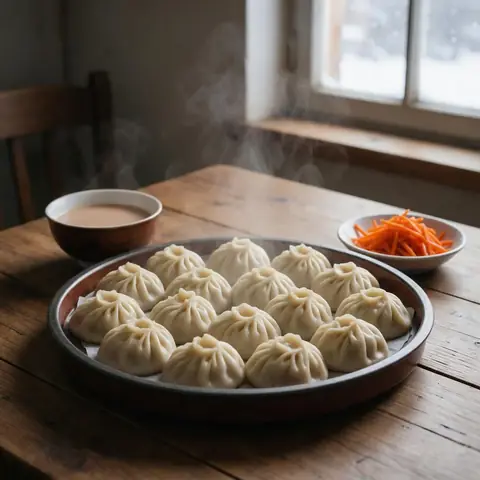 Prije
 Poslije
 Prije
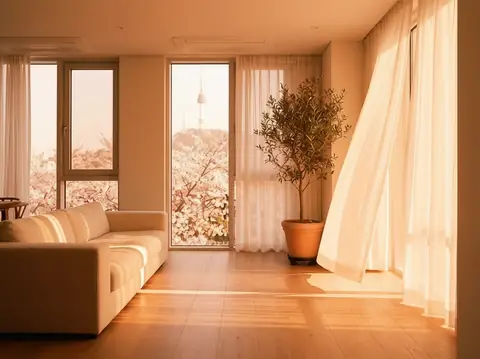 Poslije
Dobro za
- Turning an overcast portrait into golden hour
- Giving product shots a studio-lit look
- Matching the mood of photos across a social feed
Savjeti za bolje rezultate
- The sharper the subject, the more naturally the new light settles on it.
- Backlight puts a rim of light around hair and shoulders, which flatters portraits.
- Make a few versions of one photo with different moods and keep the one that fits your feed.
Pitanja
How much does it cost?
Free models are unlimited with an account. Models marked “Free with membership” are unlimited without credits during membership. Otherwise, the displayed credit price applies. Developer API usage is billed separately.
Does the background change?
The app keeps the background and framing and changes only the light, but shadows and colours across the whole picture follow the new light. Because the result is AI-generated, small details can differ from the original.
What happens to the photo I upload?
Only upload photos of yourself or photos you have the right to use. Impersonating real people or using results to deceive others is prohibited. Uploaded photos go through a safety check, you can delete your generated images at any time, and nothing appears in the public Explore feed unless you choose to share it.
Više aplikacija

Fotografija u anime
Pretvori selfie u anime, webtoon, akvarel ili 3D figuru.

AI profilna fotografija
Pretvori obični selfie u fotografiju za dokumente, portret za prijavu na posao ili avatar za društvene mreže.

Tradicionalna odjeća
Pogledaj se u hanboku, kimonu, qipaou ili hanfuu.

Putna pozadina
Zadrži svoj izgled, zamijeni pozadinu Kyotom, Seulom, Šangajem ili Jejuom.