AI Relight: Change the Lighting in a Photo
Pickshot's Relight app keeps the subject, pose, clothing and composition of your photo and changes only where the light comes from and how it feels. Combine five directions (left, right, top, backlight, front) with five moods (golden hour, neon, studio, moonlight, window light) to turn an overcast snapshot into a sunset portrait or add a rim of backlight to a flat selfie.
Tài khoản mới nhận 50 tín dụng. Tài khoản miễn phí cũng có thể tạo ảnh không giới hạn trên trang web bằng 5 mô hình cơ bản mà không tốn tín dụng. Video Lacquer miễn phí trên trang web: 3 video mỗi ngày, tối đa 5 giây mỗi đoạn. Thành viên dùng các mô hình thuộc gói không giới hạn và không bị trừ tín dụng. Mô hình khác và API/MCP tính phí riêng.
Đã cập nhật
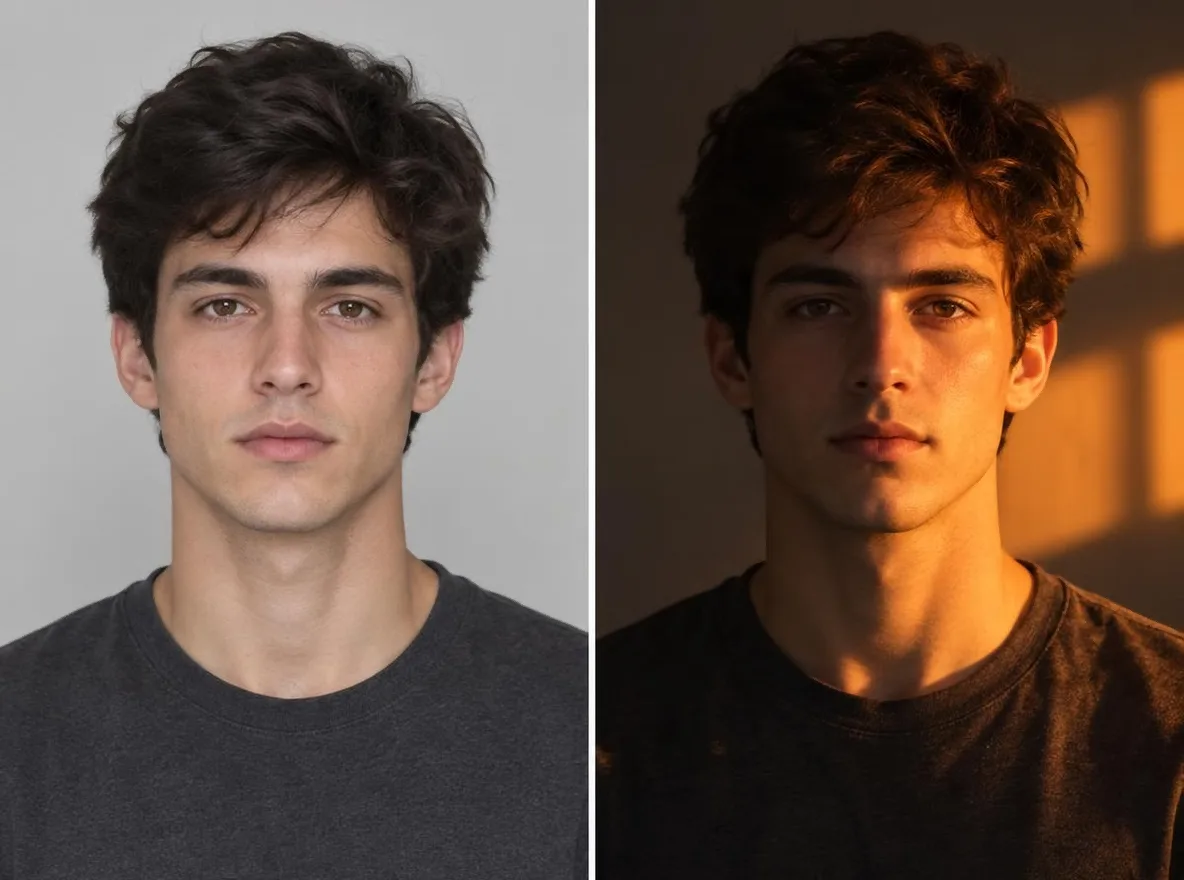
Nó hoạt động như thế nào
- Upload the photo you want to relight.
- Pick one light direction (left, right, top, back or front) and one mood (golden hour, neon, studio, moonlight or window light).
- Press Relight, check the result and download it.
Lời nhắc ví dụ
Kết quả thực tế từ các bức ảnh do AI tạo ra trong thư viện của chúng tôi. Không có hình ảnh của người thật được sử dụng.
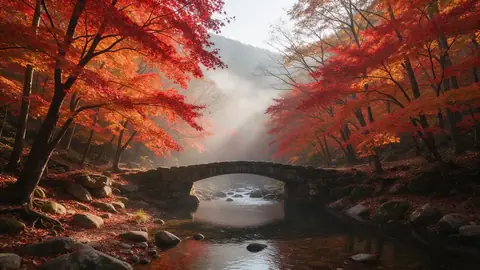 trước đây
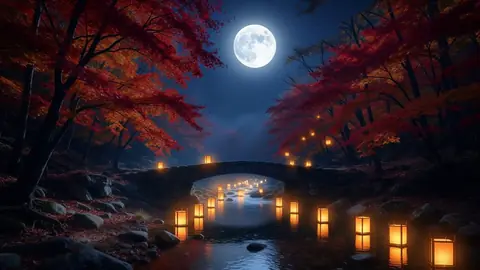 Sau
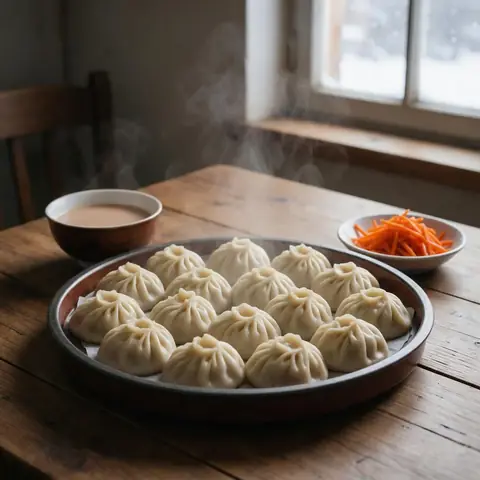 trước đây
 Sau
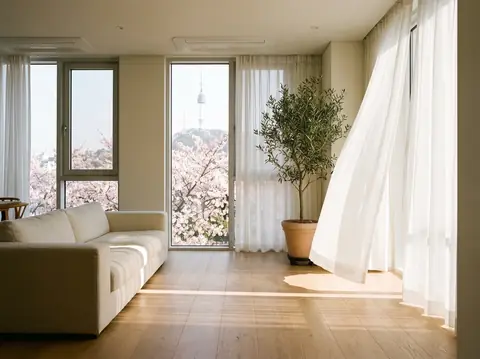 trước đây
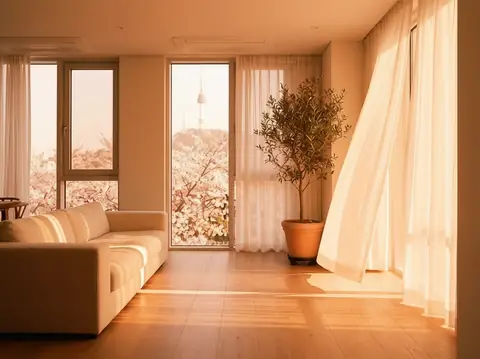 Sau
Tốt cho
- Turning an overcast portrait into golden hour
- Giving product shots a studio-lit look
- Matching the mood of photos across a social feed
Lời khuyên để có kết quả tốt hơn
- The sharper the subject, the more naturally the new light settles on it.
- Backlight puts a rim of light around hair and shoulders, which flatters portraits.
- Make a few versions of one photo with different moods and keep the one that fits your feed.
Câu hỏi
How much does it cost?
Free models are unlimited with an account. Models marked “Free with membership” are unlimited without credits during membership. Otherwise, the displayed credit price applies. Developer API usage is billed separately.
Does the background change?
The app keeps the background and framing and changes only the light, but shadows and colours across the whole picture follow the new light. Because the result is AI-generated, small details can differ from the original.
What happens to the photo I upload?
Only upload photos of yourself or photos you have the right to use. Impersonating real people or using results to deceive others is prohibited. Uploaded photos go through a safety check, you can delete your generated images at any time, and nothing appears in the public Explore feed unless you choose to share it.
Nhiều ứng dụng hơn

Ảnh thành phim hoạt hình
Vẽ lại ảnh selfie dưới dạng anime, webtoon, màu nước hoặc hình 3D.

Ảnh hồ sơ AI
Biến một bức ảnh selfie thông thường thành ảnh ID, ảnh chân dung trong đơn xin việc hoặc hình đại diện trên mạng xã hội.

Trang phục truyền thống
Hãy ngắm nhìn chính mình trong trang phục hanbok, kimono, qipao hoặc hanfu.

Bối cảnh du lịch
Hãy giữ mình, đổi bối cảnh cho Kyoto, Seoul, Thượng Hải hay Jeju.