AI Relight: Change the Lighting in a Photo
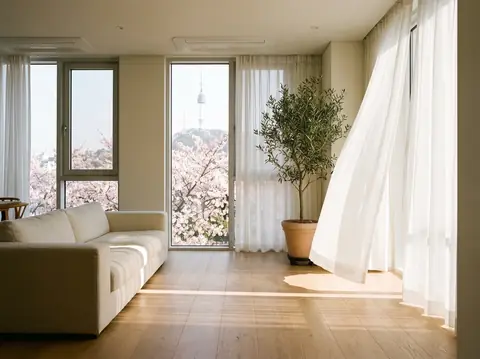
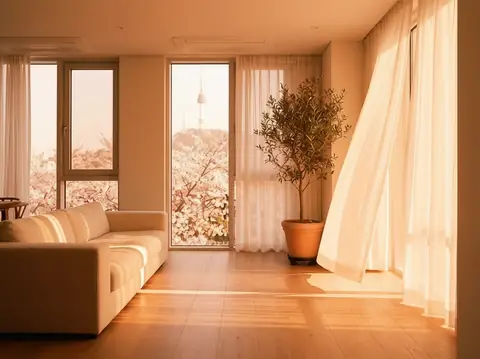
Pickshot's Relight app keeps the subject, pose, clothing and composition of your photo and changes only where the light comes from and how it feels. Combine five directions (left, right, top, backlight, front) with five moods (golden hour, neon, studio, moonlight, window light) to turn an overcast snapshot into a sunset portrait or add a rim of backlight to a flat selfie.
Akun baru mendapat 50 kredit. Akun gratis dapat membuat gambar tanpa batas di situs web dengan 5 model dasar tanpa menggunakan kredit. Video Lacquer gratis di situs web: 3 per hari, dengan durasi hingga 5 detik per klip. Anggota memakai model yang termasuk tanpa batas dan tanpa potongan kredit. Model lain dan API/MCP dikenakan biaya terpisah.
Diperbarui
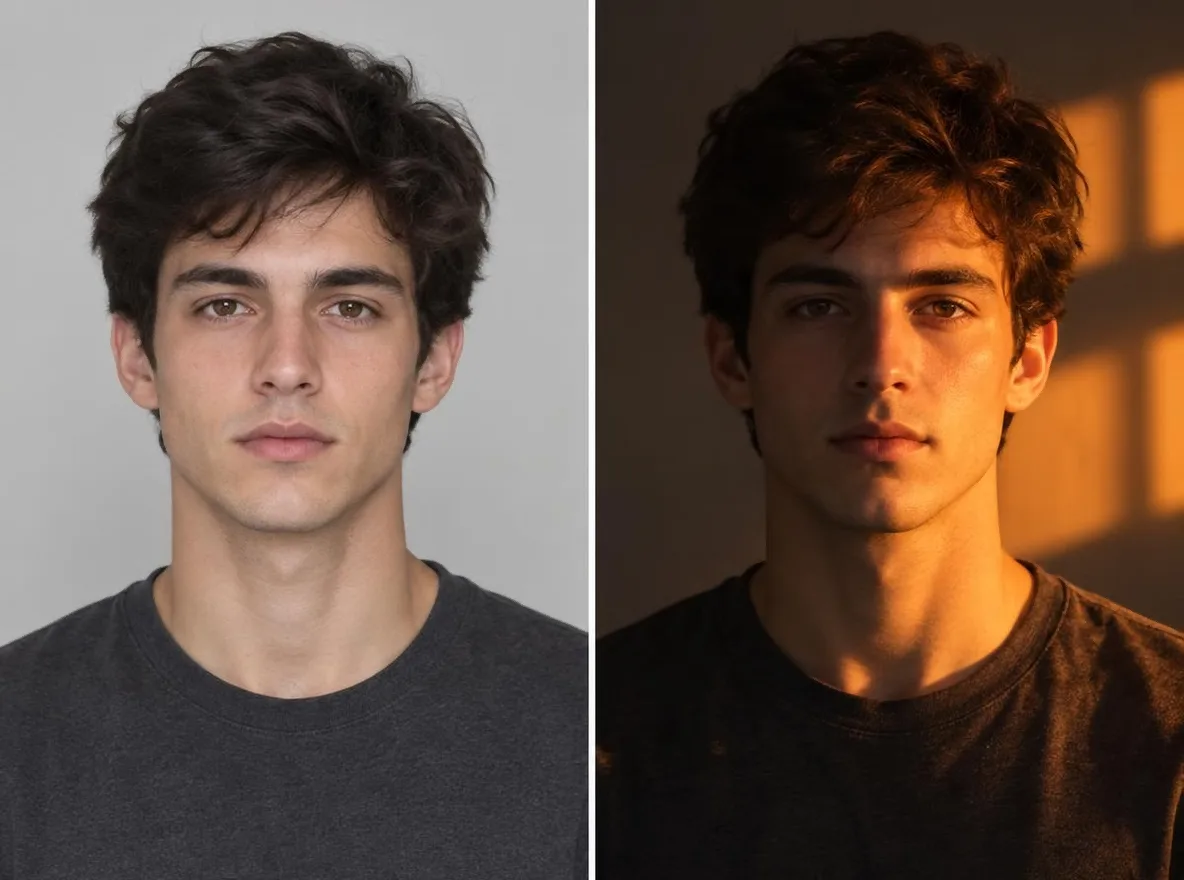
Bagaimana cara kerjanya
- Upload the photo you want to relight.
- Pick one light direction (left, right, top, back or front) and one mood (golden hour, neon, studio, moonlight or window light).
- Press Relight, check the result and download it.
Contoh petunjuknya
Hasil nyata dari gambar yang dihasilkan AI di perpustakaan kami. Tidak ada foto orang sungguhan yang digunakan.
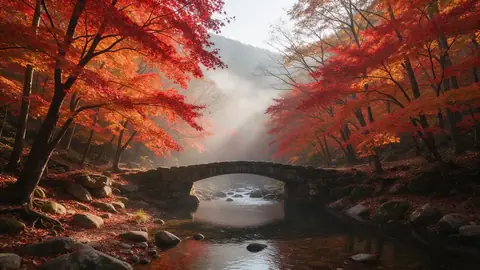 Sebelumnya
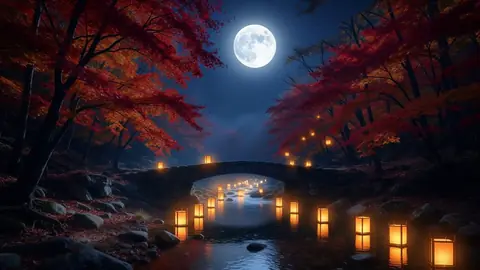 Setelah
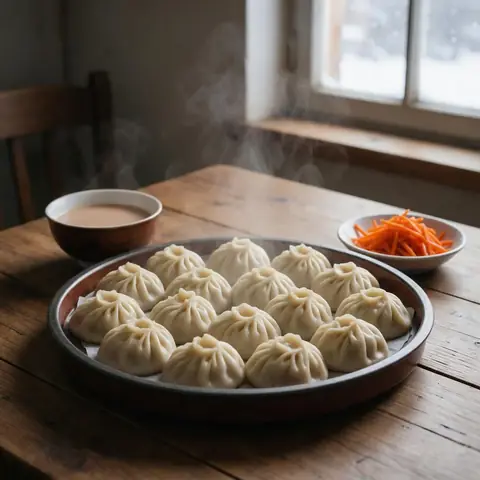 Sebelumnya
 Setelah
 Sebelumnya
 Setelah
Bagus untuk
- Turning an overcast portrait into golden hour
- Giving product shots a studio-lit look
- Matching the mood of photos across a social feed
Kiat untuk hasil yang lebih baik
- The sharper the subject, the more naturally the new light settles on it.
- Backlight puts a rim of light around hair and shoulders, which flatters portraits.
- Make a few versions of one photo with different moods and keep the one that fits your feed.
Pertanyaan
How much does it cost?
Free models are unlimited with an account. Models marked “Free with membership” are unlimited without credits during membership. Otherwise, the displayed credit price applies. Developer API usage is billed separately.
Does the background change?
The app keeps the background and framing and changes only the light, but shadows and colours across the whole picture follow the new light. Because the result is AI-generated, small details can differ from the original.
What happens to the photo I upload?
Only upload photos of yourself or photos you have the right to use. Impersonating real people or using results to deceive others is prohibited. Uploaded photos go through a safety check, you can delete your generated images at any time, and nothing appears in the public Explore feed unless you choose to share it.
Lebih banyak aplikasi

Foto ke anime
Gambar ulang selfie sebagai anime, webtoon, cat air, atau gambar 3D.

Foto profil AI
Ubah selfie biasa menjadi foto tanda pengenal, foto lamaran kerja, atau avatar sosial.

Pakaian tradisional
Lihat diri Anda mengenakan hanbok, kimono, qipao, atau hanfu.

Latar belakang perjalanan
Pertahankan diri Anda, tukar latar belakang dengan Kyoto, Seoul, Shanghai atau Jeju.