AI Relight: Change the Lighting in a Photo
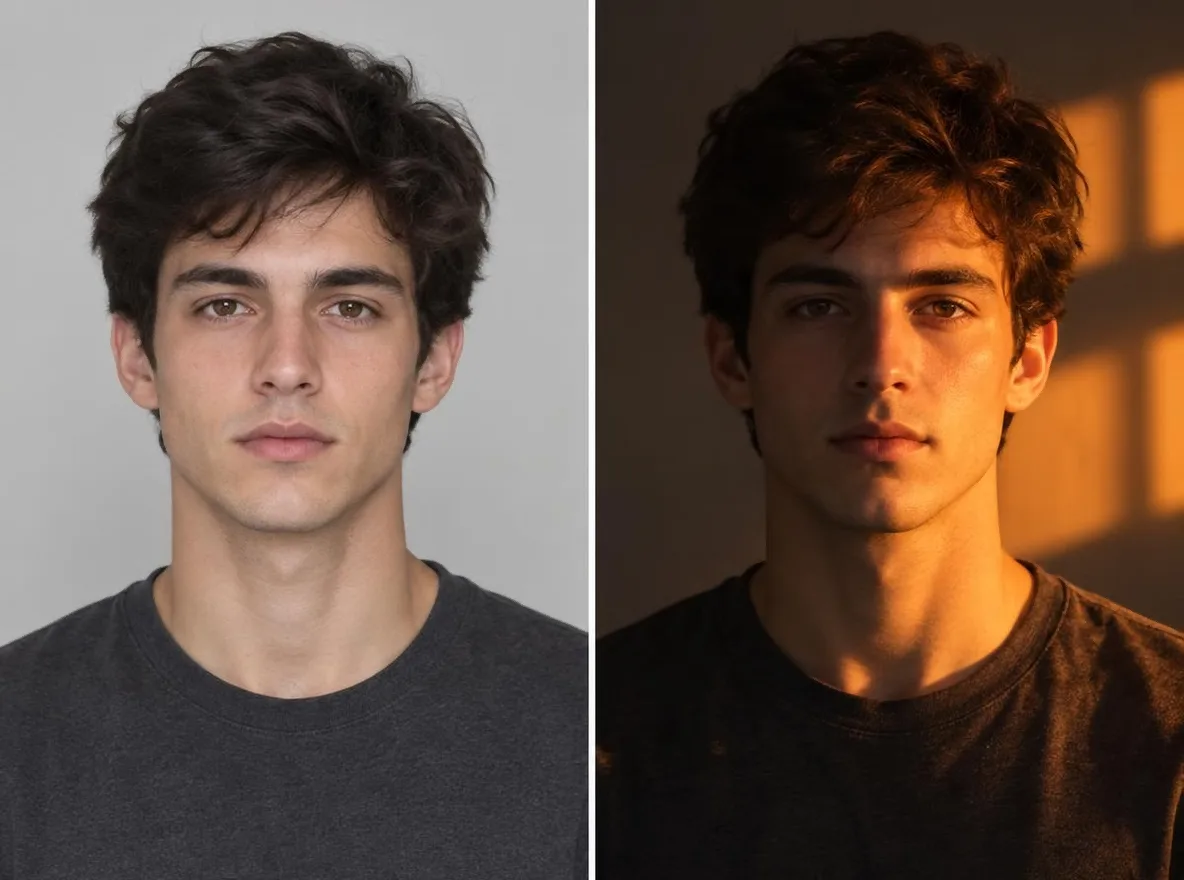
Pickshot's Relight app keeps the subject, pose, clothing and composition of your photo and changes only where the light comes from and how it feels. Combine five directions (left, right, top, backlight, front) with five moods (golden hour, neon, studio, moonlight, window light) to turn an overcast snapshot into a sunset portrait or add a rim of backlight to a flat selfie.
Nya konton får 50 krediter. Gratiskonton kan skapa obegränsat många bilder på webbplatsen med de 5 grundmodellerna utan att förbruka krediter. Lacquer-videor är gratis på webbplatsen: 3 om dagen, upp till 5 sekunder per klipp. Medlemmar använder inkluderade modeller obegränsat utan kreditavdrag. Andra modeller och API/MCP debiteras separat.
Uppdaterat
Så fungerar det
- Upload the photo you want to relight.
- Pick one light direction (left, right, top, back or front) and one mood (golden hour, neon, studio, moonlight or window light).
- Press Relight, check the result and download it.
Exempelbeskrivningar
Verkliga resultat från AI-genererade bilder i vårt bibliotek. Inget foto av en verklig person användes.
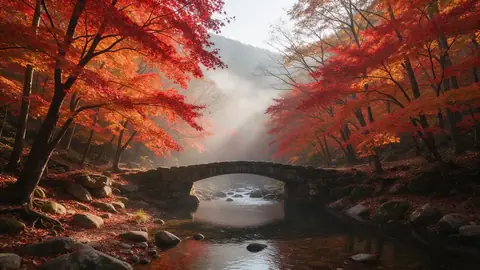 Före
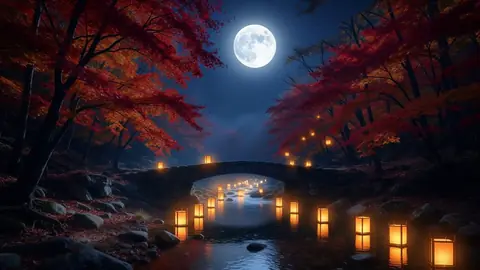 Efter
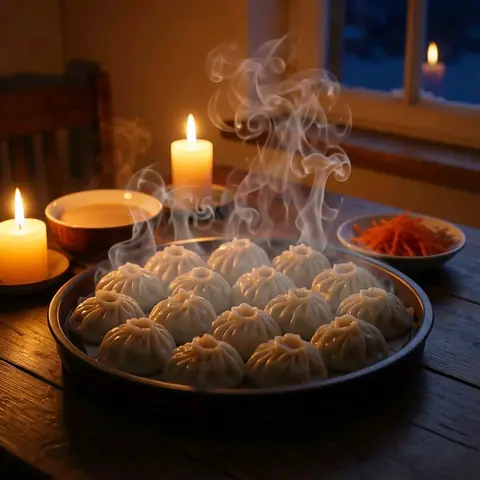
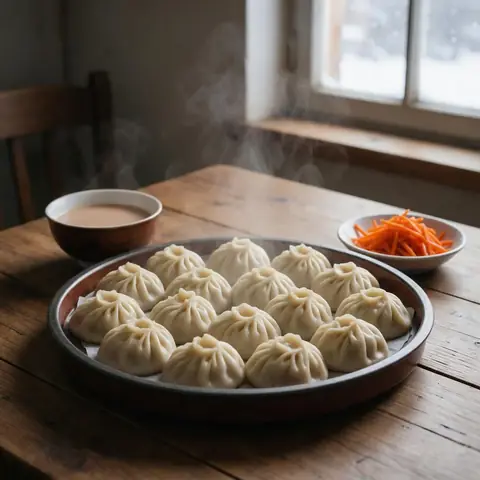 Före
 Efter
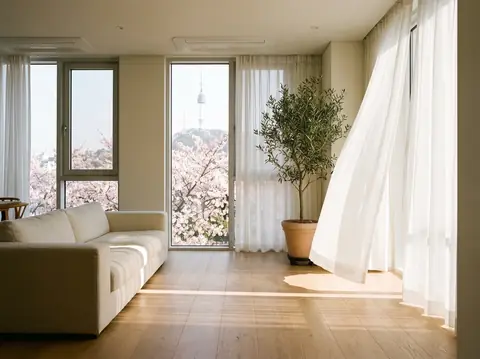 Före
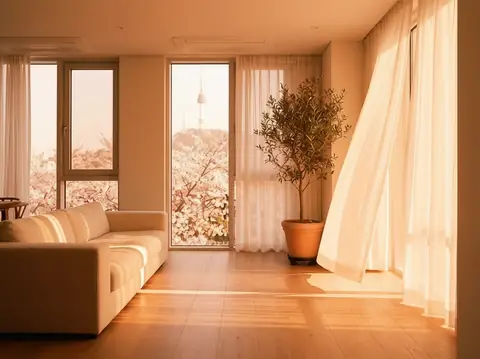 Efter
Bra för
- Turning an overcast portrait into golden hour
- Giving product shots a studio-lit look
- Matching the mood of photos across a social feed
Tips för bättre resultat
- The sharper the subject, the more naturally the new light settles on it.
- Backlight puts a rim of light around hair and shoulders, which flatters portraits.
- Make a few versions of one photo with different moods and keep the one that fits your feed.
Frågor
How much does it cost?
Free models are unlimited with an account. Models marked “Free with membership” are unlimited without credits during membership. Otherwise, the displayed credit price applies. Developer API usage is billed separately.
Does the background change?
The app keeps the background and framing and changes only the light, but shadows and colours across the whole picture follow the new light. Because the result is AI-generated, small details can differ from the original.
What happens to the photo I upload?
Only upload photos of yourself or photos you have the right to use. Impersonating real people or using results to deceive others is prohibited. Uploaded photos go through a safety check, you can delete your generated images at any time, and nothing appears in the public Explore feed unless you choose to share it.
Fler appar

Foto till anime
Rita om en selfie som anime, webtoon, akvarell eller en 3D-figur.

AI-profilbild
Gör en vanlig selfie till ett ID-foto, ett porträtt för jobbansökan eller en social avatar.

Traditionella kläder
Se dig själv i hanbok, kimono, qipao eller hanfu.

Resebakgrund
Behåll dig själv och byt bakgrunden till Kyoto, Seoul, Shanghai eller Jeju.