AI Product Photo Backgrounds for Online Stores
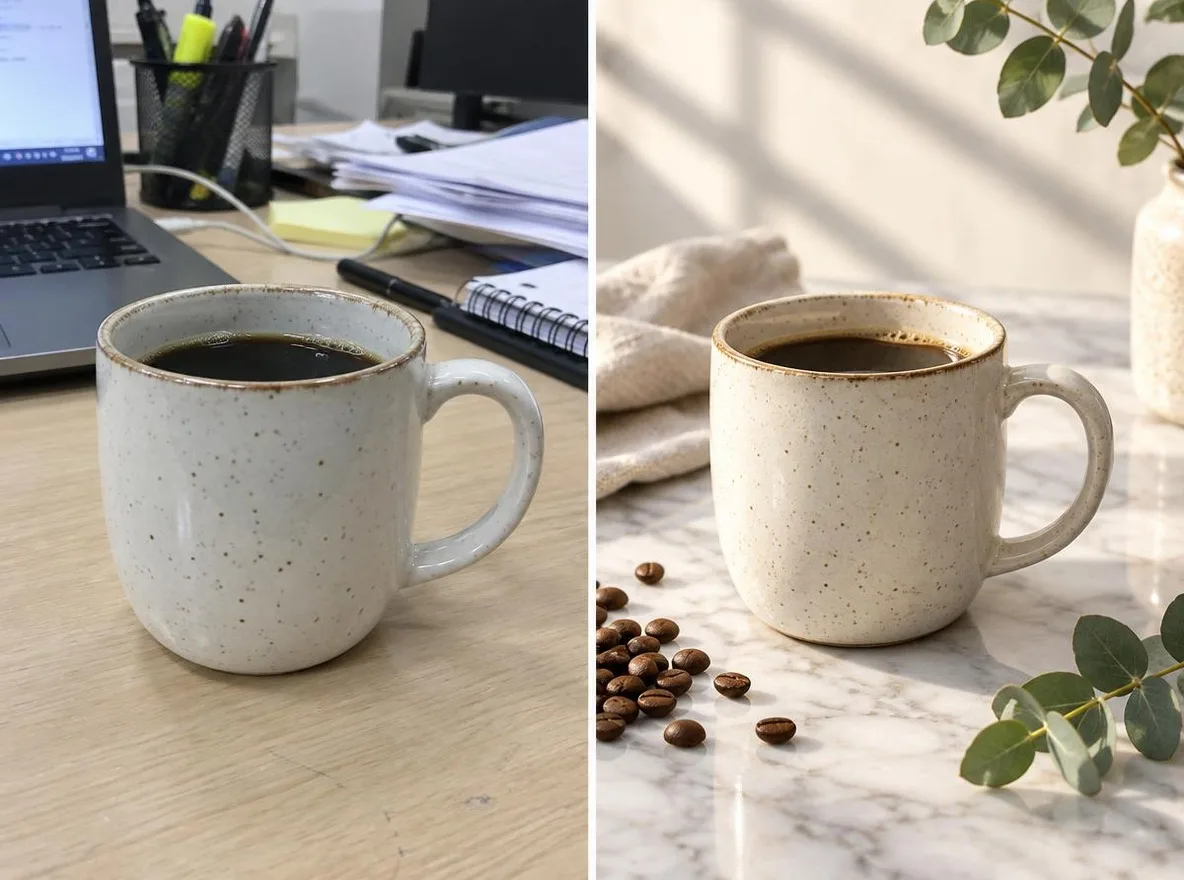
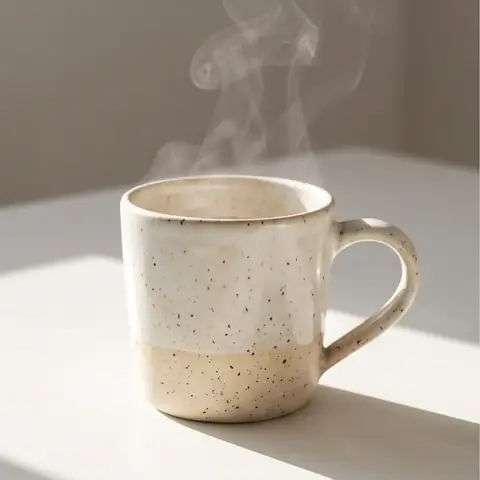
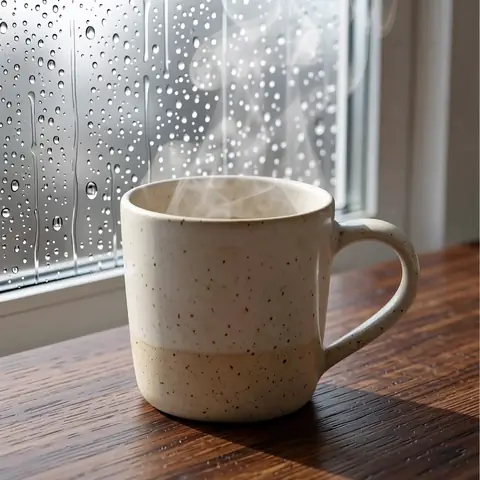
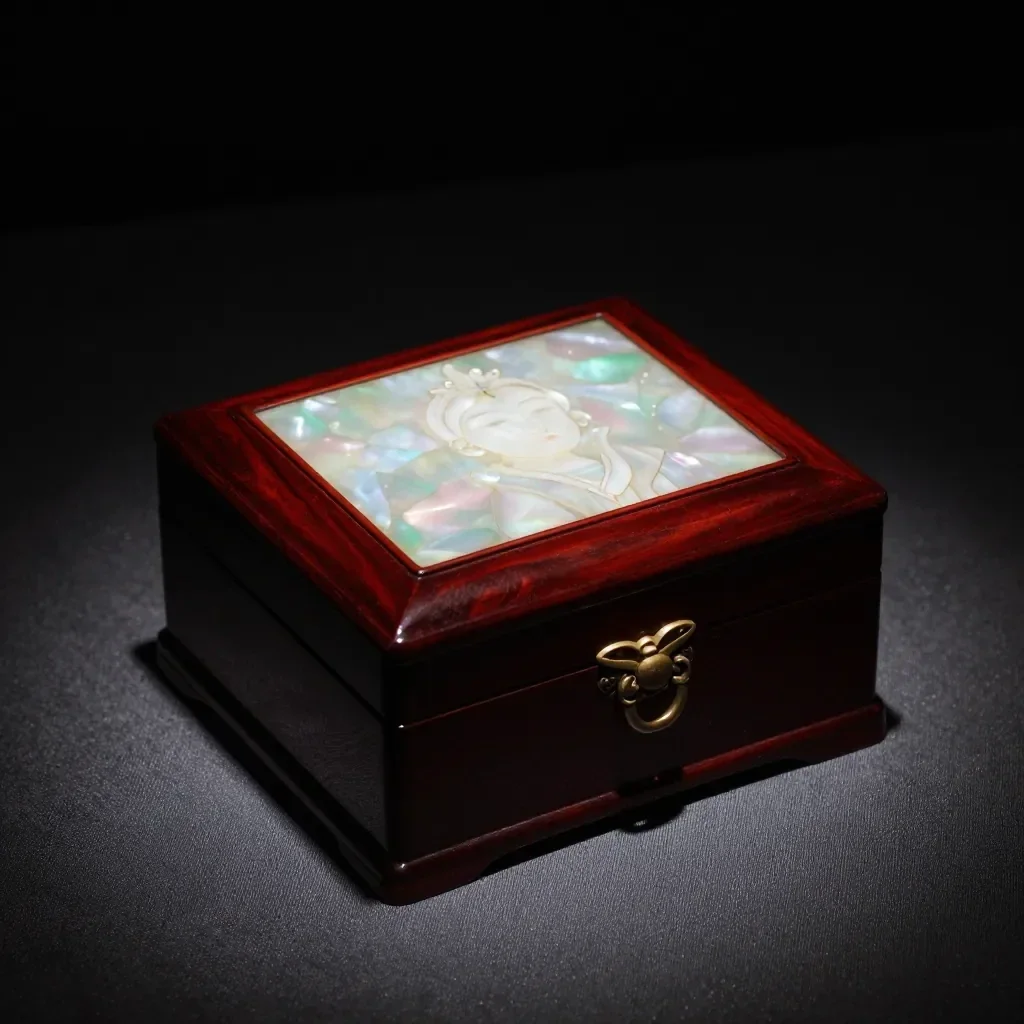
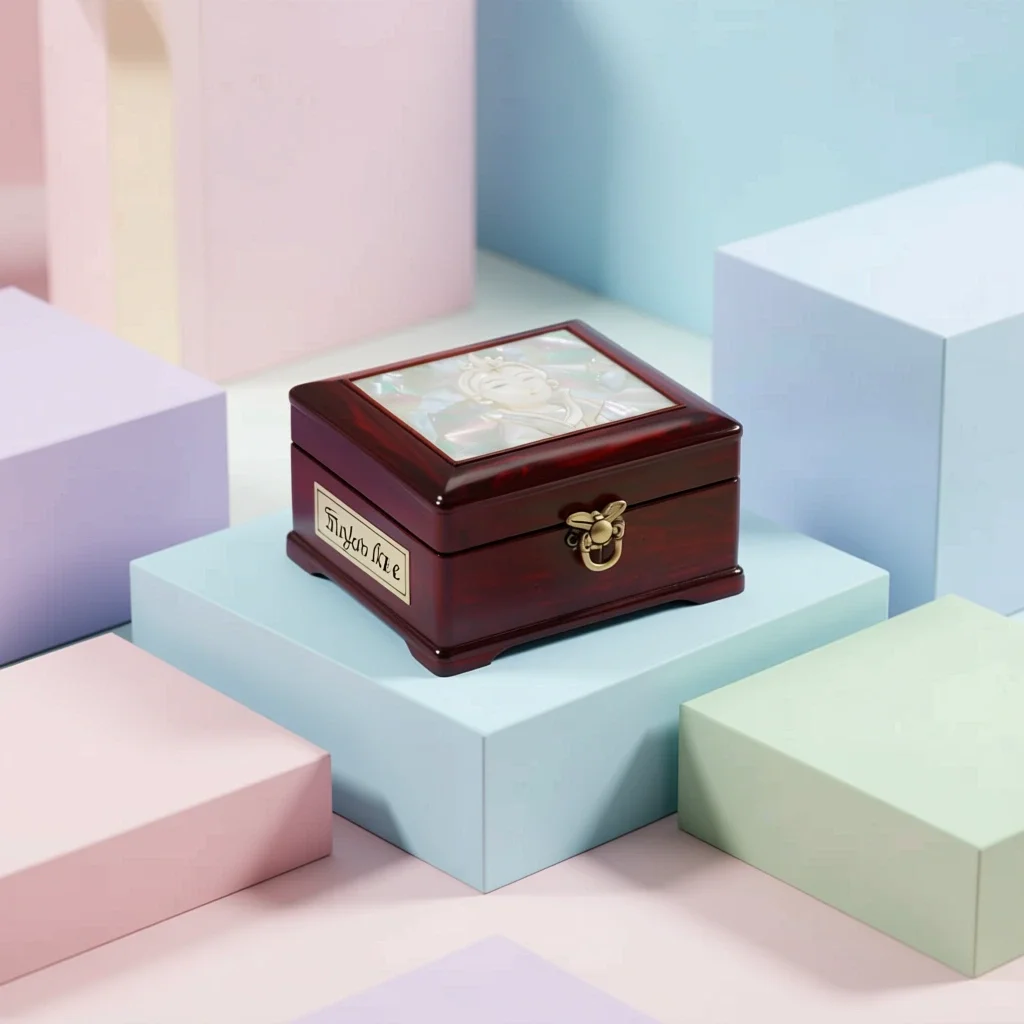
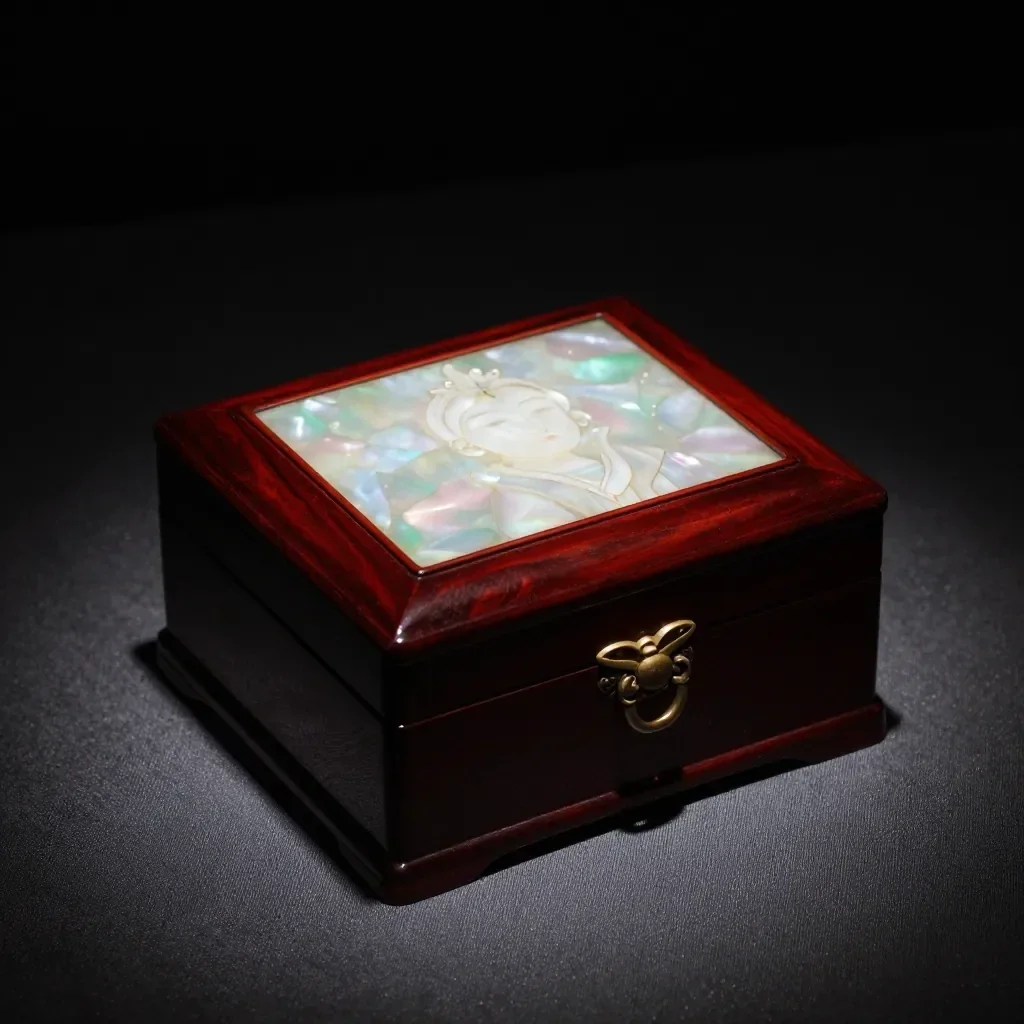
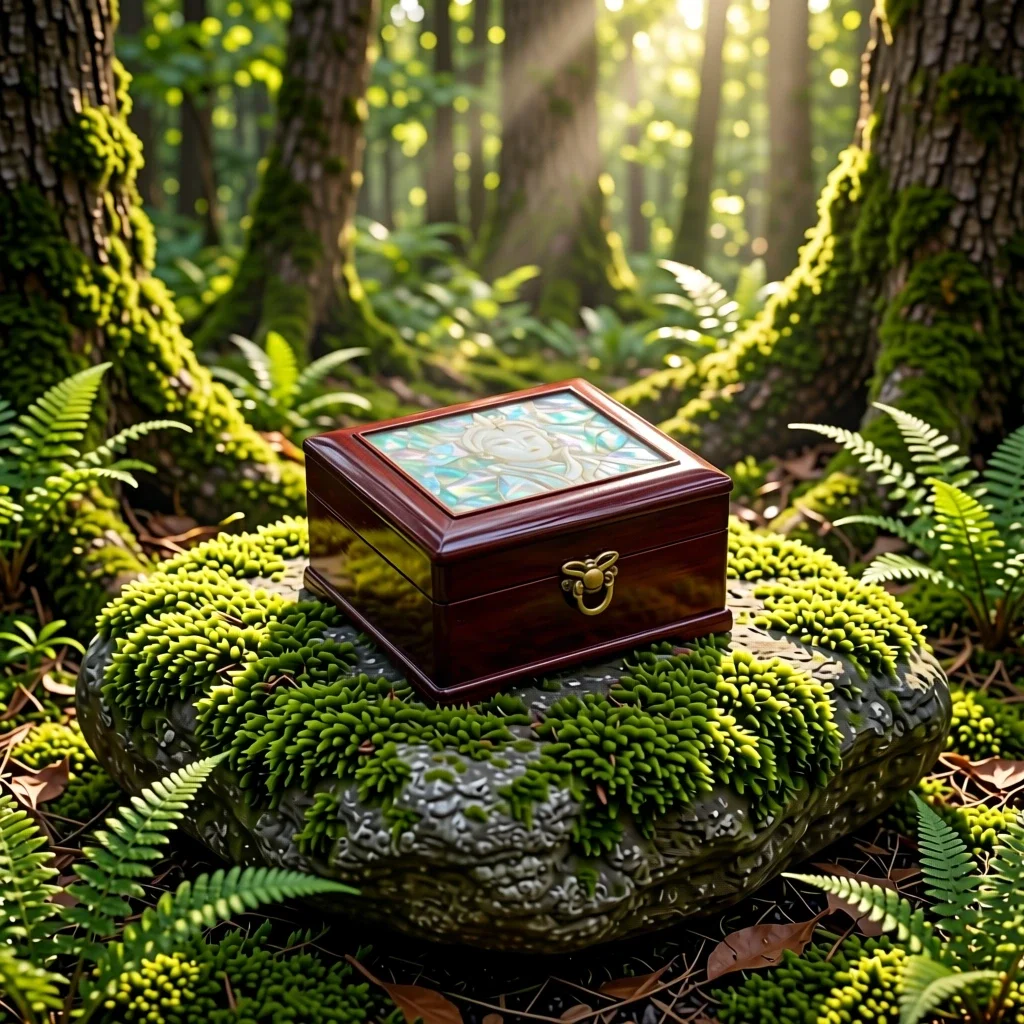
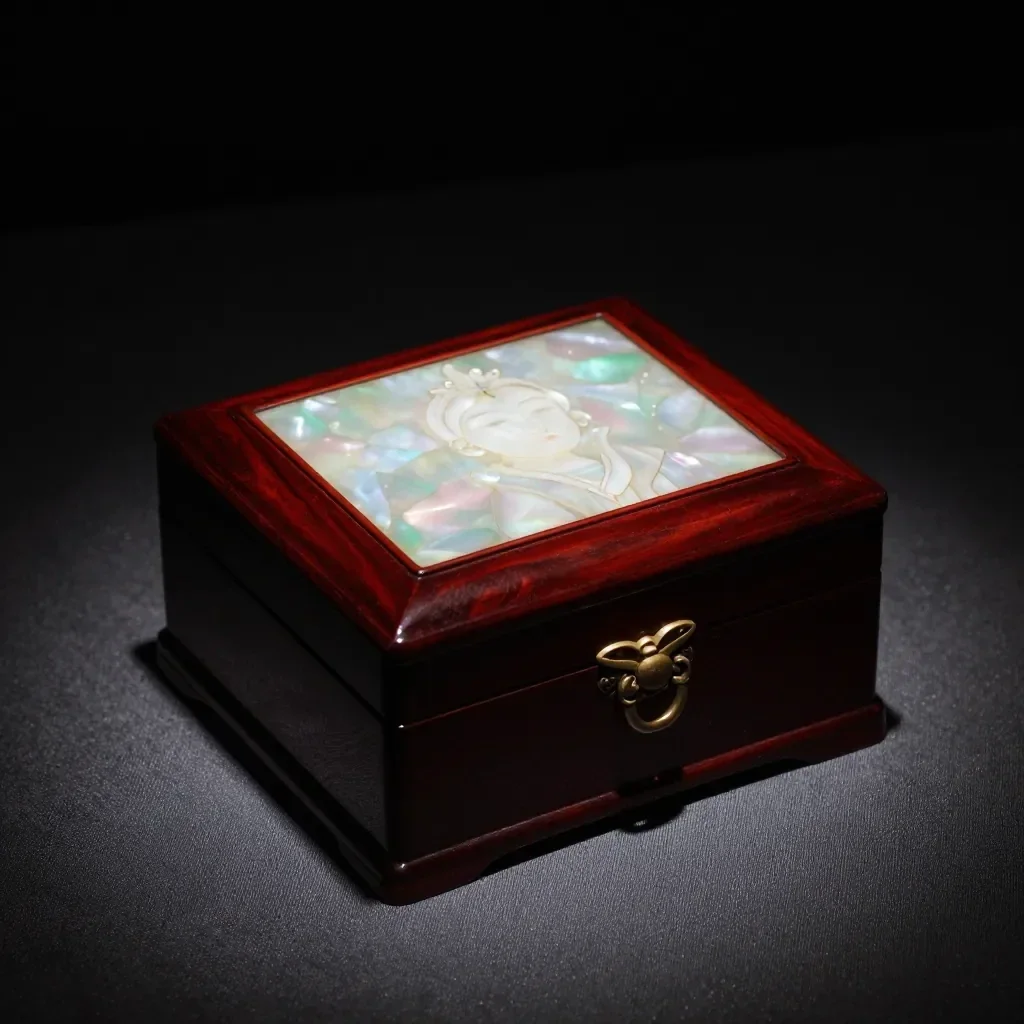
The Product scenes app keeps your product's shape, label and color and changes only the setting and mood, like a commercial shoot. Make listing images for Naver Smartstore, Coupang, Rakuten, Mercari or Taobao without a studio; results are 1:1 squares.
Οι νέοι λογαριασμοί λαμβάνουν 50 μονάδες. Οι δωρεάν λογαριασμοί μπορούν να δημιουργούν απεριόριστες εικόνες στον ιστότοπο με τα 5 βασικά μοντέλα χωρίς να ξοδεύουν μονάδες. Τα βίντεο Lacquer είναι δωρεάν στον ιστότοπο: 3 την ημέρα, έως 5 δευτερόλεπτα ανά κλιπ. Τα μέλη χρησιμοποιούν τα μοντέλα που περιλαμβάνονται απεριόριστα χωρίς αφαίρεση μονάδων. Άλλα μοντέλα και API/MCP χρεώνονται χωριστά.
Ενημερώθηκε
Πώς λειτουργεί
- Upload one photo where the product is clearly visible.
- Choose a scene: Marble, Water, Pastel studio, Nature or Gift season.
- Click transform, review the result and download it.
Επιλογές
Παραδείγματα προτροπών
Πραγματικά αποτελέσματα από εικόνες που δημιουργούνται από AI στη βιβλιοθήκη μας. Δεν χρησιμοποιήθηκε φωτογραφία πραγματικού προσώπου.
 Πριν
 Μετά
 Πριν
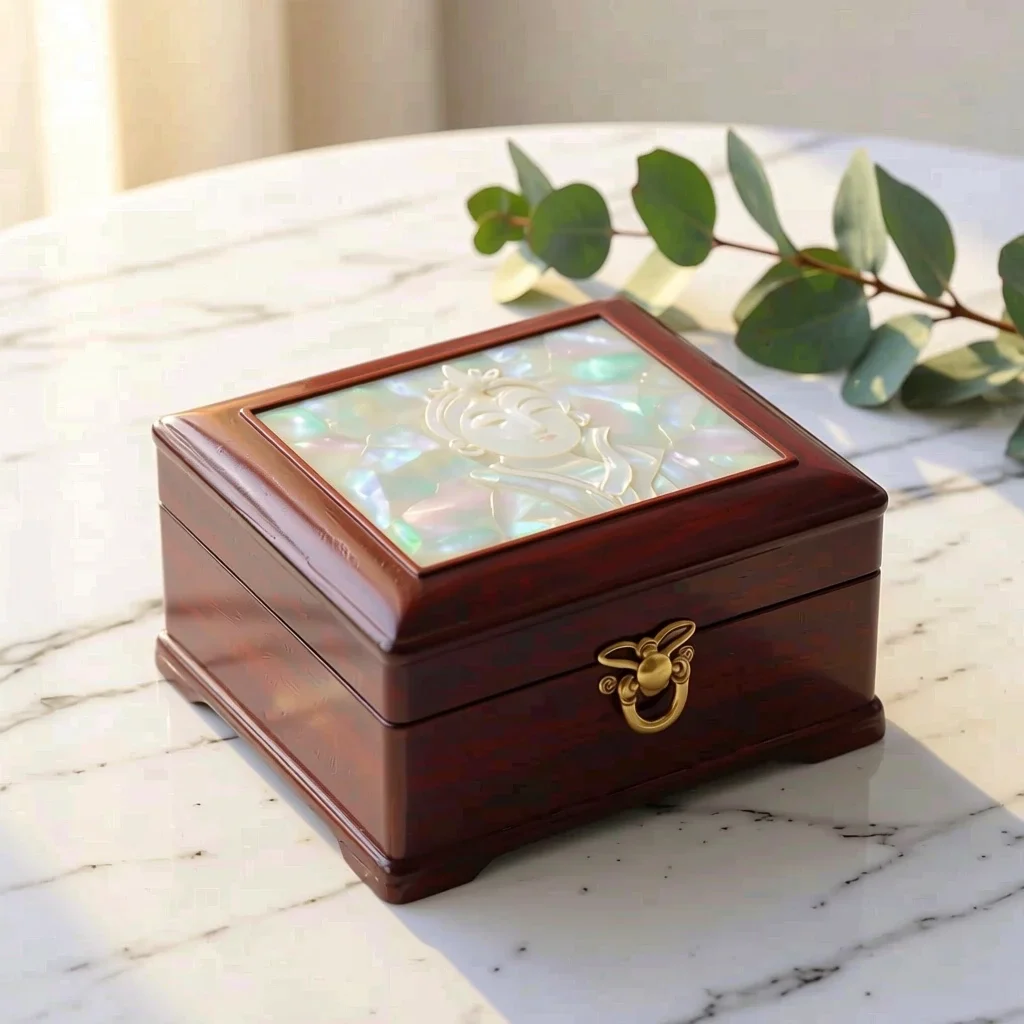 Μετά
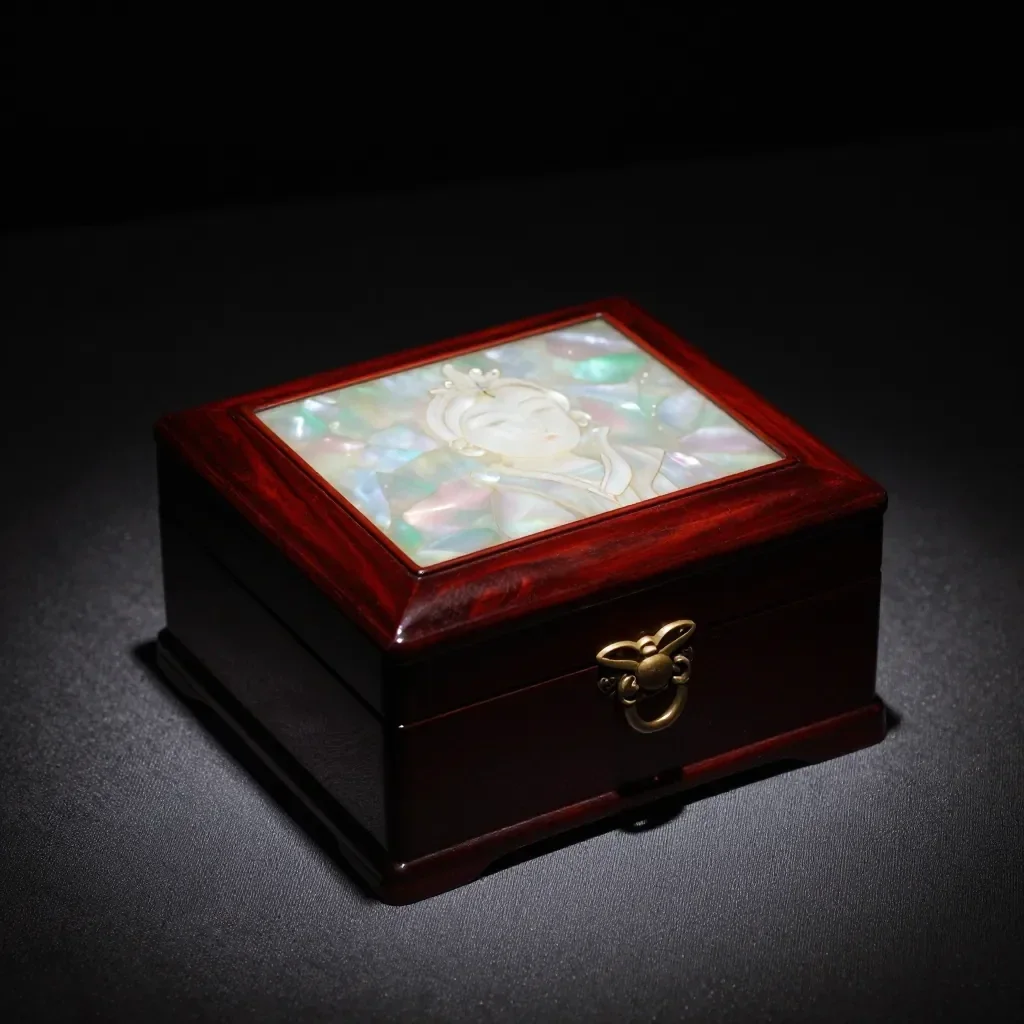 Πριν
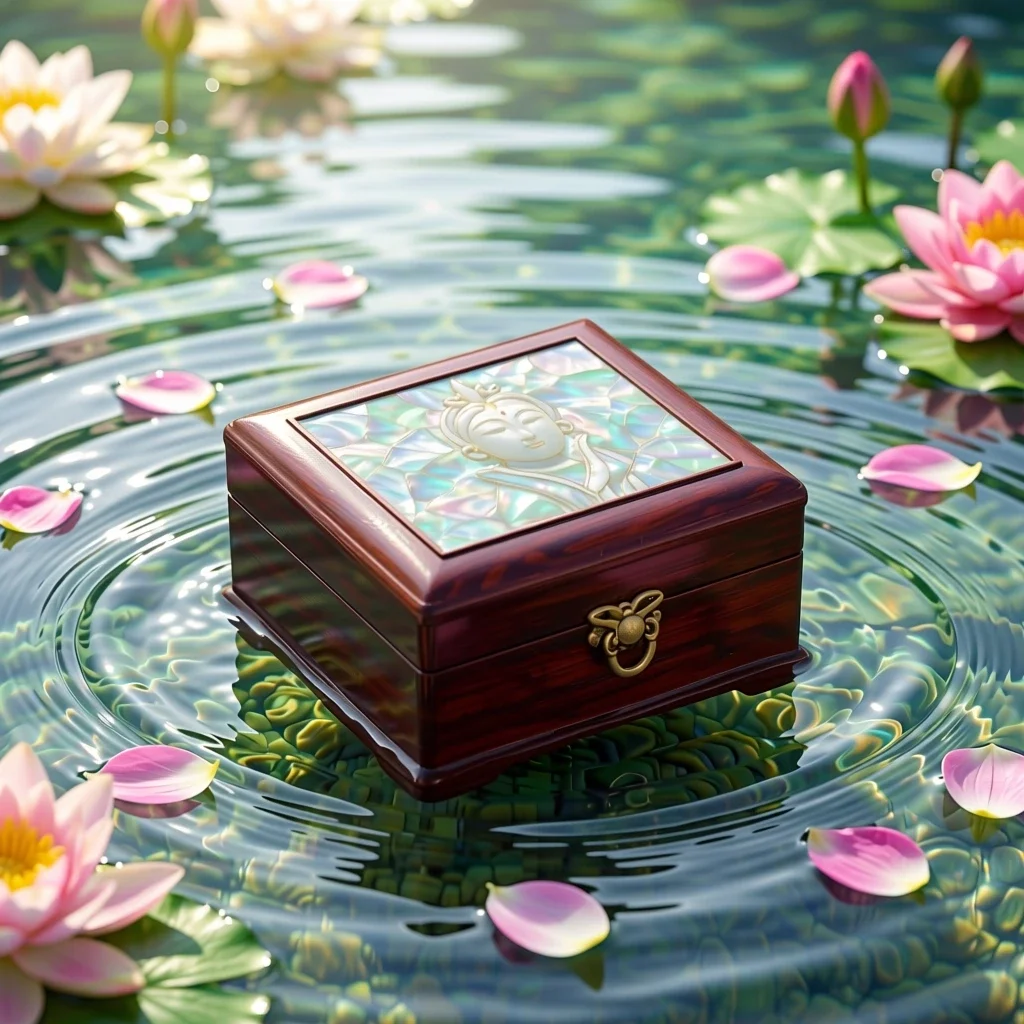 Μετά
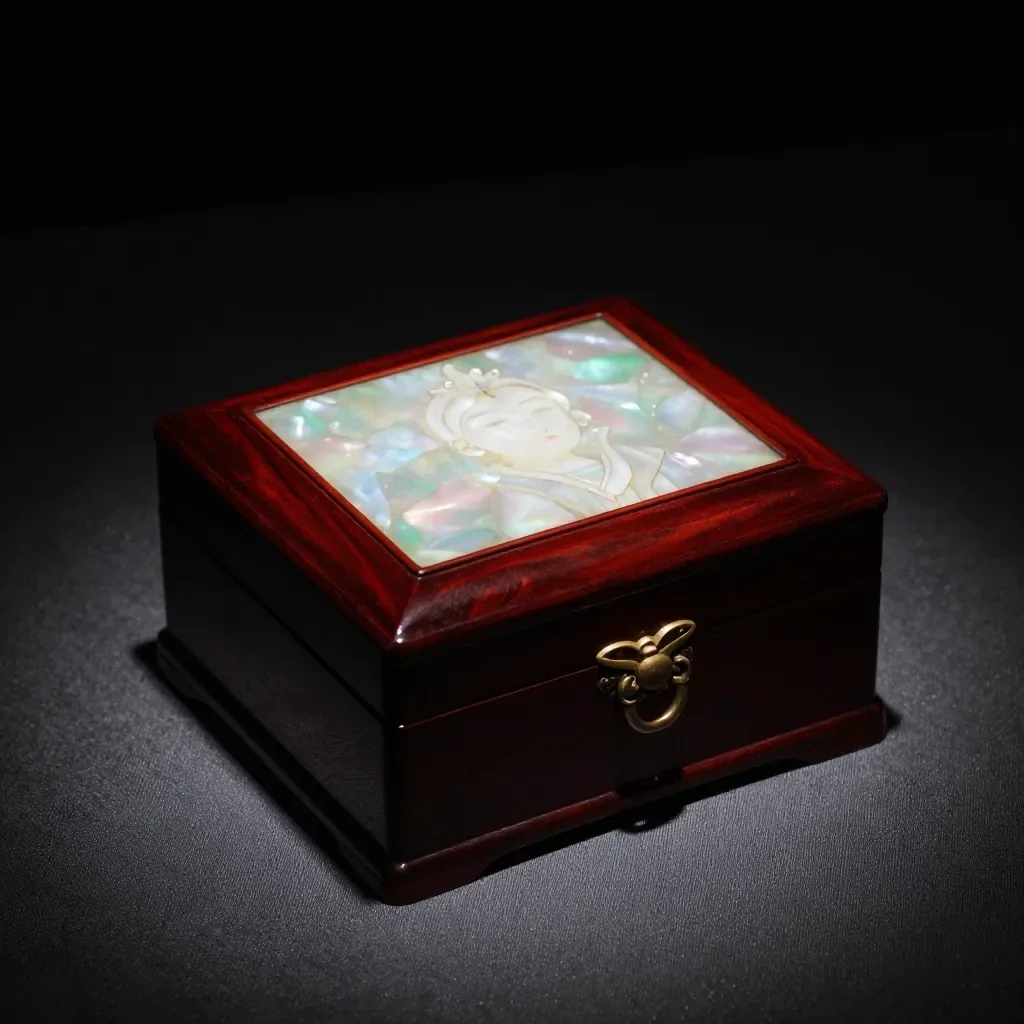 Πριν
 Μετά
 Πριν
 Μετά
 Πριν
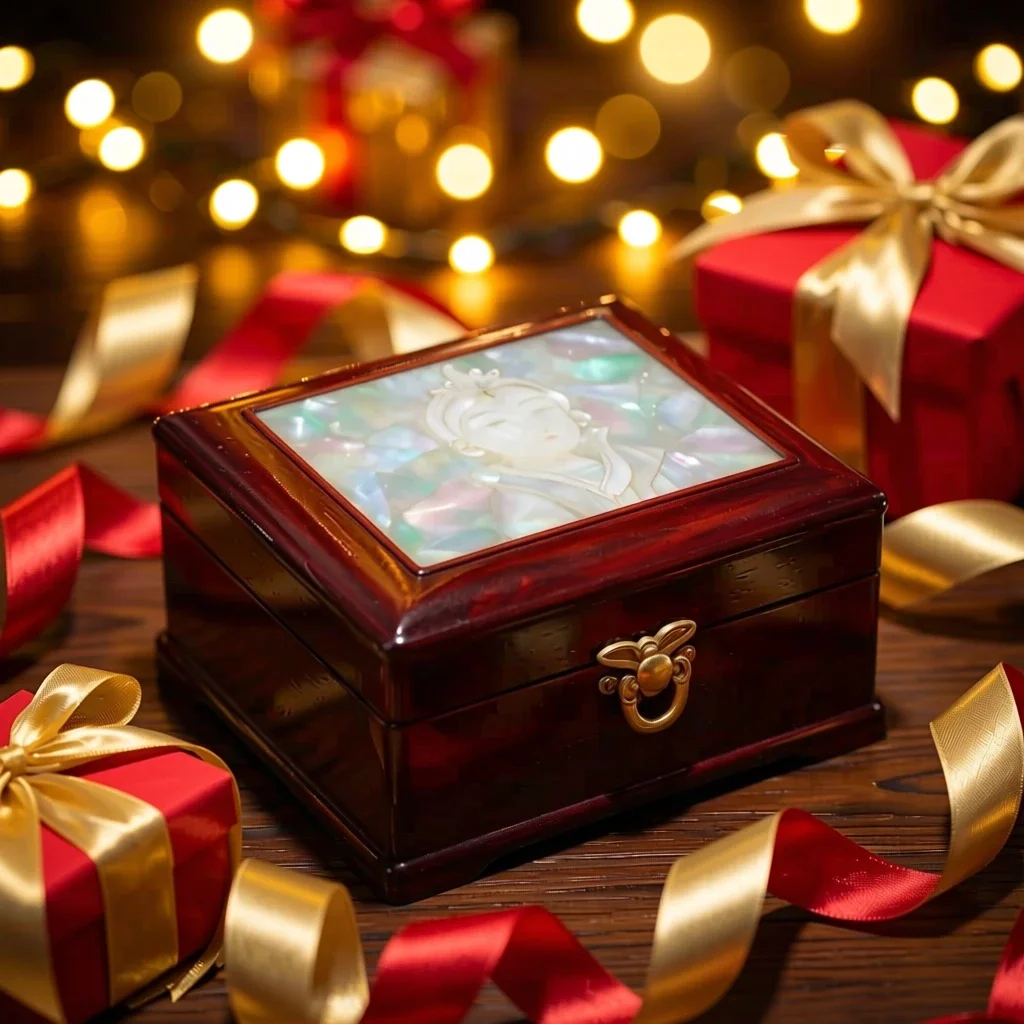 Μετά
Καλό για
- Marketplace listing and detail-page images
- Social posts announcing a new product
- Holiday and gift-season promotions
Συμβουλές για καλύτερα αποτελέσματα
- A single product shot on a plain background gives the cleanest result.
- Shoot in bright, even light to avoid strong reflections and shadows.
- The AI can alter label text or small details, so always compare the result with the real product before selling.
Ερωτήσεις
How much does it cost?
Free models are unlimited with an account. Models marked “Free with membership” are unlimited without credits during membership. Otherwise, the displayed credit price applies. Developer API usage is billed separately.
Can I use photos of other brands' products?
Only upload photos of yourself or photos you have the right to use. Impersonating real people or using results to deceive others is prohibited. Uploaded photos go through a safety check, you can delete your generated images at any time, and nothing appears in the public Explore feed unless you choose to share it.
Can I use the images on a product listing?
You own the images you make, but model licenses and each marketplace's rules still apply. Make sure the image does not misrepresent the real product, and label it as AI-generated where the platform requires.
Περισσότερες εφαρμογές

Φωτογραφία σε anime
Ξανασχεδιάστε μια selfie ως anime, webtoon, ακουαρέλα ή τρισδιάστατη φιγούρα.

Φωτογραφία προφίλ AI
Μετατρέψτε μια περιστασιακή selfie σε φωτογραφία ταυτότητας, στιγμιότυπο εφαρμογής για εργασία ή κοινωνικό avatar.

Παραδοσιακά ρούχα
Δείτε τον εαυτό σας σε hanbok, κιμονό, qipao ή hanfu.

Ταξιδιωτικό σκηνικό
Κρατήστε τον εαυτό σας, αλλάξτε το φόντο με Κιότο, Σεούλ, Σαγκάη ή Τζετζού.