AI Product Photo Backgrounds for Online Stores
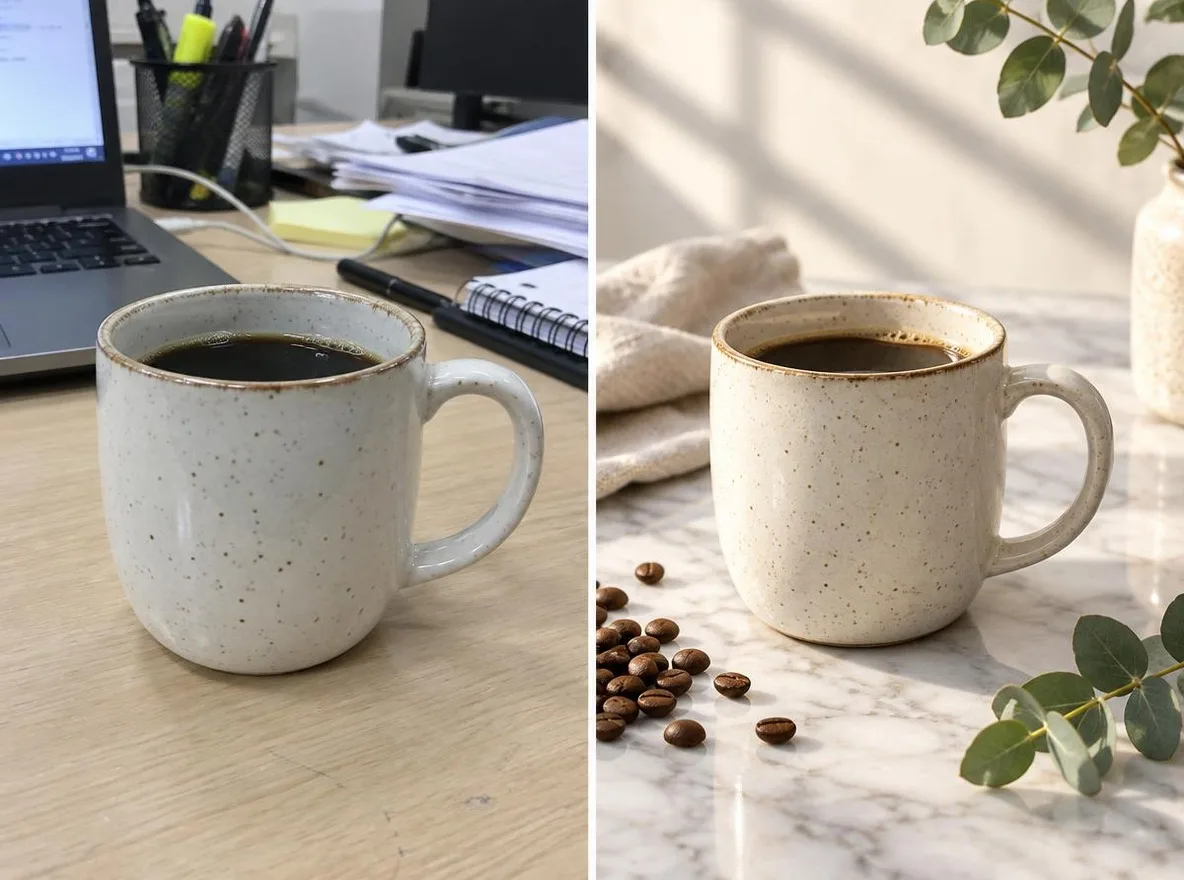
The Product scenes app keeps your product's shape, label and color and changes only the setting and mood, like a commercial shoot. Make listing images for Naver Smartstore, Coupang, Rakuten, Mercari or Taobao without a studio; results are 1:1 squares.
Нови налози добијају 50 кредита. Бесплатни налози могу да праве неограничен број слика на веб-сајту помоћу 5 основних модела, без трошења кредита. Lacquer видео-снимци су бесплатни на сајту: 3 дневно, до 5 секунди по клипу. Чланови користе укључене моделе неограничено без одузимања кредита. Остали модели и API/MCP наплаћују се посебно.
Ажурирано
Како функционише
- Upload one photo where the product is clearly visible.
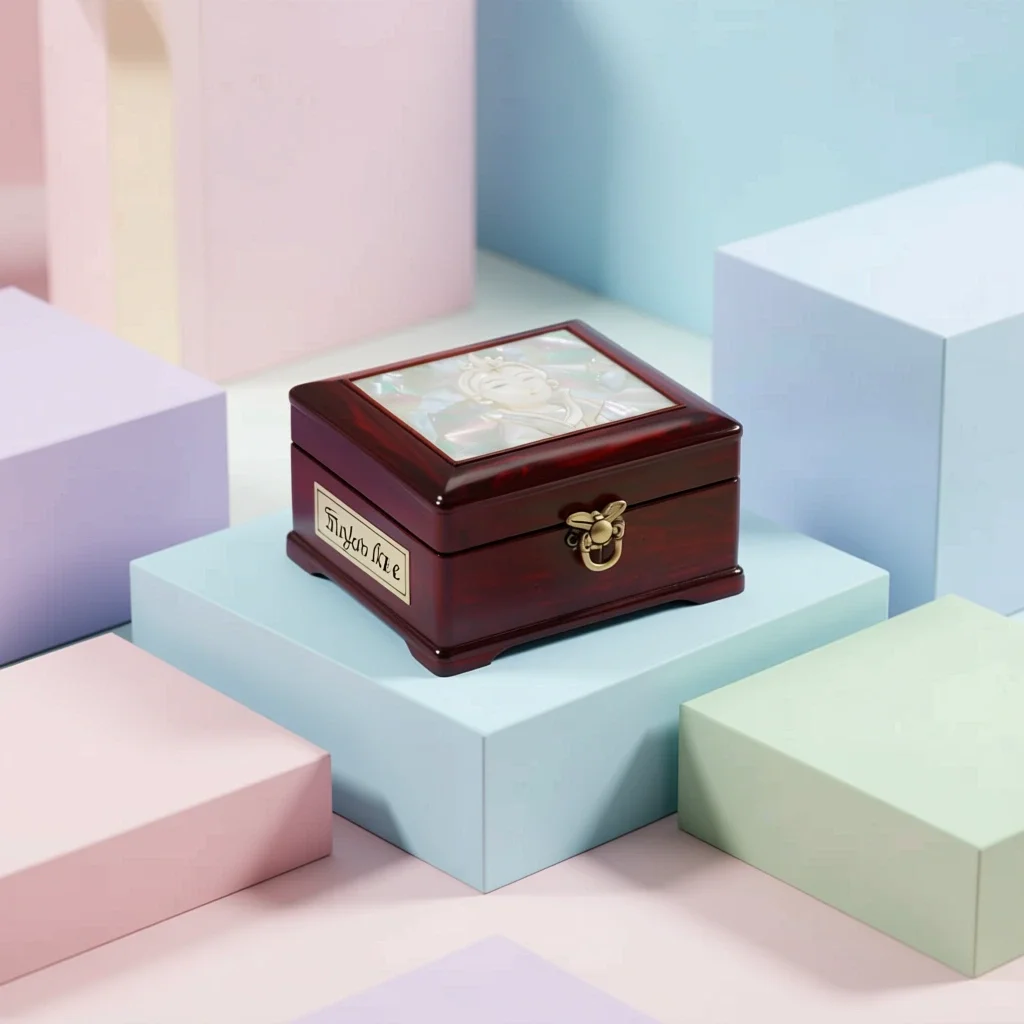
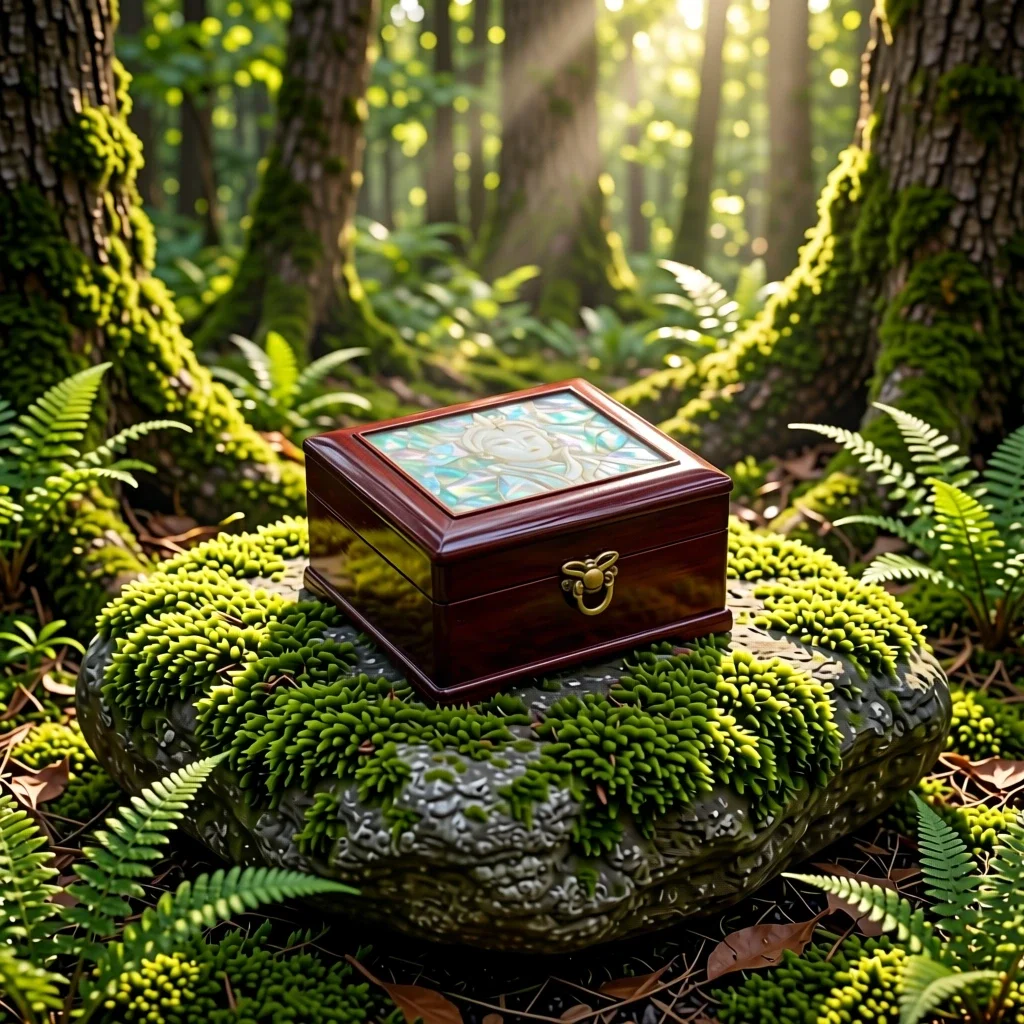
- Choose a scene: Marble, Water, Pastel studio, Nature or Gift season.
- Click transform, review the result and download it.
Опције
Примери описа
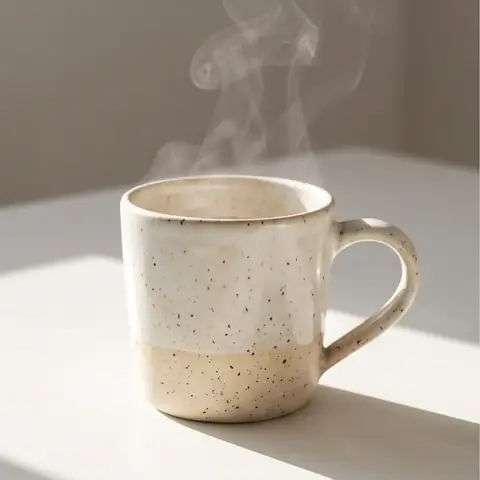
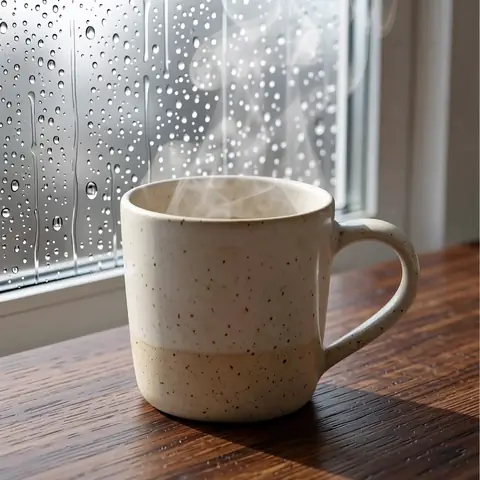
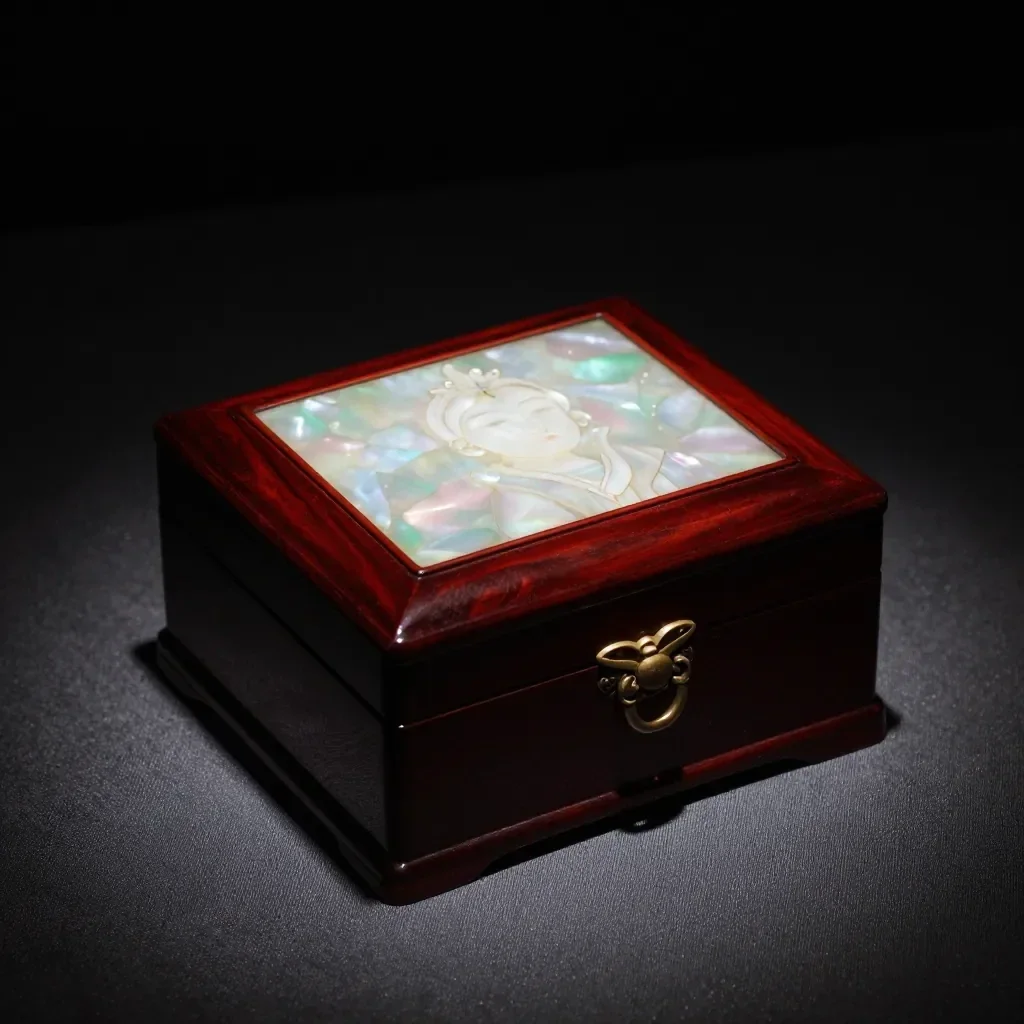
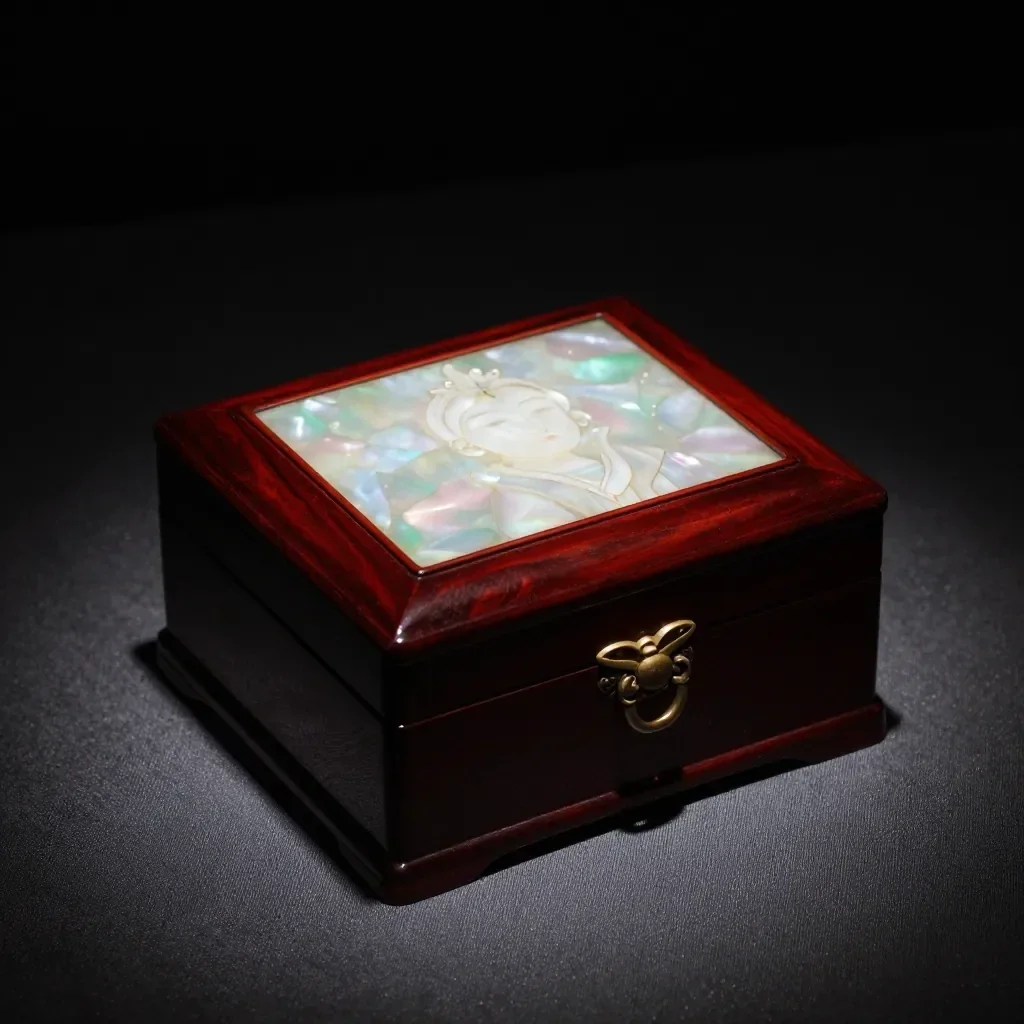
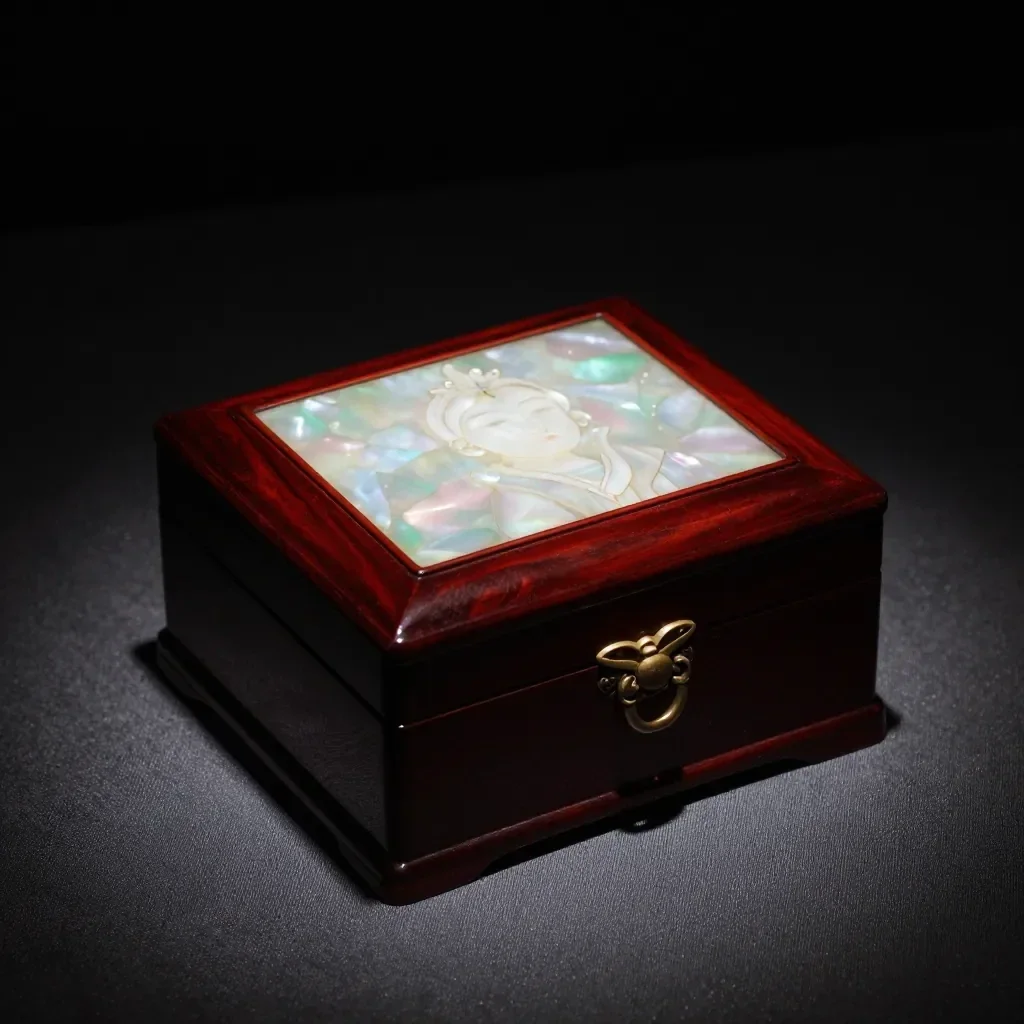
Стварни резултати из ВИ слика у нашој библиотеци. Није коришћена фотографија стварне особе.
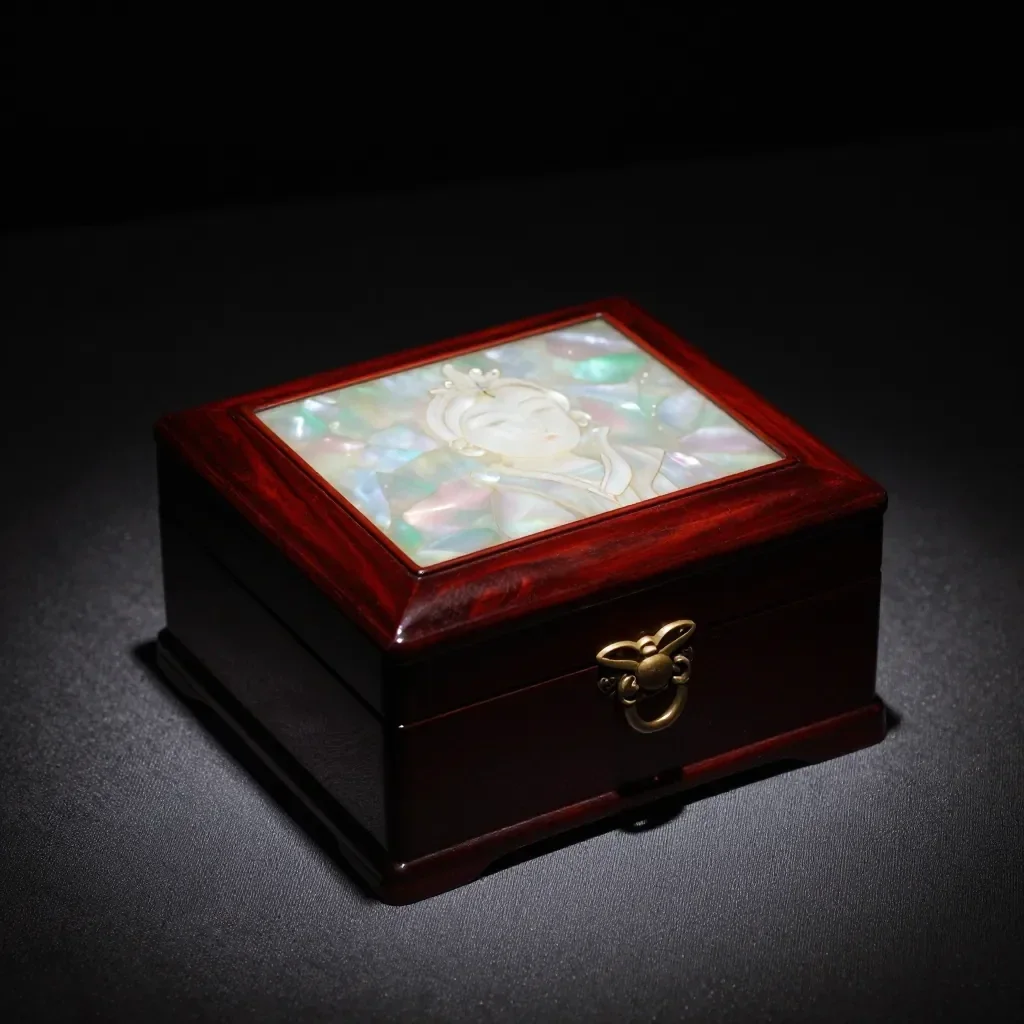
 Пре
 После
 Пре
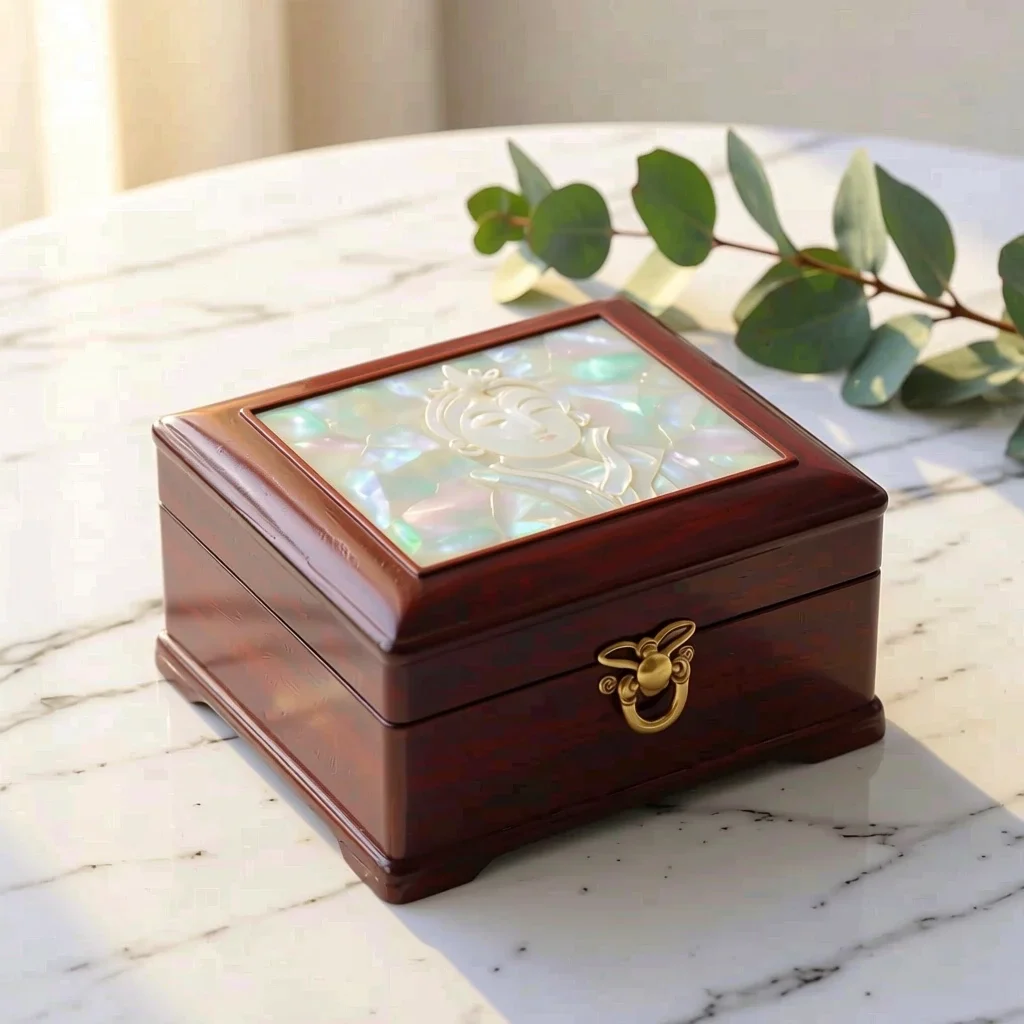 После
 Пре
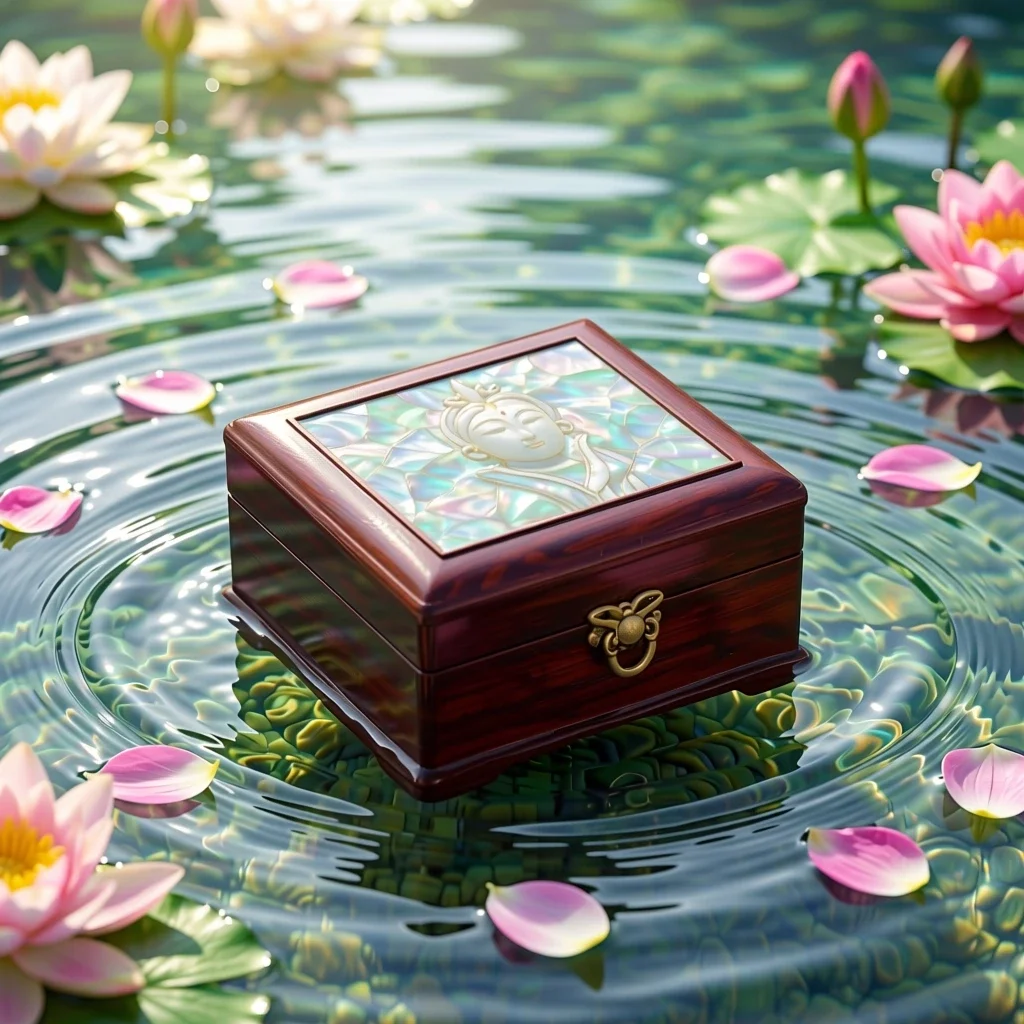 После
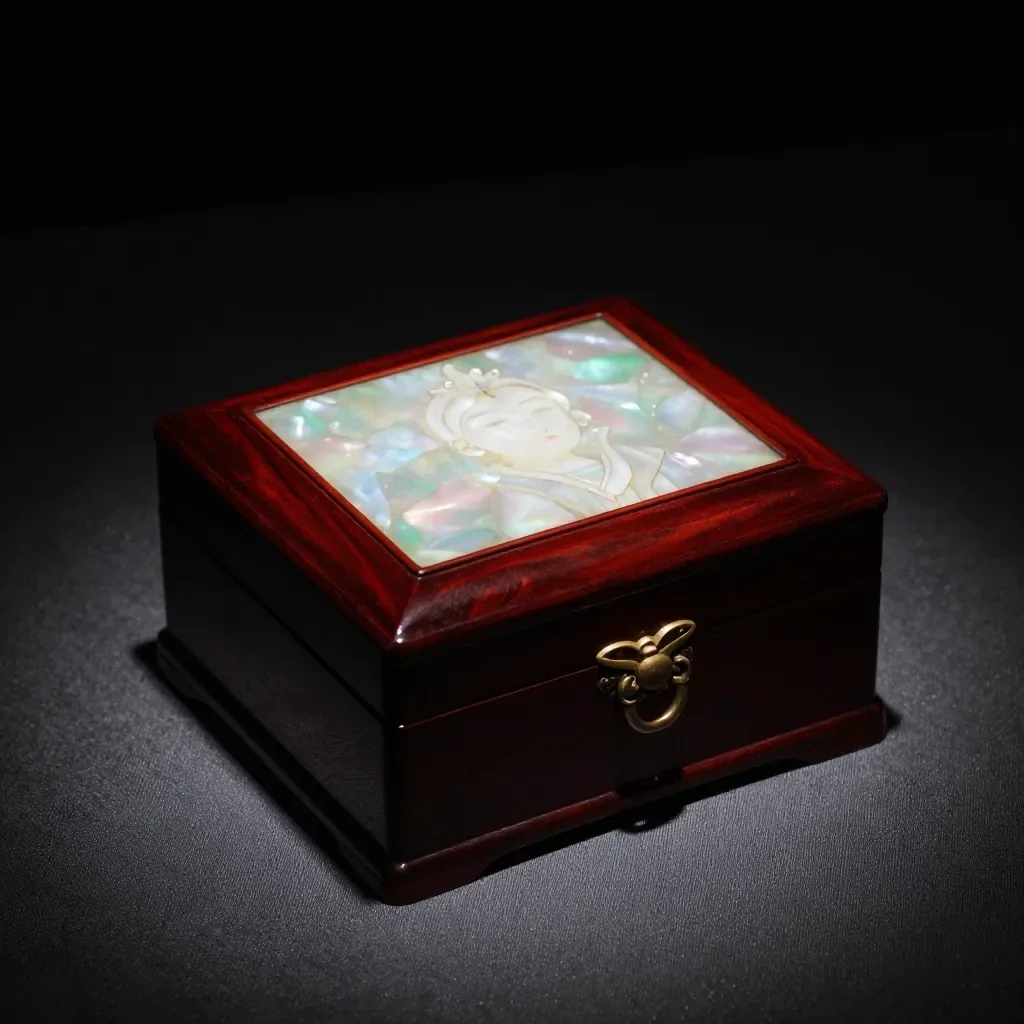 Пре
 После
 Пре
 После
 Пре
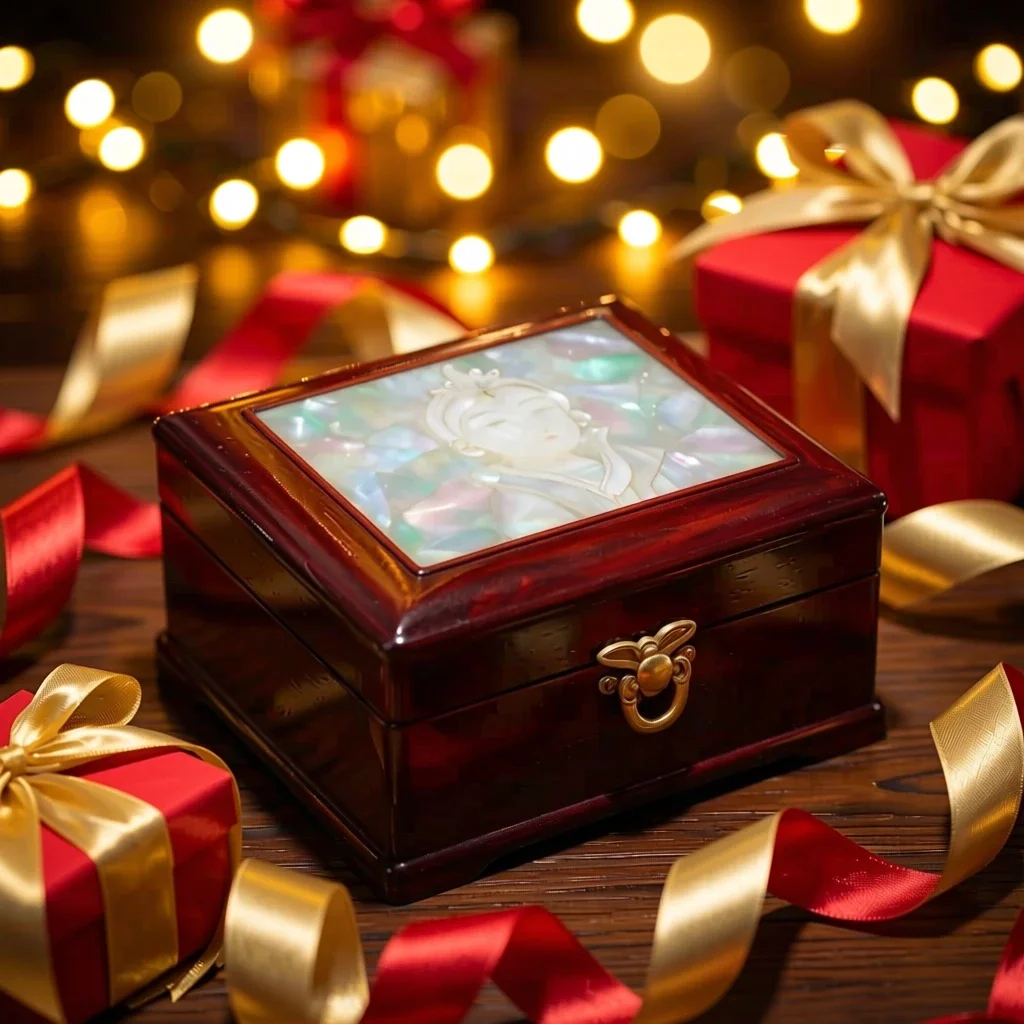 После
Погодно за
- Marketplace listing and detail-page images
- Social posts announcing a new product
- Holiday and gift-season promotions
Савети за боље резултате
- A single product shot on a plain background gives the cleanest result.
- Shoot in bright, even light to avoid strong reflections and shadows.
- The AI can alter label text or small details, so always compare the result with the real product before selling.
Питања
How much does it cost?
Free models are unlimited with an account. Models marked “Free with membership” are unlimited without credits during membership. Otherwise, the displayed credit price applies. Developer API usage is billed separately.
Can I use photos of other brands' products?
Only upload photos of yourself or photos you have the right to use. Impersonating real people or using results to deceive others is prohibited. Uploaded photos go through a safety check, you can delete your generated images at any time, and nothing appears in the public Explore feed unless you choose to share it.
Can I use the images on a product listing?
You own the images you make, but model licenses and each marketplace's rules still apply. Make sure the image does not misrepresent the real product, and label it as AI-generated where the platform requires.
Још апликација

Фотографија у аниме
Прецртај селфи као аниме, вебтун, акварел или 3D фигурицу.

ВИ профилна фотографија
Претвори обичан селфи у фотографију за документ, портрет за пријаву за посао или аватар за друштвене мреже.

Традиционална одећа
Погледај себе у ханбоку, кимону, ћипаоу или ханфуу.

Позадина са путовања
Задржи себе, промени позадину у Кјото, Сеул, Шангај или Чеџу.