AI Product Photo Backgrounds for Online Stores
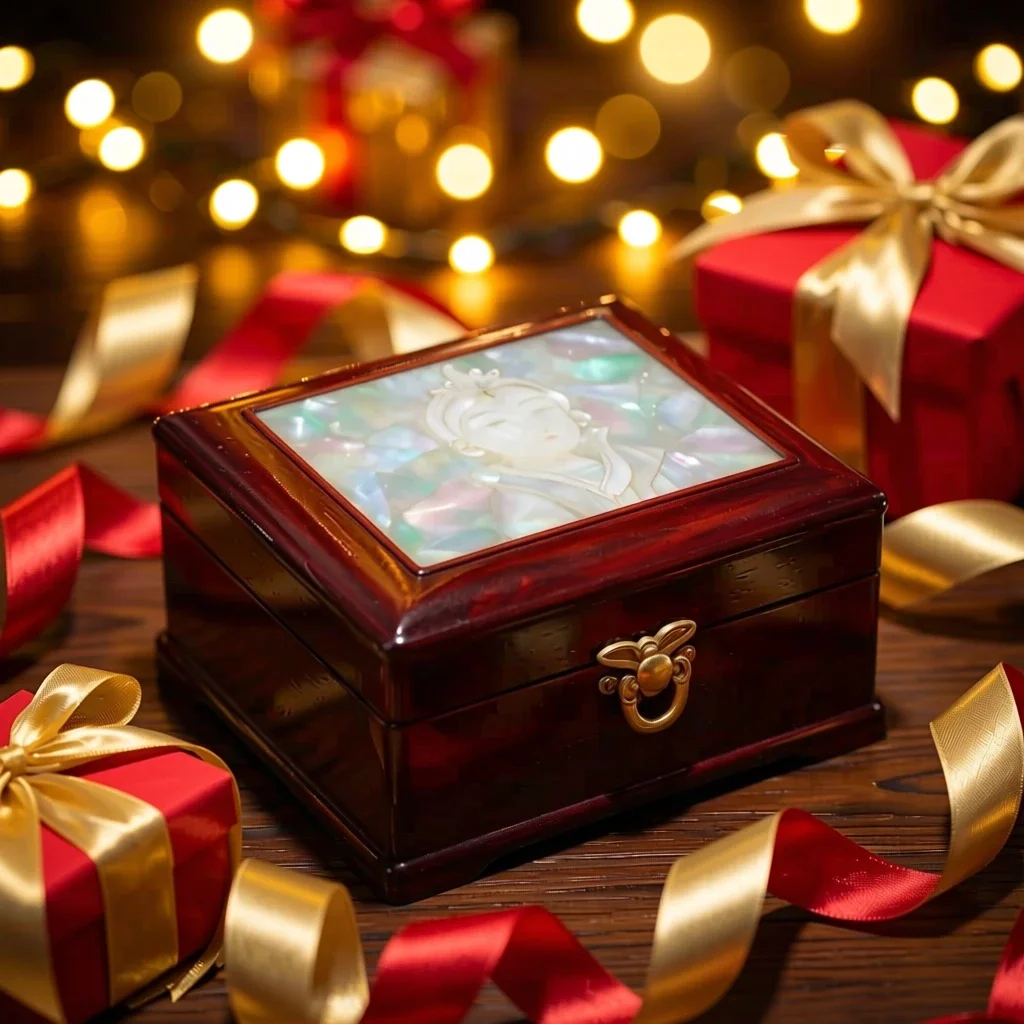
The Product scenes app keeps your product's shape, label and color and changes only the setting and mood, like a commercial shoot. Make listing images for Naver Smartstore, Coupang, Rakuten, Mercari or Taobao without a studio; results are 1:1 squares.
Akaunti mpya hupata salio 50. Akaunti za bure pia zinaweza kutengeneza picha bila kikomo kwenye tovuti kwa modeli 5 za msingi bila kutumia salio. Video za Lacquer ni za bure kwenye tovuti: 3 kwa siku, hadi sekunde 5 kwa kila klipu. Wanachama hutumia modeli zilizojumuishwa bila kikomo wala kukatwa salio. Modeli nyingine na API/MCP hutozwa kando.
Imesasishwa
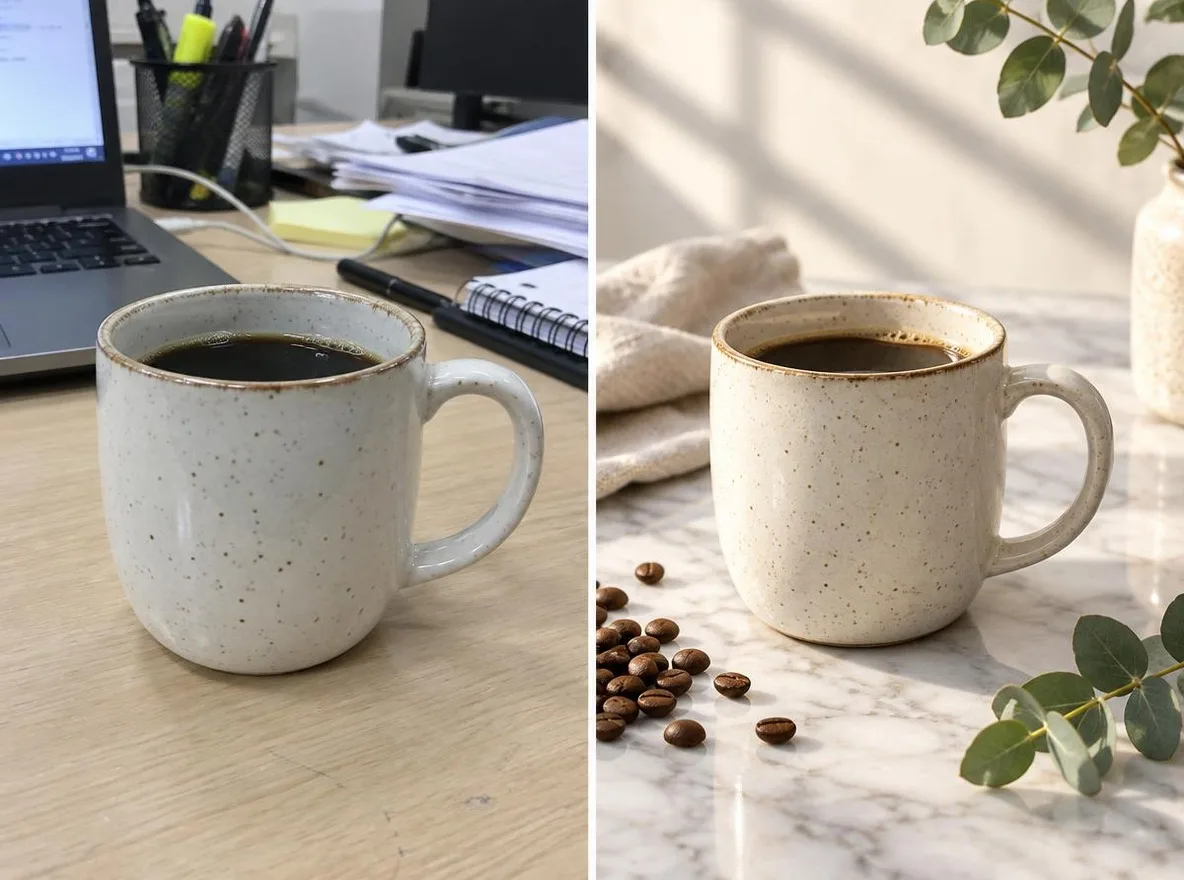
Jinsi inavyofanya kazi
- Upload one photo where the product is clearly visible.
- Choose a scene: Marble, Water, Pastel studio, Nature or Gift season.
- Click transform, review the result and download it.
Chaguo
Maagizo ya mfano
Matokeo halisi kutoka picha zilizoundwa kwa AI kwenye maktaba yetu. Hakuna picha ya mtu halisi iliyotumika.
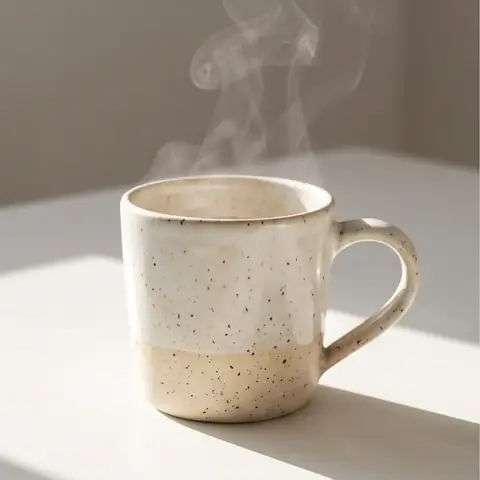 Kabla
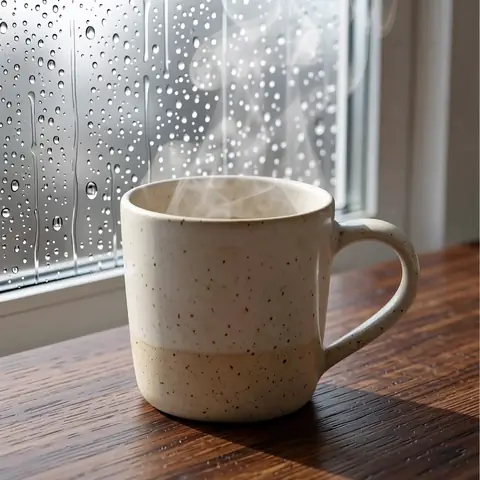 Baada
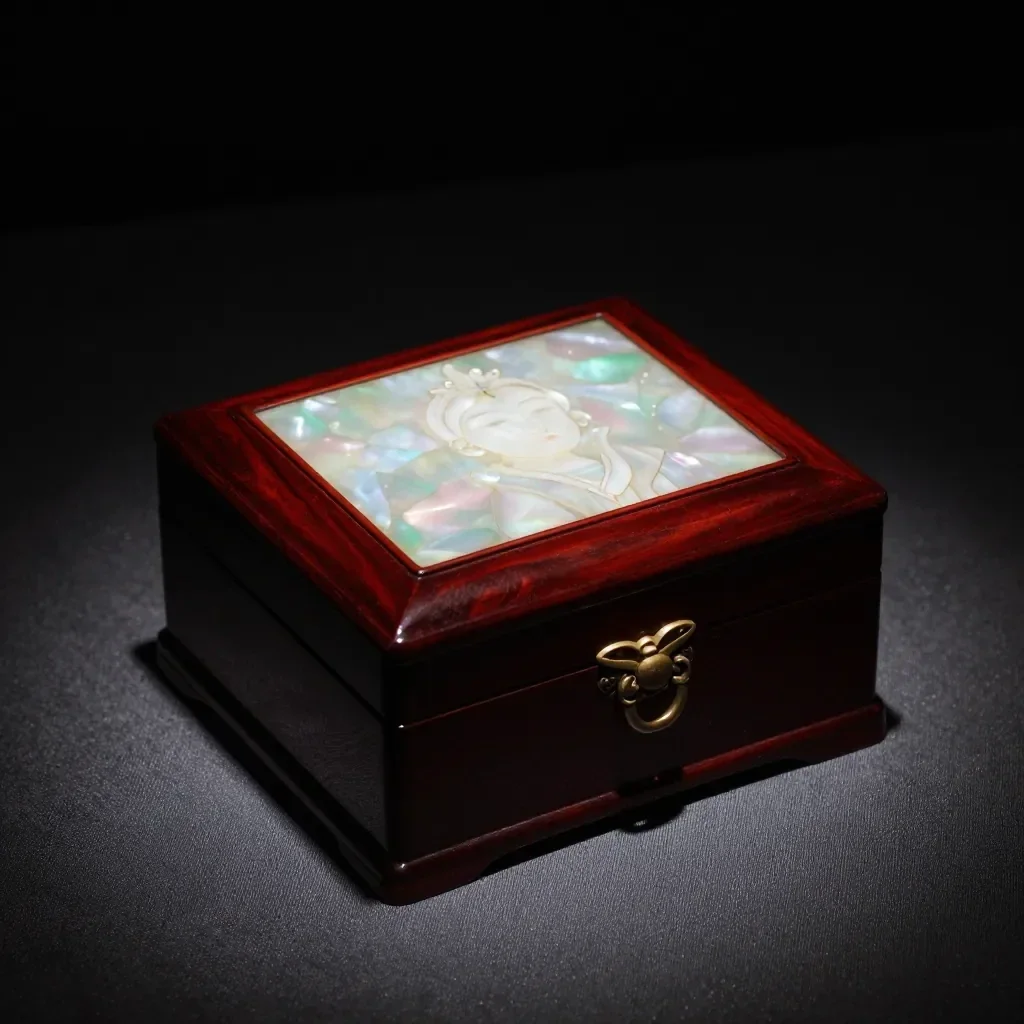 Kabla
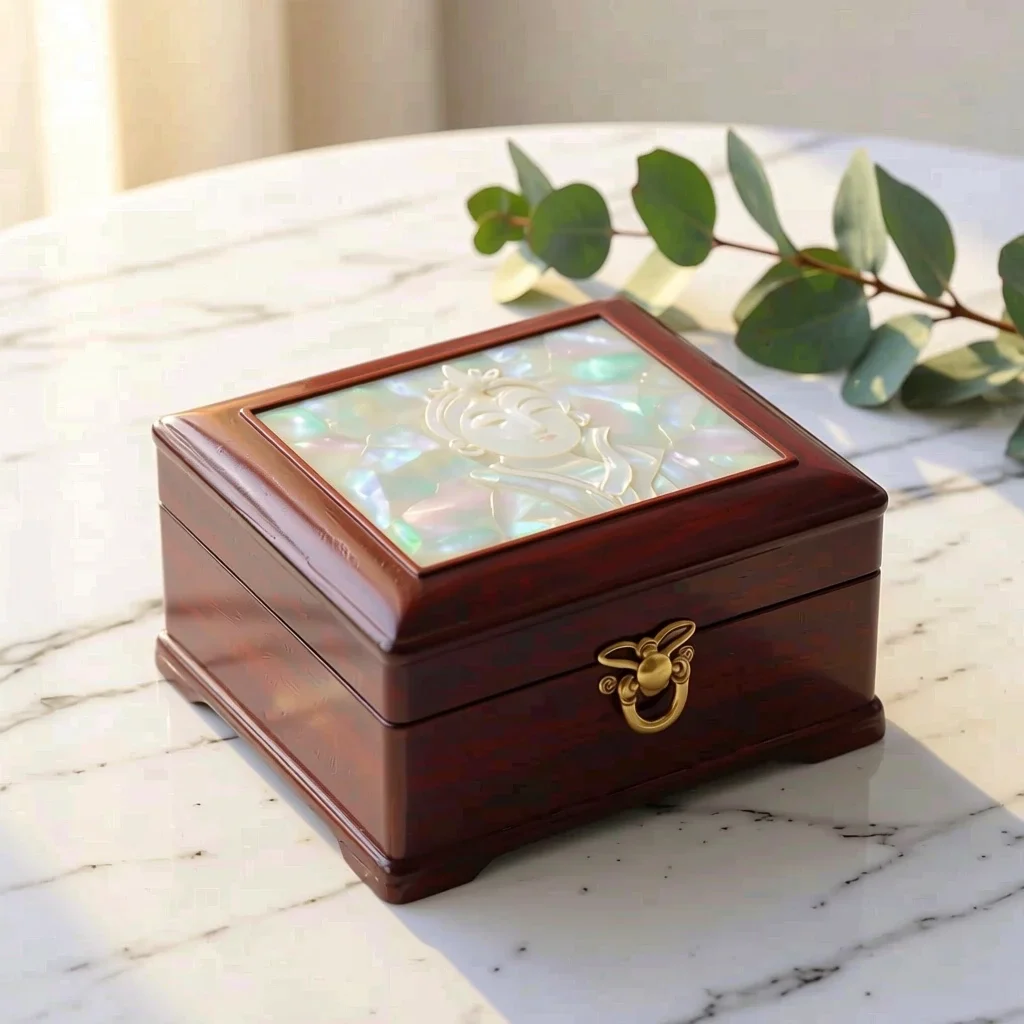 Baada
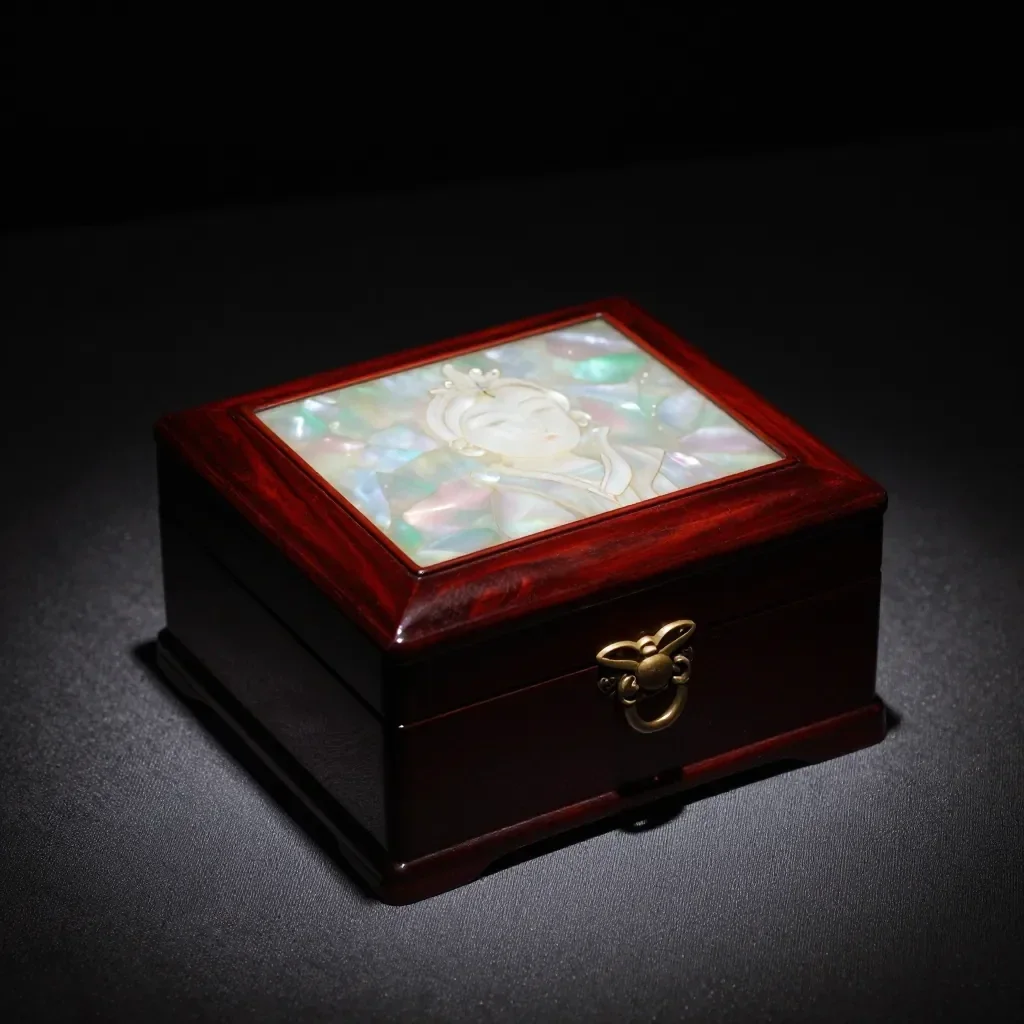 Kabla
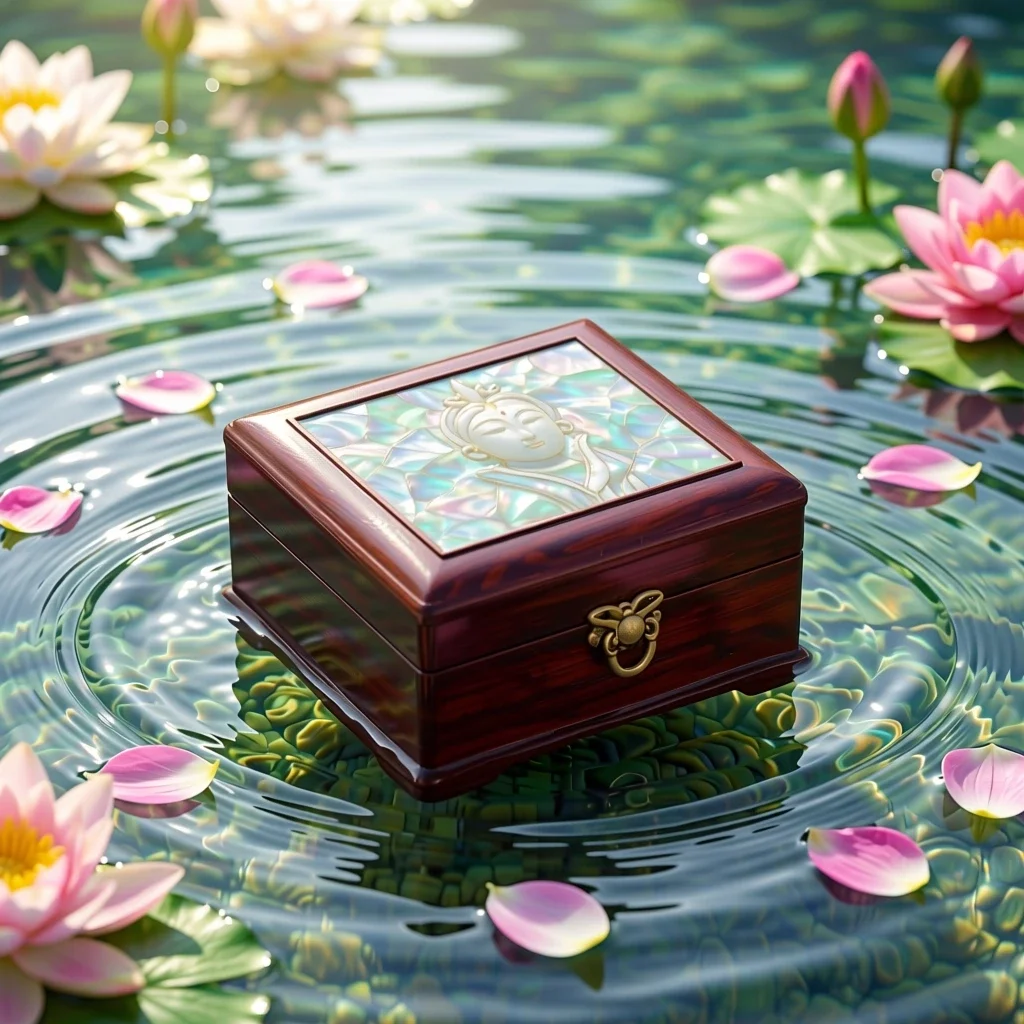 Baada
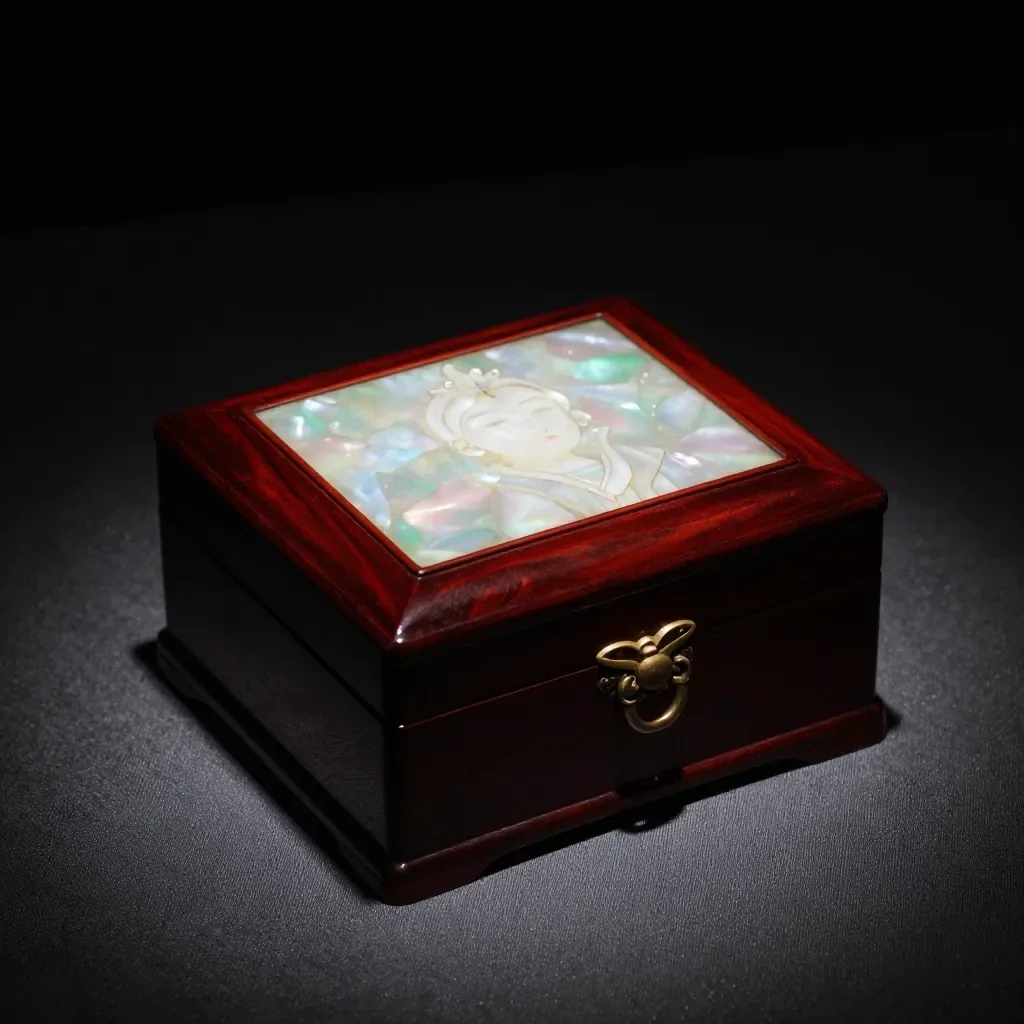 Kabla
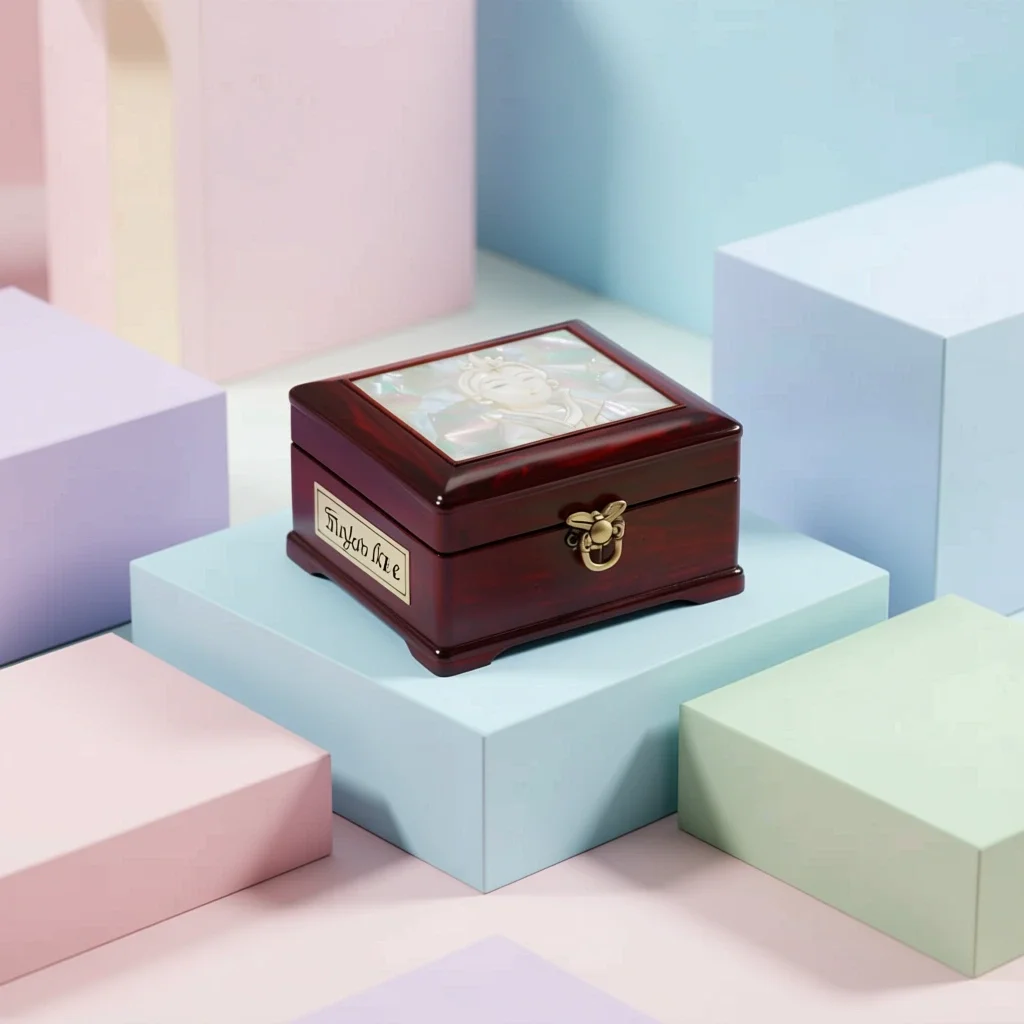 Baada
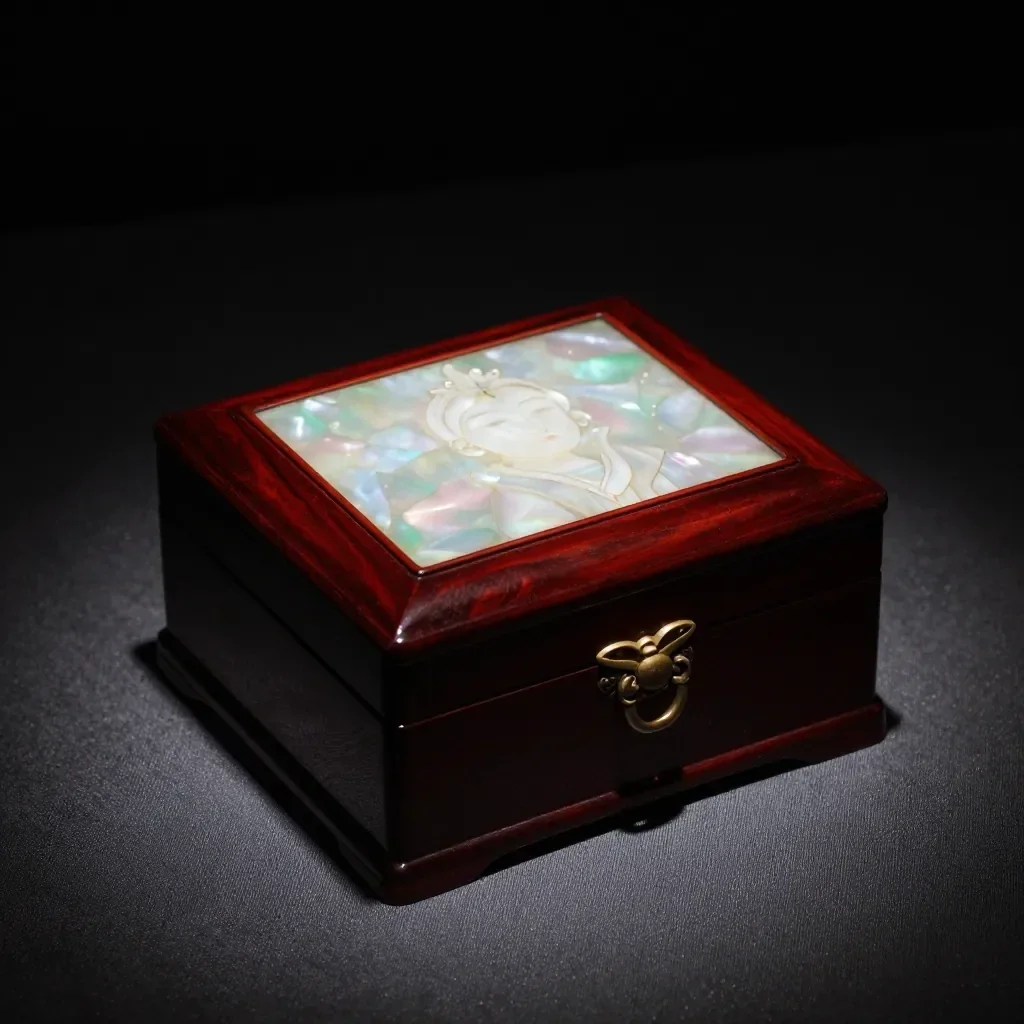 Kabla
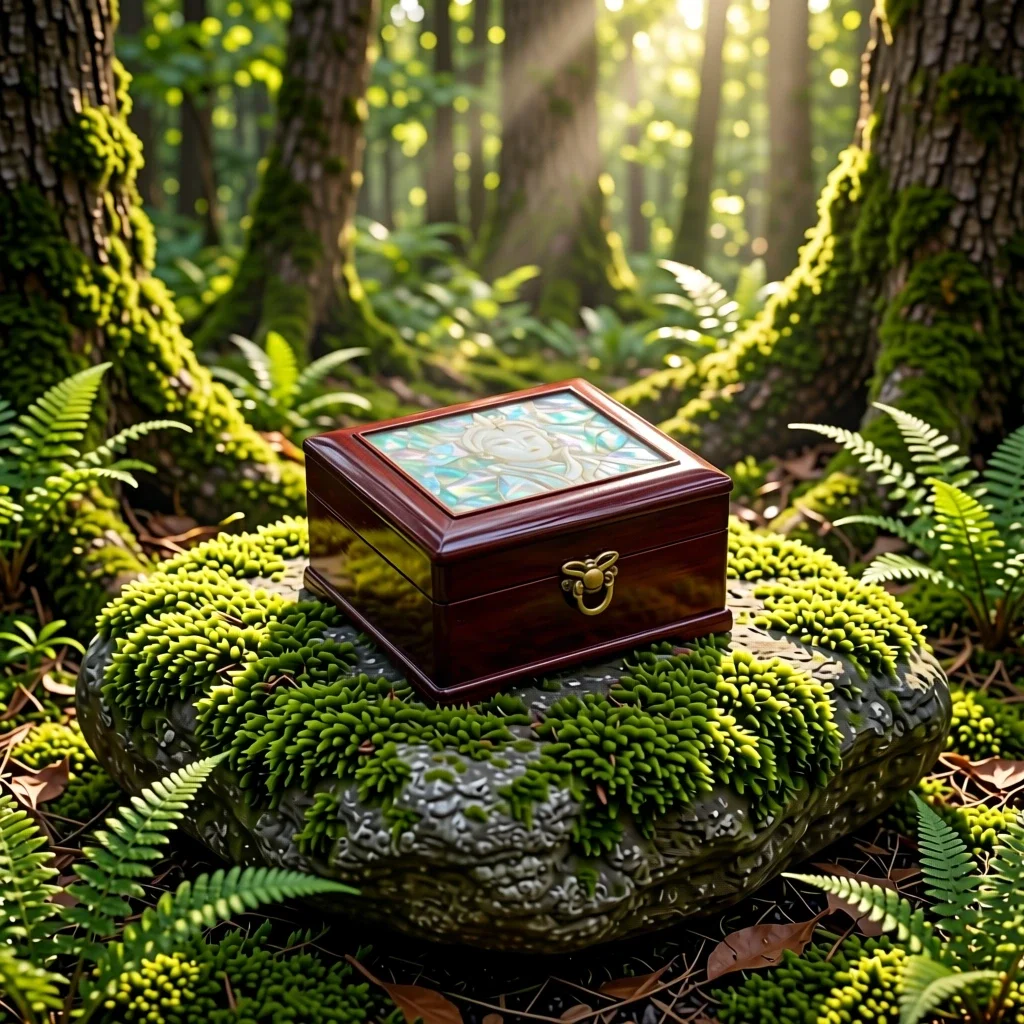 Baada
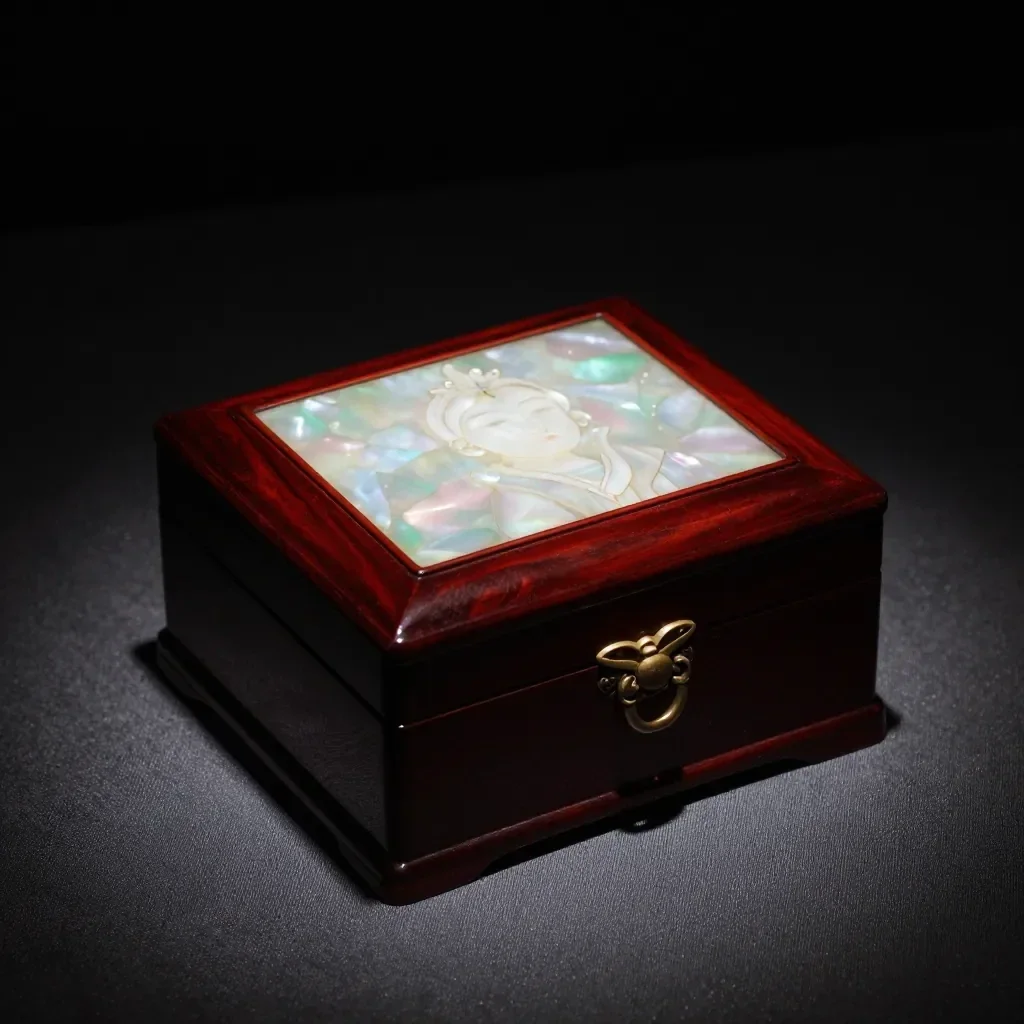 Kabla
 Baada
Inafaa kwa
- Marketplace listing and detail-page images
- Social posts announcing a new product
- Holiday and gift-season promotions
Vidokezo vya matokeo bora
- A single product shot on a plain background gives the cleanest result.
- Shoot in bright, even light to avoid strong reflections and shadows.
- The AI can alter label text or small details, so always compare the result with the real product before selling.
Maswali
How much does it cost?
Free models are unlimited with an account. Models marked “Free with membership” are unlimited without credits during membership. Otherwise, the displayed credit price applies. Developer API usage is billed separately.
Can I use photos of other brands' products?
Only upload photos of yourself or photos you have the right to use. Impersonating real people or using results to deceive others is prohibited. Uploaded photos go through a safety check, you can delete your generated images at any time, and nothing appears in the public Explore feed unless you choose to share it.
Can I use the images on a product listing?
You own the images you make, but model licenses and each marketplace's rules still apply. Make sure the image does not misrepresent the real product, and label it as AI-generated where the platform requires.
Programu zaidi

Picha kuwa anime
Chora upya picha binafsi kama anime, webtoon, rangi za maji au kinyago cha 3D.

Picha ya wasifu ya AI
Geuza picha binafsi ya kawaida kuwa picha ya kitambulisho, picha ya uso ya kuomba kazi au avatari ya kijamii.

Mavazi ya jadi
Jione umevaa hanbok, kimono, qipao au hanfu.

Mandharinyuma ya safari
Jihifadhi ulivyo, badili mandharinyuma kuwa Kyoto, Seoul, Shanghai au Jeju.