AI Product Photo Backgrounds for Online Stores
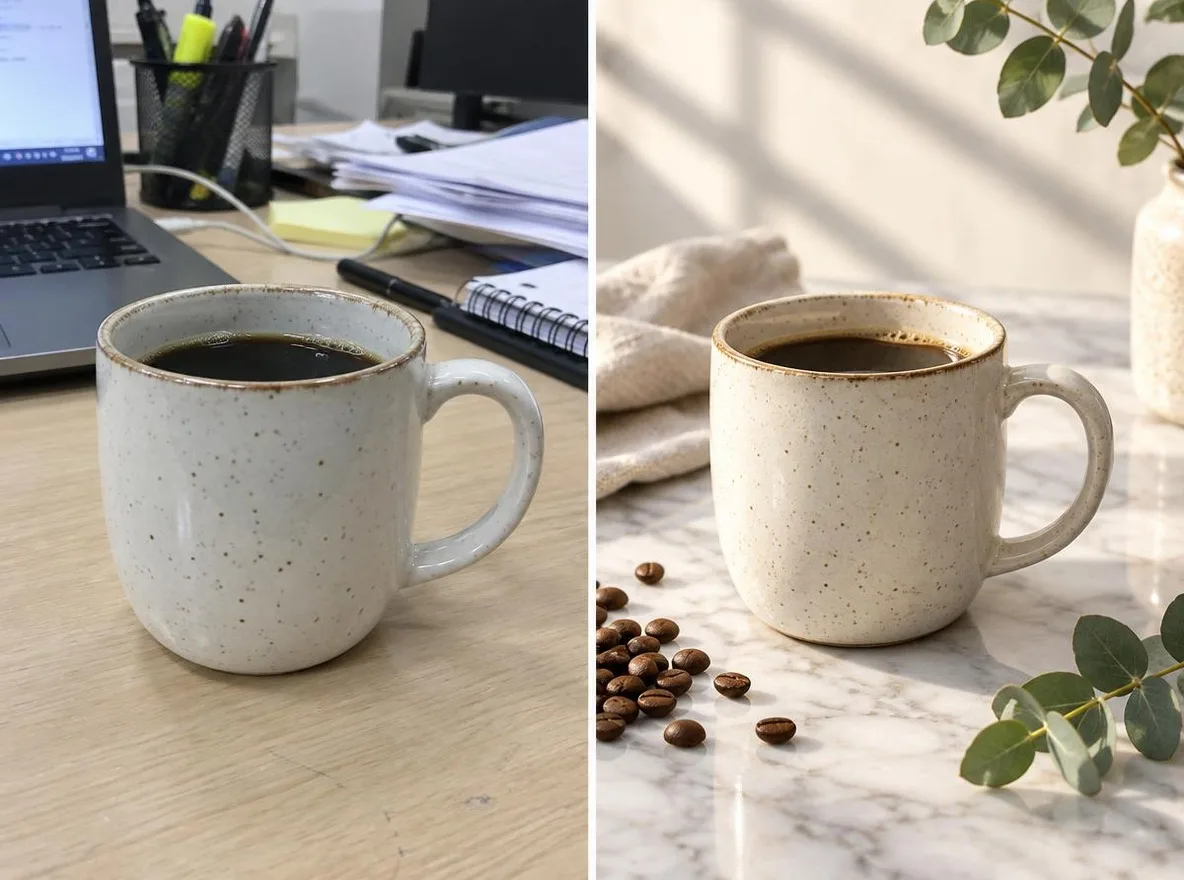
The Product scenes app keeps your product's shape, label and color and changes only the setting and mood, like a commercial shoot. Make listing images for Naver Smartstore, Coupang, Rakuten, Mercari or Taobao without a studio; results are 1:1 squares.
Las cuentas nuevas reciben 50 créditos. Las cuentas gratuitas pueden generar imágenes sin límite en el sitio web con los 5 modelos básicos, sin gastar créditos. Los vídeos de Lacquer son gratis en la web: 3 al día, con hasta 5 segundos por clip. Los miembros usan los modelos incluidos sin límite ni descuento de créditos. Otros modelos y API/MCP se cobran aparte.
Actualizado
como funciona
- Upload one photo where the product is clearly visible.
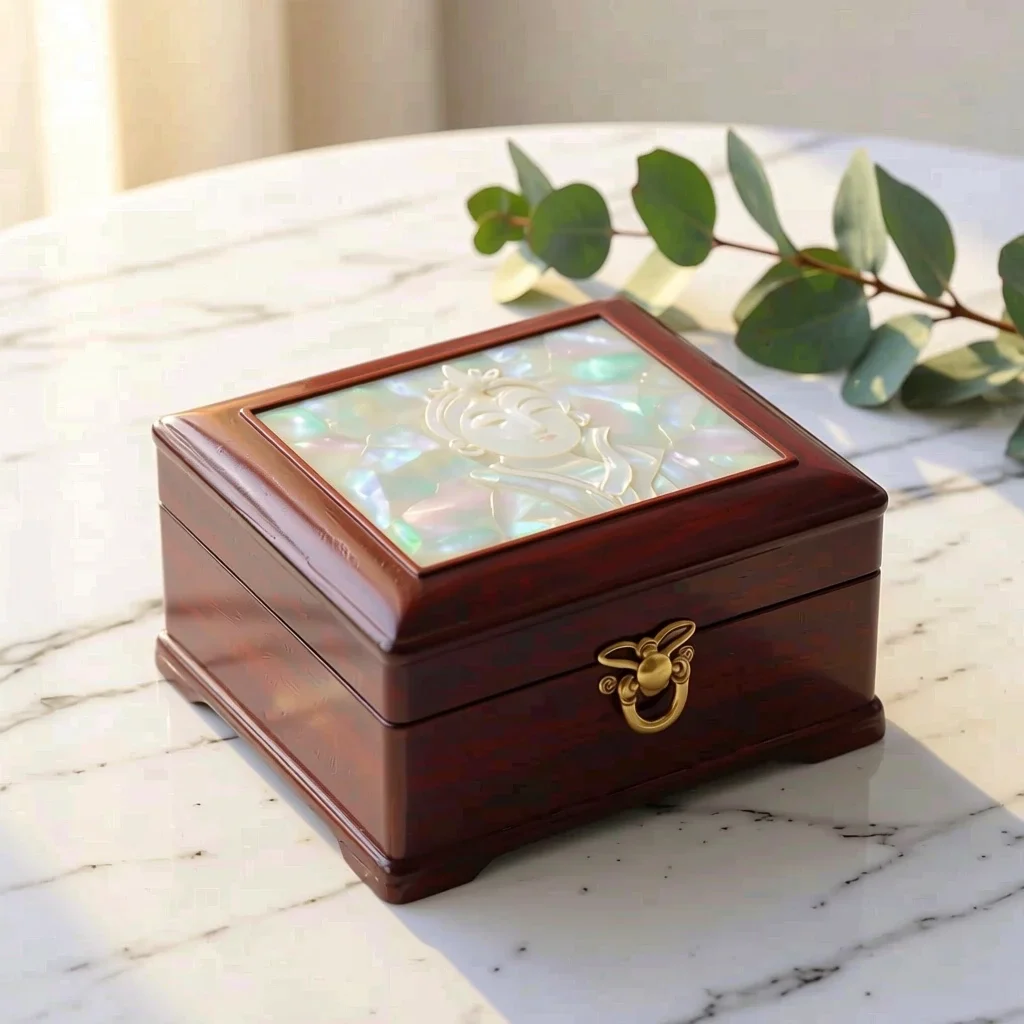
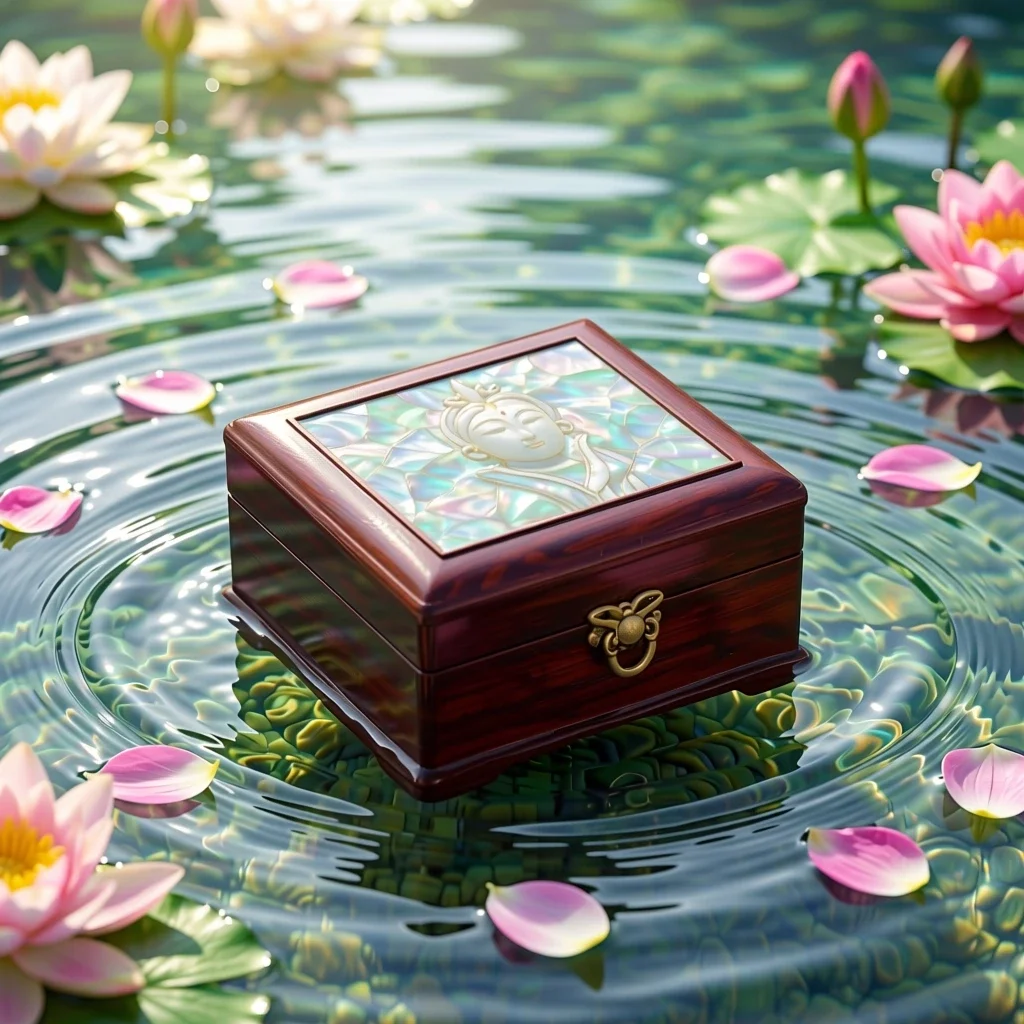
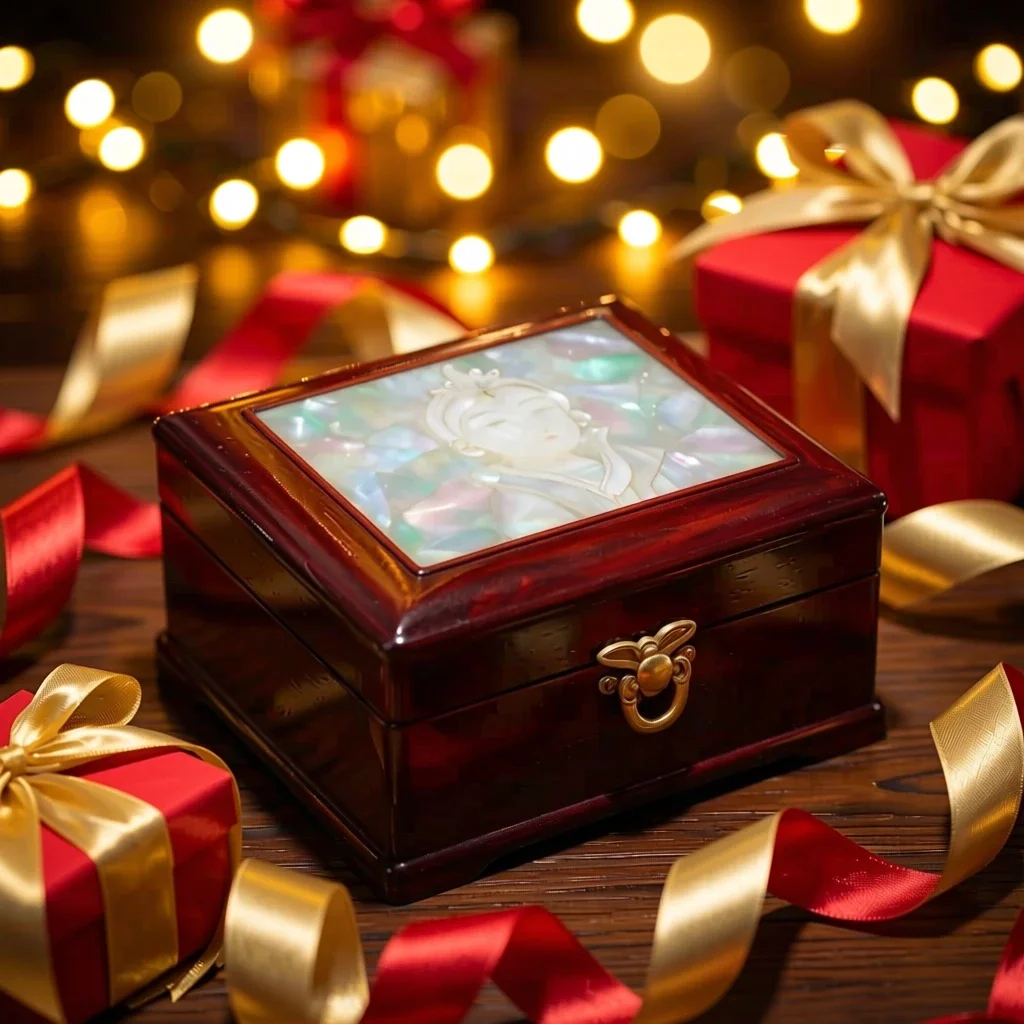
- Choose a scene: Marble, Water, Pastel studio, Nature or Gift season.
- Click transform, review the result and download it.
Opciones
Indicaciones de ejemplo
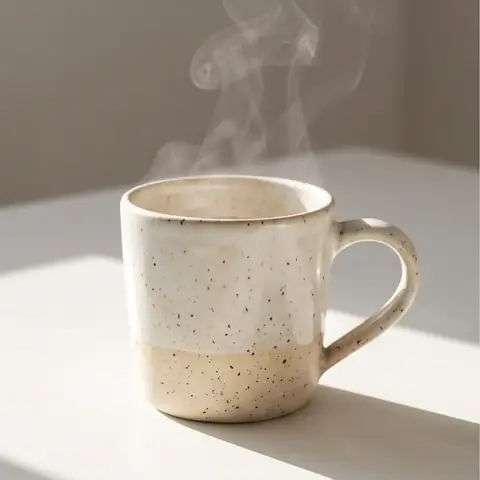
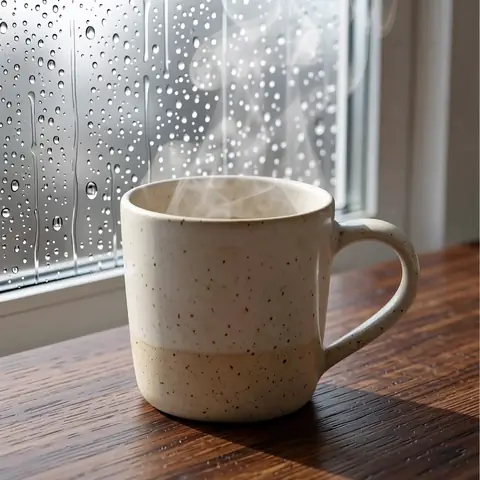
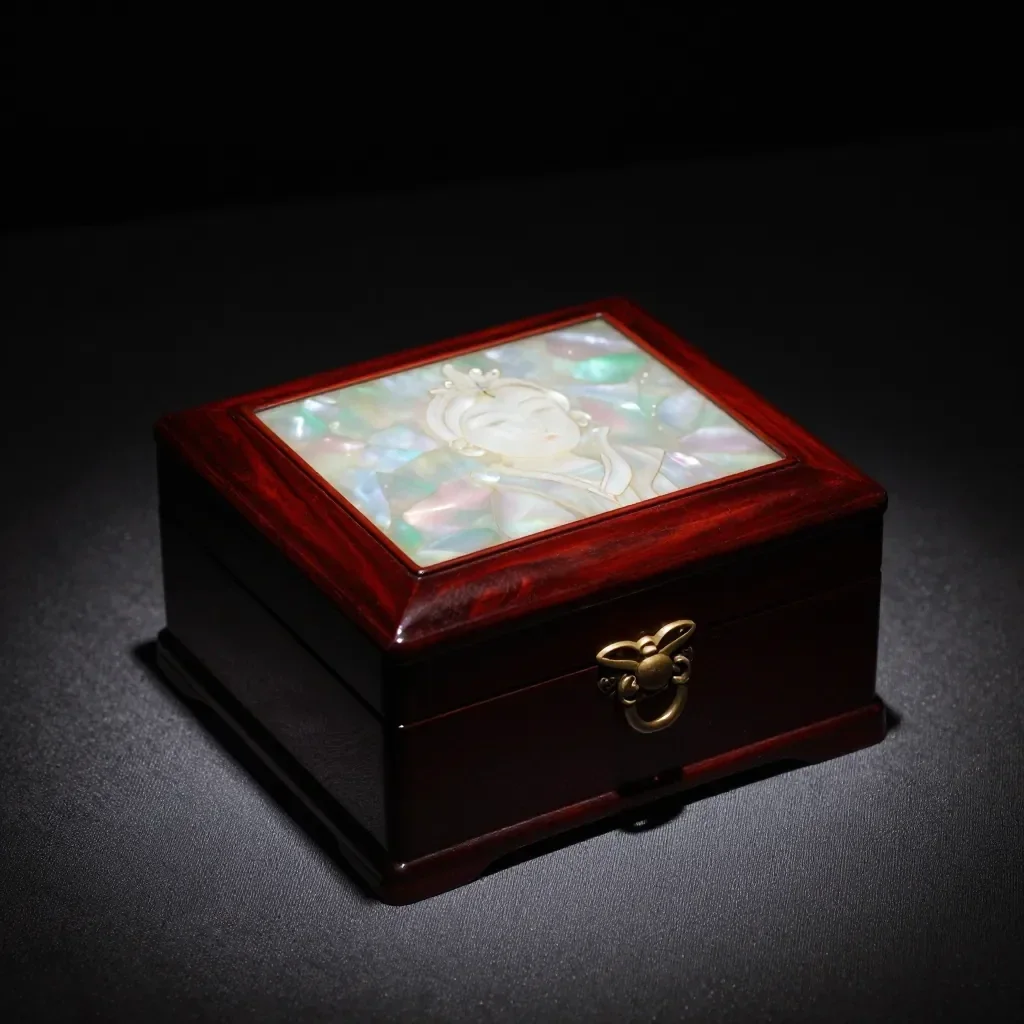
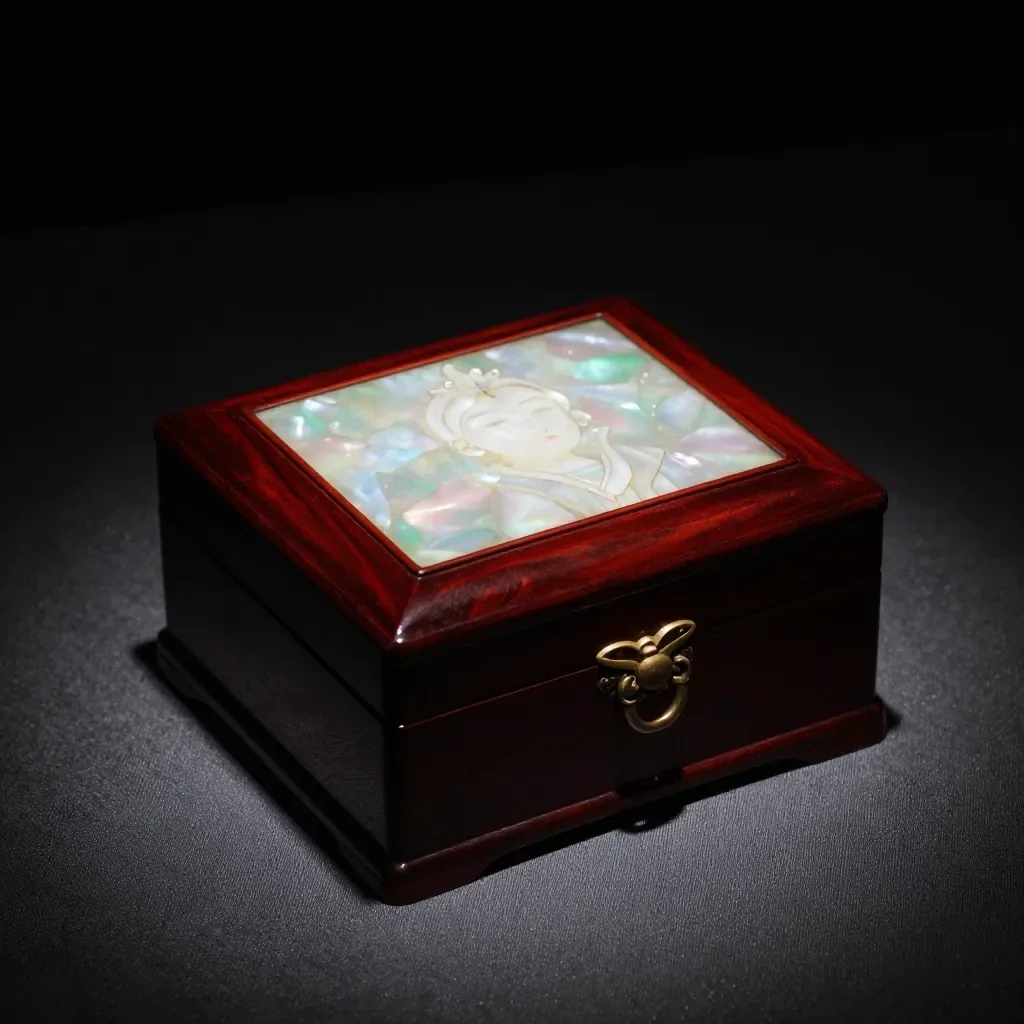
Resultados reales a partir de imágenes generadas por IA en nuestra biblioteca. No se utilizó ninguna fotografía de una persona real.
 antes
 después
 antes
 después
 antes
 después
 antes
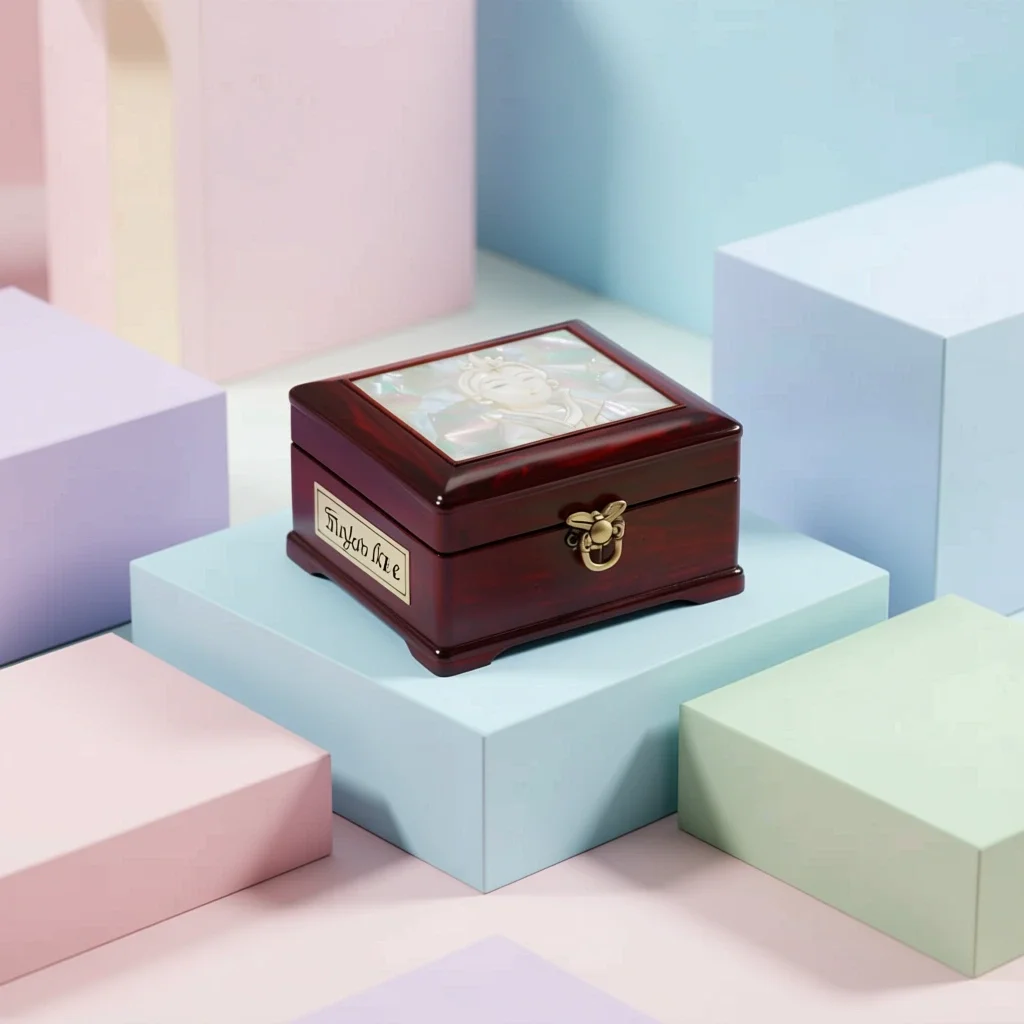 después
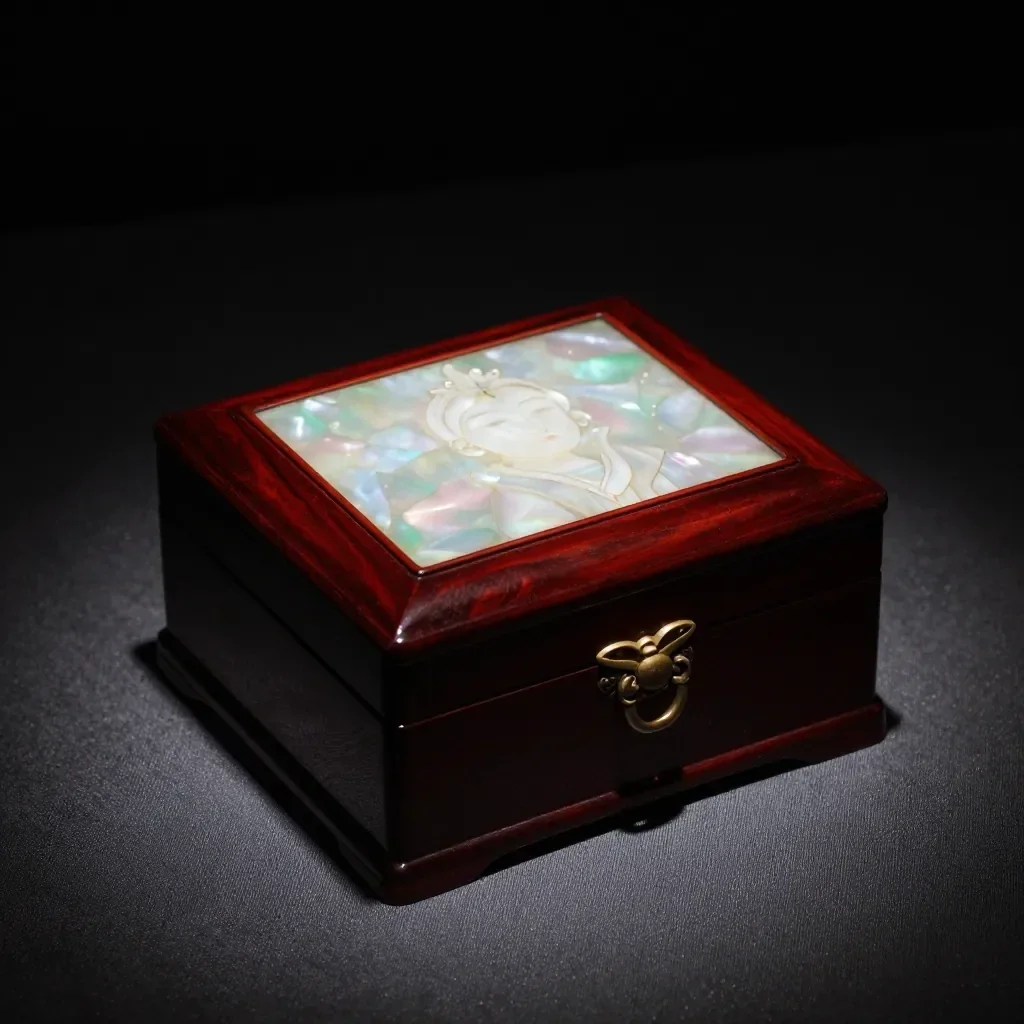 antes
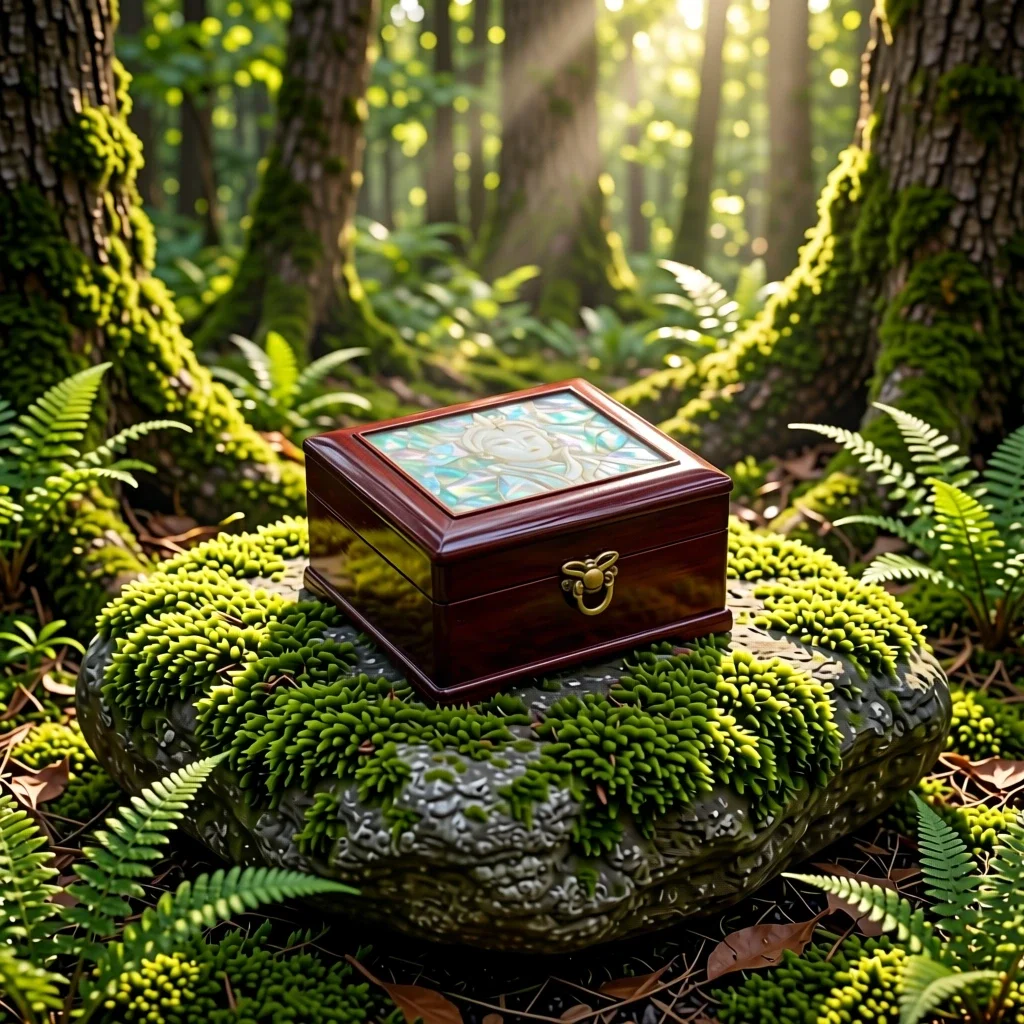 después
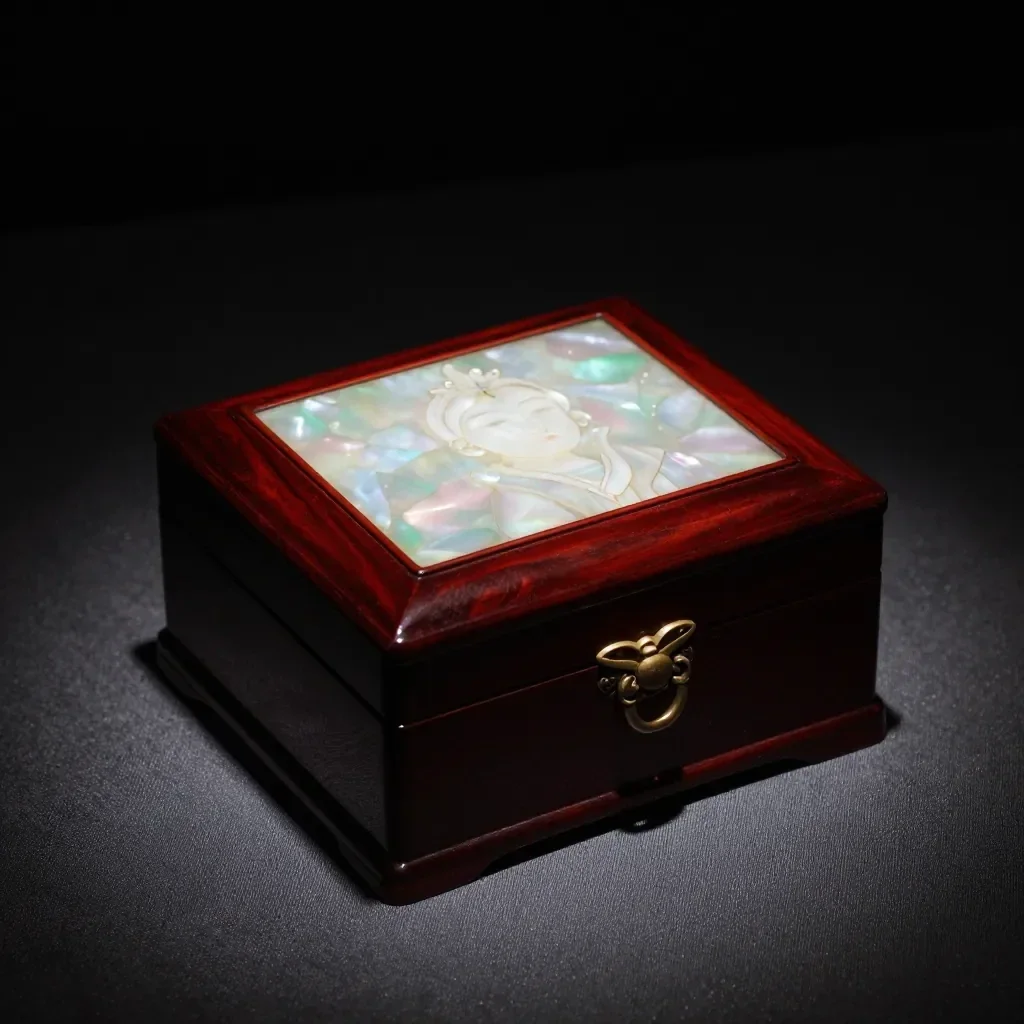 antes
 después
Bueno para
- Marketplace listing and detail-page images
- Social posts announcing a new product
- Holiday and gift-season promotions
Consejos para mejores resultados
- A single product shot on a plain background gives the cleanest result.
- Shoot in bright, even light to avoid strong reflections and shadows.
- The AI can alter label text or small details, so always compare the result with the real product before selling.
Preguntas
How much does it cost?
Free models are unlimited with an account. Models marked “Free with membership” are unlimited without credits during membership. Otherwise, the displayed credit price applies. Developer API usage is billed separately.
Can I use photos of other brands' products?
Only upload photos of yourself or photos you have the right to use. Impersonating real people or using results to deceive others is prohibited. Uploaded photos go through a safety check, you can delete your generated images at any time, and nothing appears in the public Explore feed unless you choose to share it.
Can I use the images on a product listing?
You own the images you make, but model licenses and each marketplace's rules still apply. Make sure the image does not misrepresent the real product, and label it as AI-generated where the platform requires.
Más aplicaciones

Foto para anime
Vuelva a dibujar una selfie como anime, webtoon, acuarela o figura en 3D.

Foto de perfil de IA
Convierta una selfie casual en una fotografía de identificación, una foto de solicitud de empleo o un avatar social.

Trajes tradicionales
Mírate en hanbok, kimono, qipao o hanfu.

Telón de fondo de viaje
Mantente tú mismo, cambia el fondo por Kioto, Seúl, Shanghai o Jeju.