AI Product Photo Backgrounds for Online Stores
The Product scenes app keeps your product's shape, label and color and changes only the setting and mood, like a commercial shoot. Make listing images for Naver Smartstore, Coupang, Rakuten, Mercari or Taobao without a studio; results are 1:1 squares.
Akaun baharu menerima 50 kredit. Akaun percuma juga boleh menjana imej tanpa had di laman web dengan 5 model asas tanpa menggunakan kredit. Video Lacquer percuma di laman web: 3 sehari, sehingga 5 saat bagi setiap klip. Ahli menggunakan model yang disertakan tanpa had dan tanpa potongan kredit. Model lain dan API/MCP dicaj berasingan.
Dikemas kini
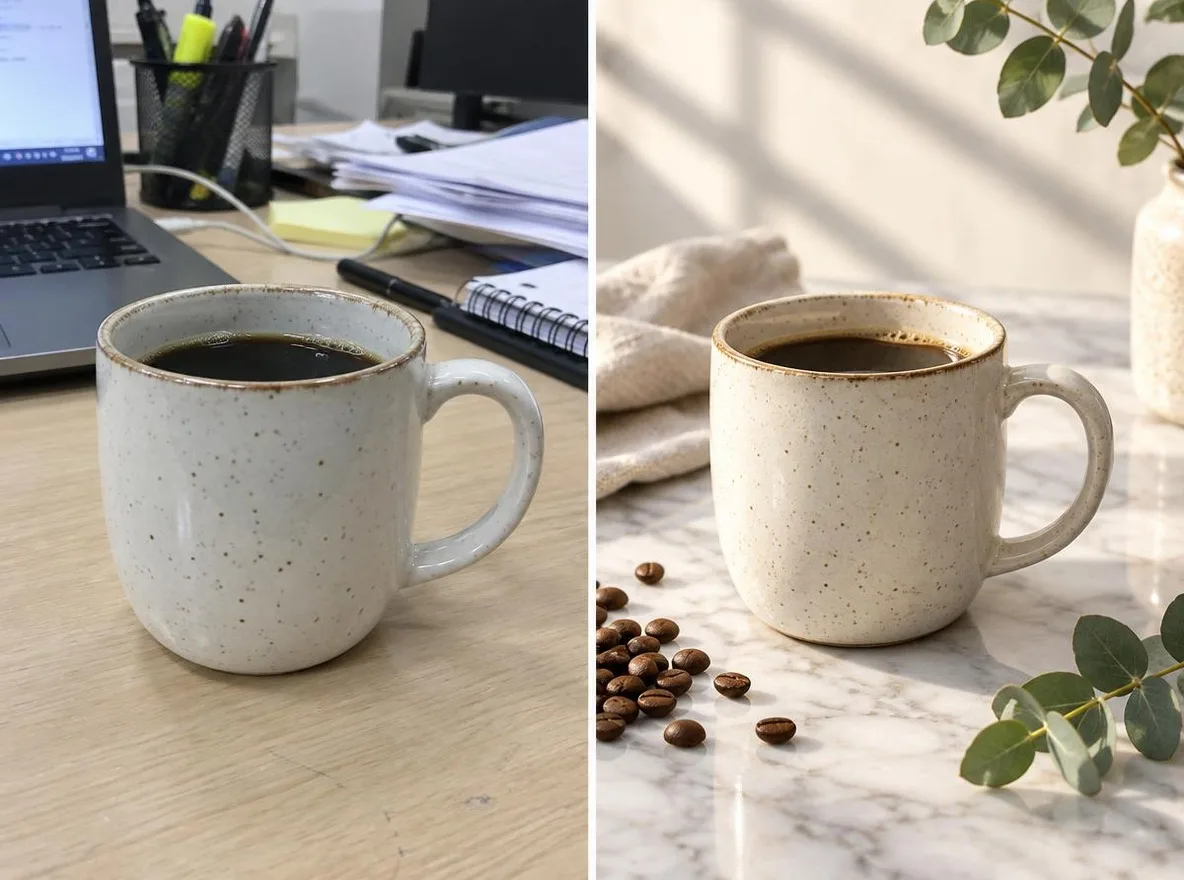
Cara ia berfungsi
- Upload one photo where the product is clearly visible.
- Choose a scene: Marble, Water, Pastel studio, Nature or Gift season.
- Click transform, review the result and download it.
Pilihan
Contoh prom
Hasil sebenar daripada gambar dijana AI dalam pustaka kami. Tiada foto orang sebenar digunakan.
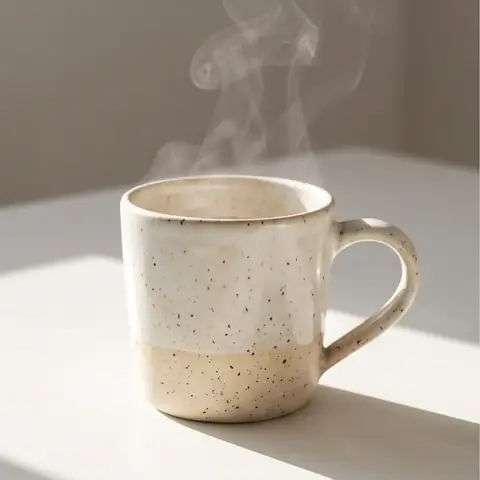 Sebelum
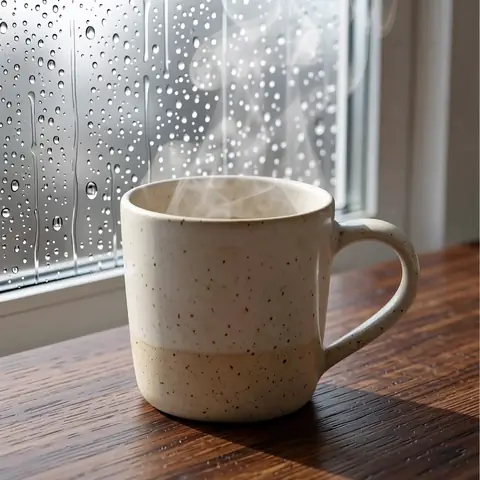 Selepas
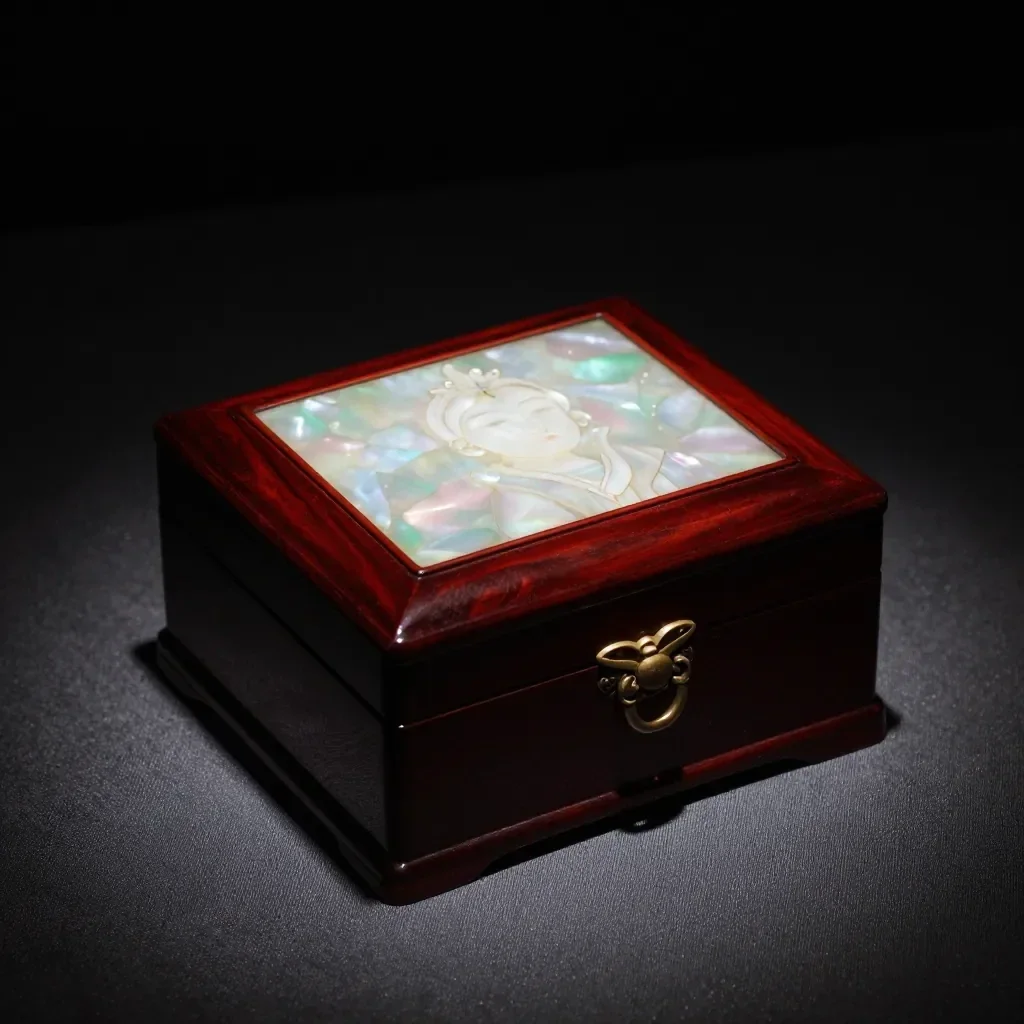 Sebelum
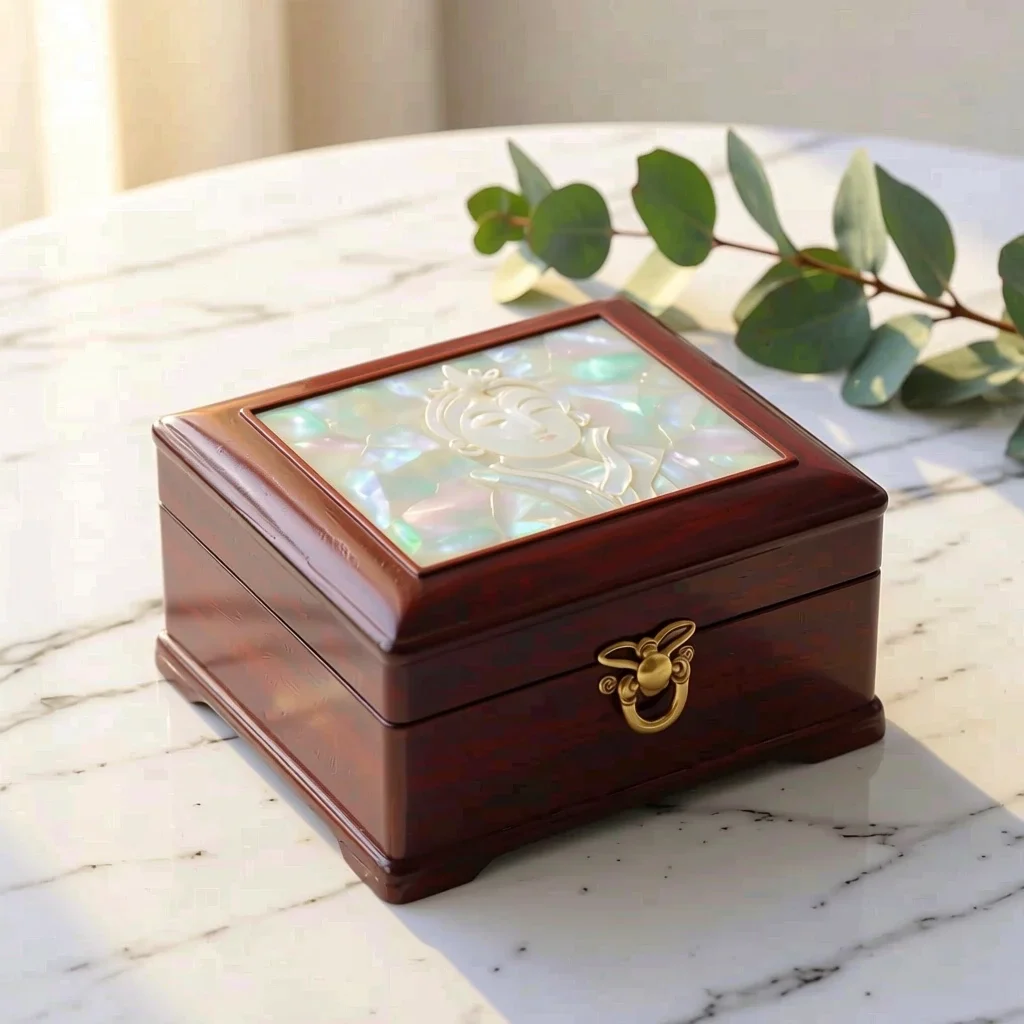 Selepas
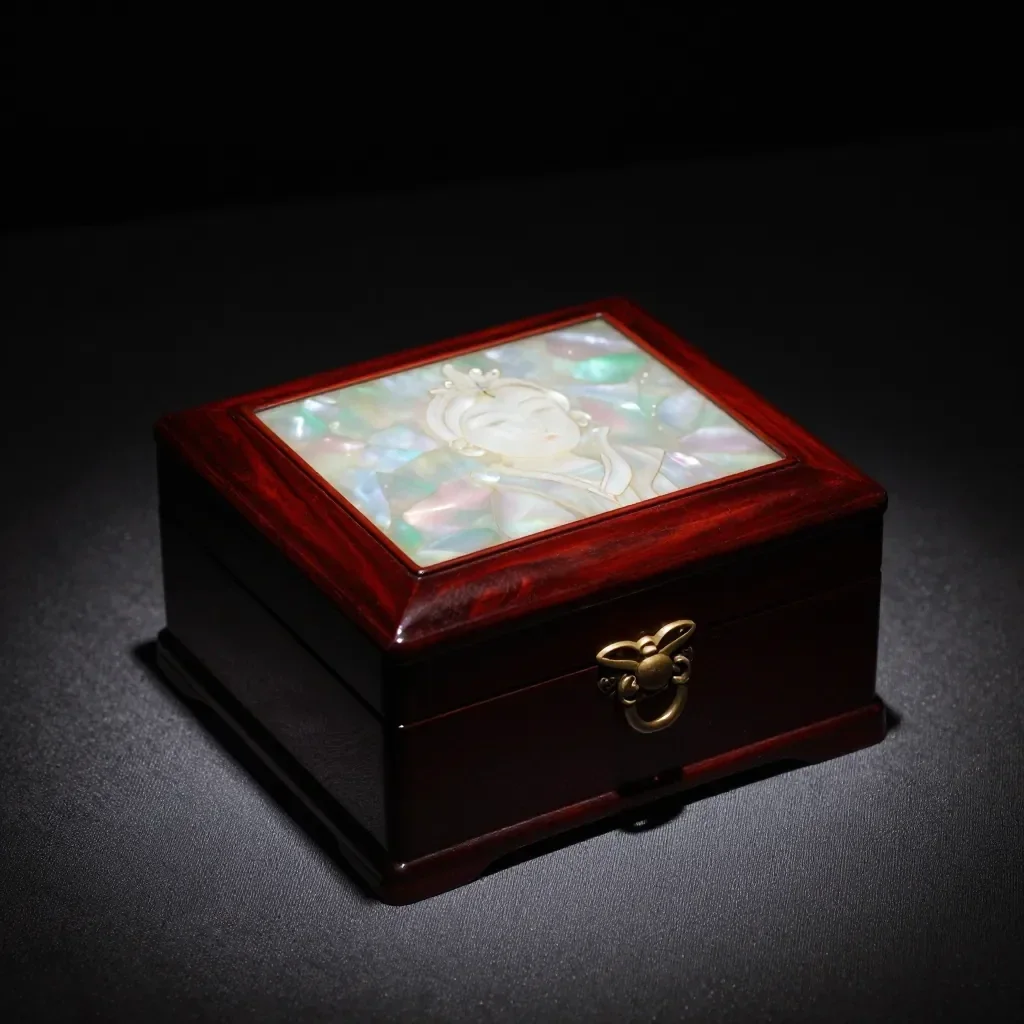 Sebelum
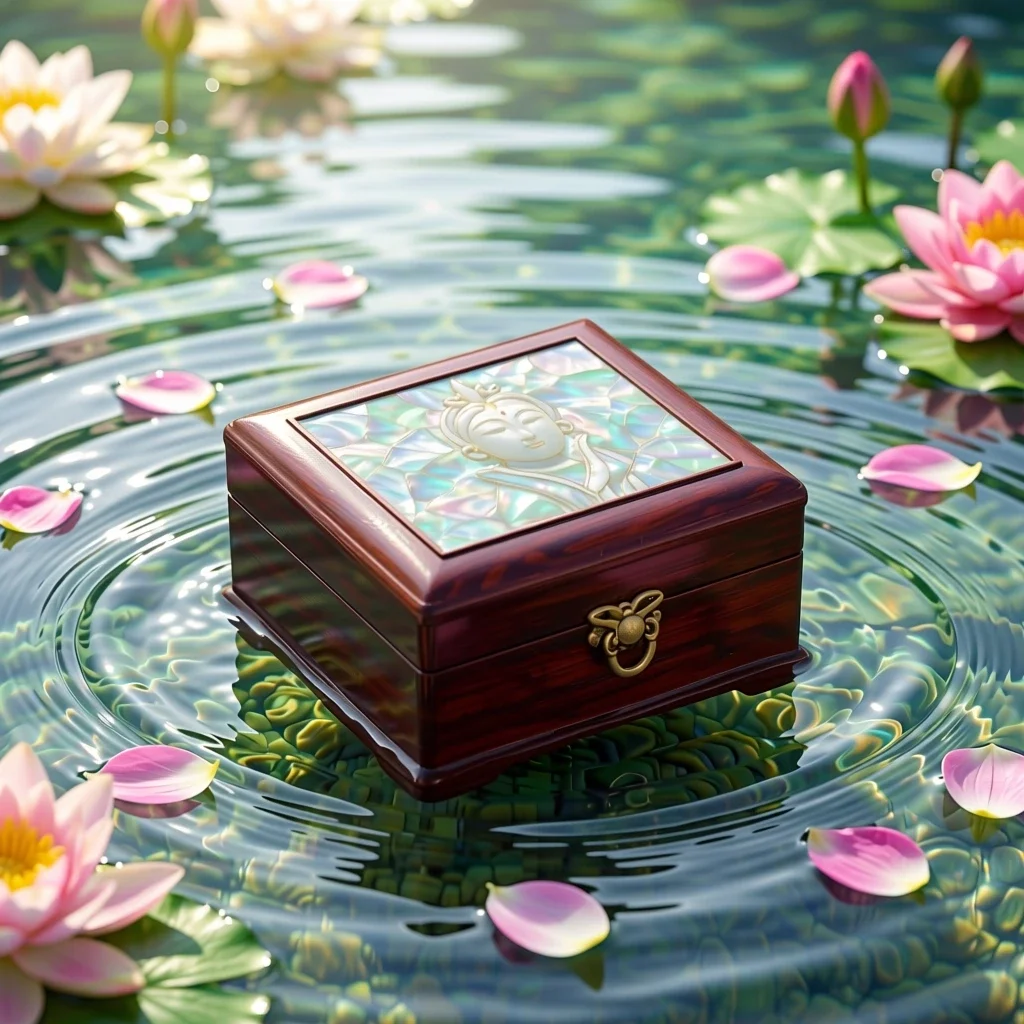 Selepas
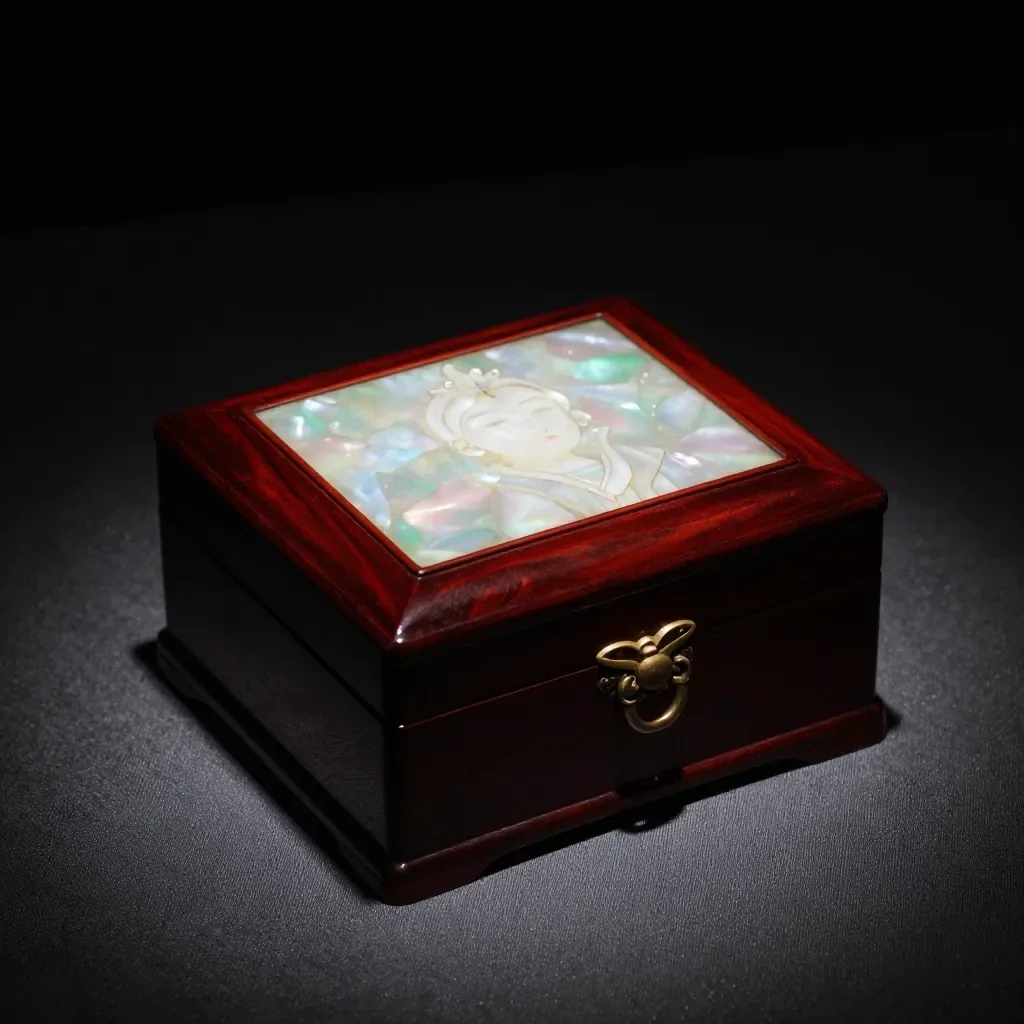 Sebelum
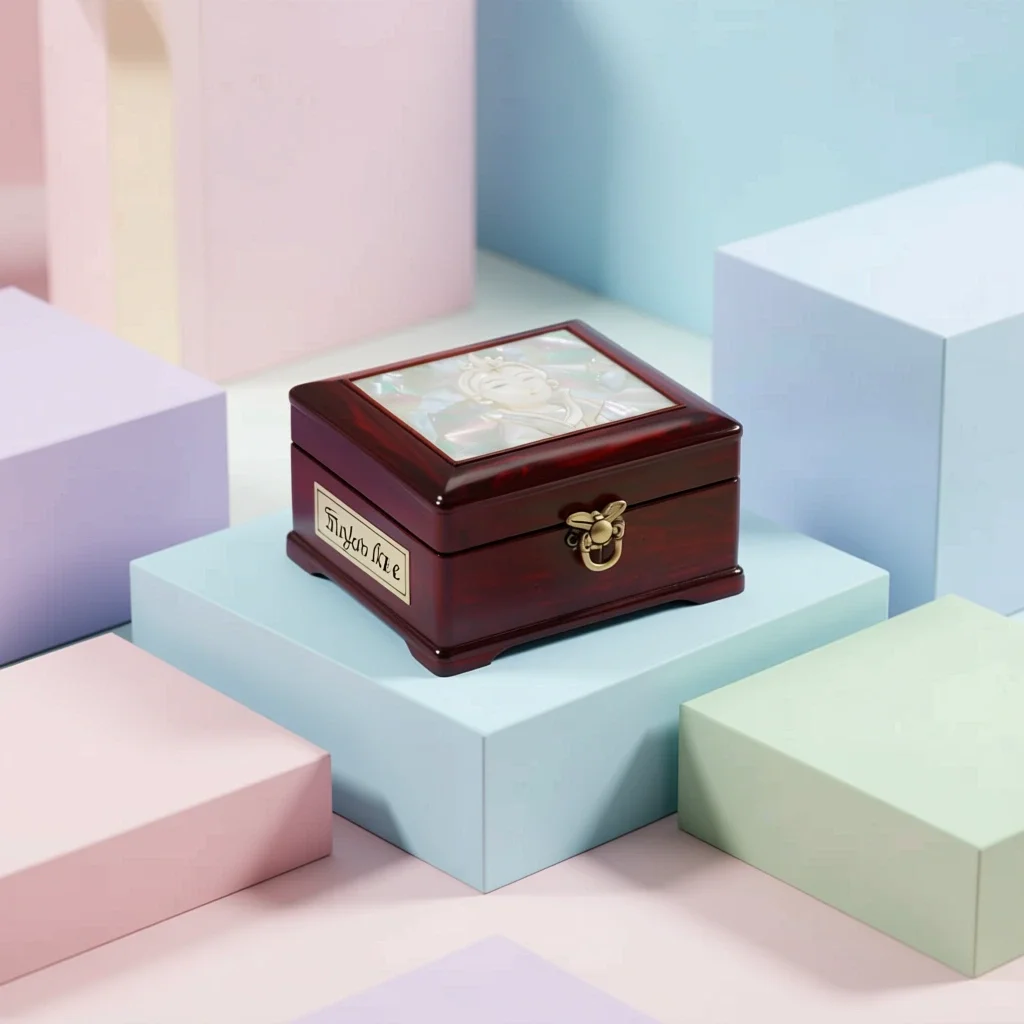 Selepas
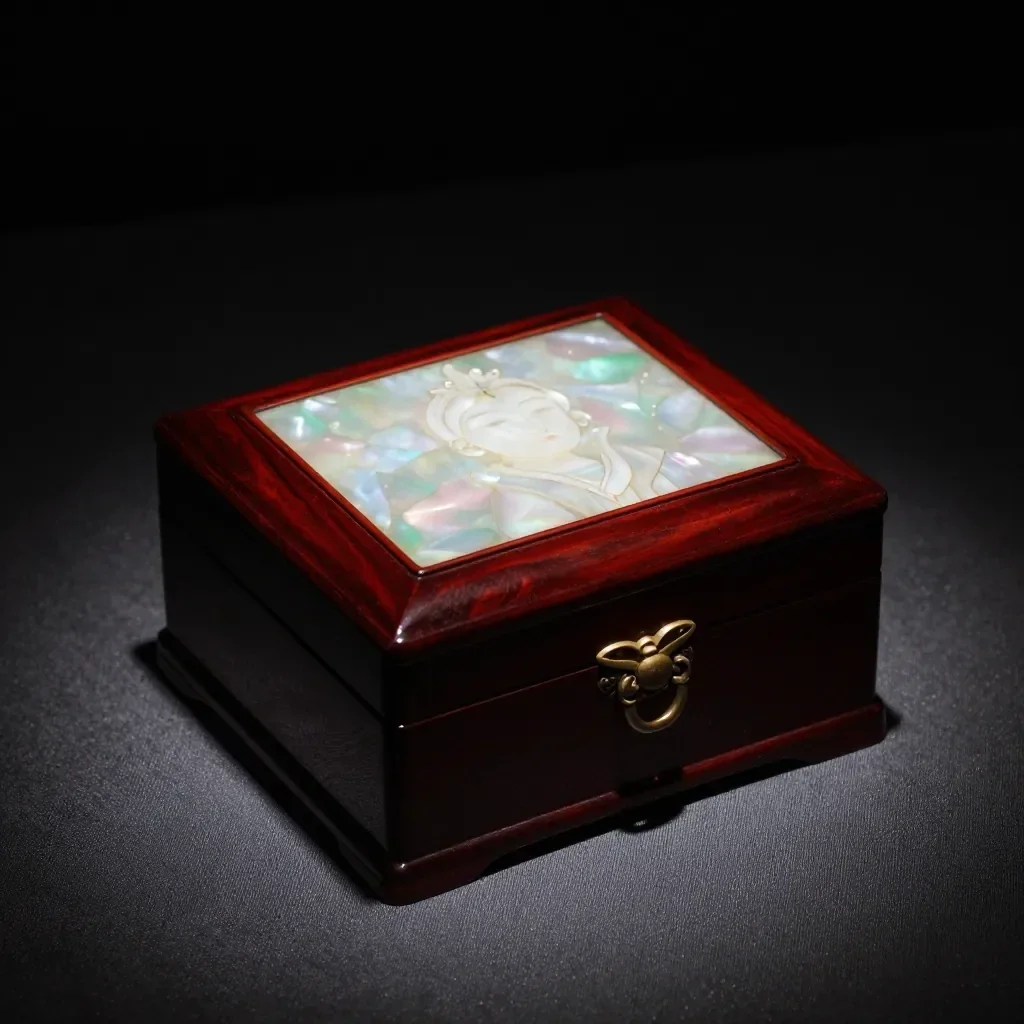 Sebelum
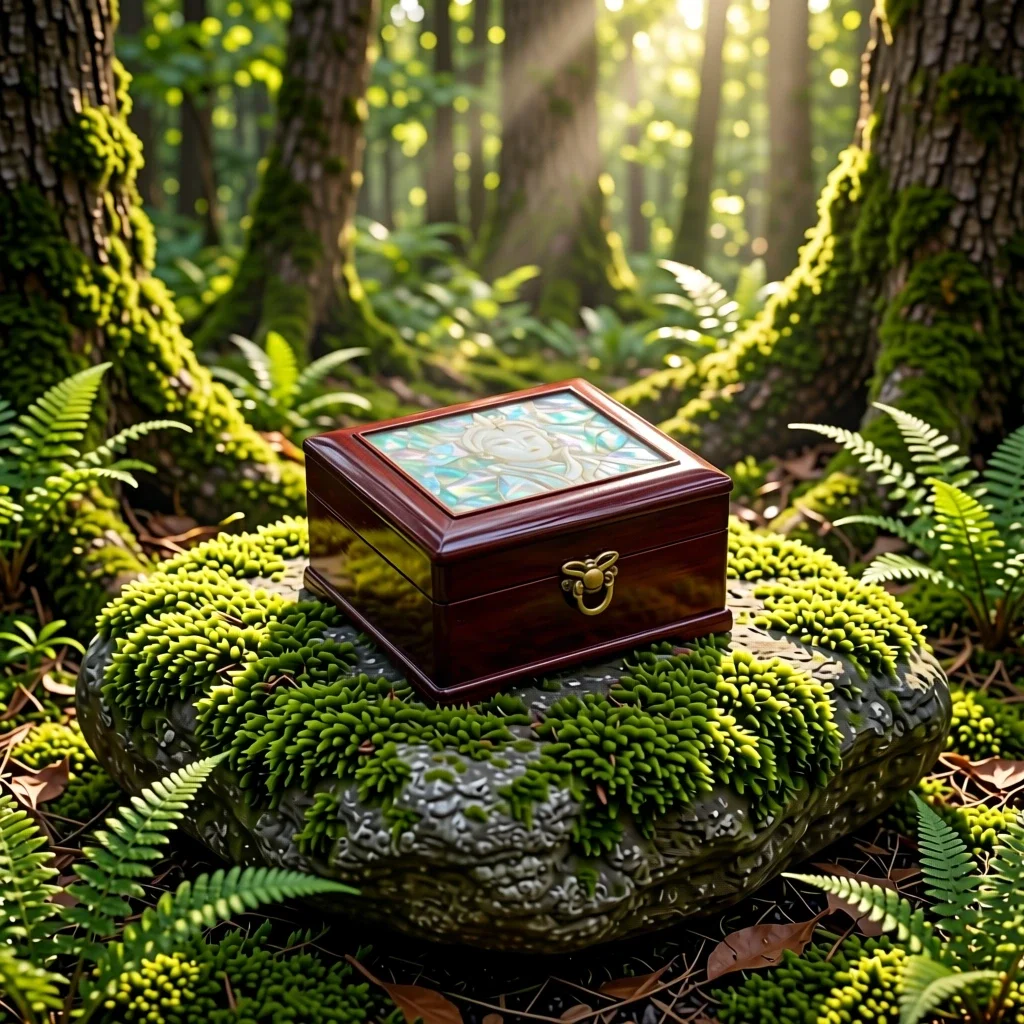 Selepas
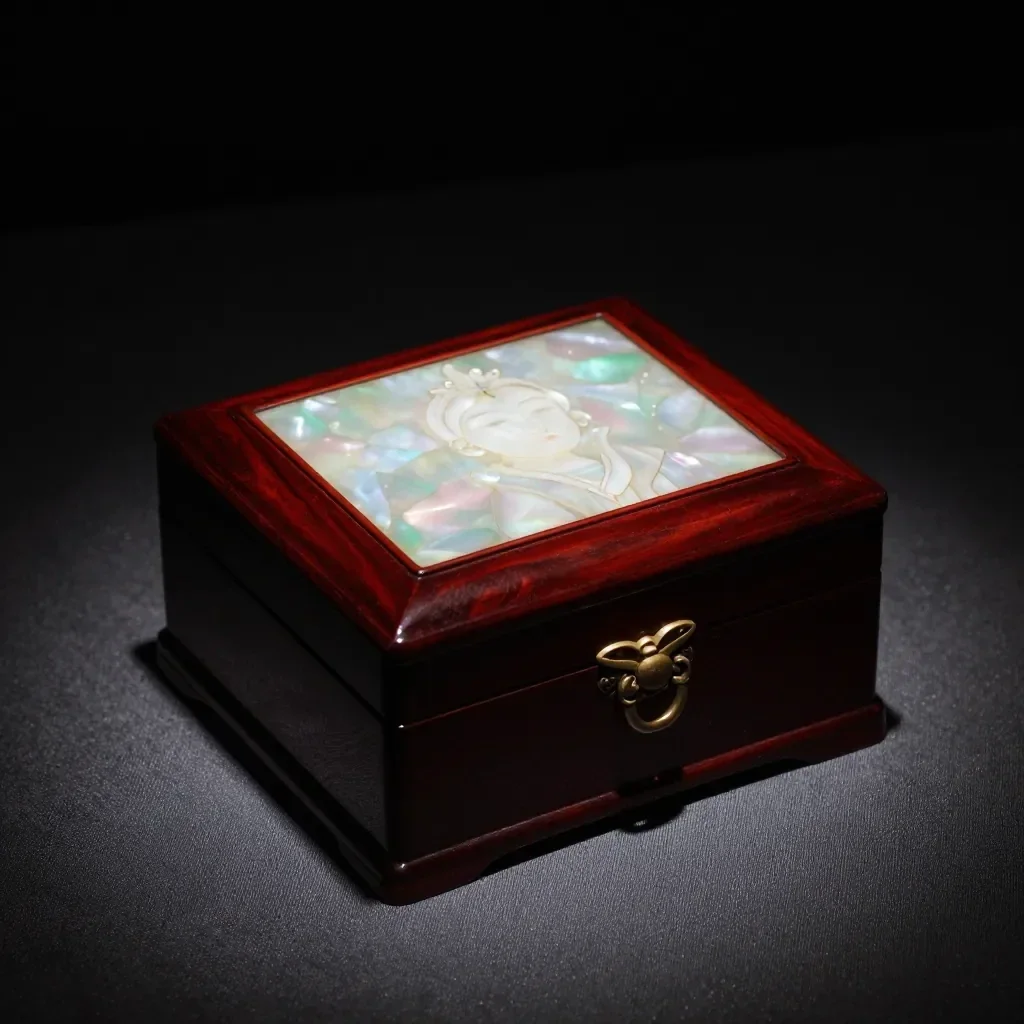 Sebelum
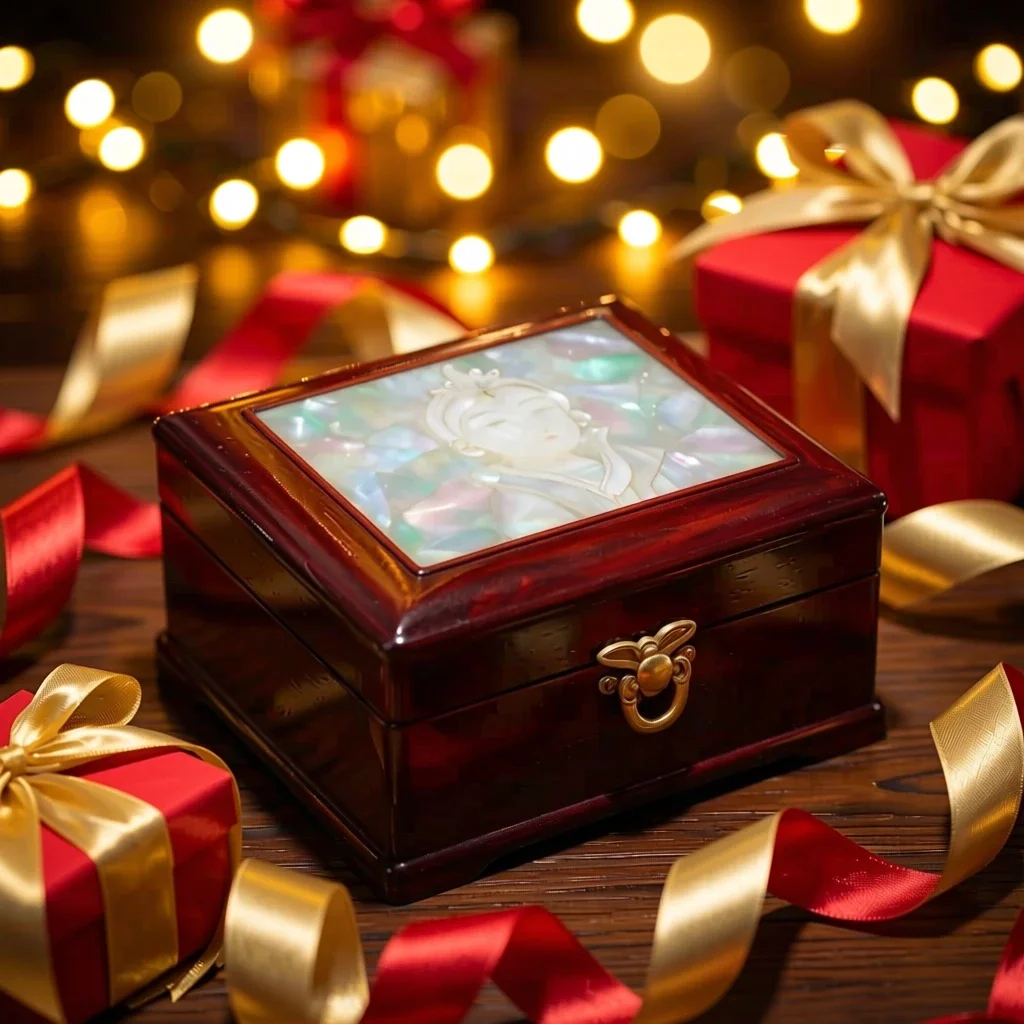 Selepas
Sesuai untuk
- Marketplace listing and detail-page images
- Social posts announcing a new product
- Holiday and gift-season promotions
Petua untuk hasil lebih baik
- A single product shot on a plain background gives the cleanest result.
- Shoot in bright, even light to avoid strong reflections and shadows.
- The AI can alter label text or small details, so always compare the result with the real product before selling.
Soalan
How much does it cost?
Free models are unlimited with an account. Models marked “Free with membership” are unlimited without credits during membership. Otherwise, the displayed credit price applies. Developer API usage is billed separately.
Can I use photos of other brands' products?
Only upload photos of yourself or photos you have the right to use. Impersonating real people or using results to deceive others is prohibited. Uploaded photos go through a safety check, you can delete your generated images at any time, and nothing appears in the public Explore feed unless you choose to share it.
Can I use the images on a product listing?
You own the images you make, but model licenses and each marketplace's rules still apply. Make sure the image does not misrepresent the real product, and label it as AI-generated where the platform requires.
Lagi aplikasi

Foto kepada anime
Lukis semula swafoto sebagai anime, webtoon, cat air atau figura 3D.

Foto profil AI
Tukar swafoto santai menjadi foto pengenalan, potret permohonan kerja atau avatar sosial.

Pakaian tradisional
Lihat diri anda memakai hanbok, kimono, qipao atau hanfu.

Latar pelancongan
Kekalkan diri anda, ganti latar belakang dengan Kyoto, Seoul, Shanghai atau Jeju.