AI Product Photo Backgrounds for Online Stores
The Product scenes app keeps your product's shape, label and color and changes only the setting and mood, like a commercial shoot. Make listing images for Naver Smartstore, Coupang, Rakuten, Mercari or Taobao without a studio; results are 1:1 squares.
Novi računi dobivaju 50 kredita. Besplatni računi mogu stvarati neograničen broj slika na web-stranici s 5 osnovnih modela, bez trošenja kredita. Lacquer videozapisi na webu su besplatni: 3 dnevno, uz najviše 5 sekundi po isječku. Članovi koriste uključene modele neograničeno bez oduzimanja kredita. Ostali modeli i API/MCP naplaćuju se zasebno.
Ažurirano
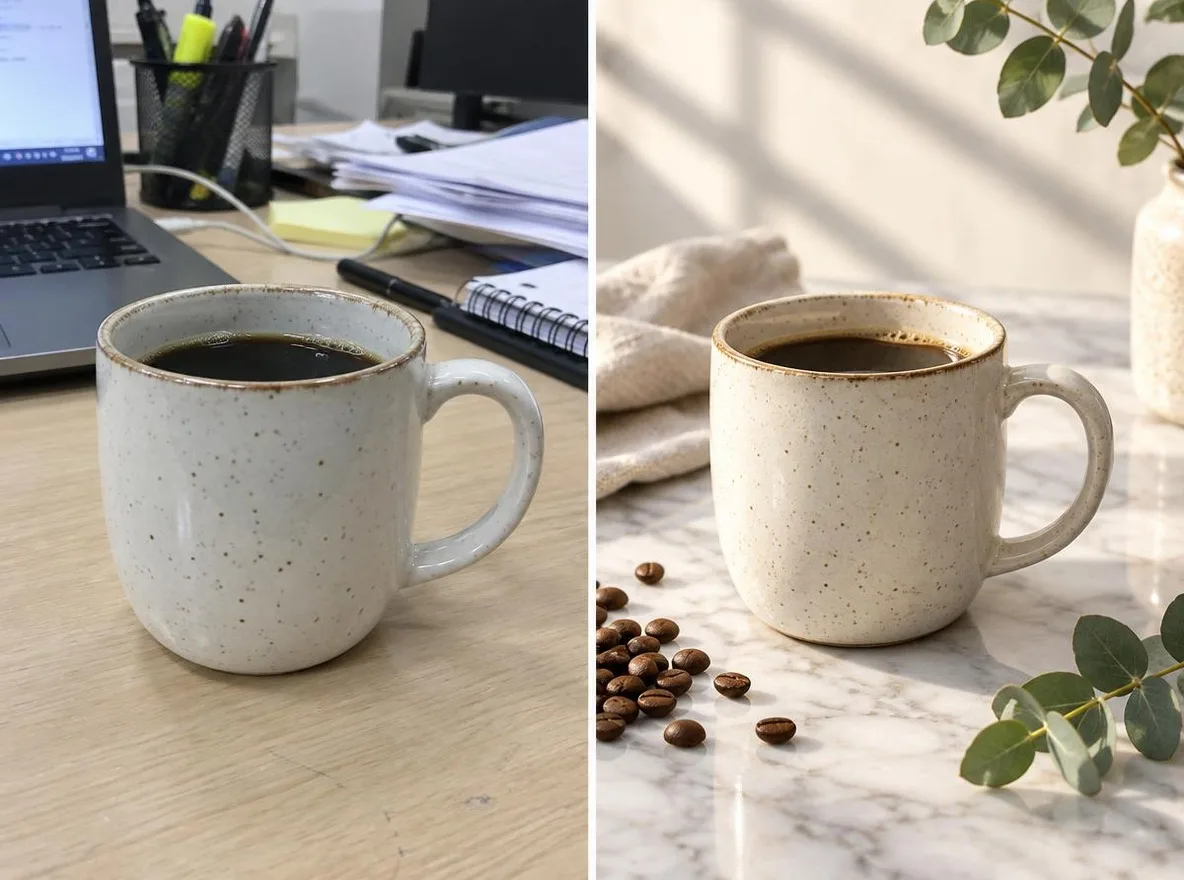
Kako funkcionira
- Upload one photo where the product is clearly visible.
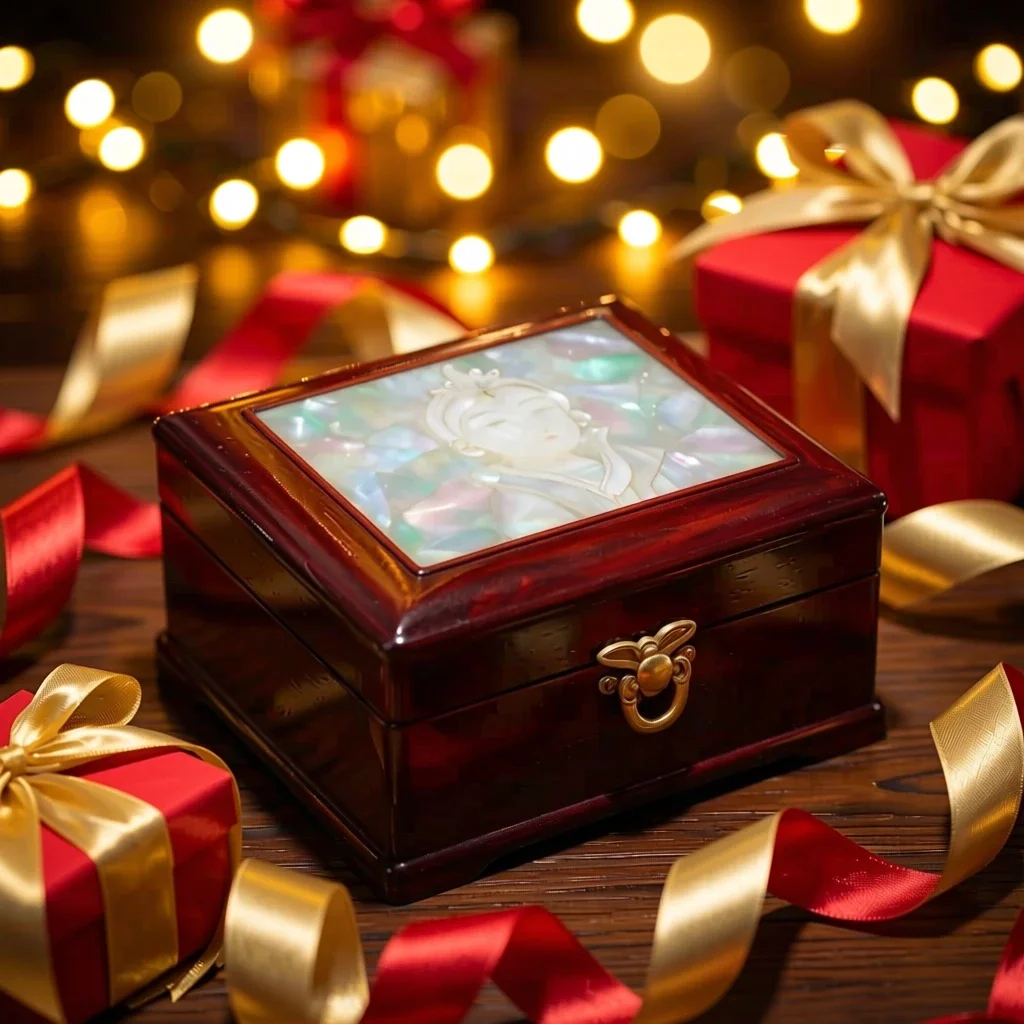
- Choose a scene: Marble, Water, Pastel studio, Nature or Gift season.
- Click transform, review the result and download it.
Opcije
Primjeri opisa
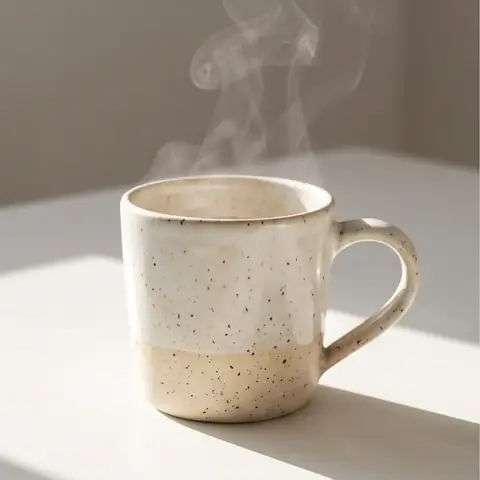
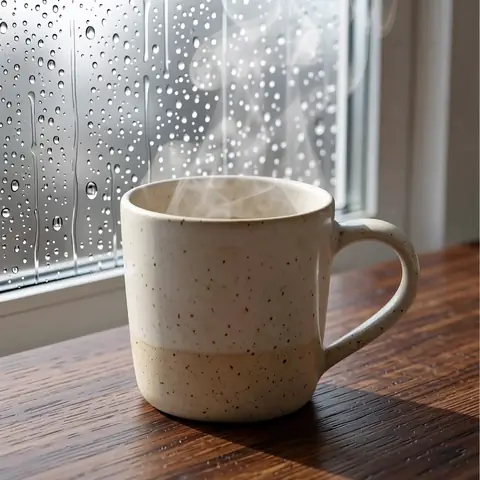
Stvarni rezultati iz AI slika u našoj biblioteci. Nije korištena fotografija stvarne osobe.
 Prije
 Poslije
 Prije
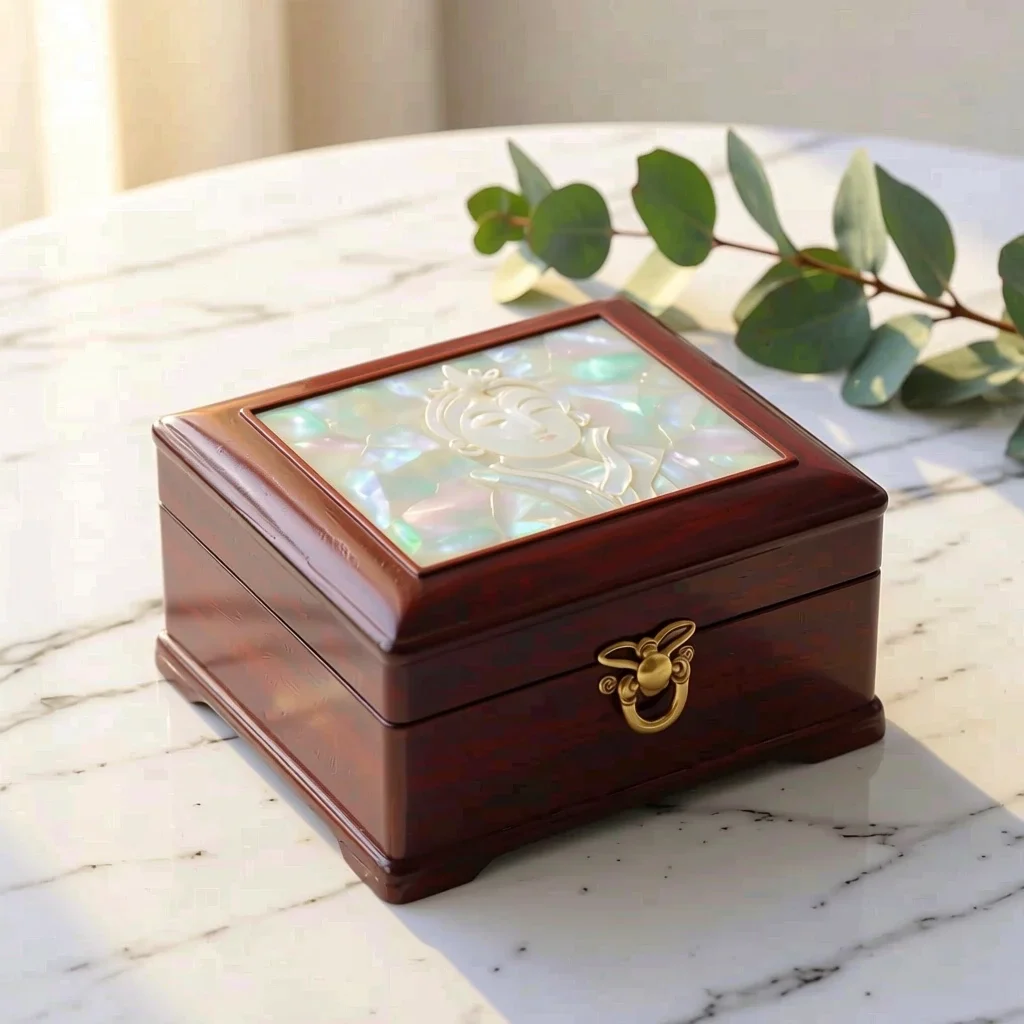 Poslije
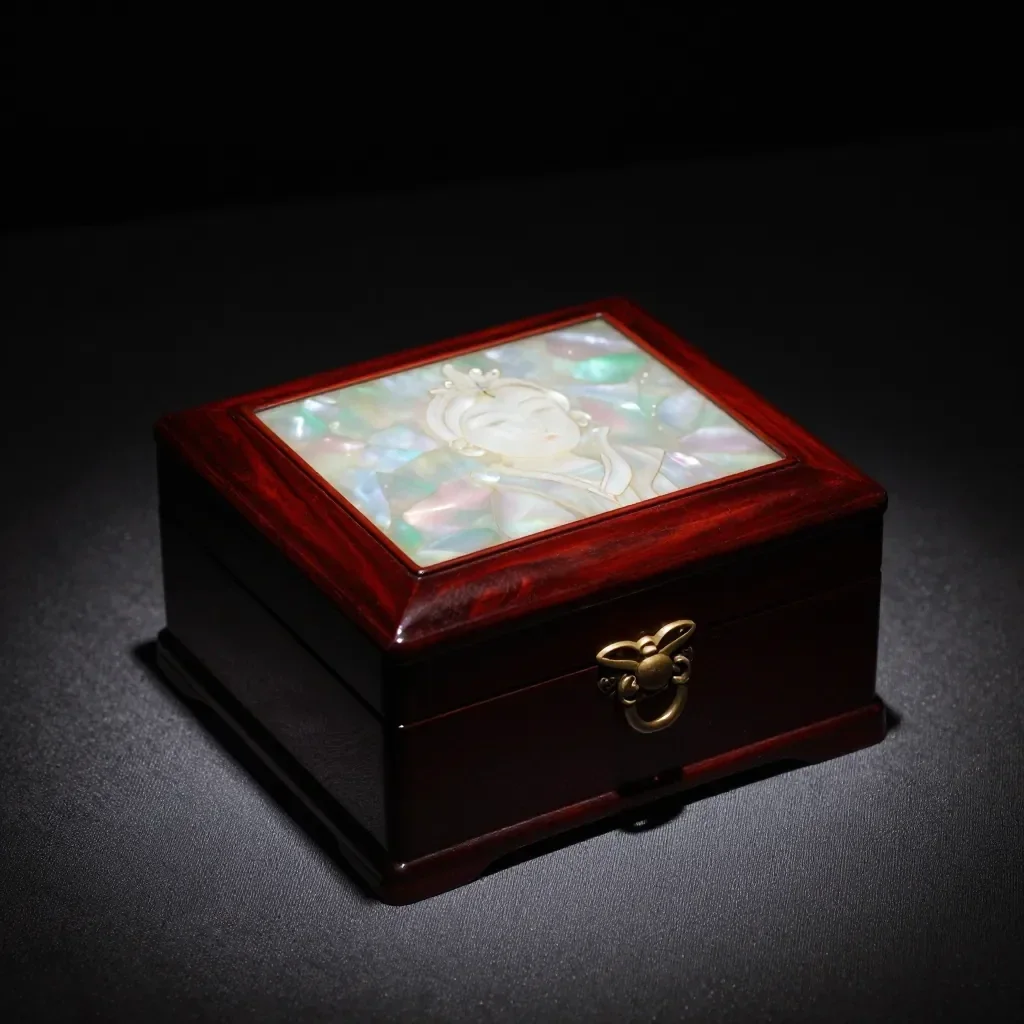 Prije
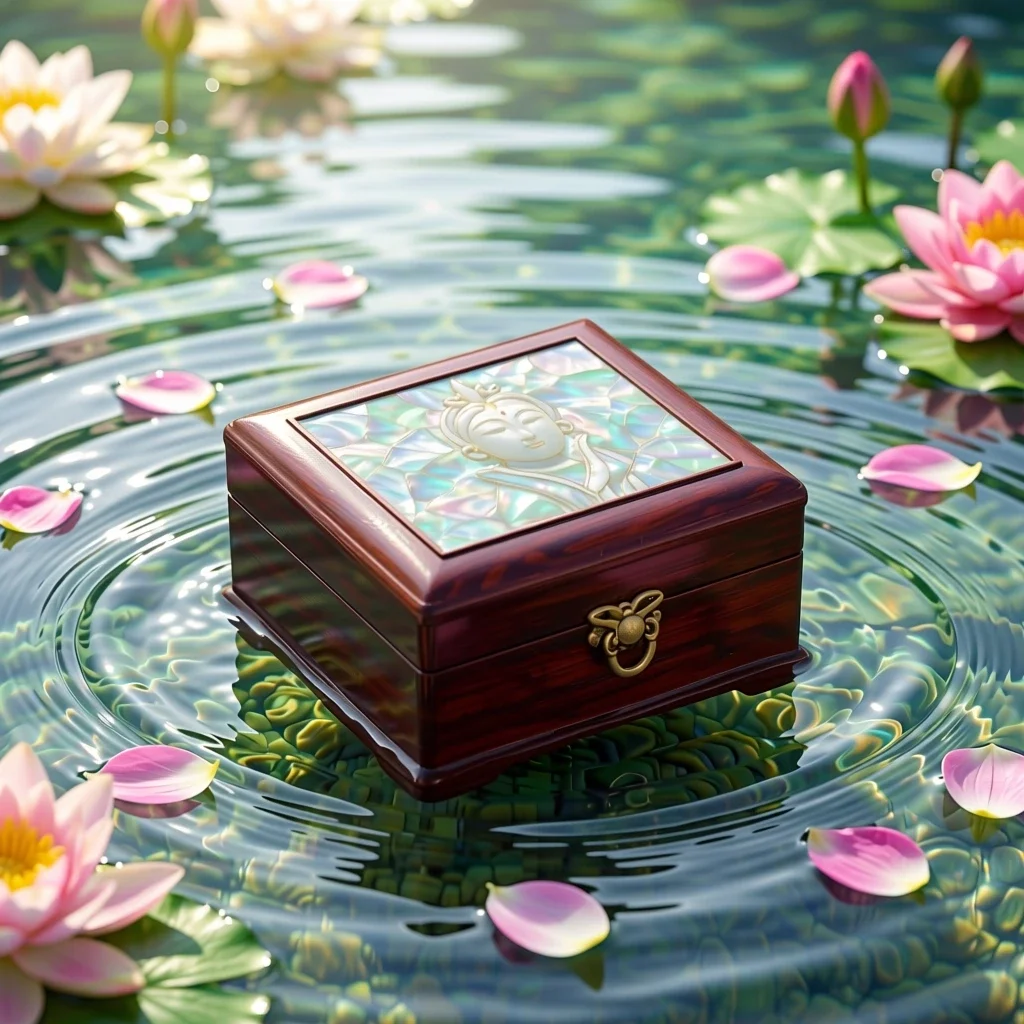 Poslije
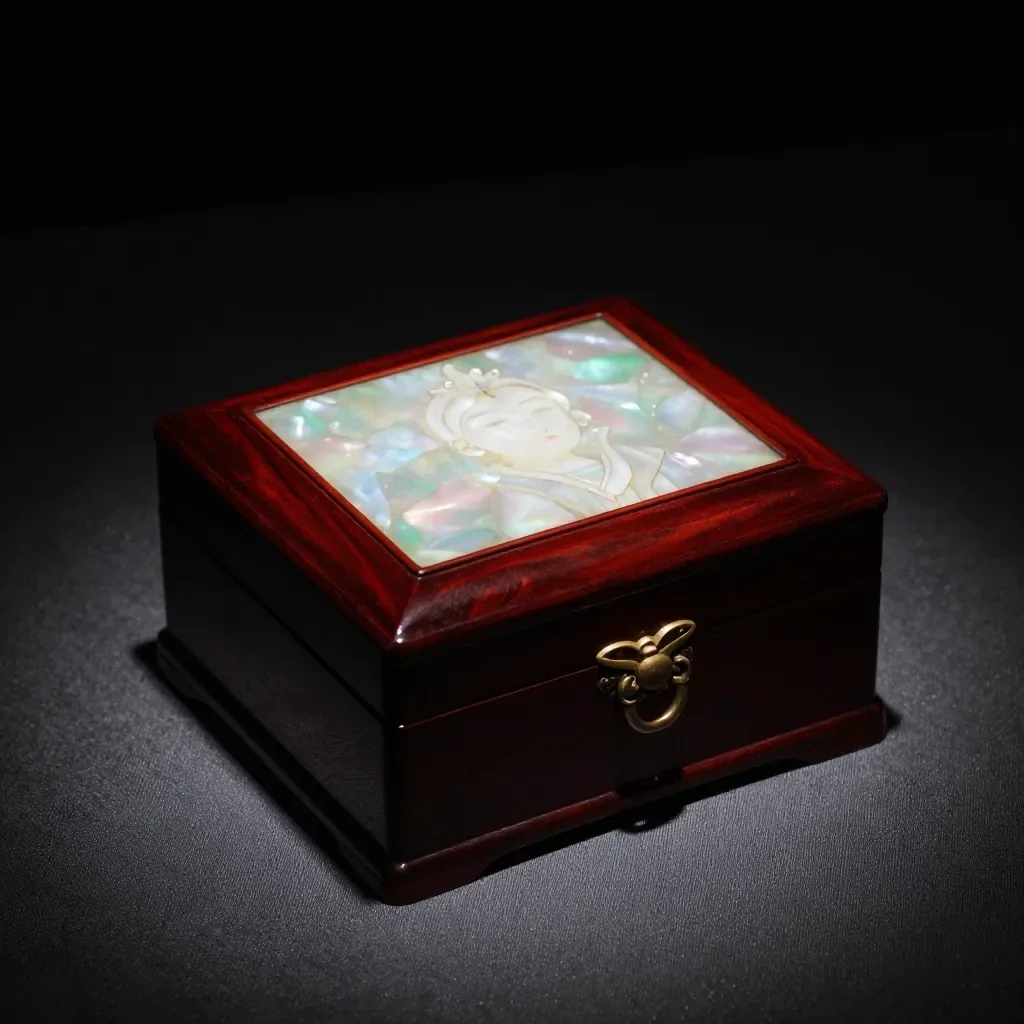 Prije
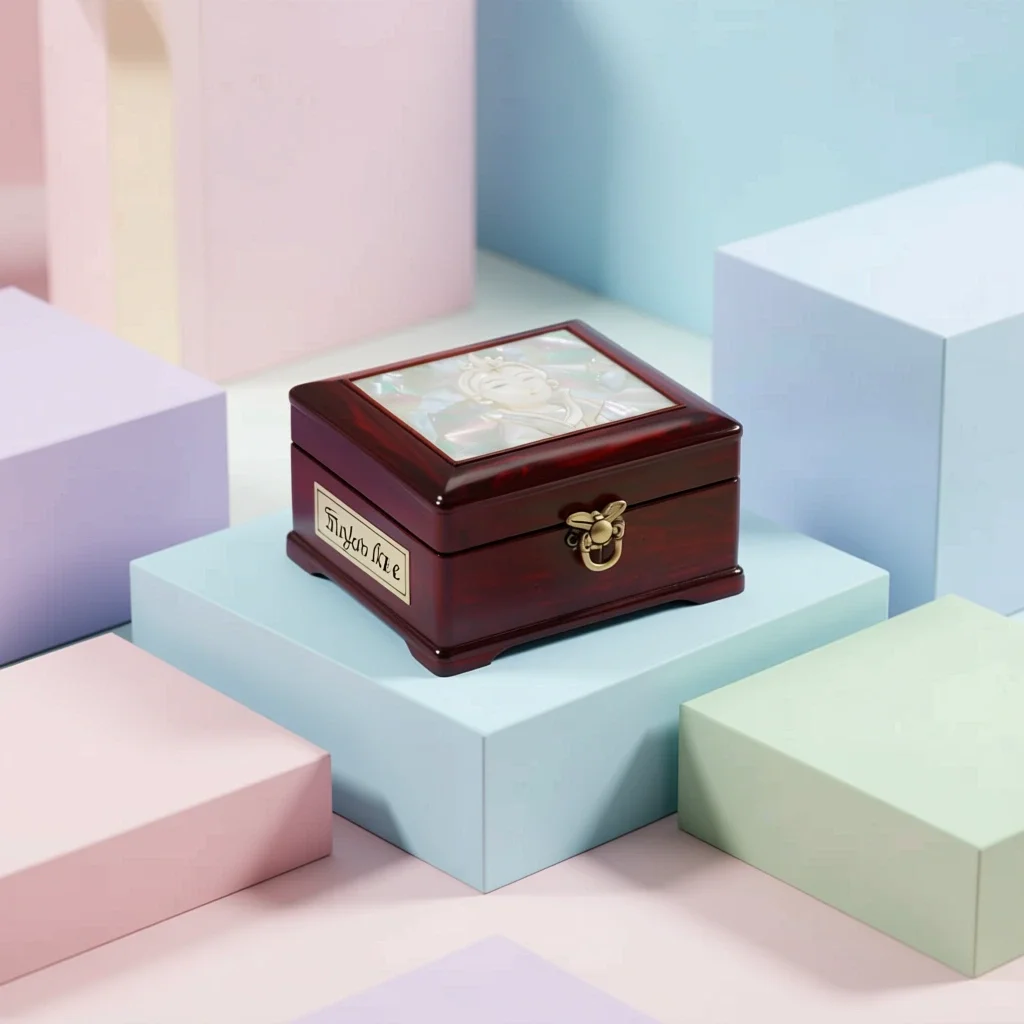 Poslije
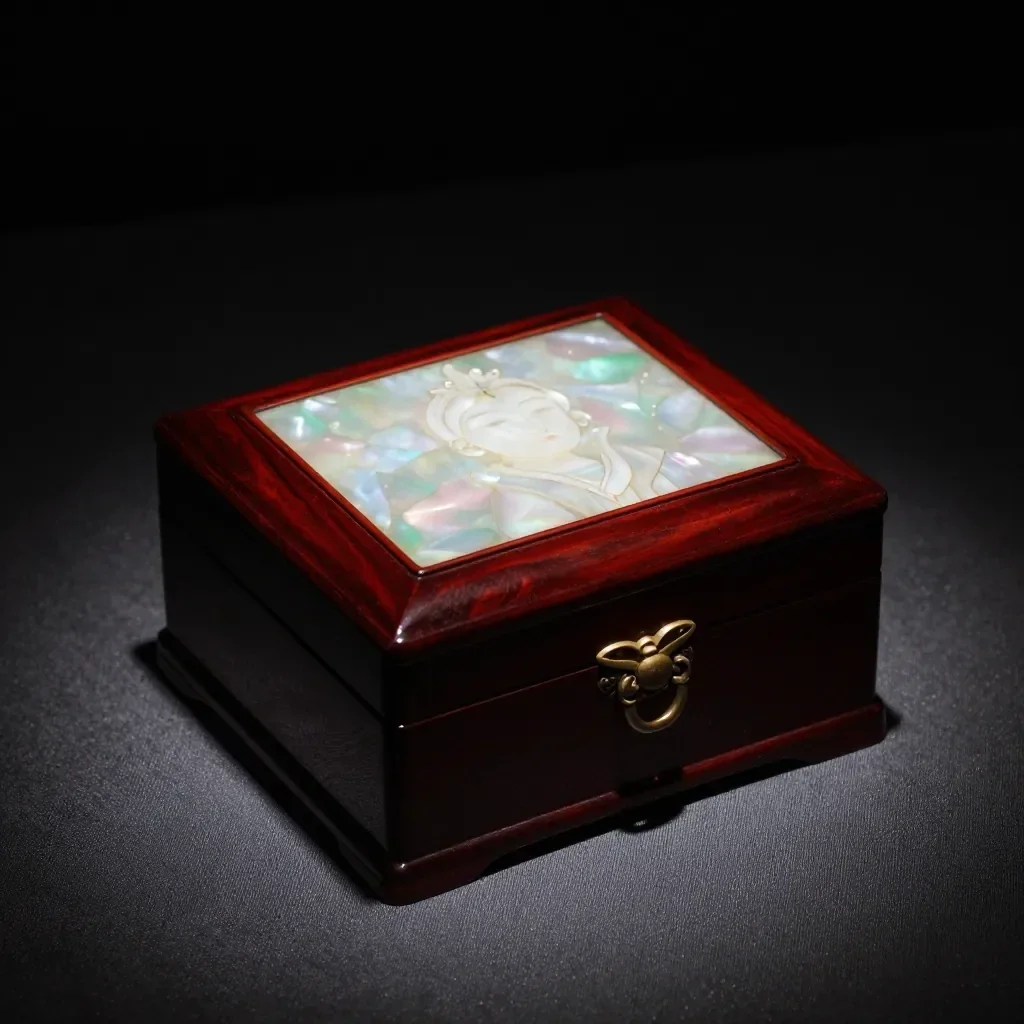 Prije
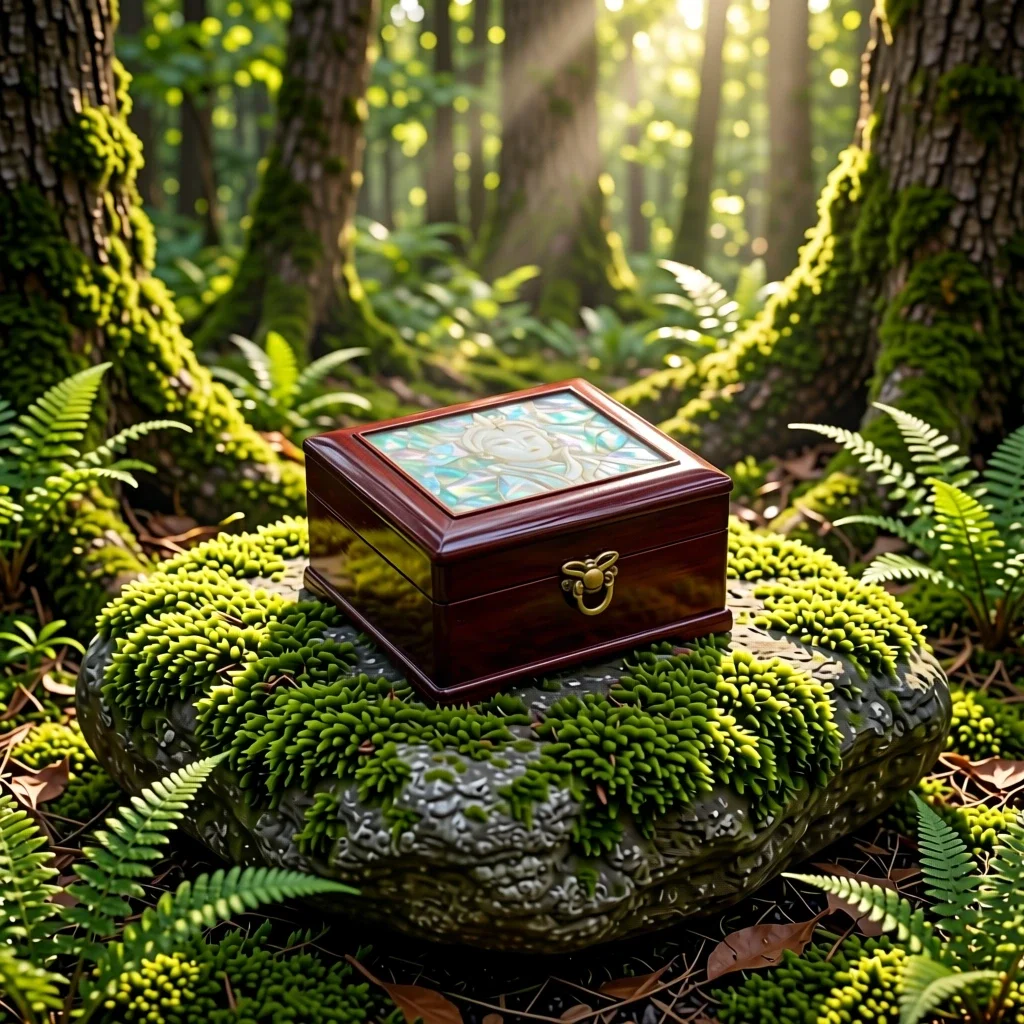 Poslije
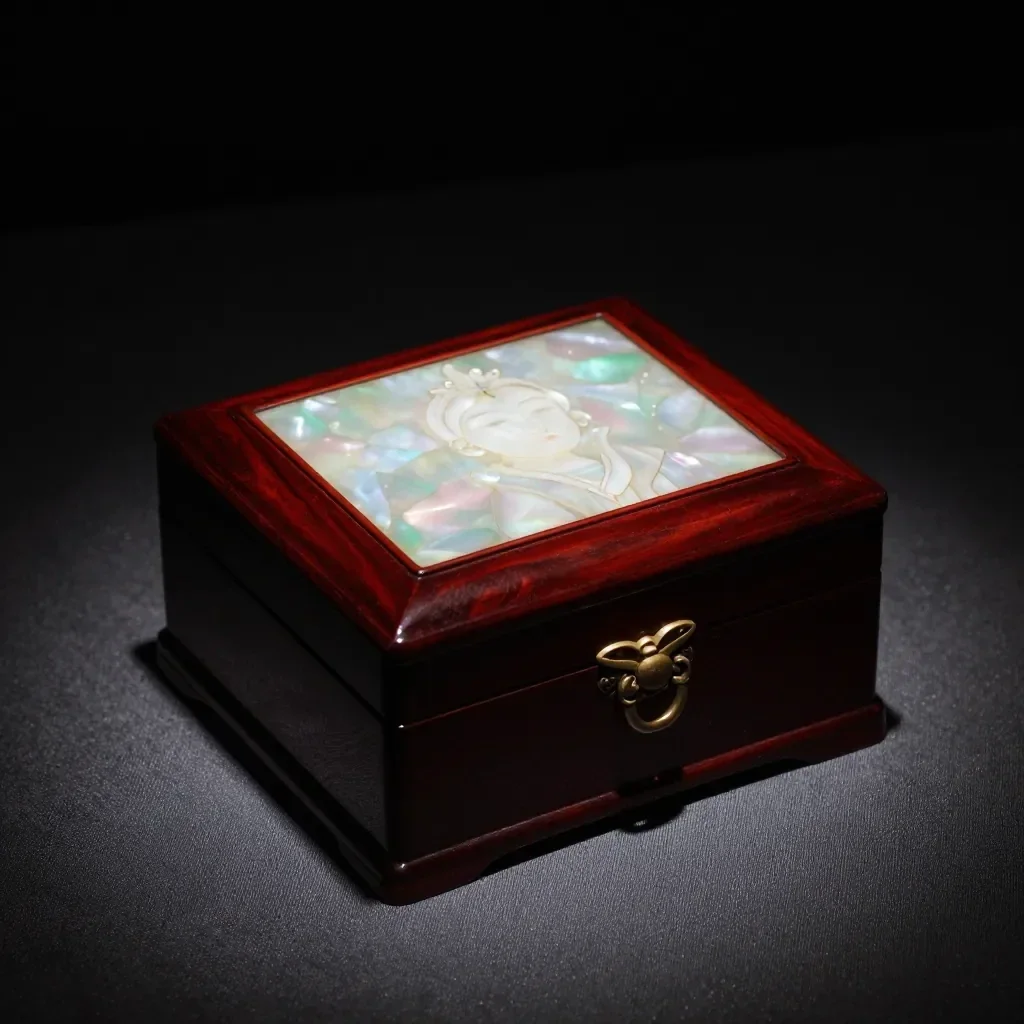 Prije
 Poslije
Dobro za
- Marketplace listing and detail-page images
- Social posts announcing a new product
- Holiday and gift-season promotions
Savjeti za bolje rezultate
- A single product shot on a plain background gives the cleanest result.
- Shoot in bright, even light to avoid strong reflections and shadows.
- The AI can alter label text or small details, so always compare the result with the real product before selling.
Pitanja
How much does it cost?
Free models are unlimited with an account. Models marked “Free with membership” are unlimited without credits during membership. Otherwise, the displayed credit price applies. Developer API usage is billed separately.
Can I use photos of other brands' products?
Only upload photos of yourself or photos you have the right to use. Impersonating real people or using results to deceive others is prohibited. Uploaded photos go through a safety check, you can delete your generated images at any time, and nothing appears in the public Explore feed unless you choose to share it.
Can I use the images on a product listing?
You own the images you make, but model licenses and each marketplace's rules still apply. Make sure the image does not misrepresent the real product, and label it as AI-generated where the platform requires.
Više aplikacija

Fotografija u anime
Pretvori selfie u anime, webtoon, akvarel ili 3D figuru.

AI profilna fotografija
Pretvori obični selfie u fotografiju za dokumente, portret za prijavu na posao ili avatar za društvene mreže.

Tradicionalna odjeća
Pogledaj se u hanboku, kimonu, qipaou ili hanfuu.

Putna pozadina
Zadrži svoj izgled, zamijeni pozadinu Kyotom, Seulom, Šangajem ili Jejuom.