AI Product Photo Backgrounds for Online Stores
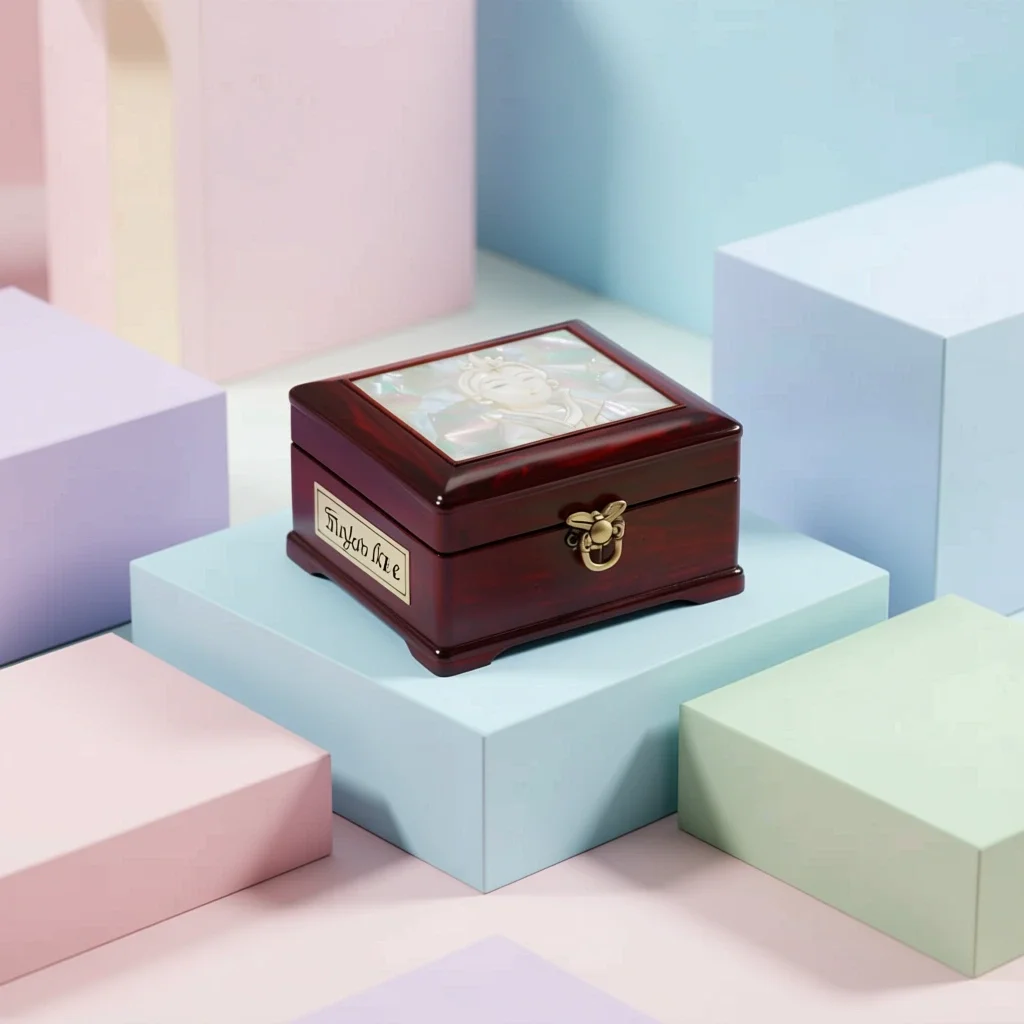
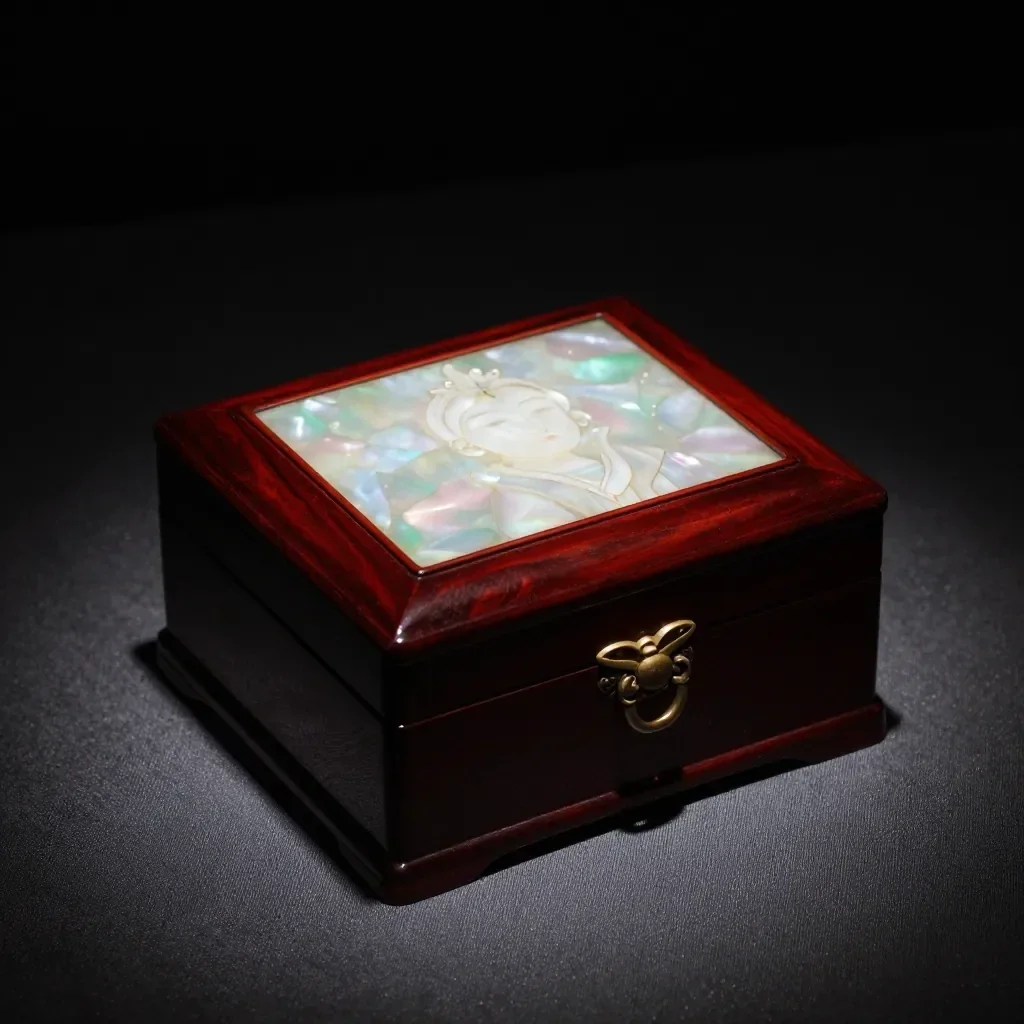
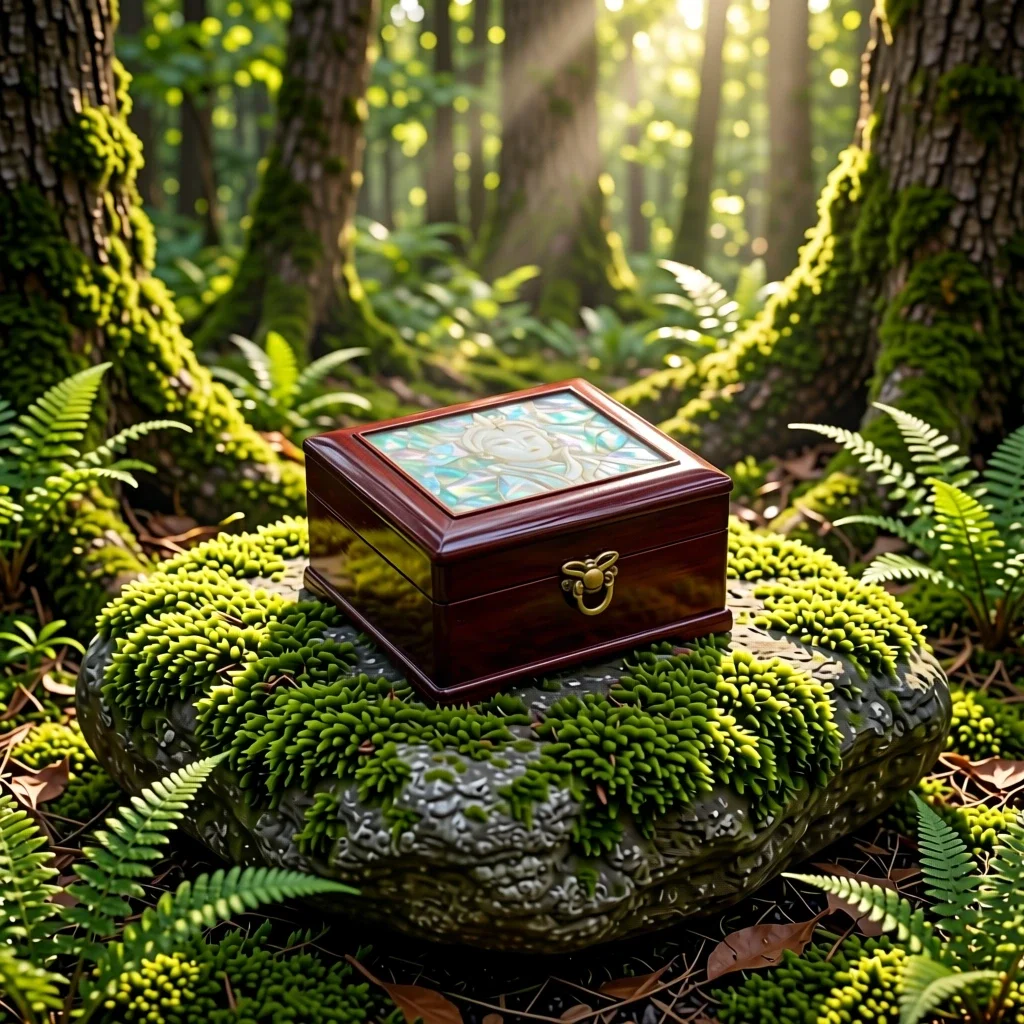
The Product scenes app keeps your product's shape, label and color and changes only the setting and mood, like a commercial shoot. Make listing images for Naver Smartstore, Coupang, Rakuten, Mercari or Taobao without a studio; results are 1:1 squares.
Nowe konta otrzymują 50 kredytów. Darmowe konta mogą generować obrazy bez limitu na stronie internetowej przy użyciu 5 podstawowych modeli, bez zużywania kredytów. Filmy Lacquer są bezpłatne na stronie: 3 dziennie, do 5 sekund na klip. Członkowie korzystają z objętych modeli bez limitu i bez pobierania kredytów. Inne modele i API/MCP są rozliczane osobno.
Zaktualizowano
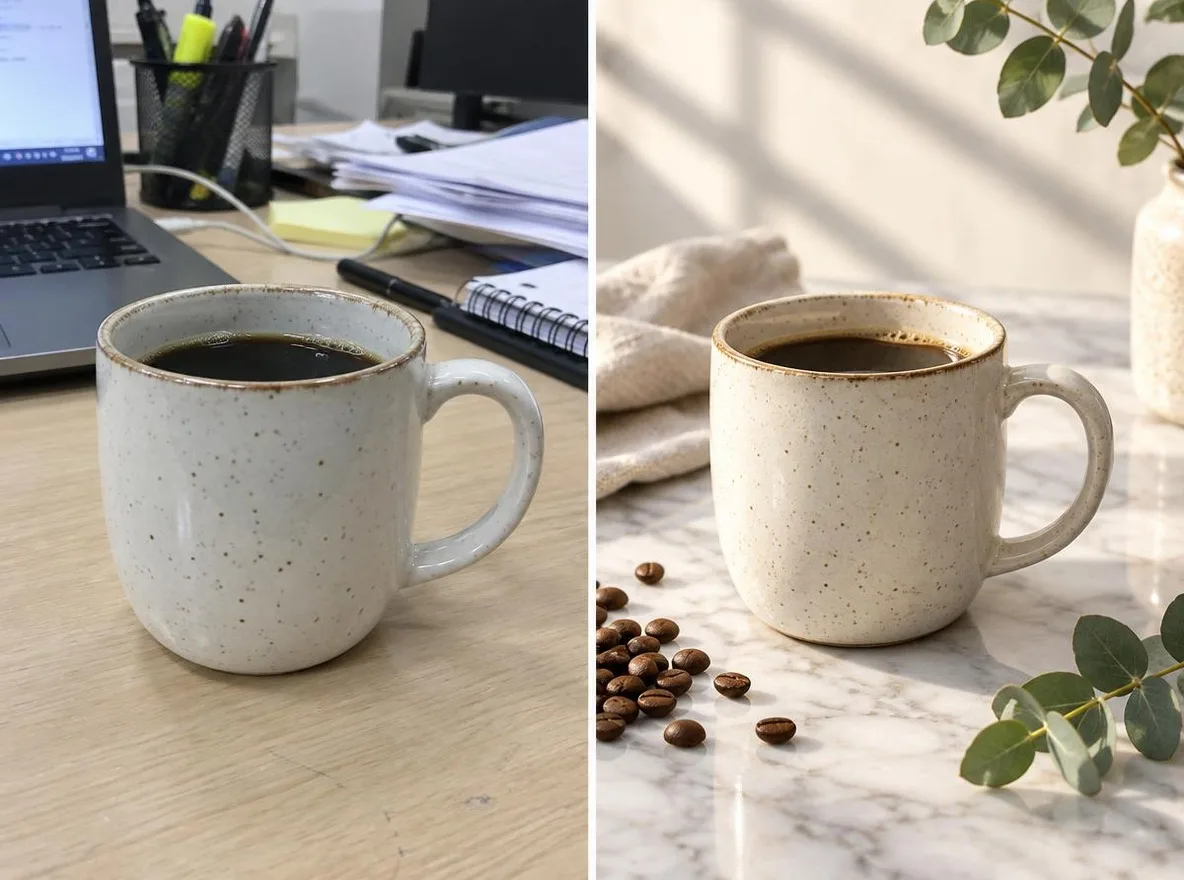
Jak to działa
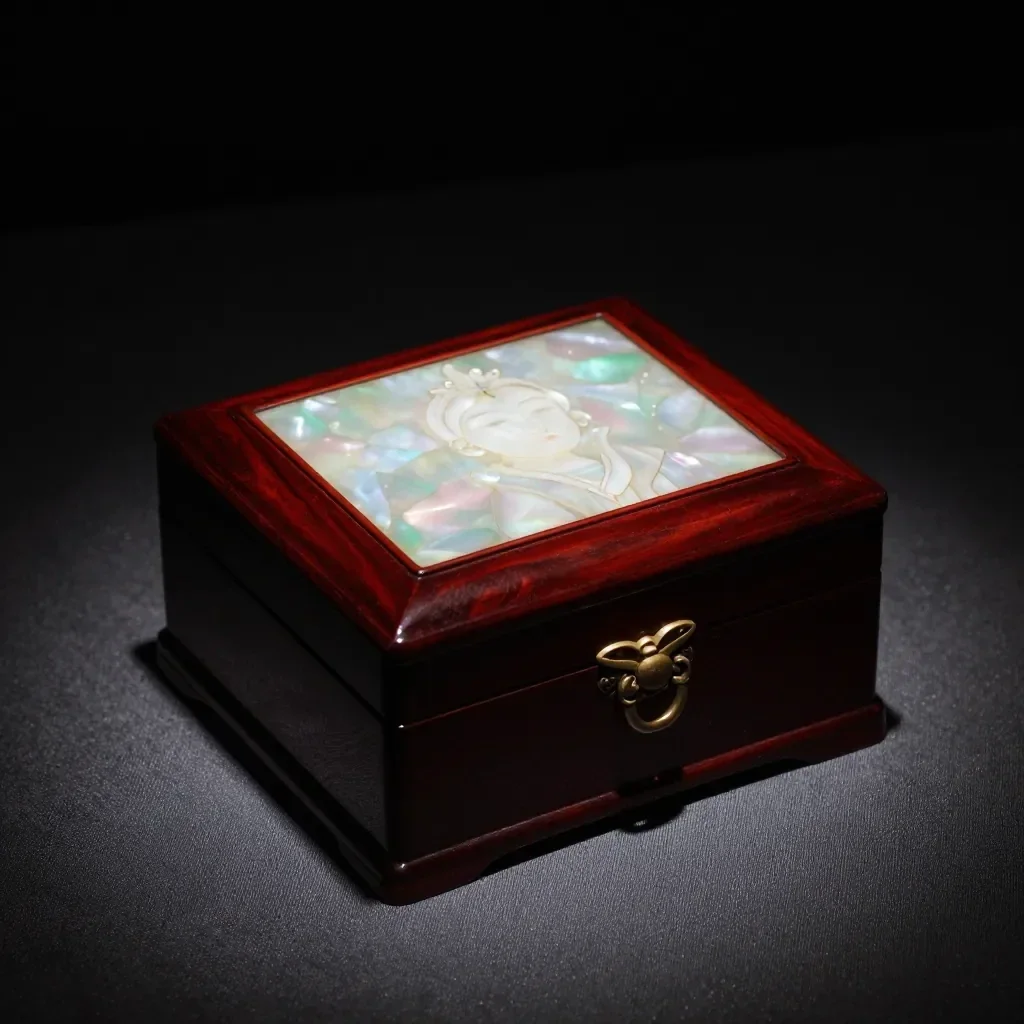
- Upload one photo where the product is clearly visible.
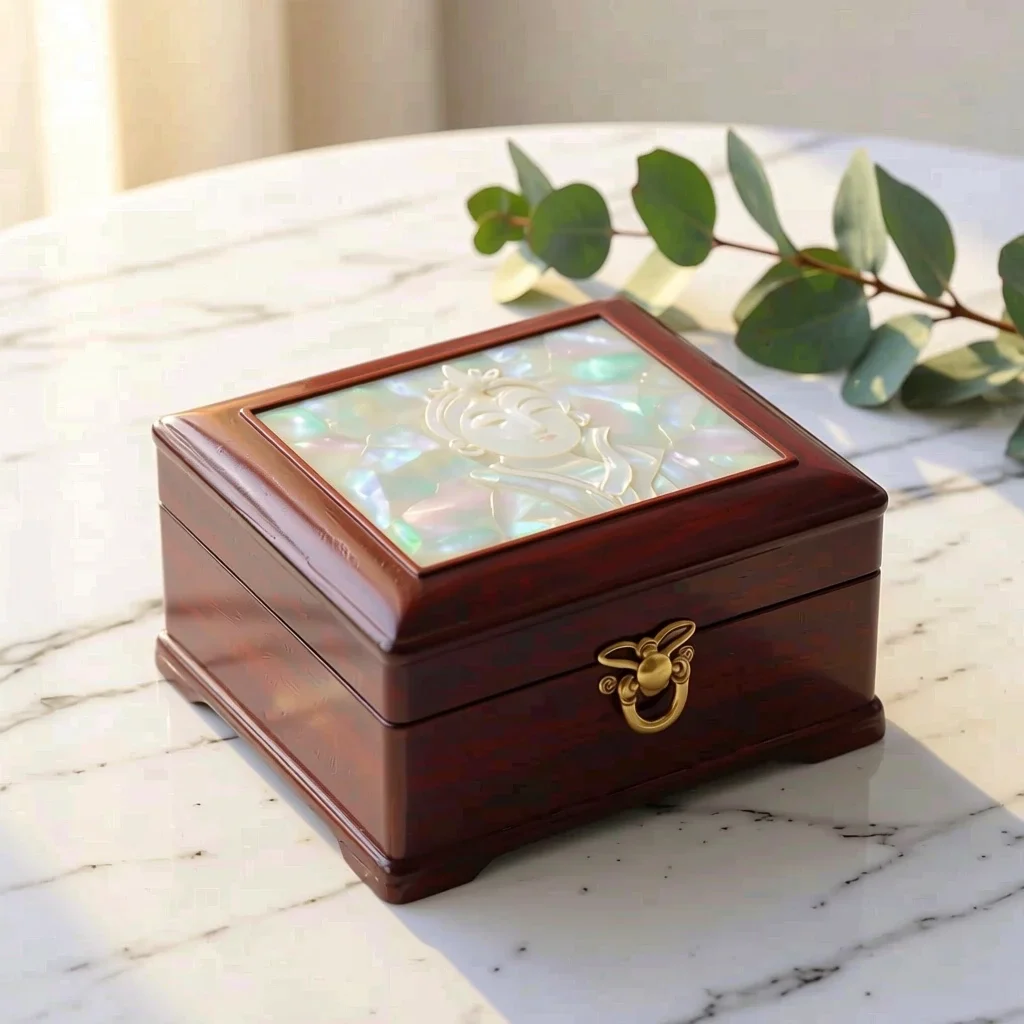
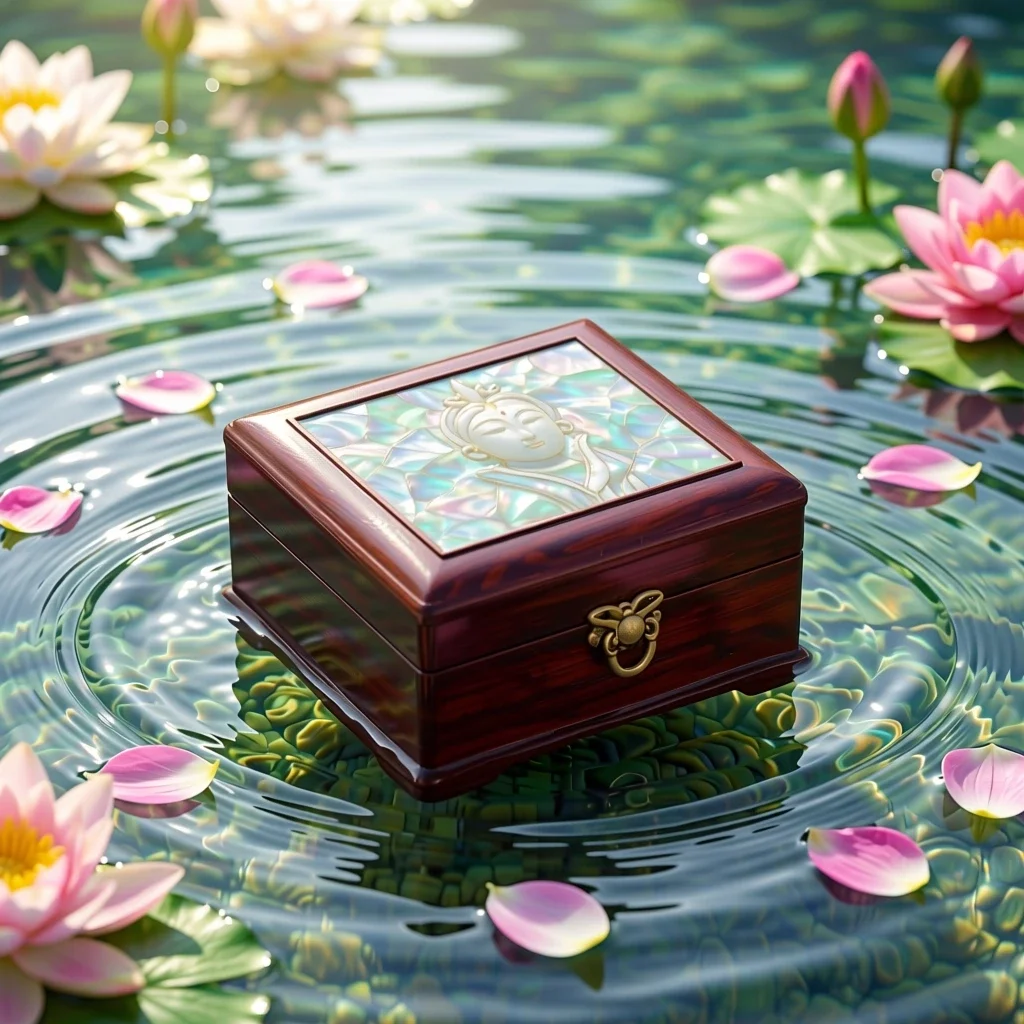
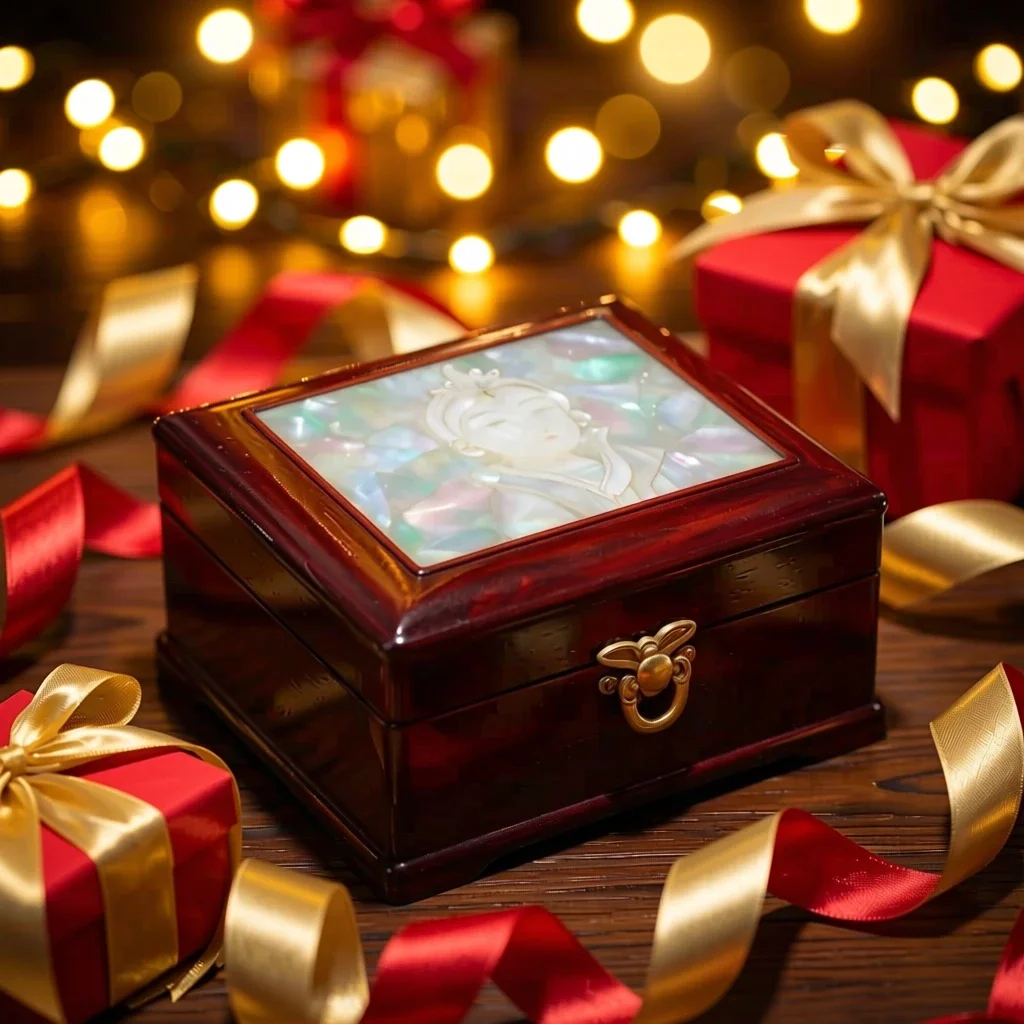
- Choose a scene: Marble, Water, Pastel studio, Nature or Gift season.
- Click transform, review the result and download it.
Opcje
Przykładowe podpowiedzi
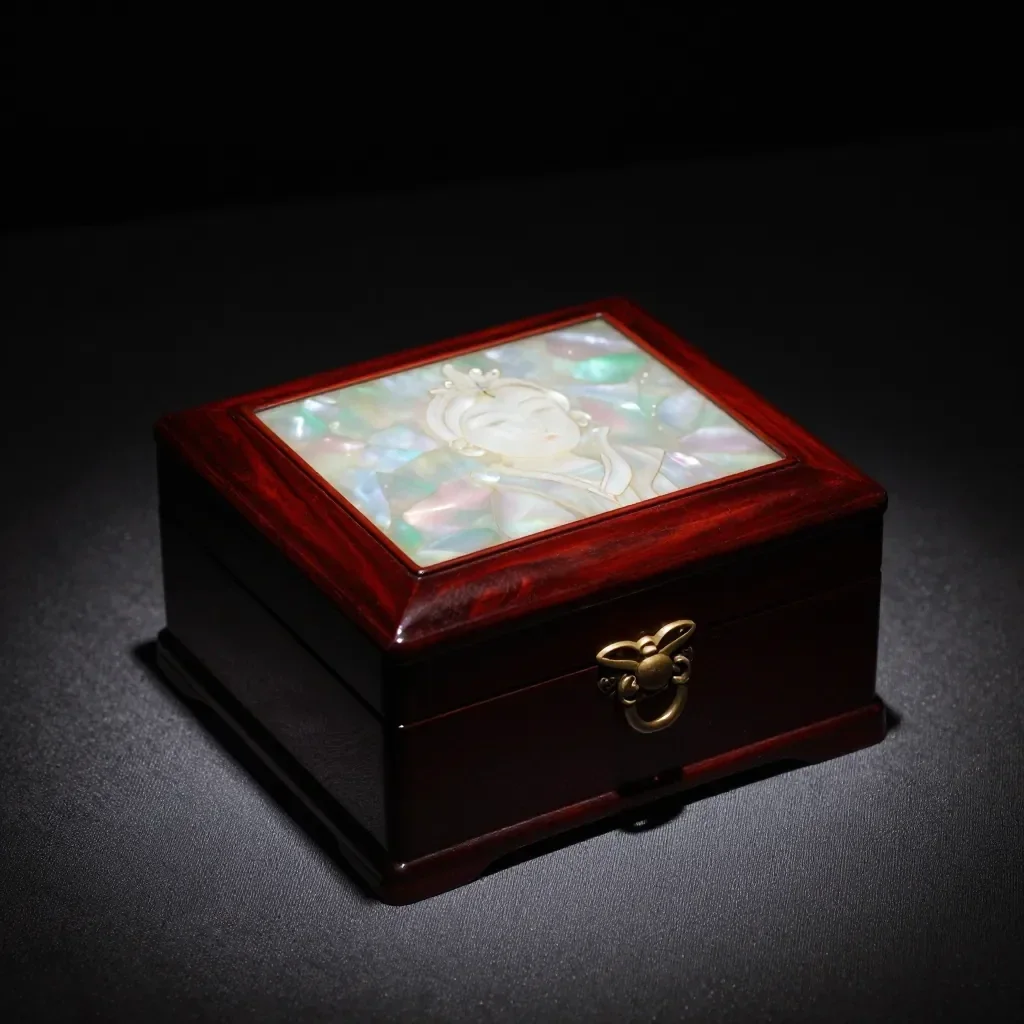
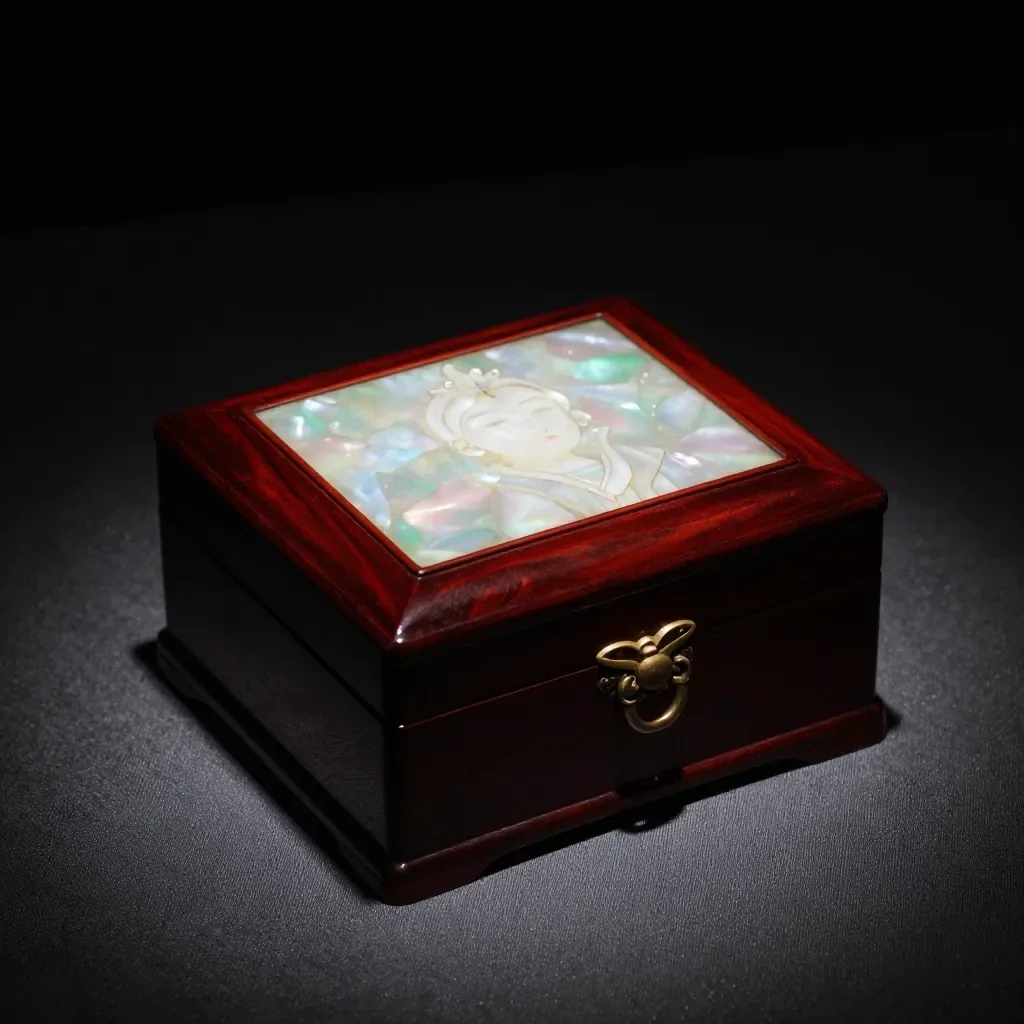
Rzeczywiste wyniki ze zdjęć wygenerowanych przez sztuczną inteligencję w naszej bibliotece. Nie użyto żadnego zdjęcia prawdziwej osoby.
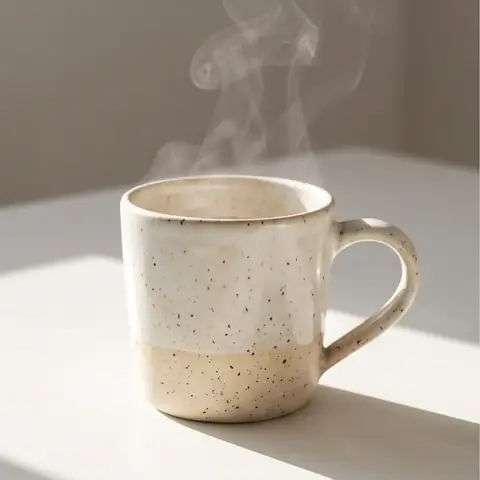 Przed
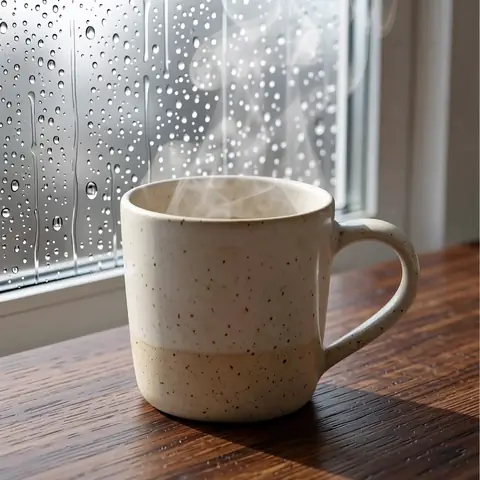 po
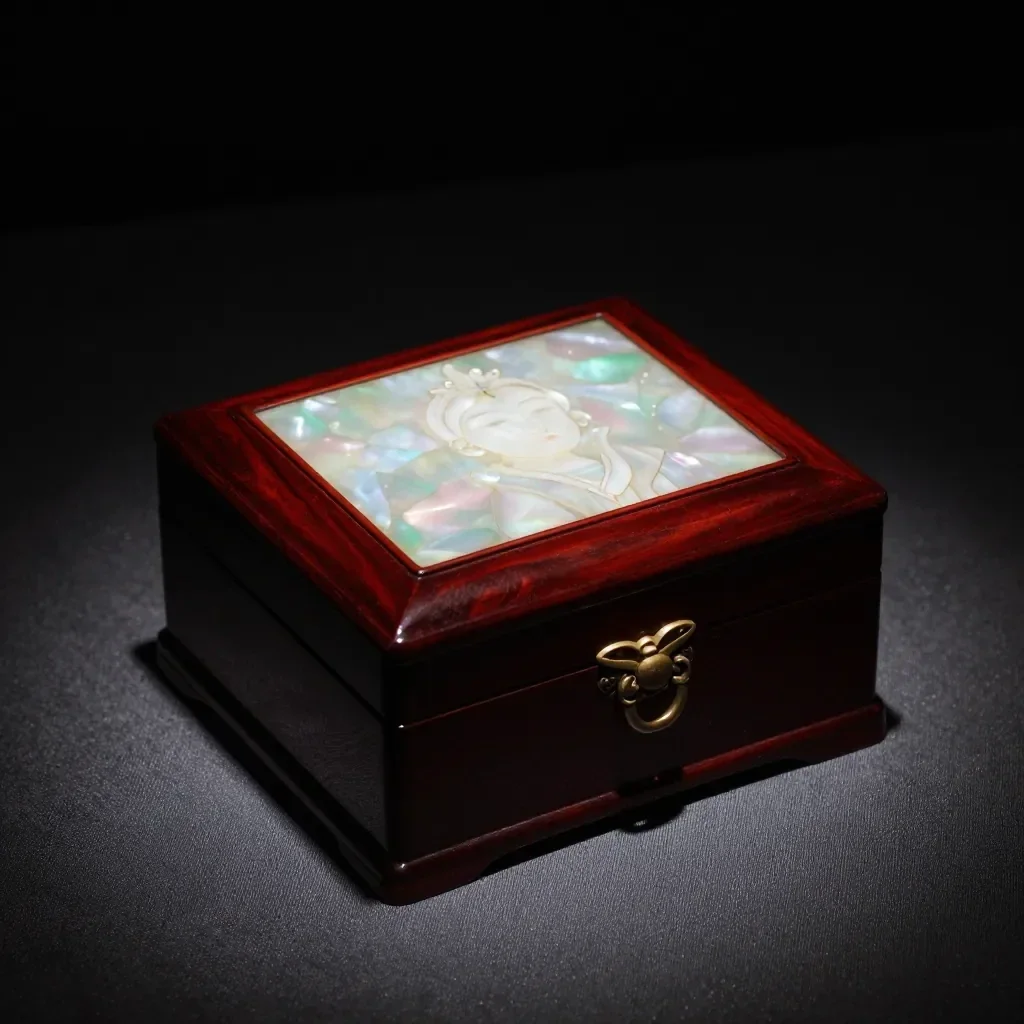 Przed
 po
 Przed
 po
 Przed
 po
 Przed
 po
 Przed
 po
Dobre dla
- Marketplace listing and detail-page images
- Social posts announcing a new product
- Holiday and gift-season promotions
Wskazówki dotyczące lepszych wyników
- A single product shot on a plain background gives the cleanest result.
- Shoot in bright, even light to avoid strong reflections and shadows.
- The AI can alter label text or small details, so always compare the result with the real product before selling.
Pytania
How much does it cost?
Free models are unlimited with an account. Models marked “Free with membership” are unlimited without credits during membership. Otherwise, the displayed credit price applies. Developer API usage is billed separately.
Can I use photos of other brands' products?
Only upload photos of yourself or photos you have the right to use. Impersonating real people or using results to deceive others is prohibited. Uploaded photos go through a safety check, you can delete your generated images at any time, and nothing appears in the public Explore feed unless you choose to share it.
Can I use the images on a product listing?
You own the images you make, but model licenses and each marketplace's rules still apply. Make sure the image does not misrepresent the real product, and label it as AI-generated where the platform requires.
Więcej aplikacji

Zdjęcie do anime
Przerysuj selfie jako anime, webtoon, akwarelę lub figurę 3D.

Zdjęcie profilowe AI
Zamień zwykłe selfie w zdjęcie identyfikacyjne, zdjęcie głowy w aplikacji o pracę lub awatar społecznościowy.

Tradycyjne stroje
Zobacz siebie w hanboku, kimonie, qipao lub hanfu.

Tło podróży
Keep yourself, swap the background for Kyoto, Seoul, Shanghai or Jeju.