AI Product Photo Backgrounds for Online Stores
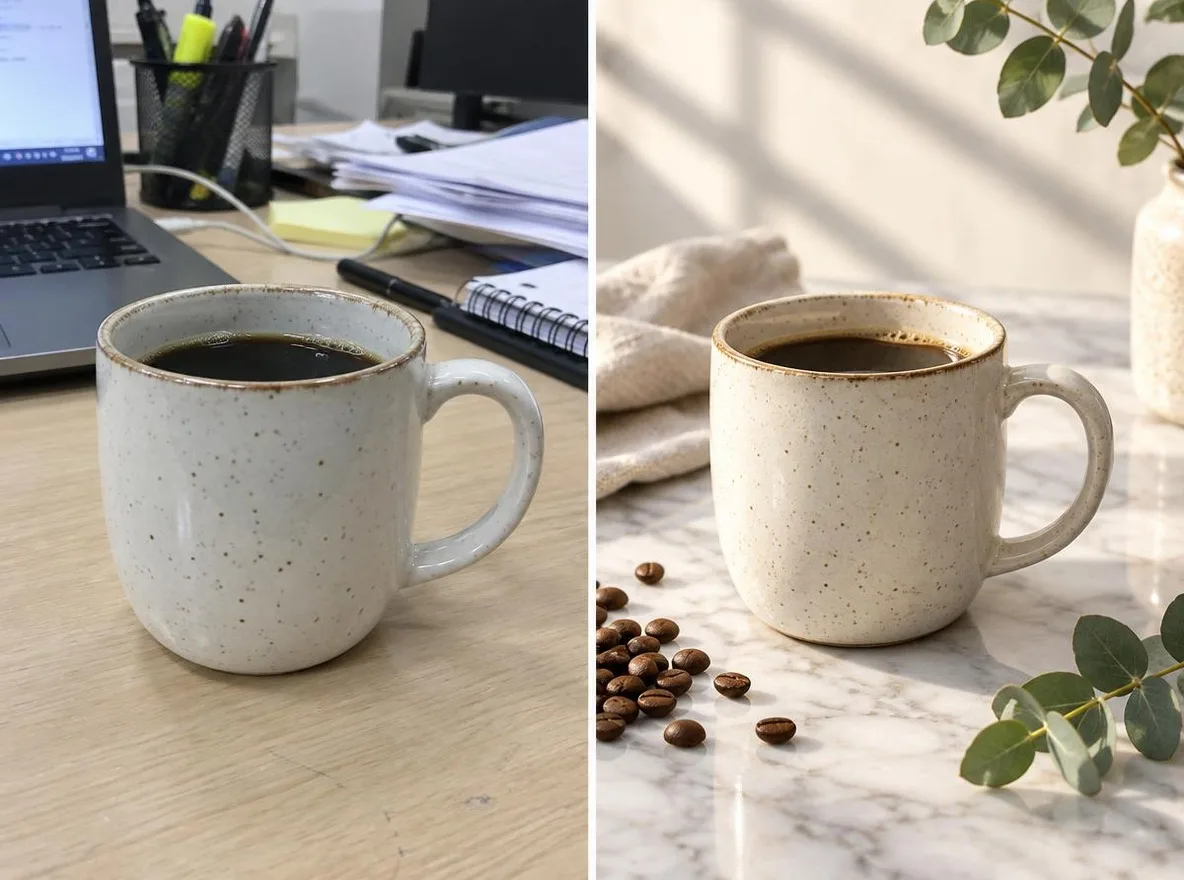
The Product scenes app keeps your product's shape, label and color and changes only the setting and mood, like a commercial shoot. Make listing images for Naver Smartstore, Coupang, Rakuten, Mercari or Taobao without a studio; results are 1:1 squares.
Новые аккаунты получают 50 кредитов. Бесплатные аккаунты могут создавать неограниченное количество изображений на сайте с помощью 5 базовых моделей без списания кредитов. Видео Lacquer на сайте бесплатны: 3 в день, до 5 секунд на ролик. Подписчики используют включённые модели безлимитно и без списания кредитов. Другие модели и API/MCP оплачиваются отдельно.
Обновлено
Как это работает
- Upload one photo where the product is clearly visible.
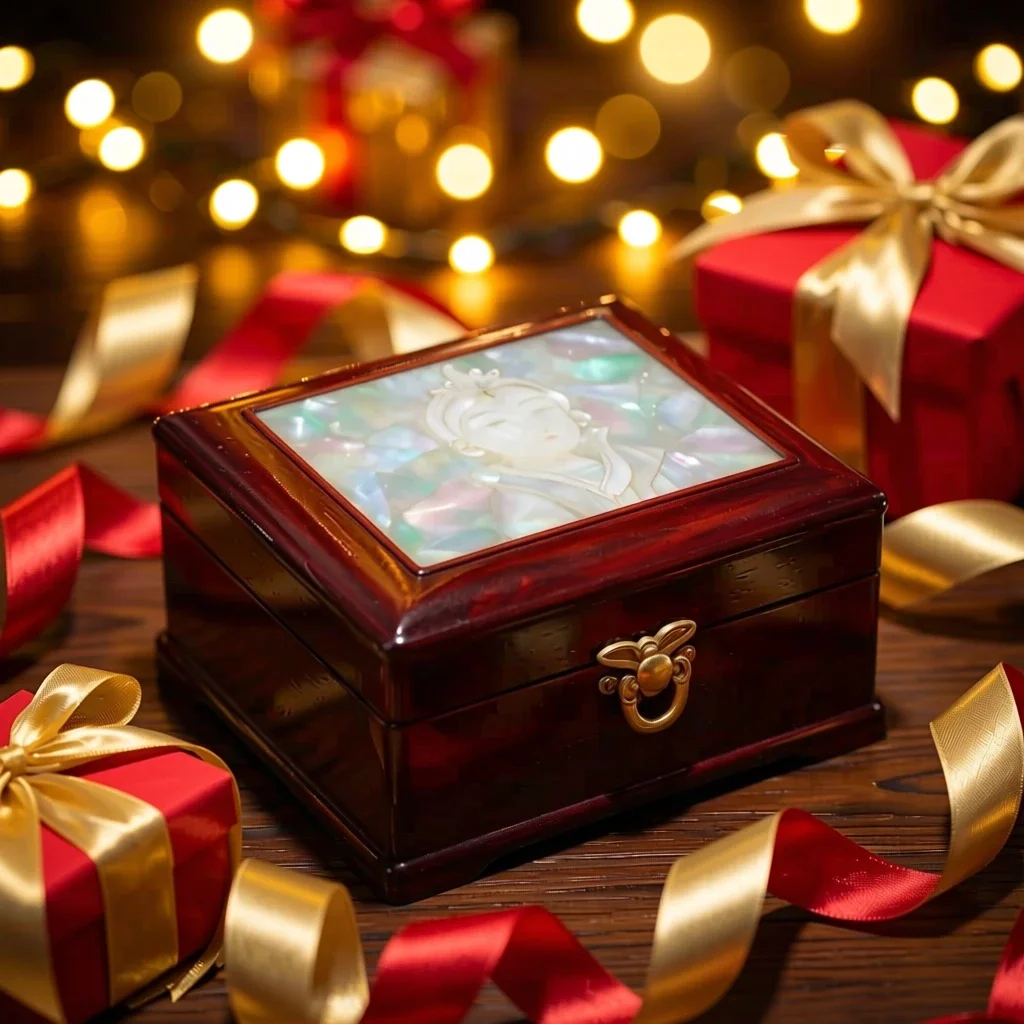
- Choose a scene: Marble, Water, Pastel studio, Nature or Gift season.
- Click transform, review the result and download it.
Опции
Примеры подсказок
Реальные результаты из изображений, созданных искусственным интеллектом, в нашей библиотеке. Фотография реального человека не использовалась.
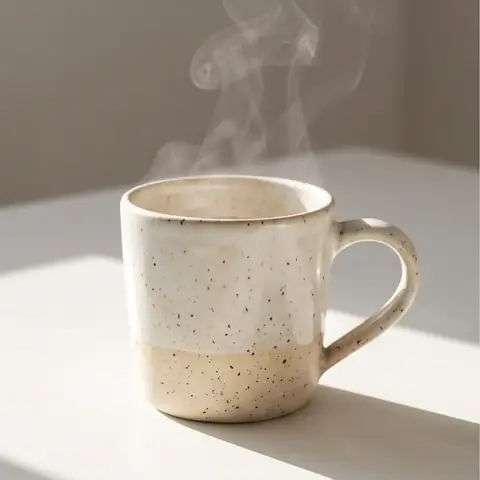 До
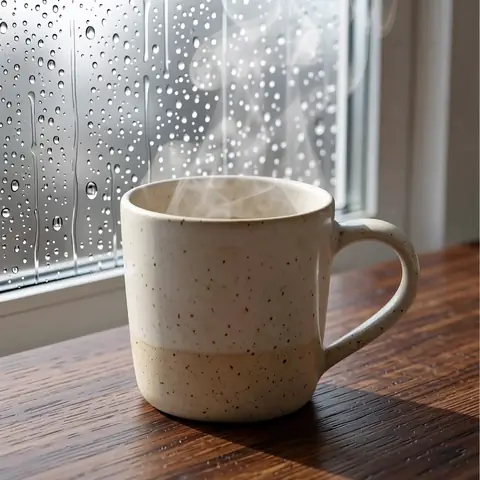 После
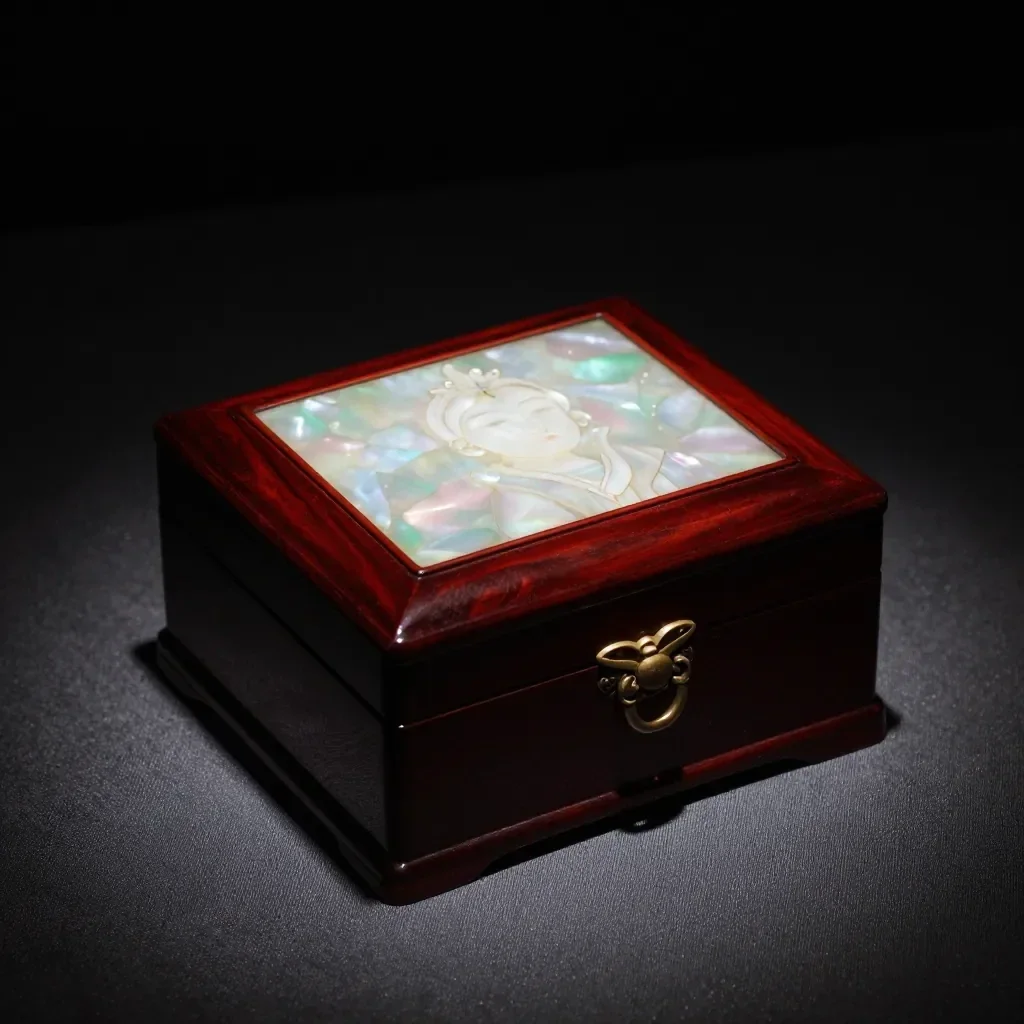 До
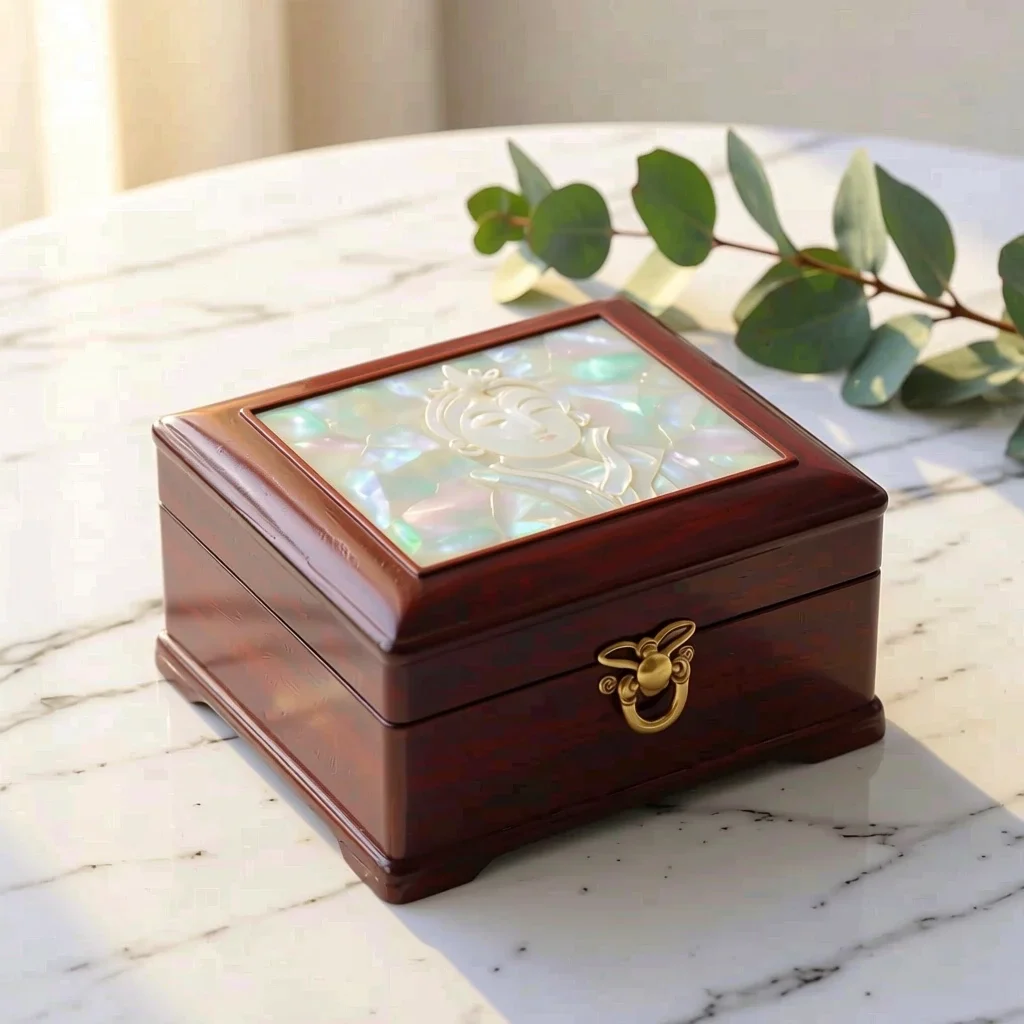 После
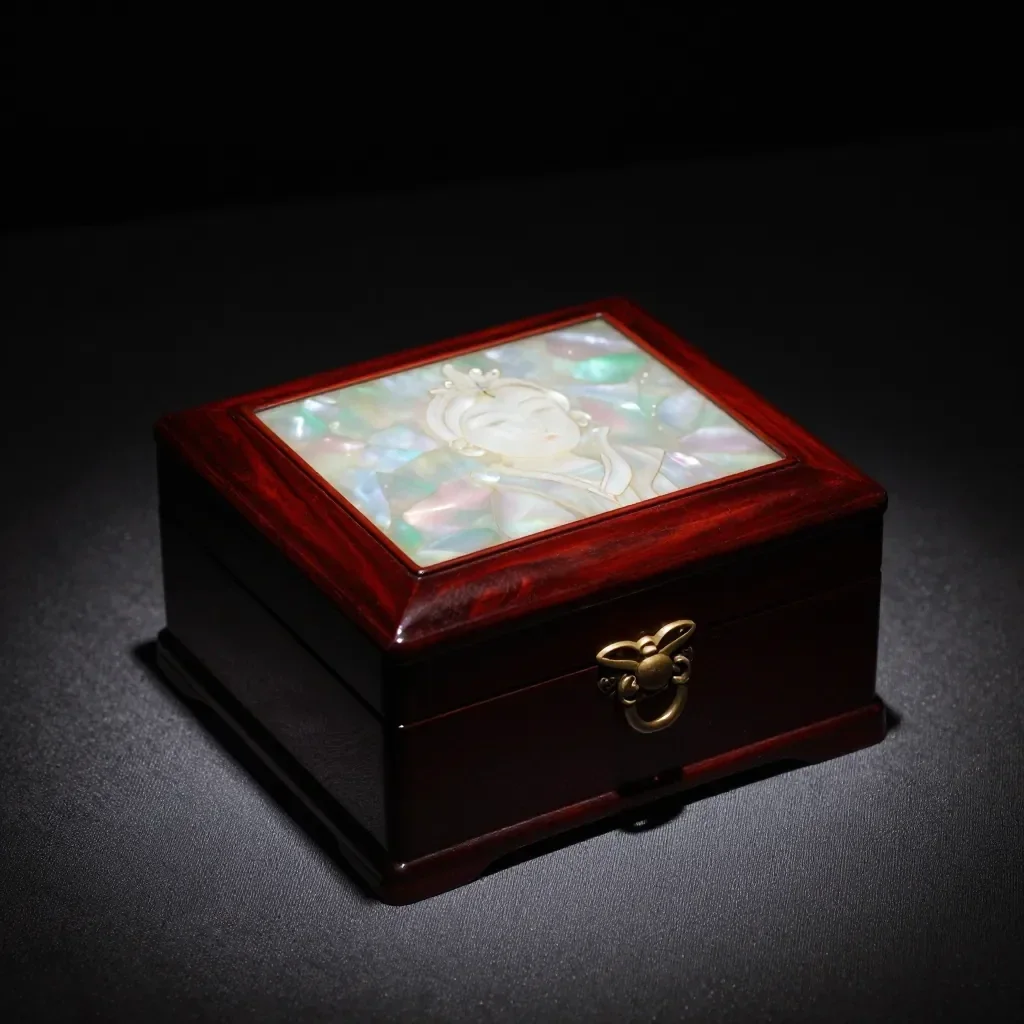 До
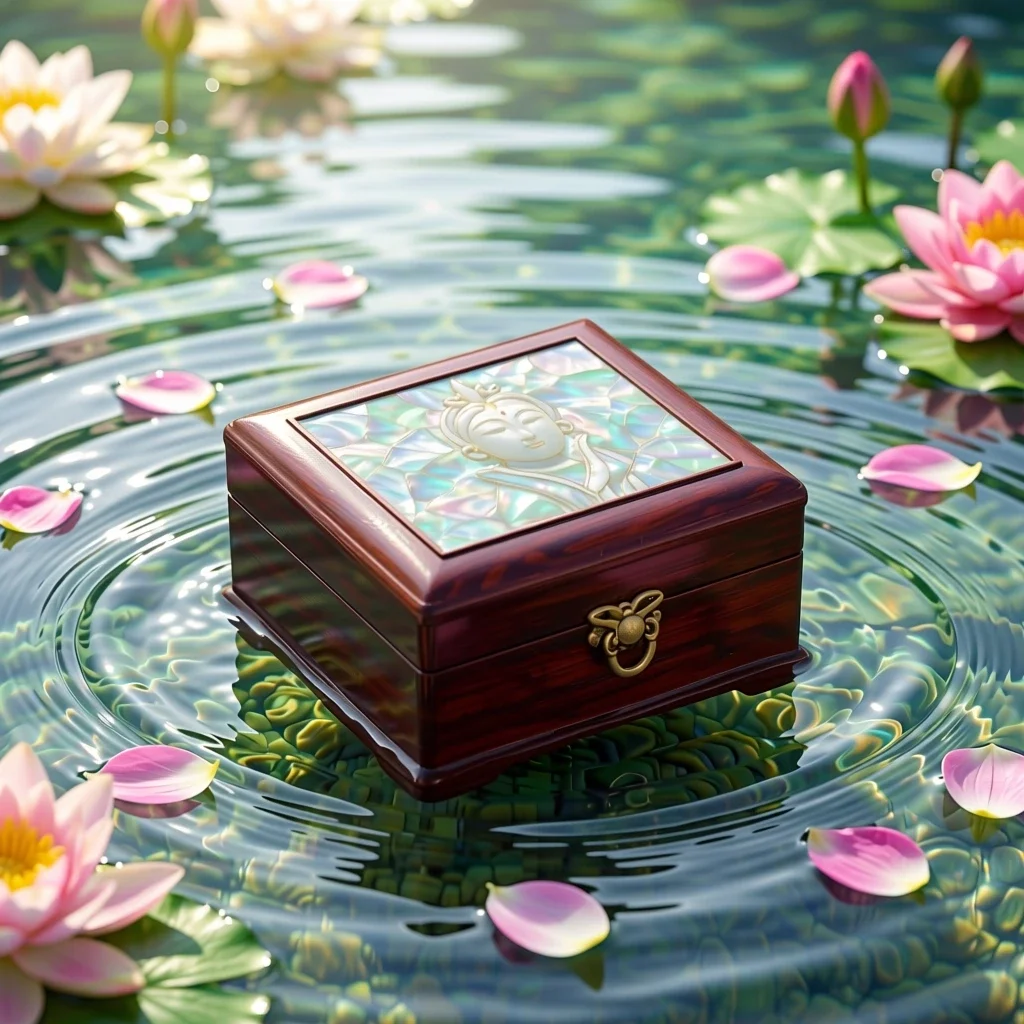 После
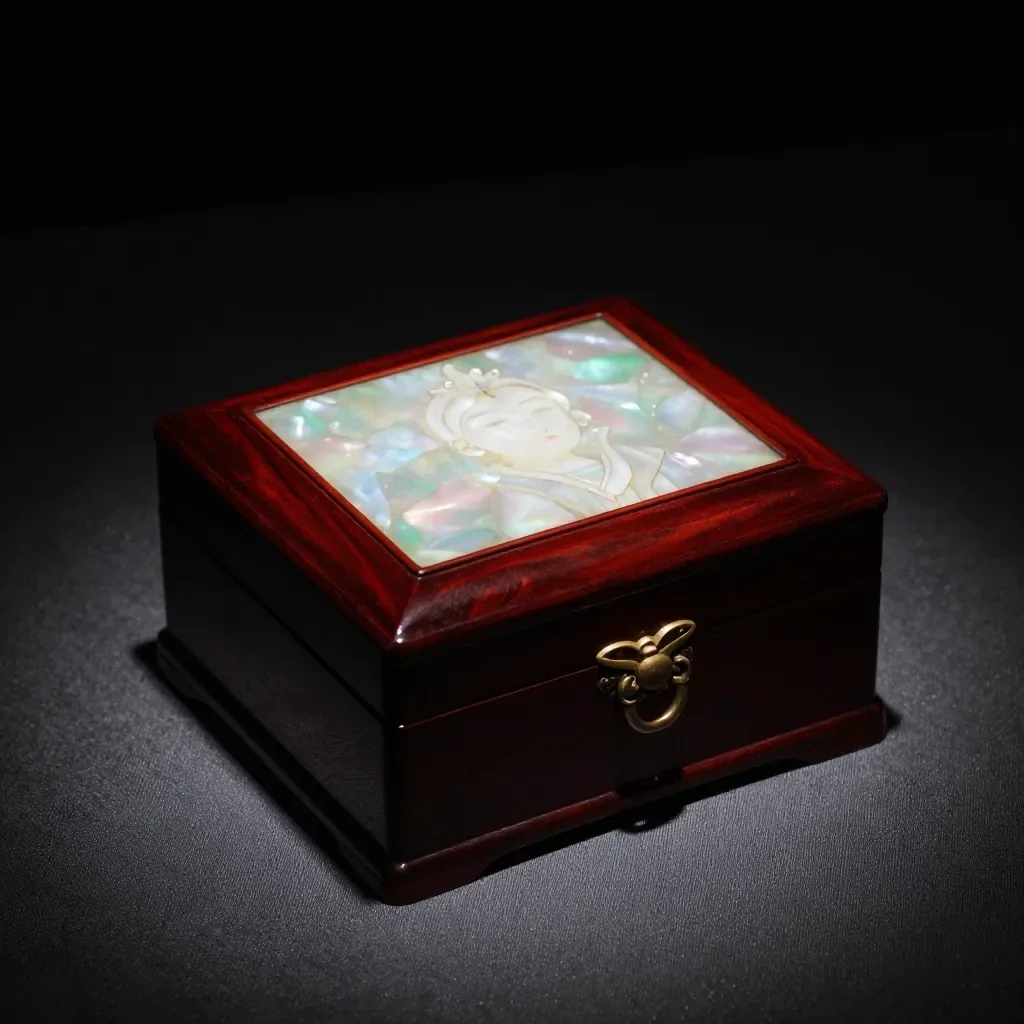 До
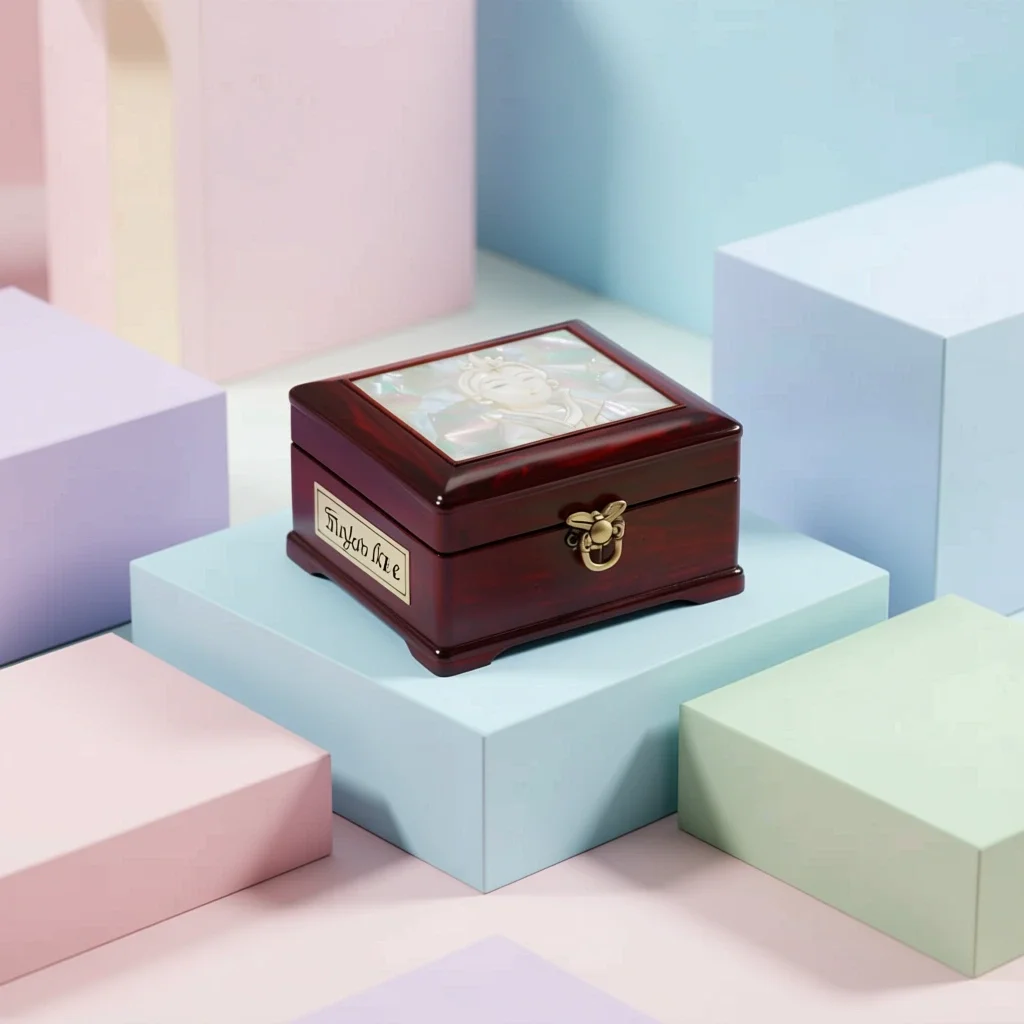 После
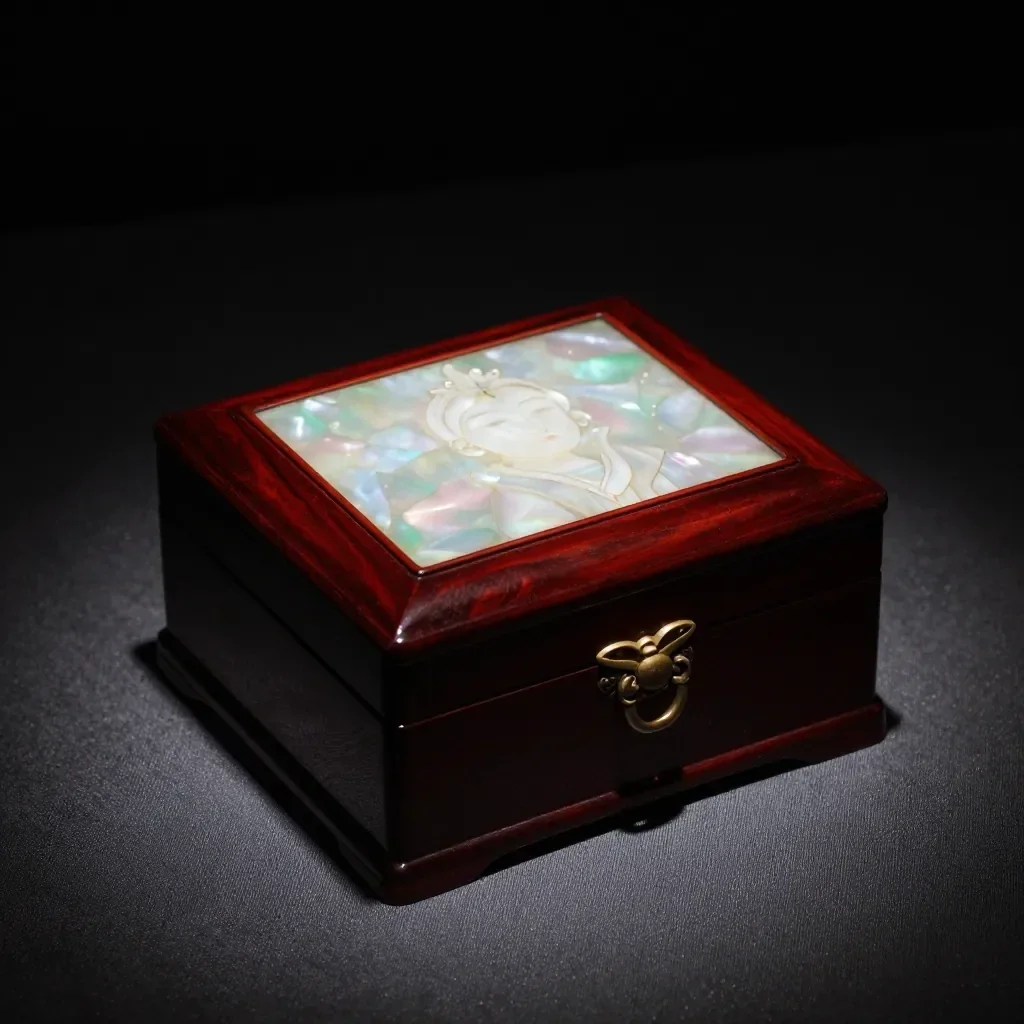 До
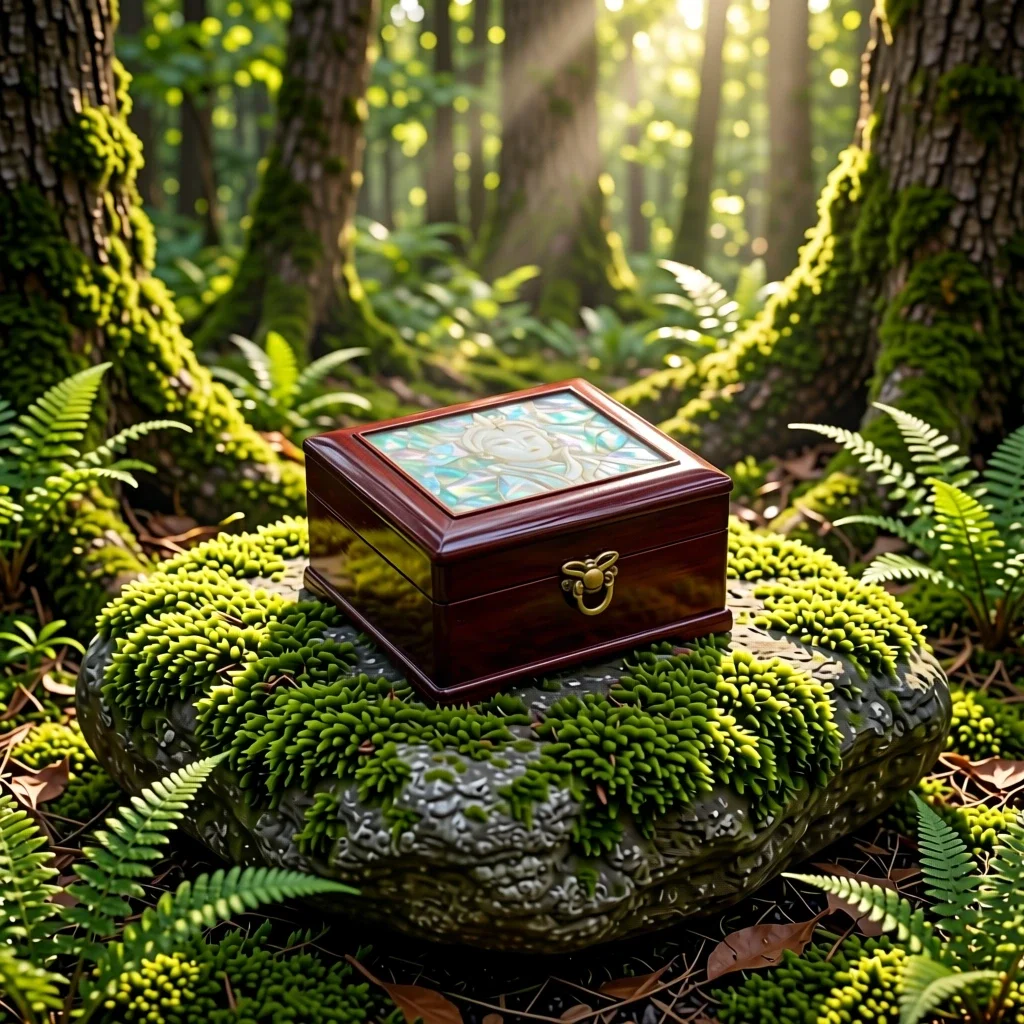 После
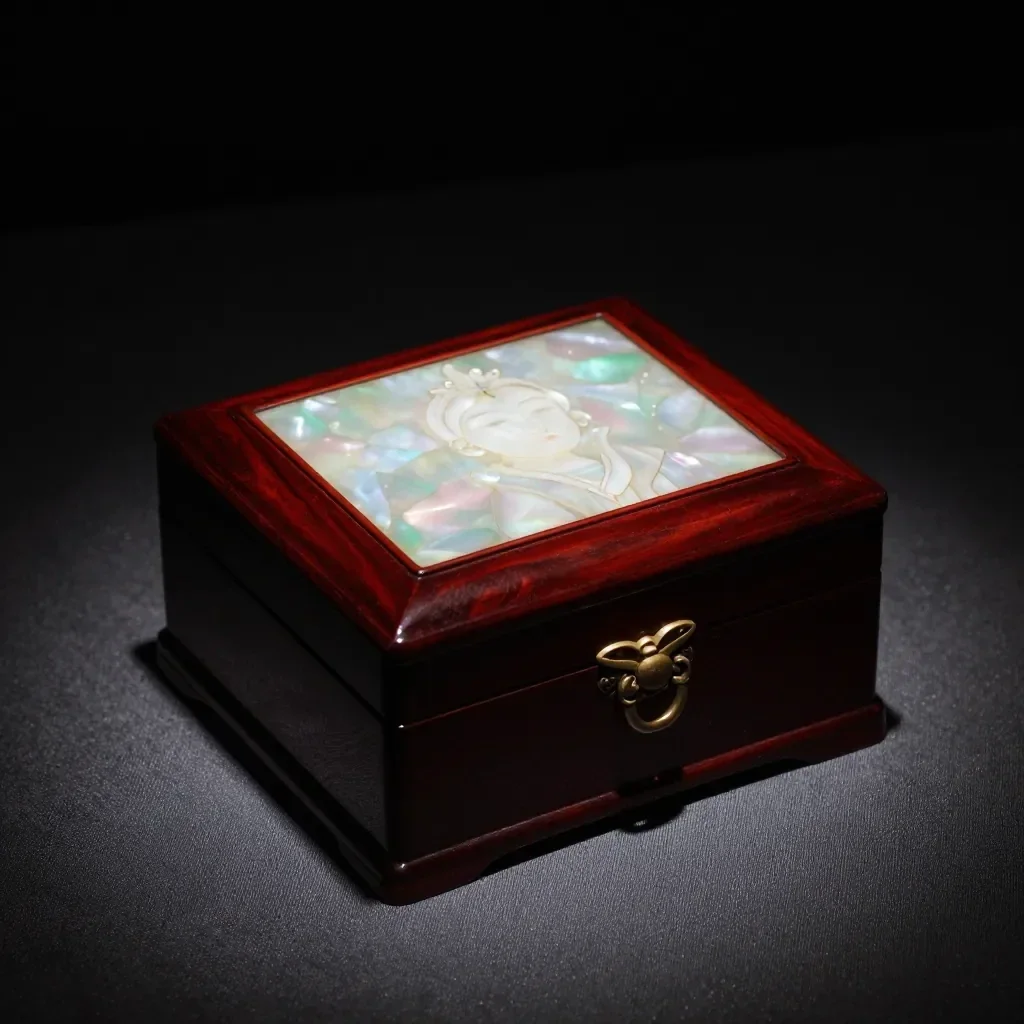 До
 После
Хорошо для
- Marketplace listing and detail-page images
- Social posts announcing a new product
- Holiday and gift-season promotions
Советы для достижения лучших результатов
- A single product shot on a plain background gives the cleanest result.
- Shoot in bright, even light to avoid strong reflections and shadows.
- The AI can alter label text or small details, so always compare the result with the real product before selling.
Вопросы
How much does it cost?
Free models are unlimited with an account. Models marked “Free with membership” are unlimited without credits during membership. Otherwise, the displayed credit price applies. Developer API usage is billed separately.
Can I use photos of other brands' products?
Only upload photos of yourself or photos you have the right to use. Impersonating real people or using results to deceive others is prohibited. Uploaded photos go through a safety check, you can delete your generated images at any time, and nothing appears in the public Explore feed unless you choose to share it.
Can I use the images on a product listing?
You own the images you make, but model licenses and each marketplace's rules still apply. Make sure the image does not misrepresent the real product, and label it as AI-generated where the platform requires.
Больше приложений

Фото в аниме
Перерисуйте селфи в виде аниме, вебтуна, акварели или 3D-фигуры.

Фото профиля AI
Превратите обычное селфи в фотографию на удостоверение личности, фотографию при приеме на работу или аватар в социальных сетях.

Традиционные наряды
Увидеть себя в ханбоке, кимоно, ципао или ханфу.

Путешествие фон
Оставайтесь собой, поменяйте фон на Киото, Сеул, Шанхай или Чеджу.