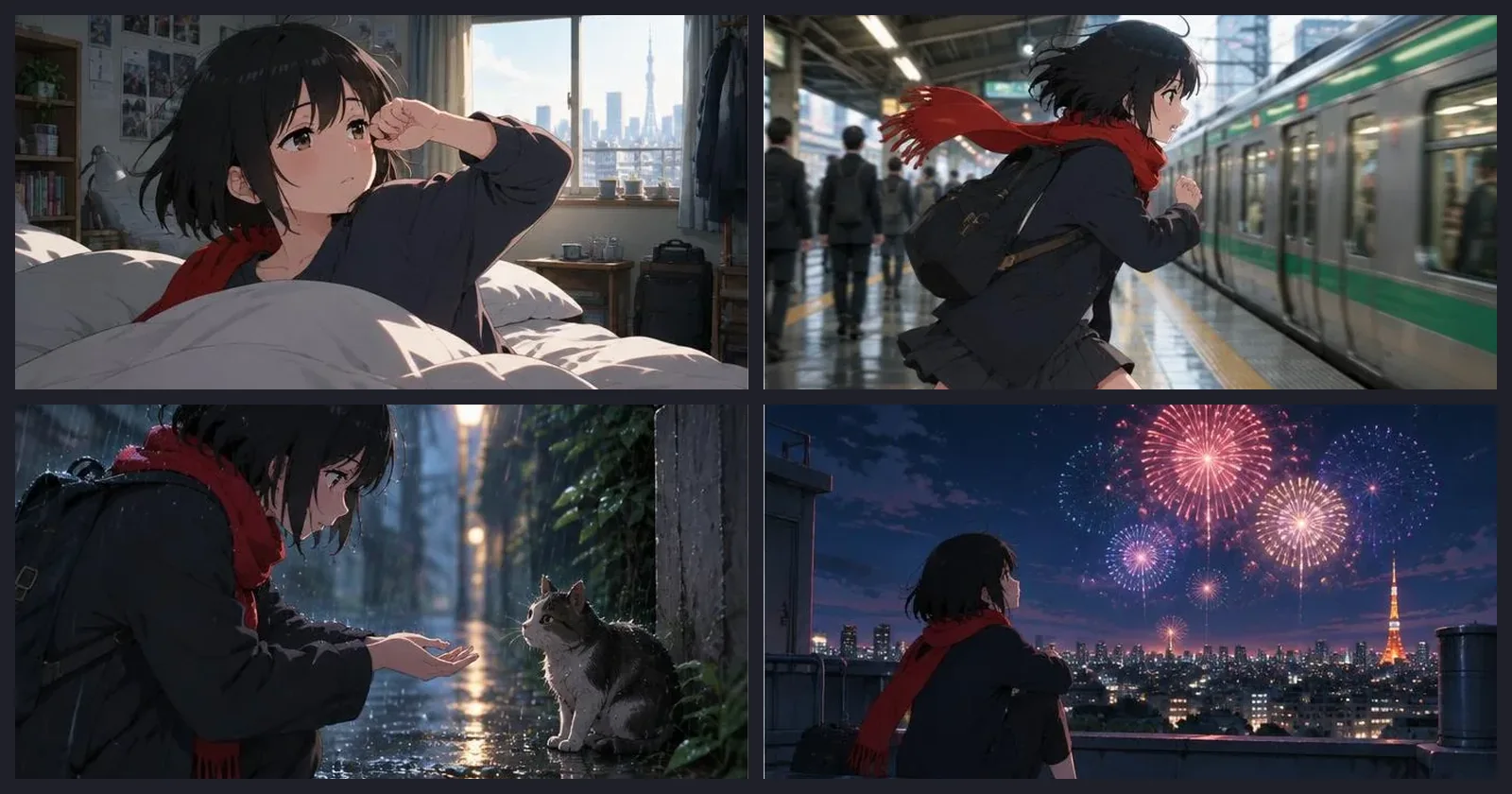
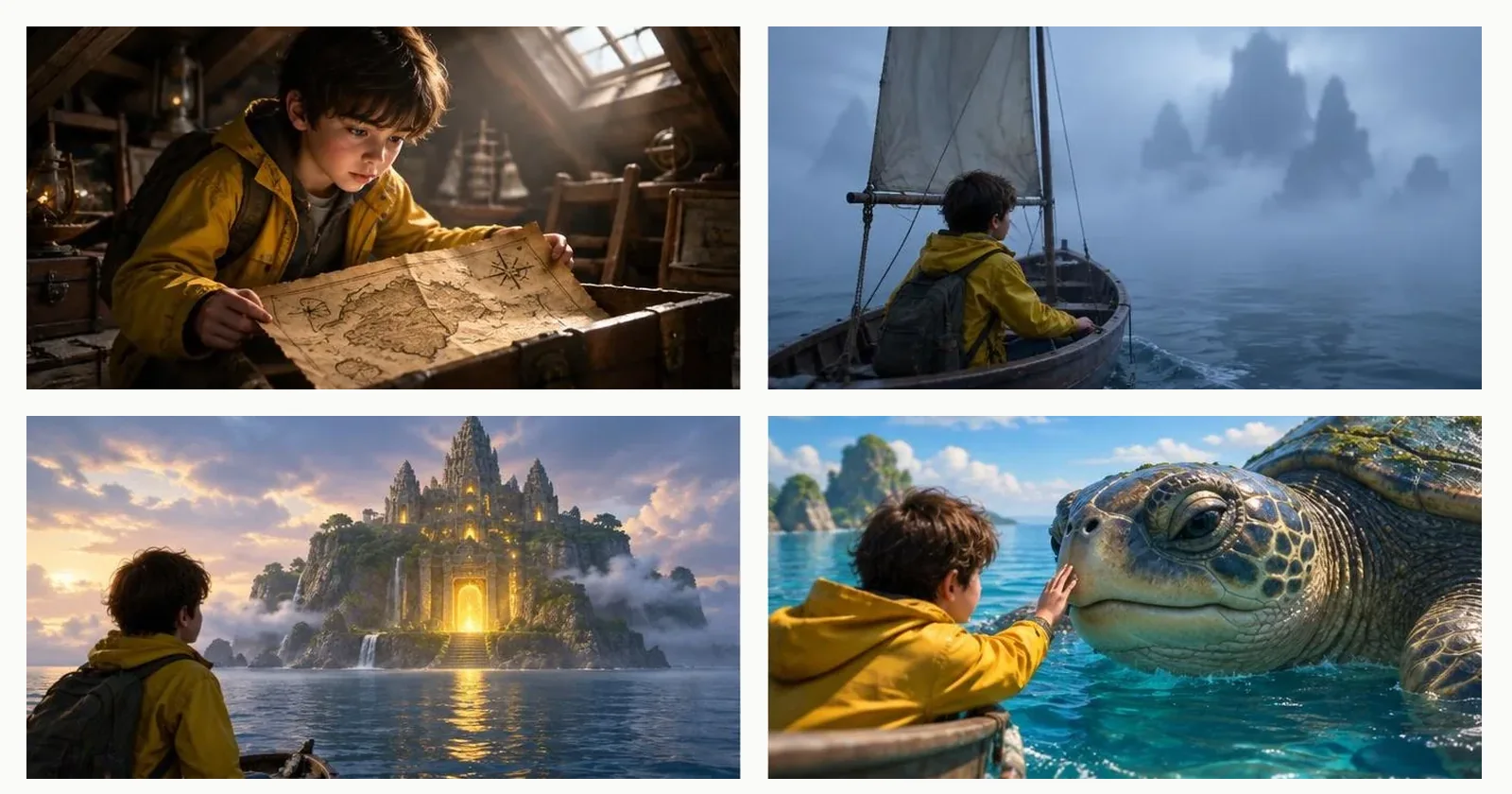
Stories and storyboards
Plan a story scene by scene, draw it, turn it into clips and join them into one video.
Pick the job and you land on a guide that says what the tool does, how to use it and what it has really made. You need a free account to create anything, and signing up asks for no card. The price is always shown before a run.
Save a face once, then keep using it in new scenes, video and posts.
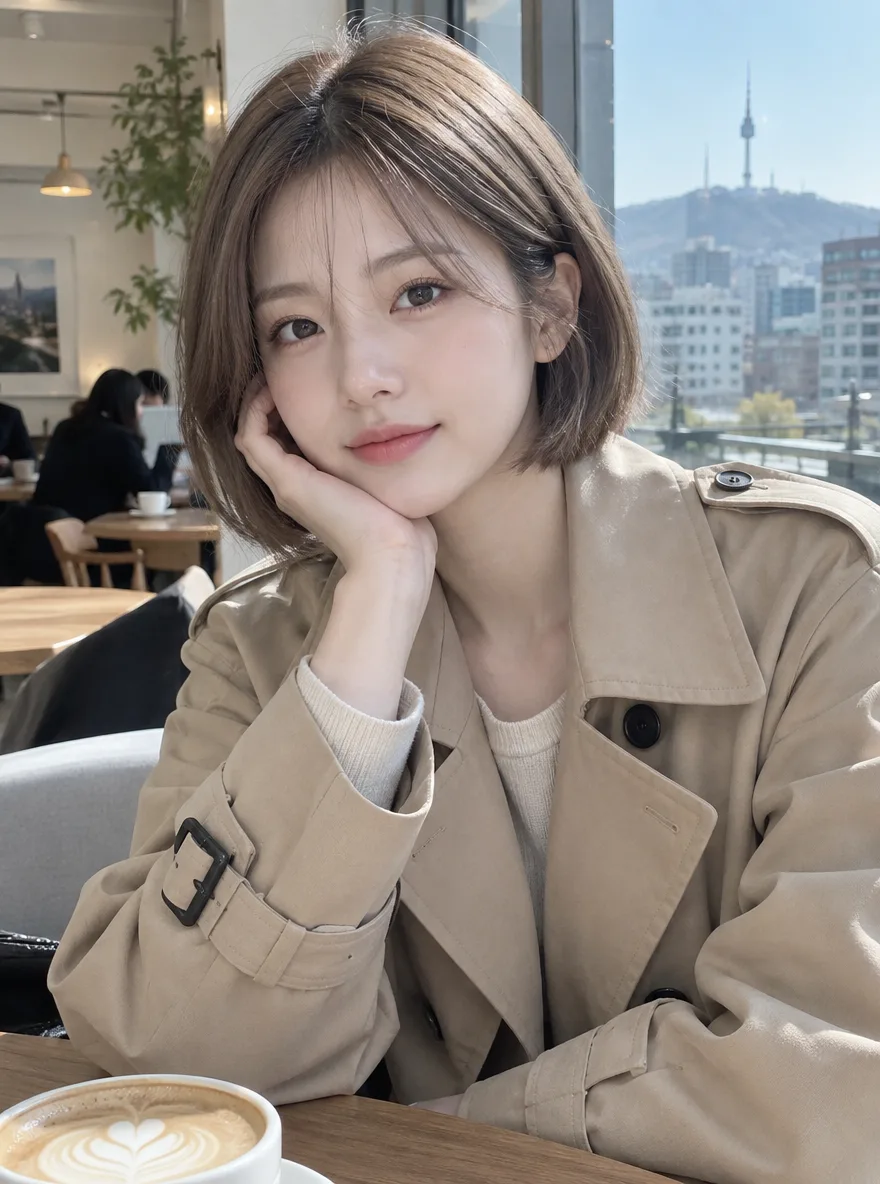
Create a fictional face and save it as a character.
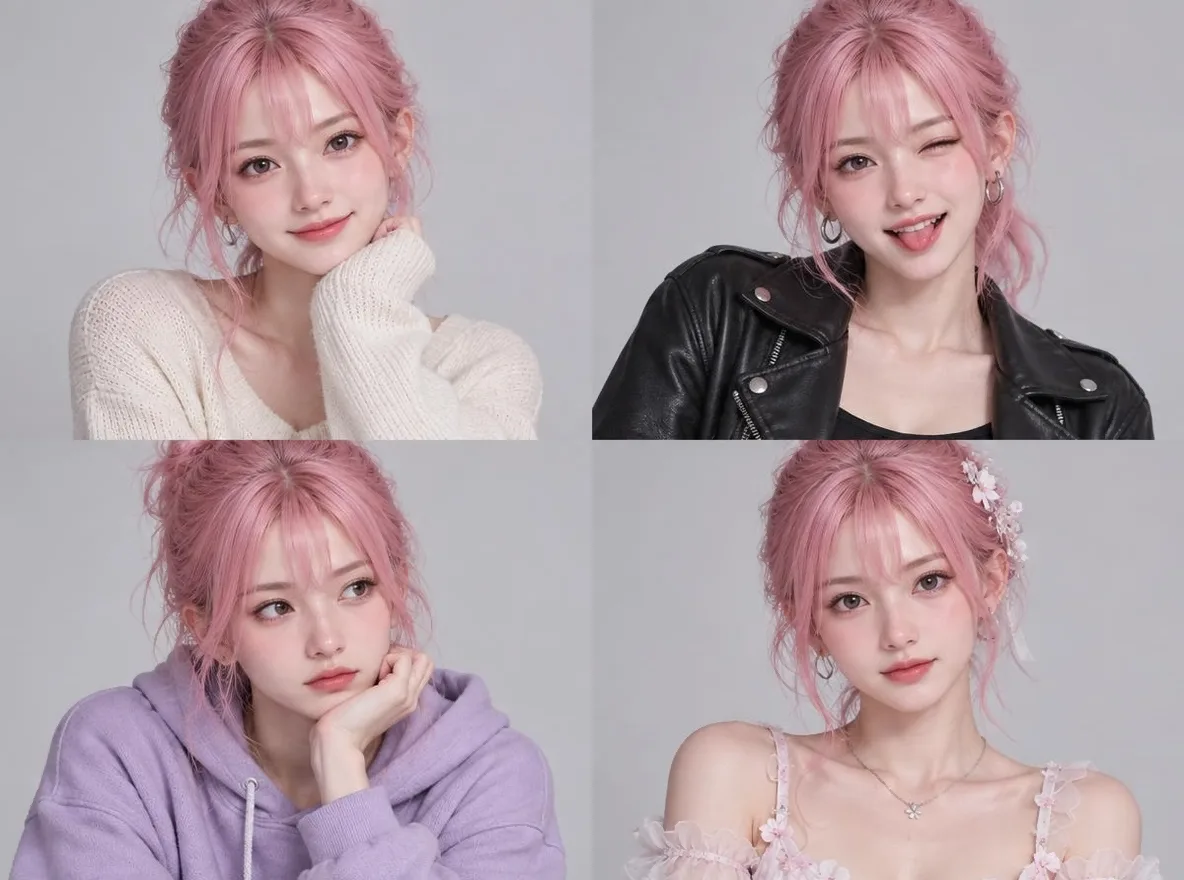
Make an avatar three ways: redraw a selfie, pick traits with no photo, or refine a starter portrait.
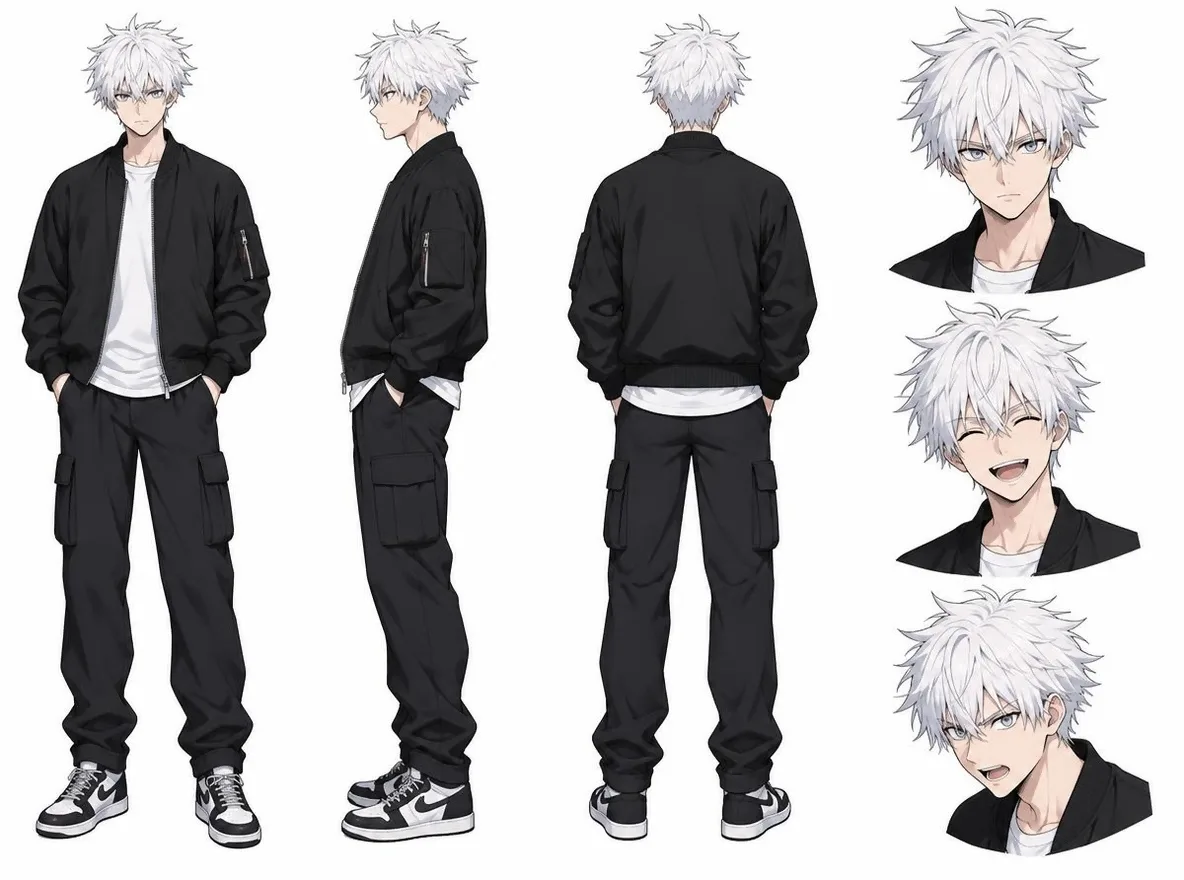
Open Characters, choose AI portrait, anime or mascot, and describe hair, clothes and colours to make a few options.
New pictures from words or a reference. The five basic image models are free and unlimited on a free account.
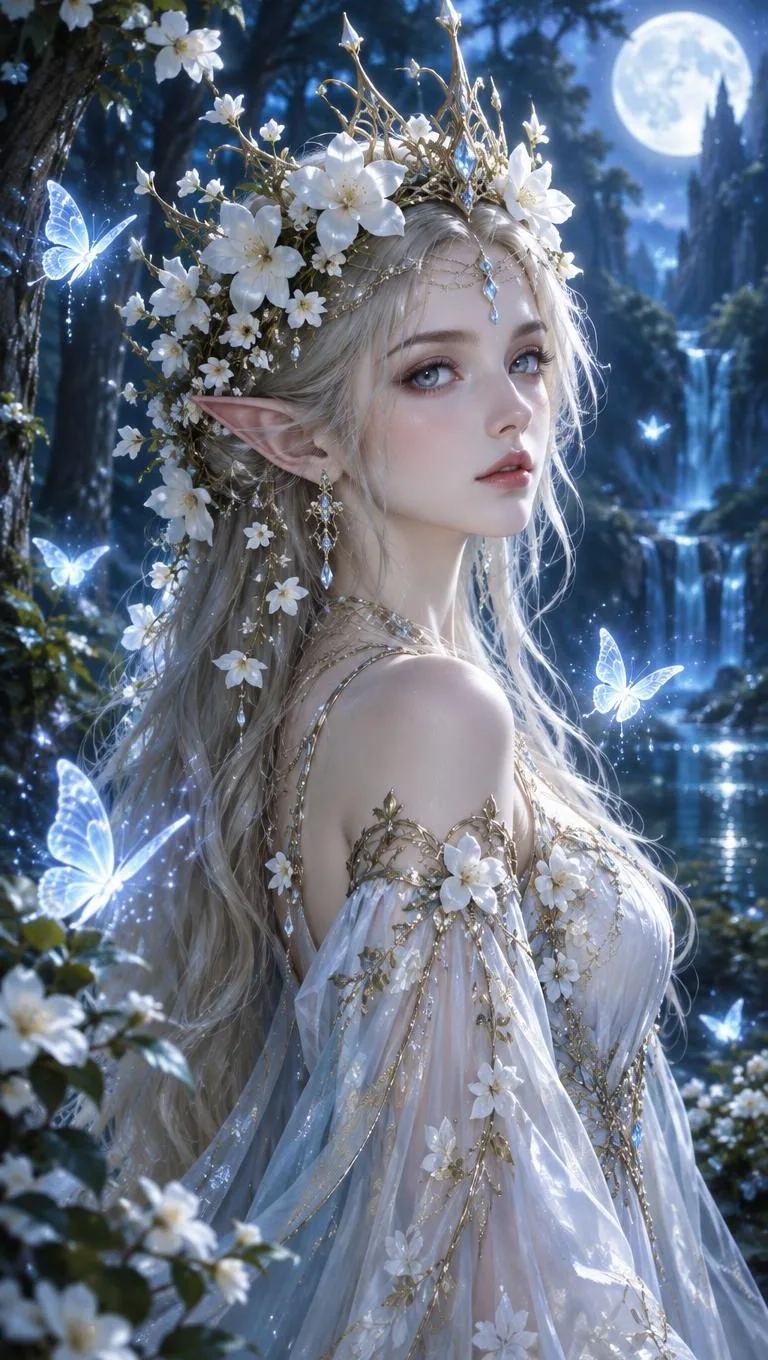
Turn text into images in English, Korean, Japanese or Chinese.
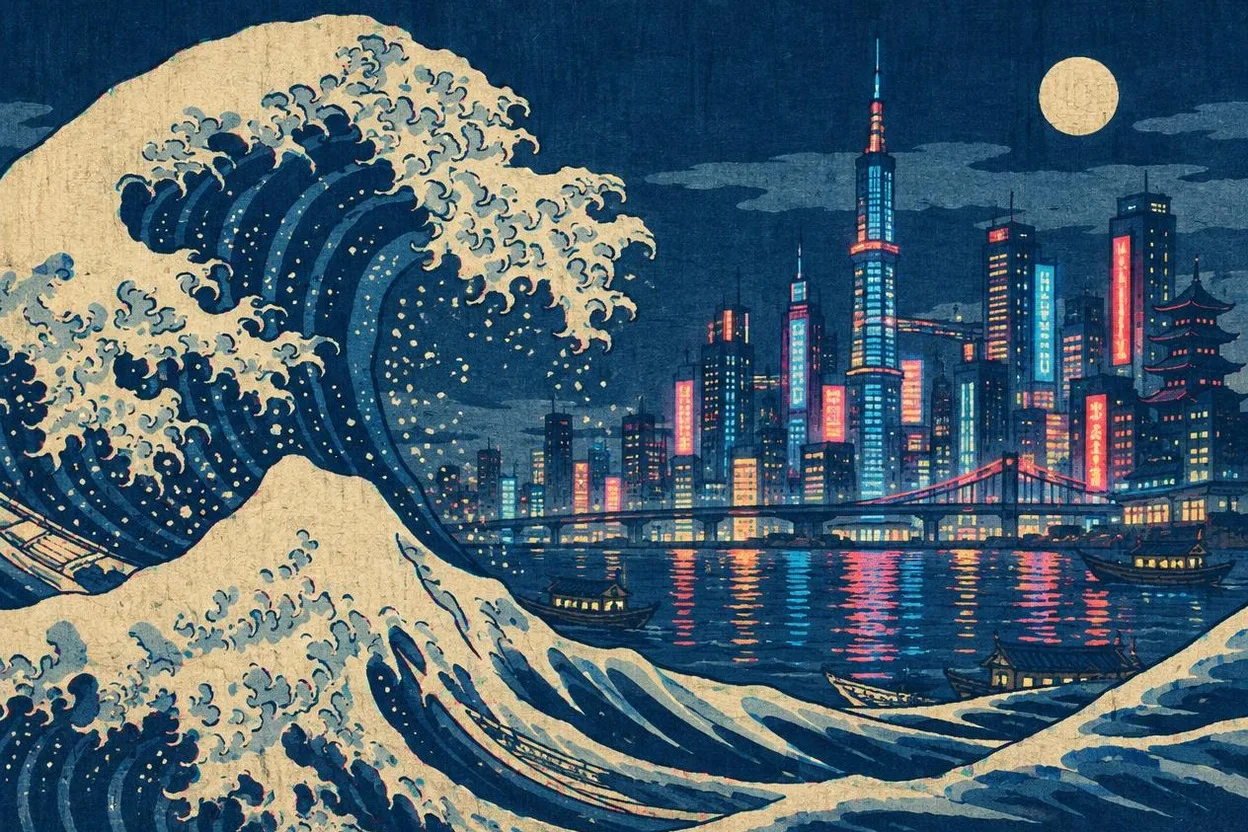
Five basic image models are free and unlimited on a free account: Saffron, Indigo, Amber, Cobalt and Jade.
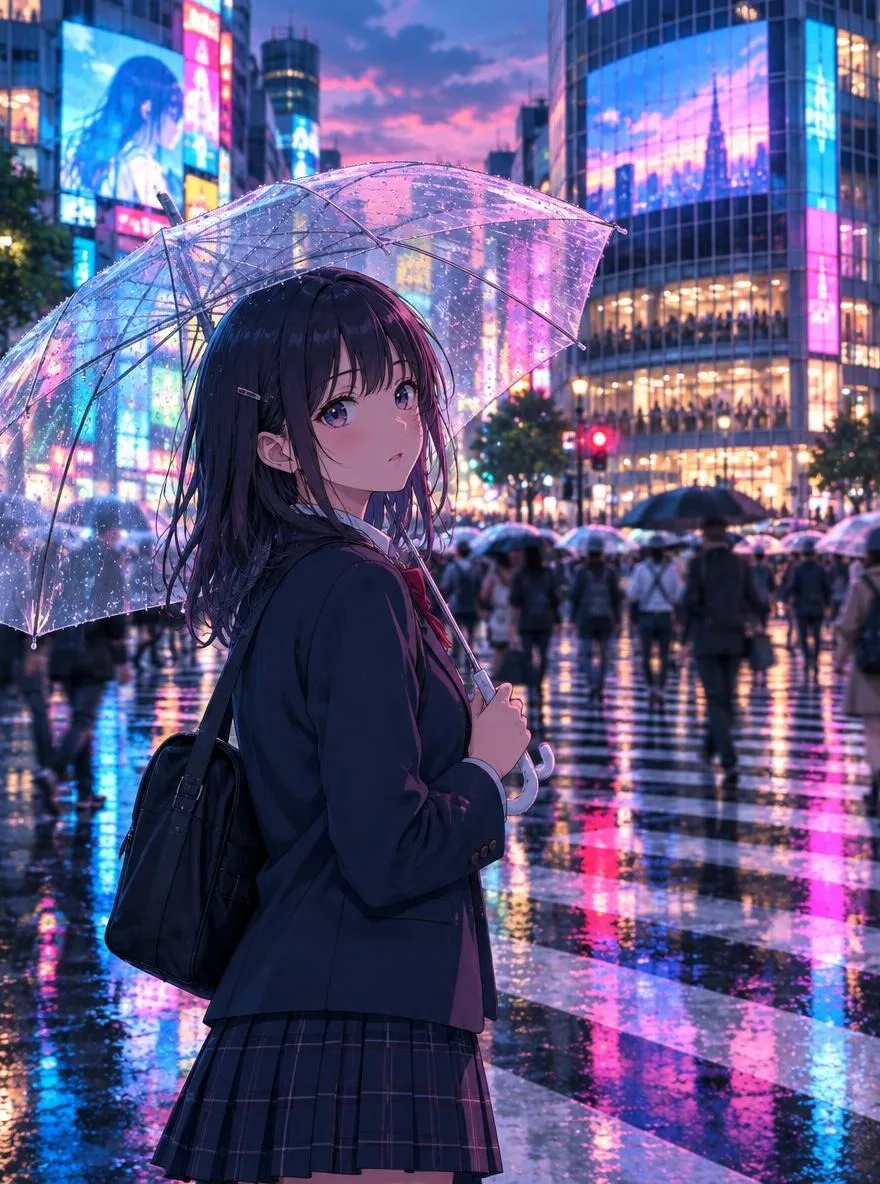
Create anime, webtoon, guofeng and ukiyo-e art from a short prompt.
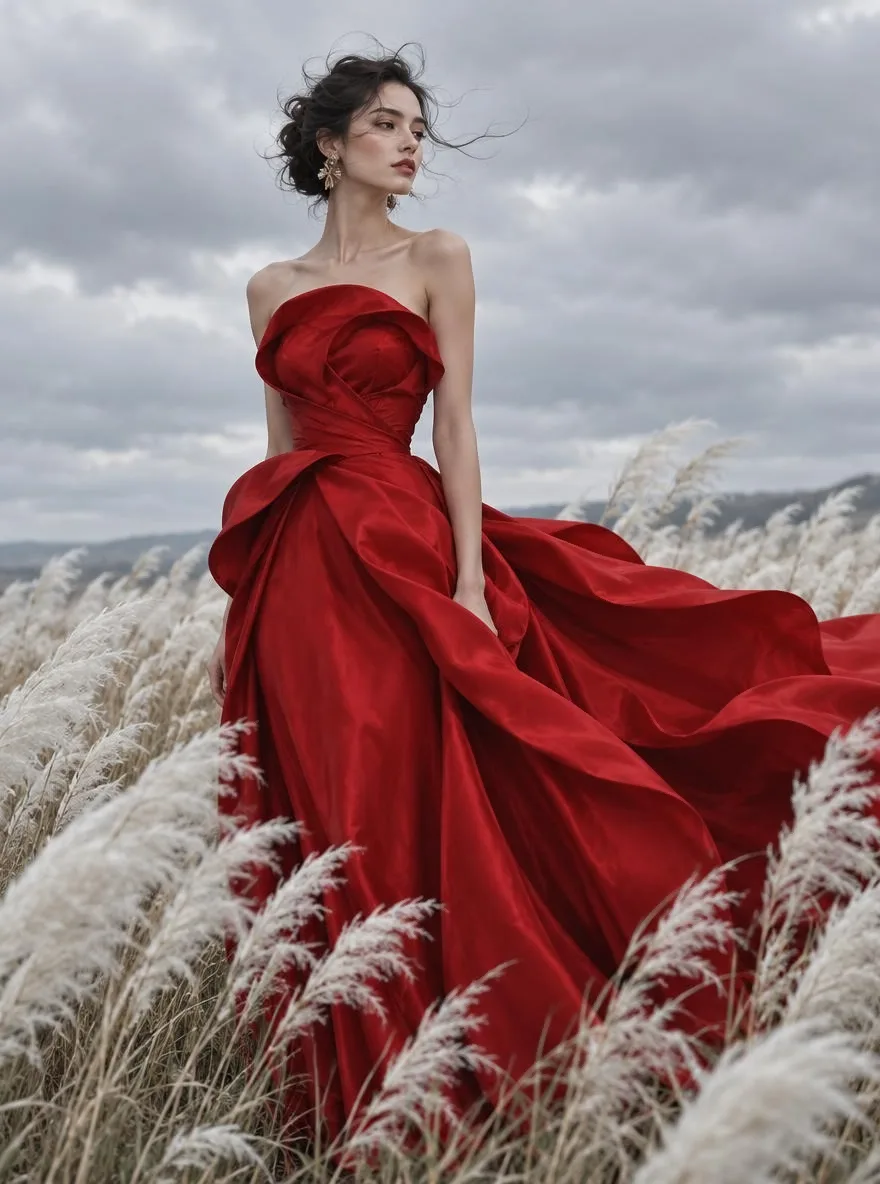
Images you make on Pickshot are private by default.
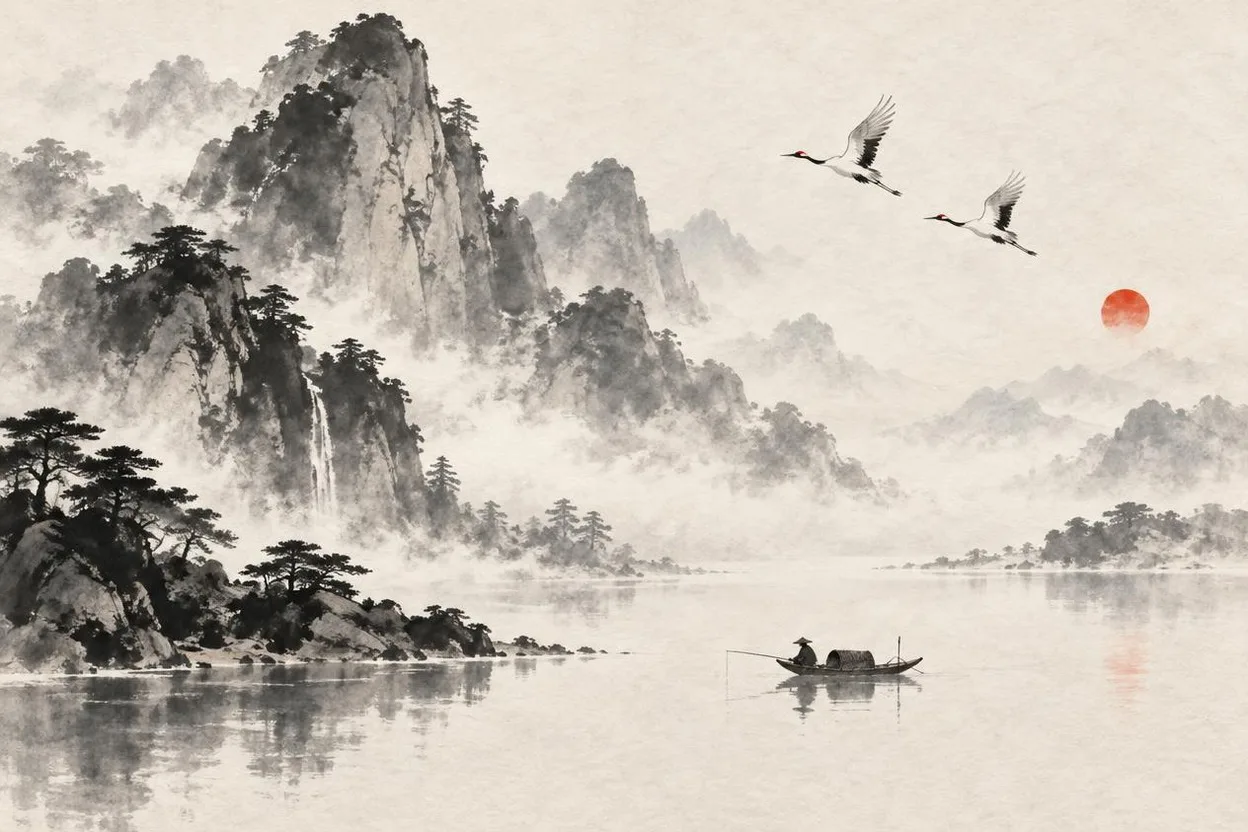
Make a wallpaper from one sentence: 9:16 for phones, 16:9 for desktops.
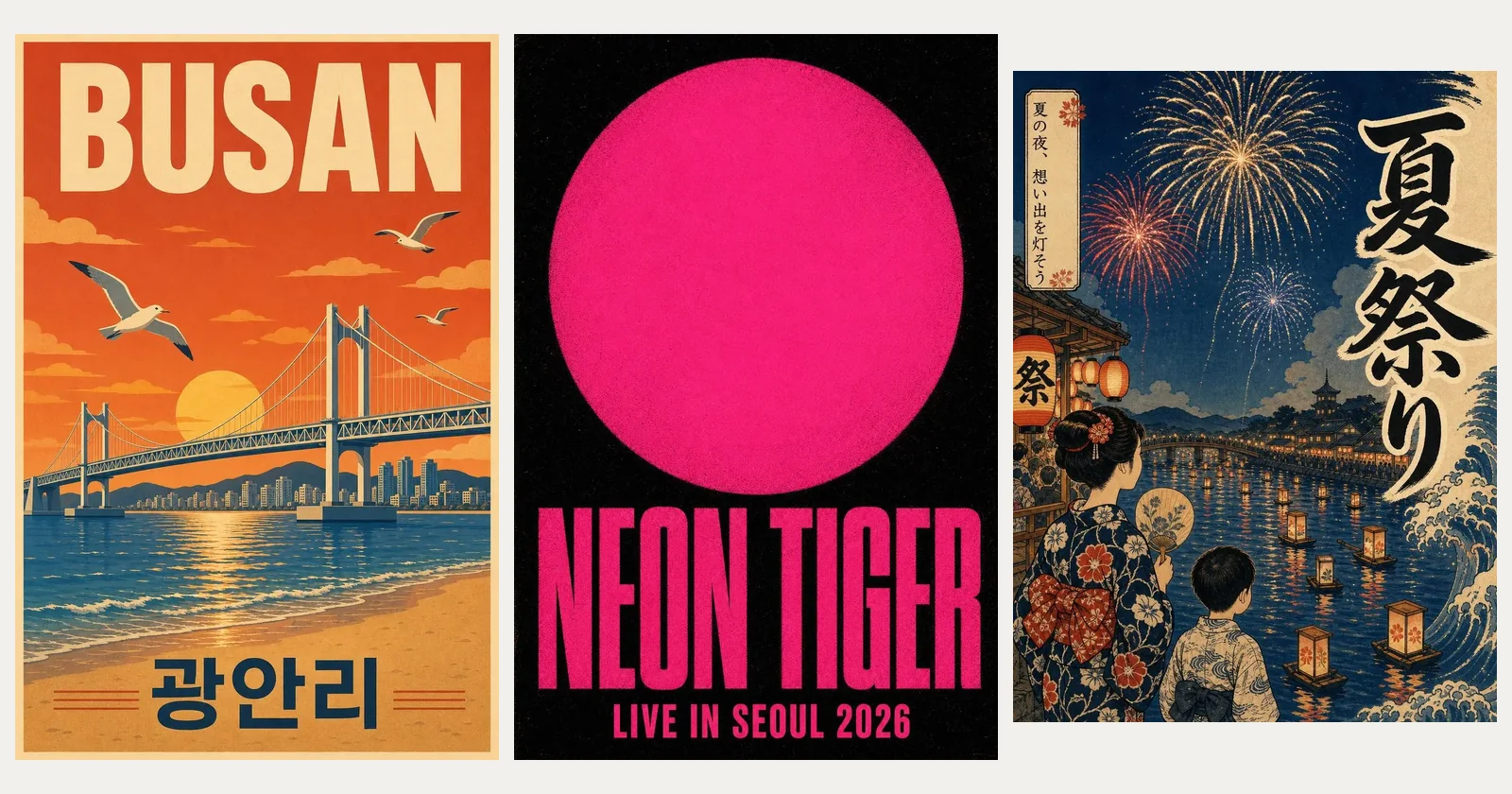
Make a poster from one sentence, with the headline drawn into the picture.
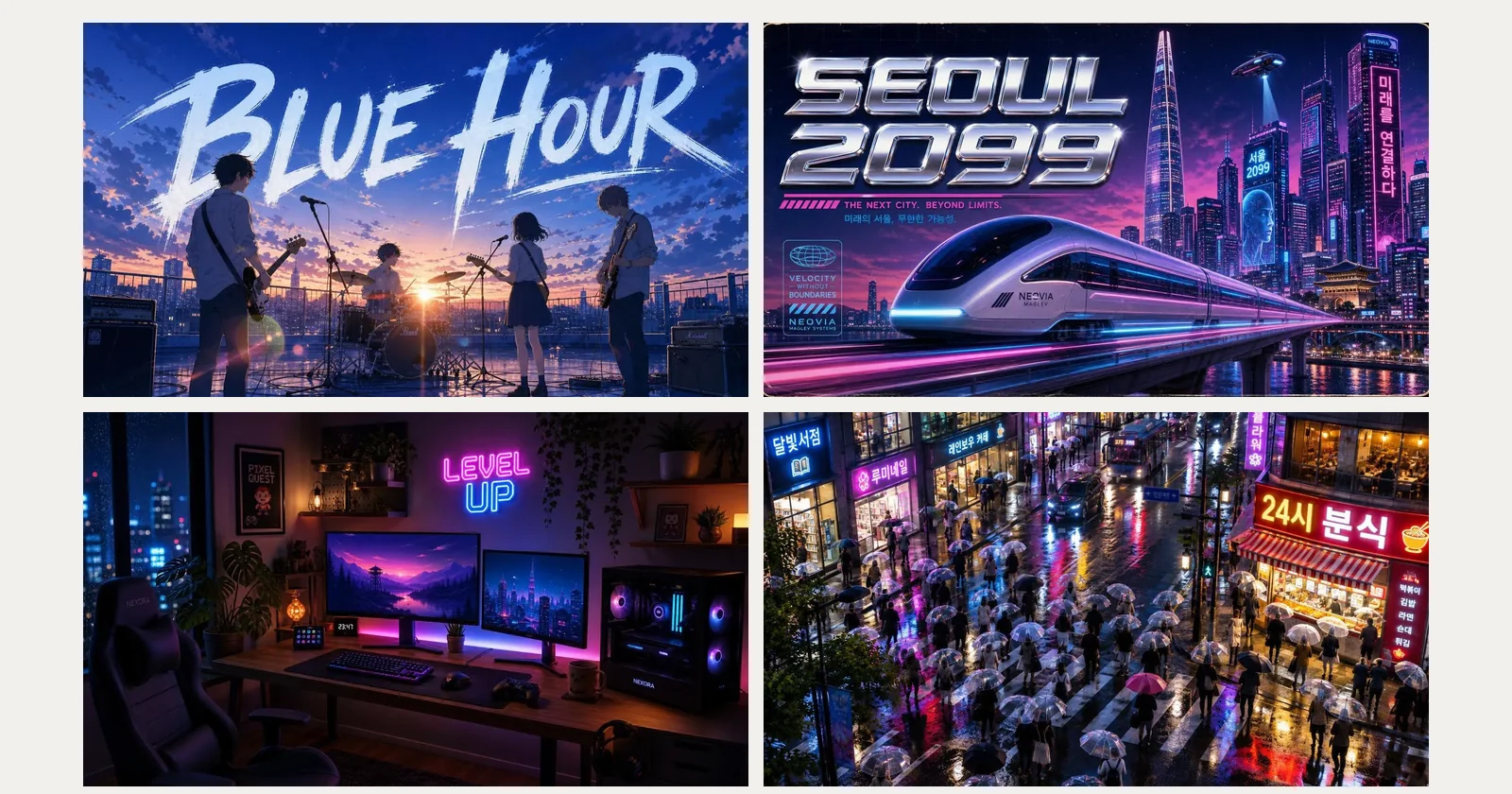
Make a 16:9 thumbnail with a few big words drawn in.
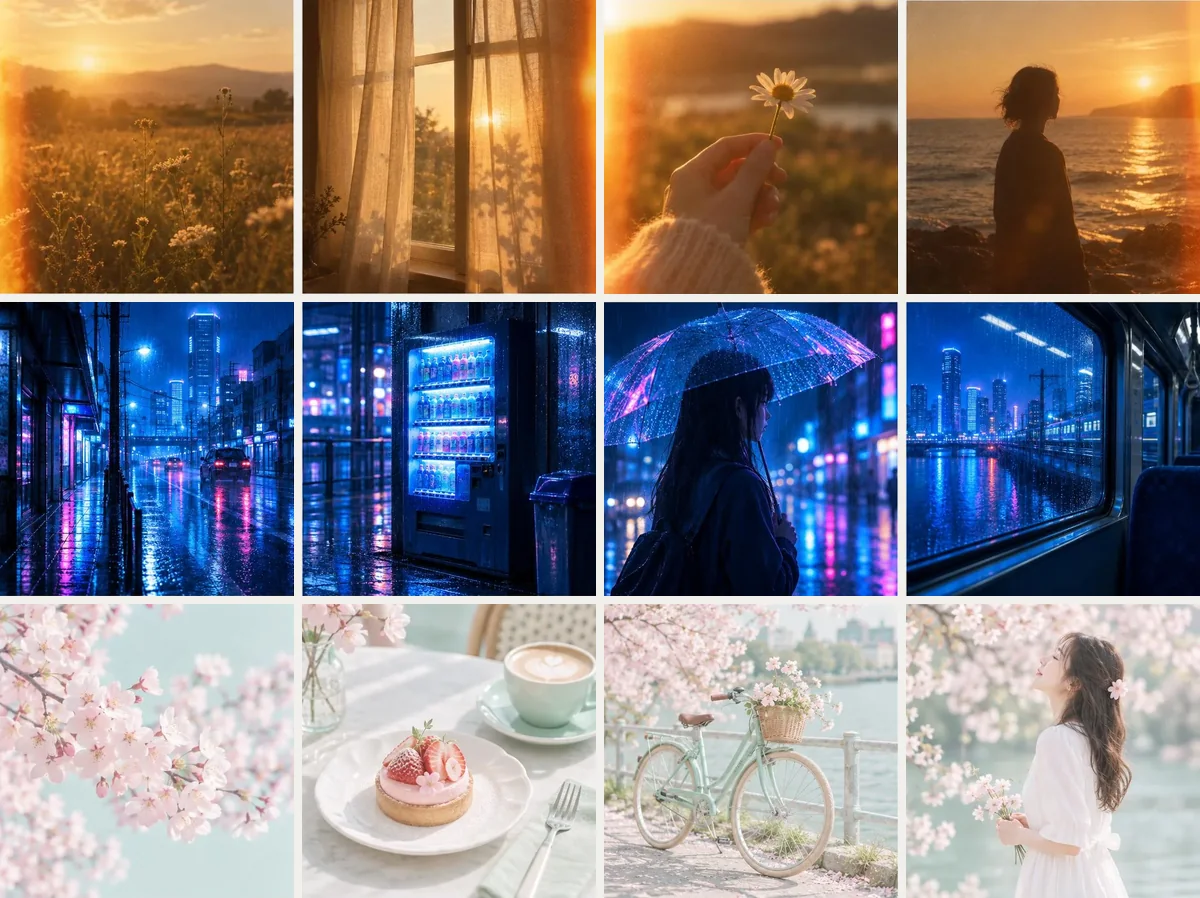
Choose 20 to 60 of your pictures and Pickshot reads the look, colours, light, mood and finish they share…
Change one part of a photo: the background, an object, the sharpness or the clothes.
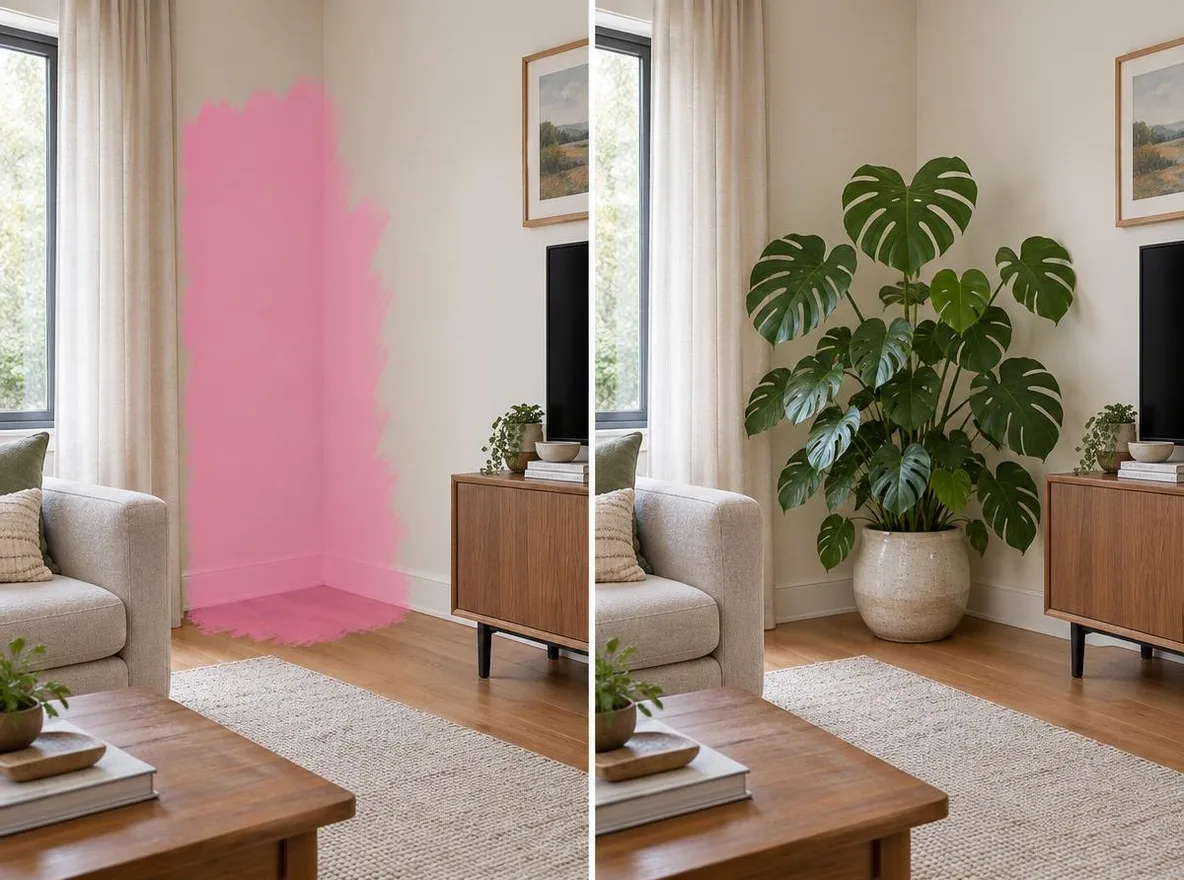
Upload a photo and pick a tool: edit it with words, remove or replace the background, erase objects…
Cut out the subject of any photo and get a transparent PNG, a white background or a colour you pick.
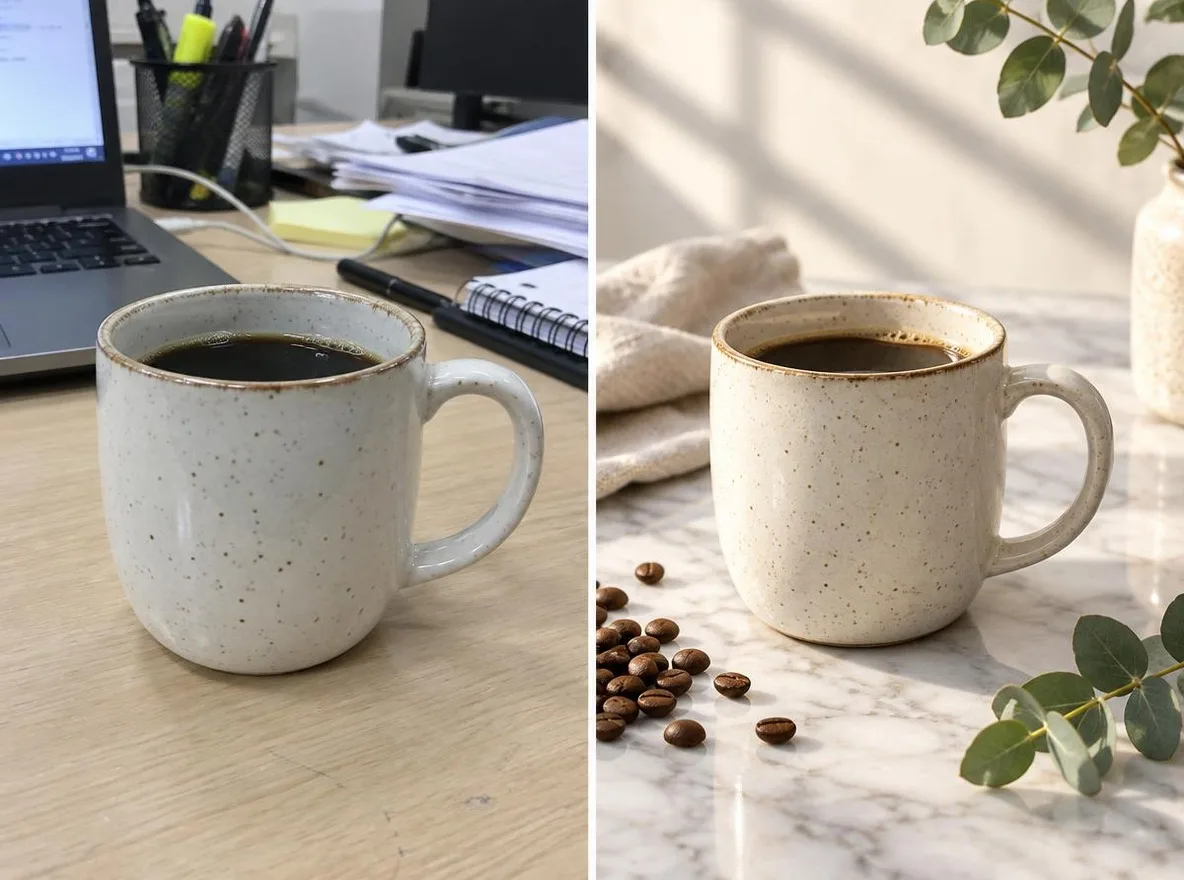
Keep the people and products, swap only the background: type a scene like a sunny cafe or a marble tabletop.
Paint over a person, text or object and the AI fills the space to match its surroundings.
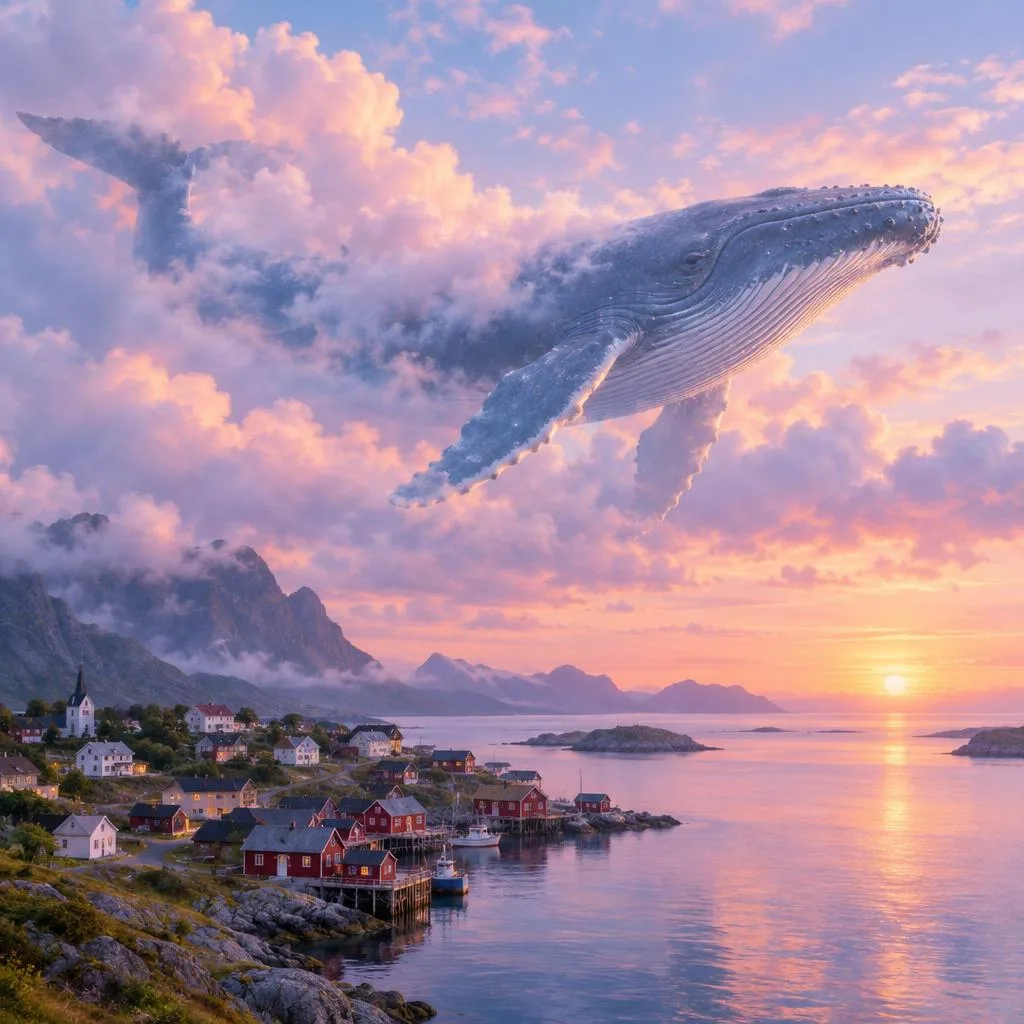
Extend a photo past its edges to fit 1:1, 4:5, 9:16, 16:9 or 3:2. 14 credits a run.
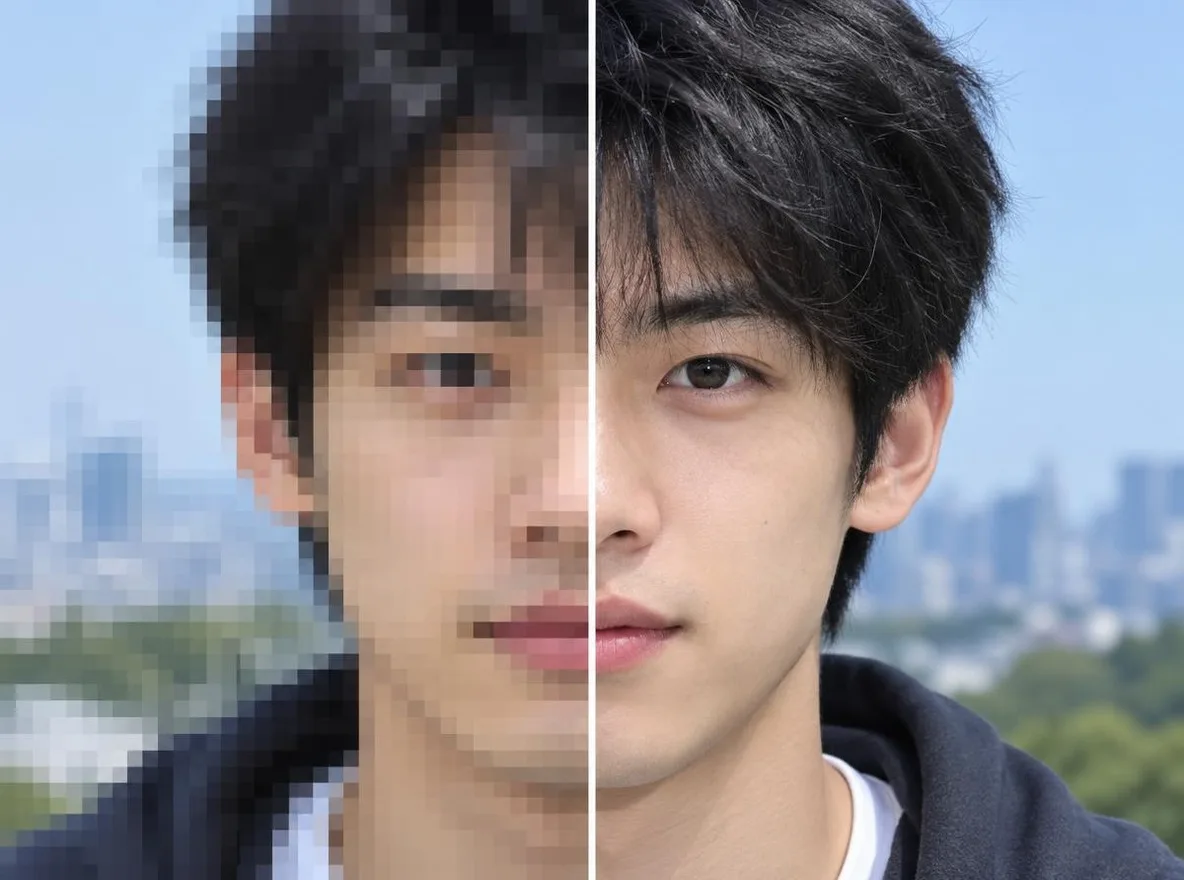
Enlarge a photo 2× or 4× and bring back soft detail.
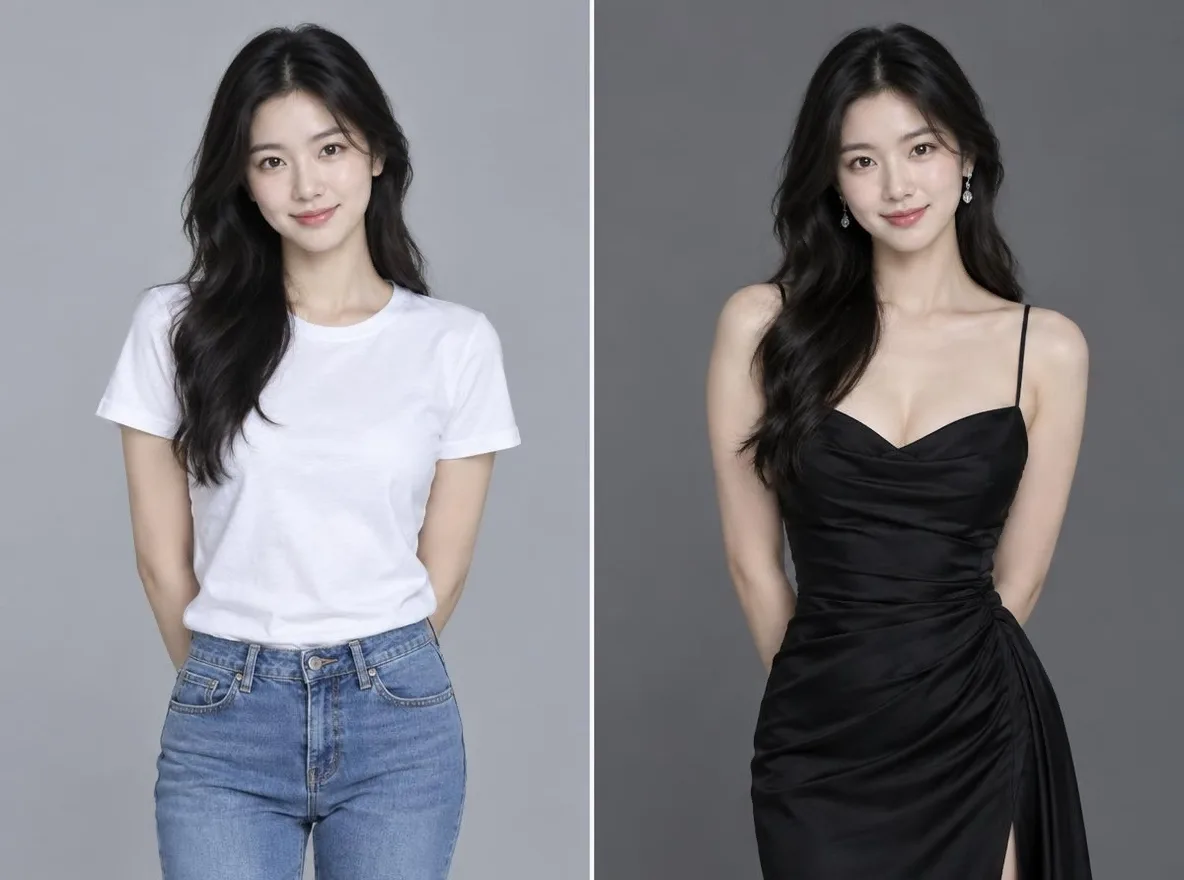
Change only the outfit in your photo. Pickshot keeps your face, pose and background while swapping clothes for hanbok…
Short clips from words or one photo. Length and price differ by model, and you see them before you run.
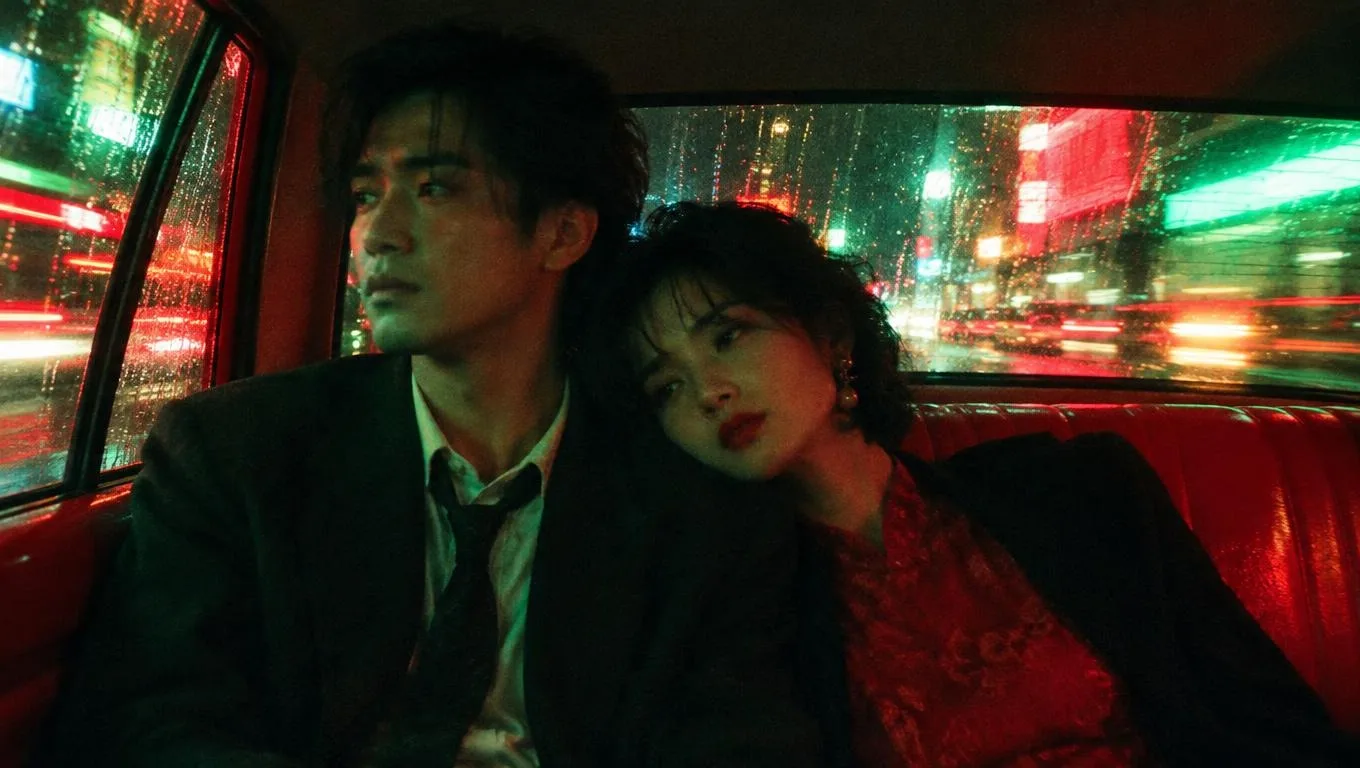
AI Video Generator: Text and Photo to Video. Lacquer videos are free on the website: 3 a day…
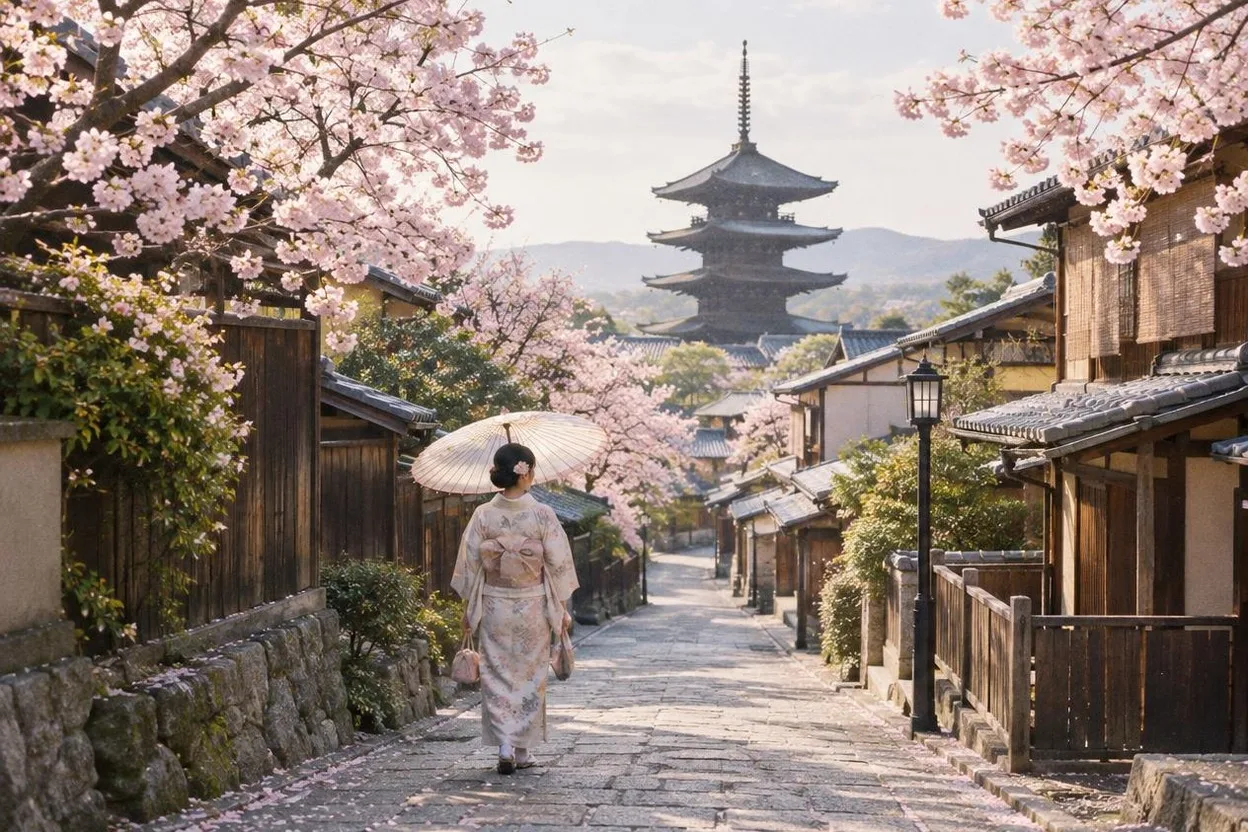
Make free AI videos with sound on the website: Lacquer clips up to 5 seconds at 720p, with a daily allowance.
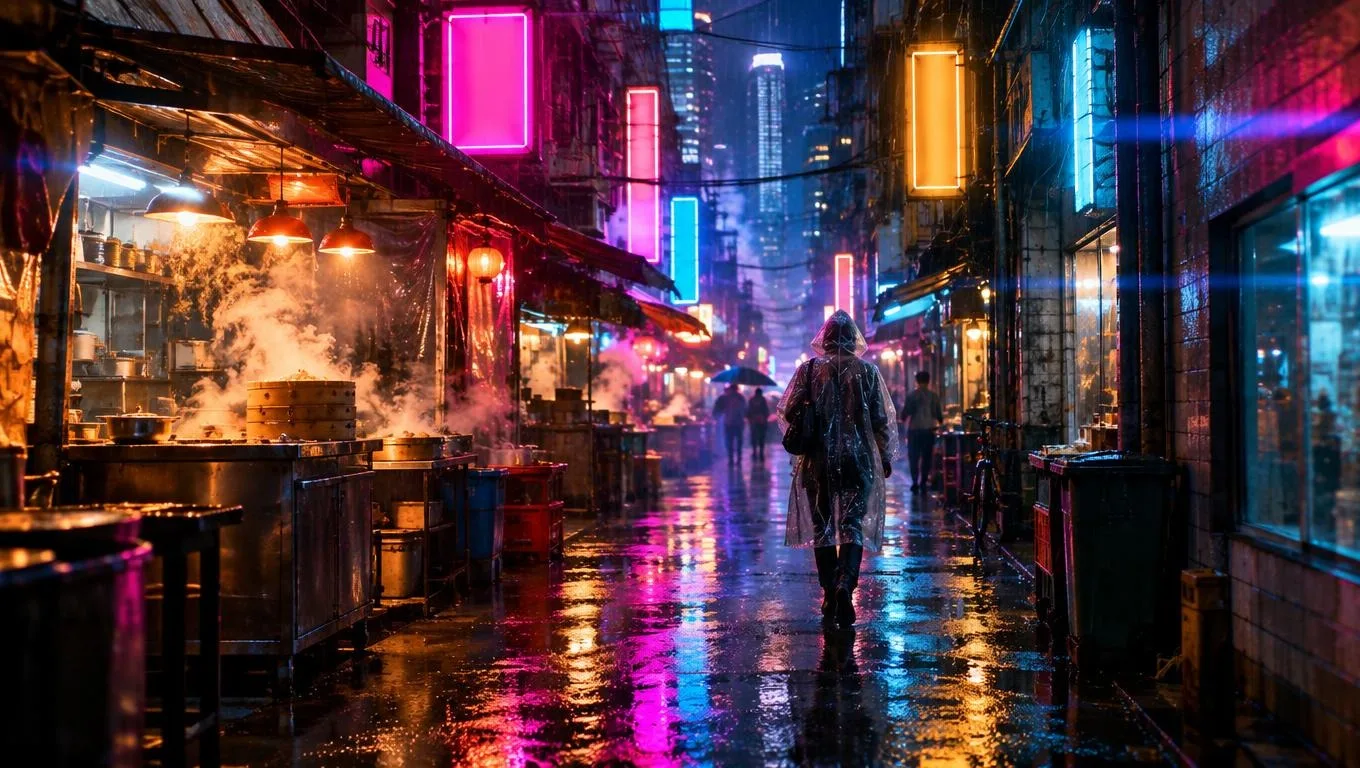
Text to Video AI: Write a Scene, Get a Short Clip.
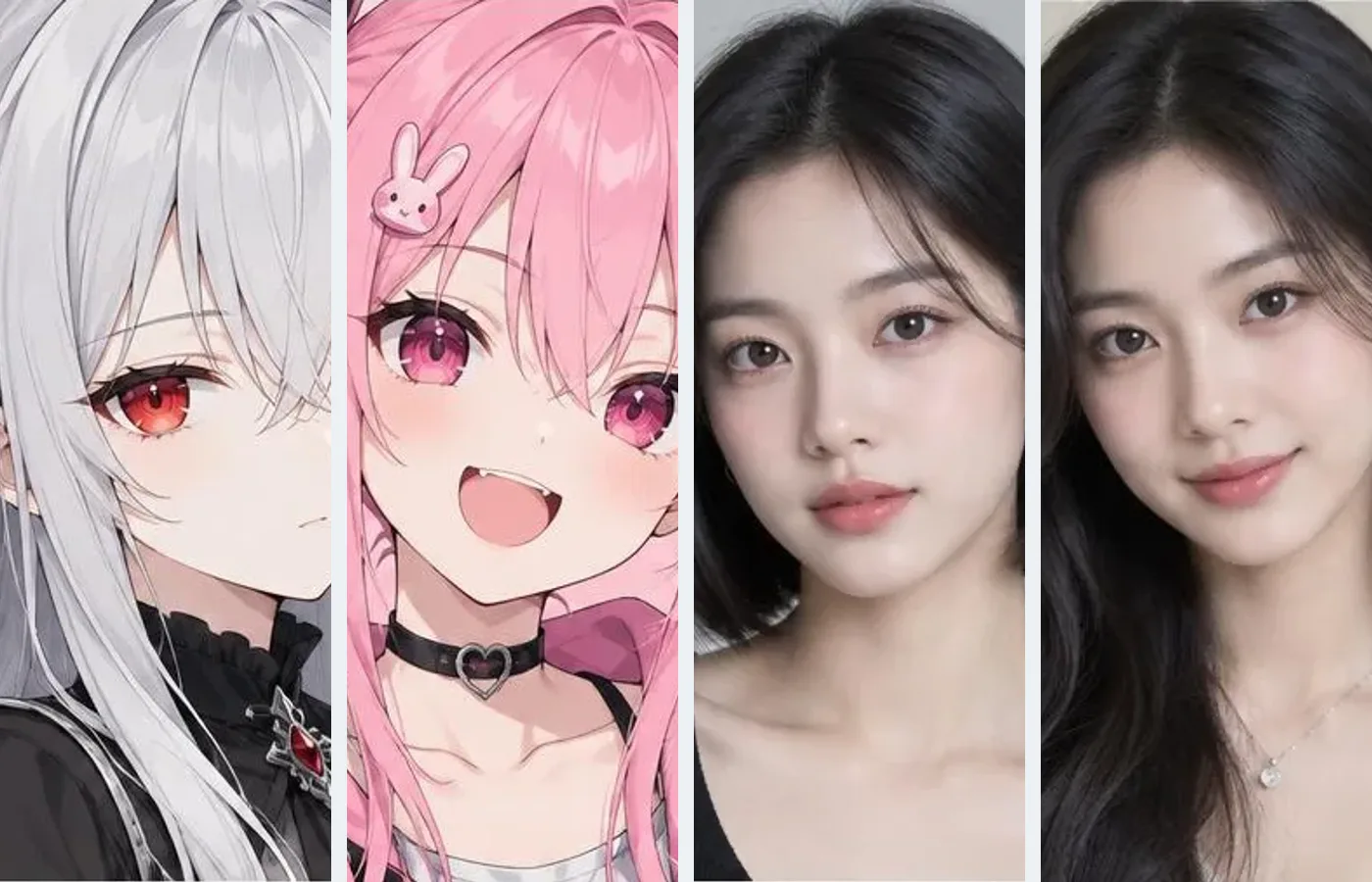
Image to Video AI: Animate a Photo or Picture. Lacquer videos are free on the website: 3 a day…
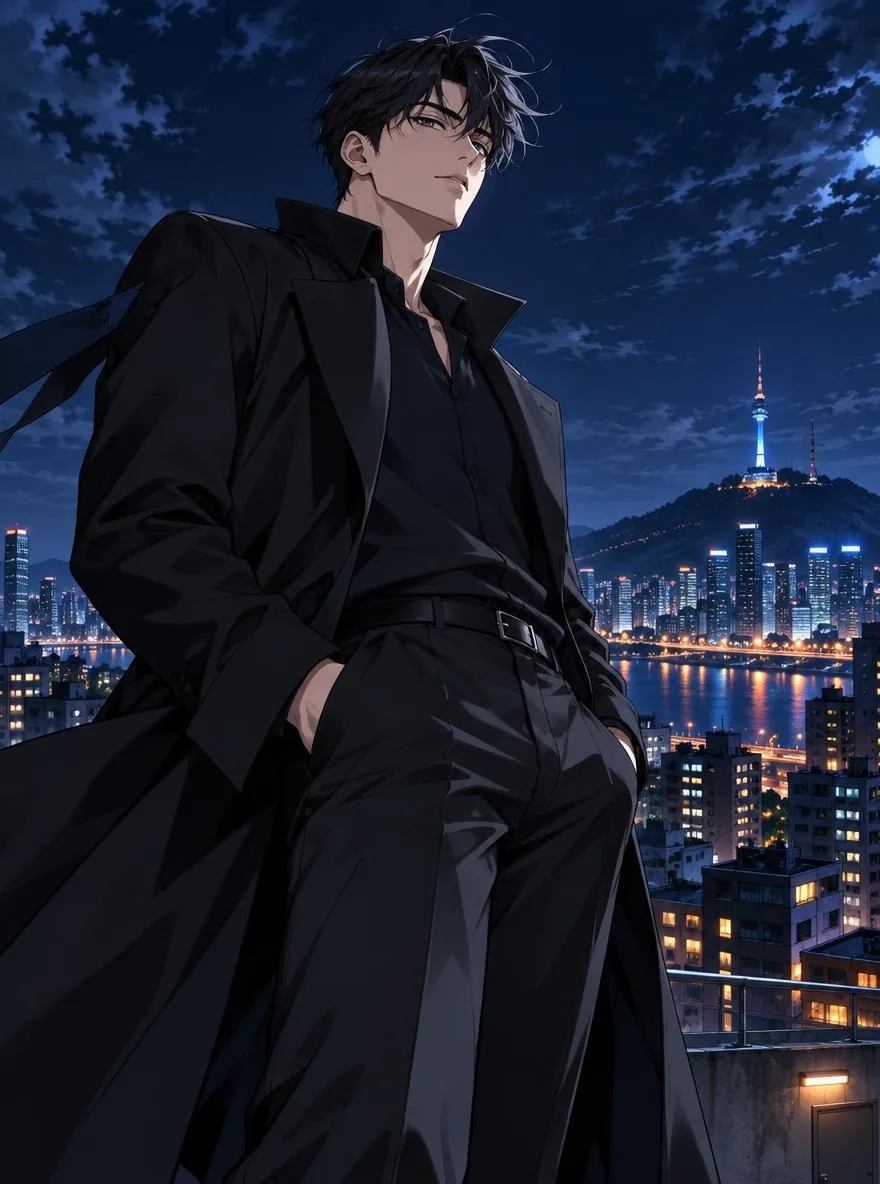
AI Anime Video Generator: Bring Anime Art to Life.
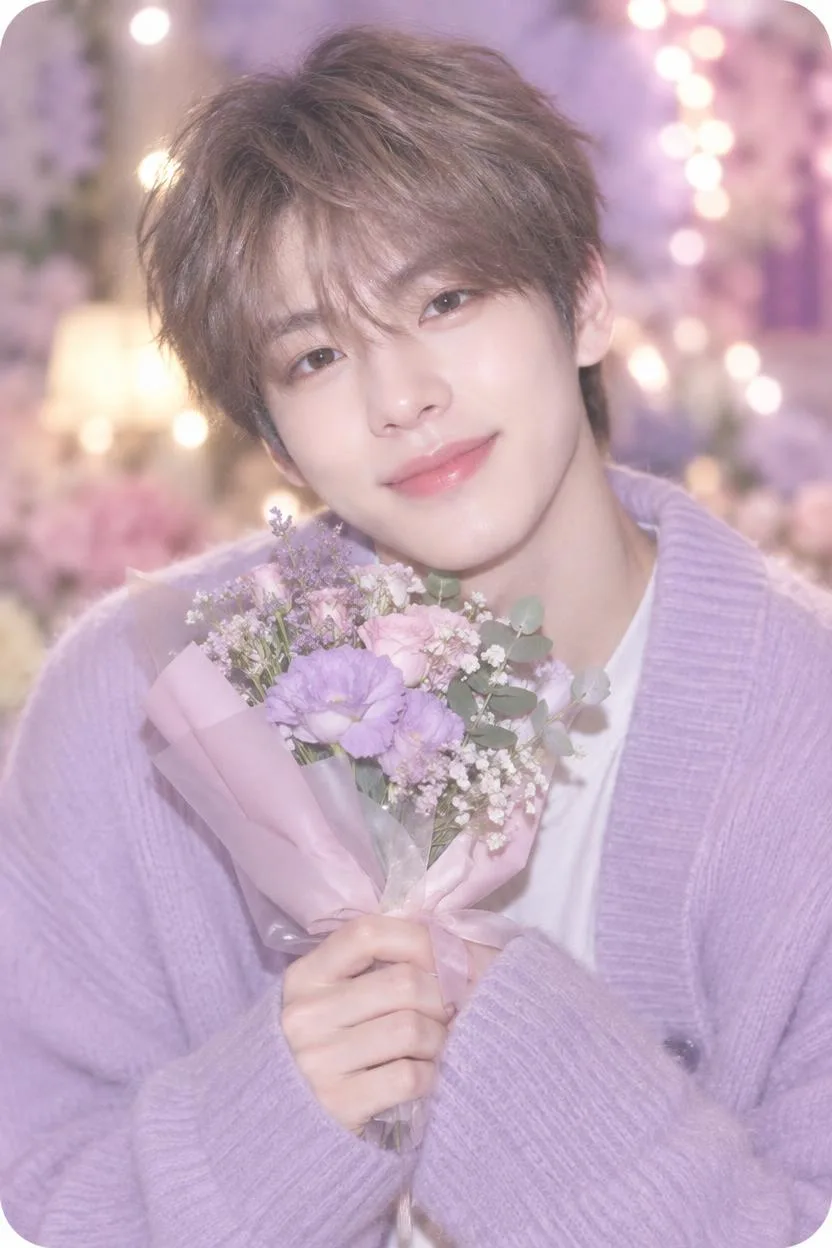
AI Video Generator with Sound: Picture and Audio in One Clip.
Turn one product photo into a short clip: set the scene with the Product scenes app…
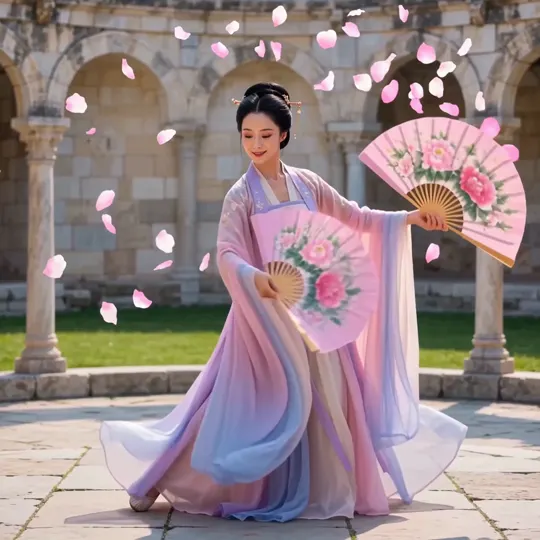
Make a character dance two ways: describe the dance and get a short clip…
Plan a story scene by scene, draw it, turn it into clips and join them into one video.
Cut a video you already have, add captions and make it sharper.
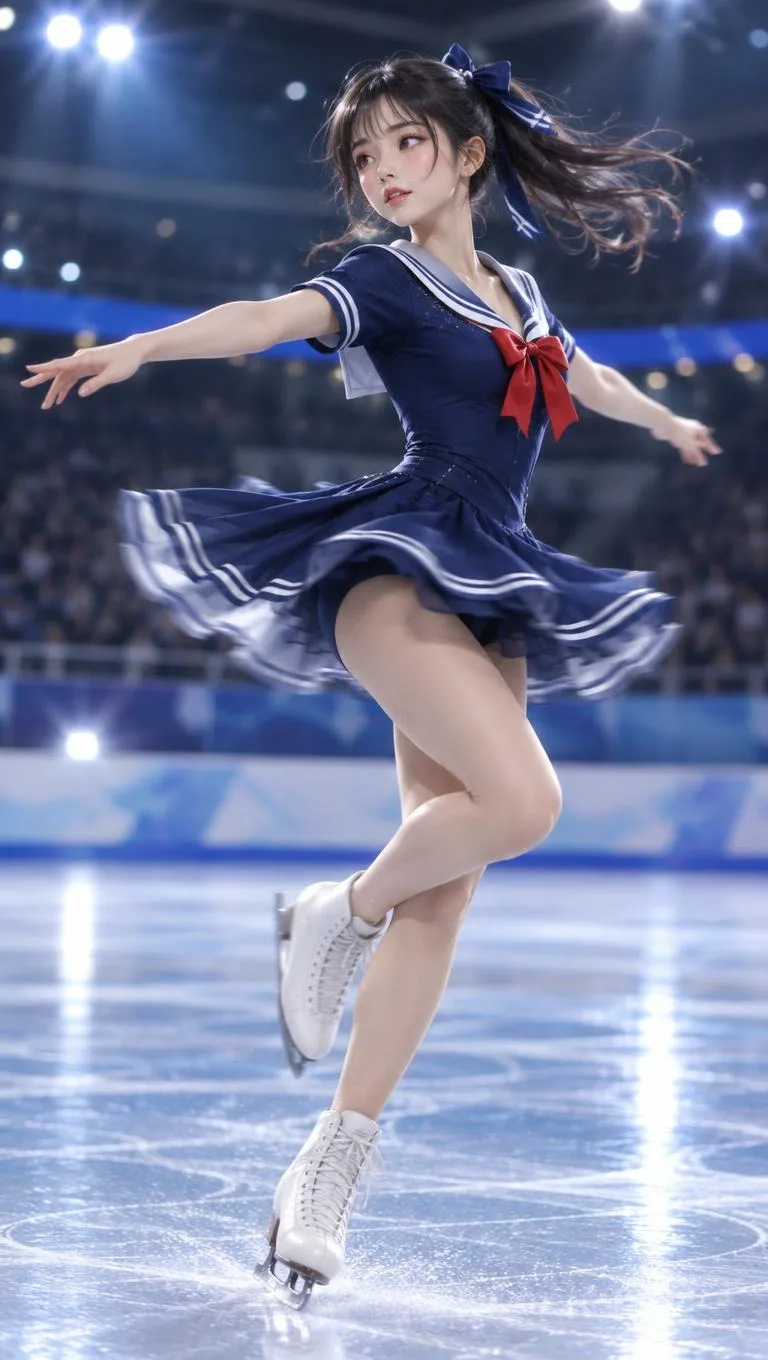
AI auto edit cuts pauses and filler words and adds captions, free for now.
Upscale a video to 1080p (4K on Pro and Max) and smooth it to 60 fps. Up to 30 seconds a run.
Write captions from the speech in your video, fix any line, pick a style and burn them in.
Voices, songs, instrumentals and sound effects from a written description.
Turn text into natural speech in Korean, Japanese, Chinese and English with Pickshot-series and partner voices…
Type one line of an idea and Pickshot writes original lyrics, sings them in Korean, Japanese…
Describe a genre and mood, get an instrumental or background track from 30 seconds to 5 minutes.
Describe a sound, such as rain on a window or a creaking door, and get a short effect. Hear real samples first.
Single-purpose apps: pick a photo, choose an option, get the result.
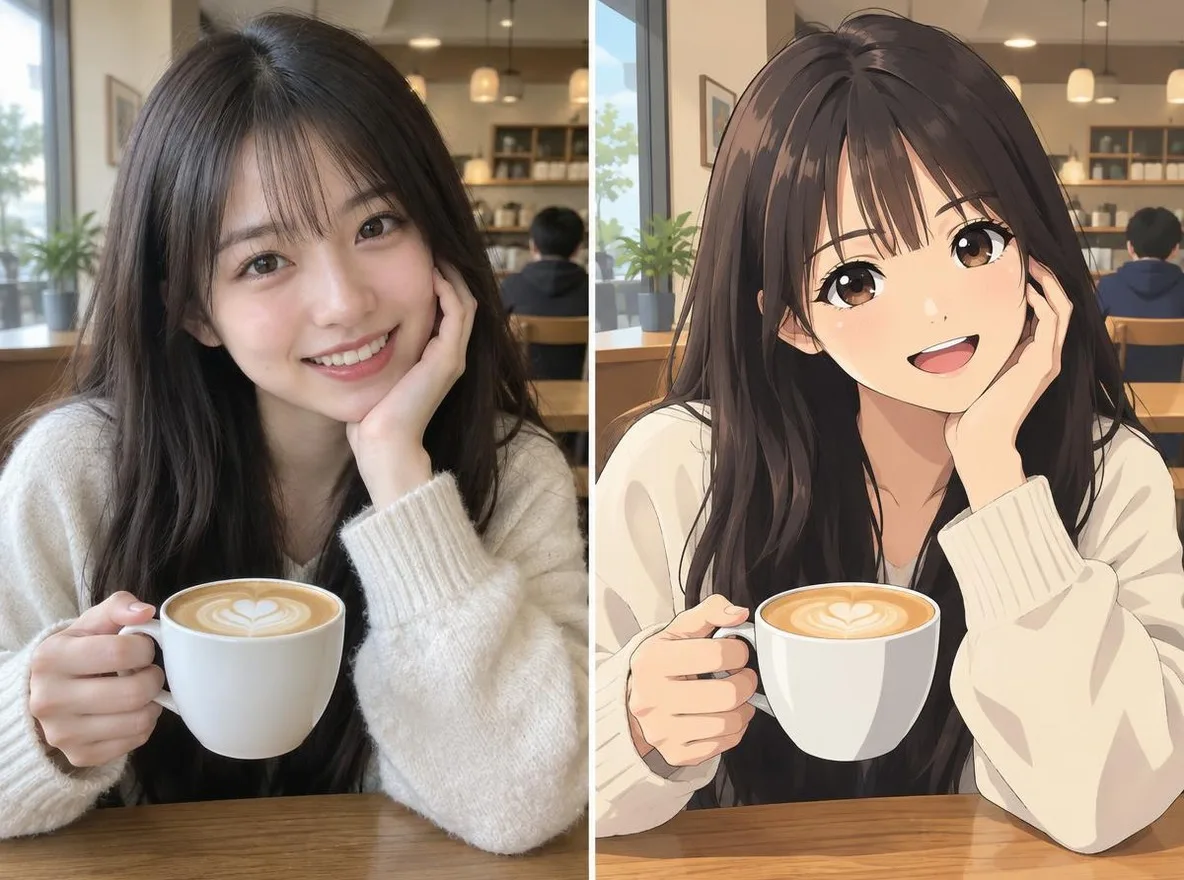
Ridisegna un selfie come anime, webtoon, acquerello o figura 3D.
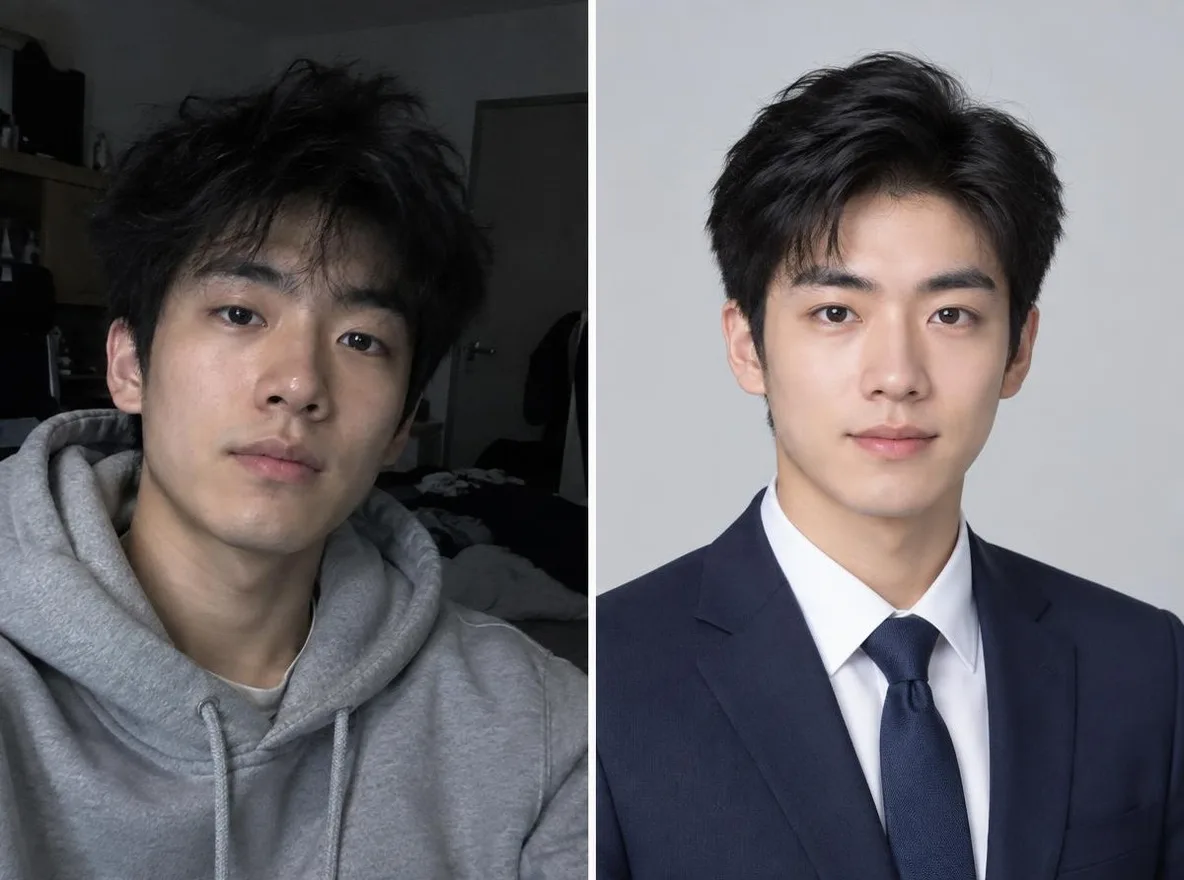
Trasforma un selfie casuale in una foto identificativa, un ritratto per una domanda di lavoro o un avatar social.
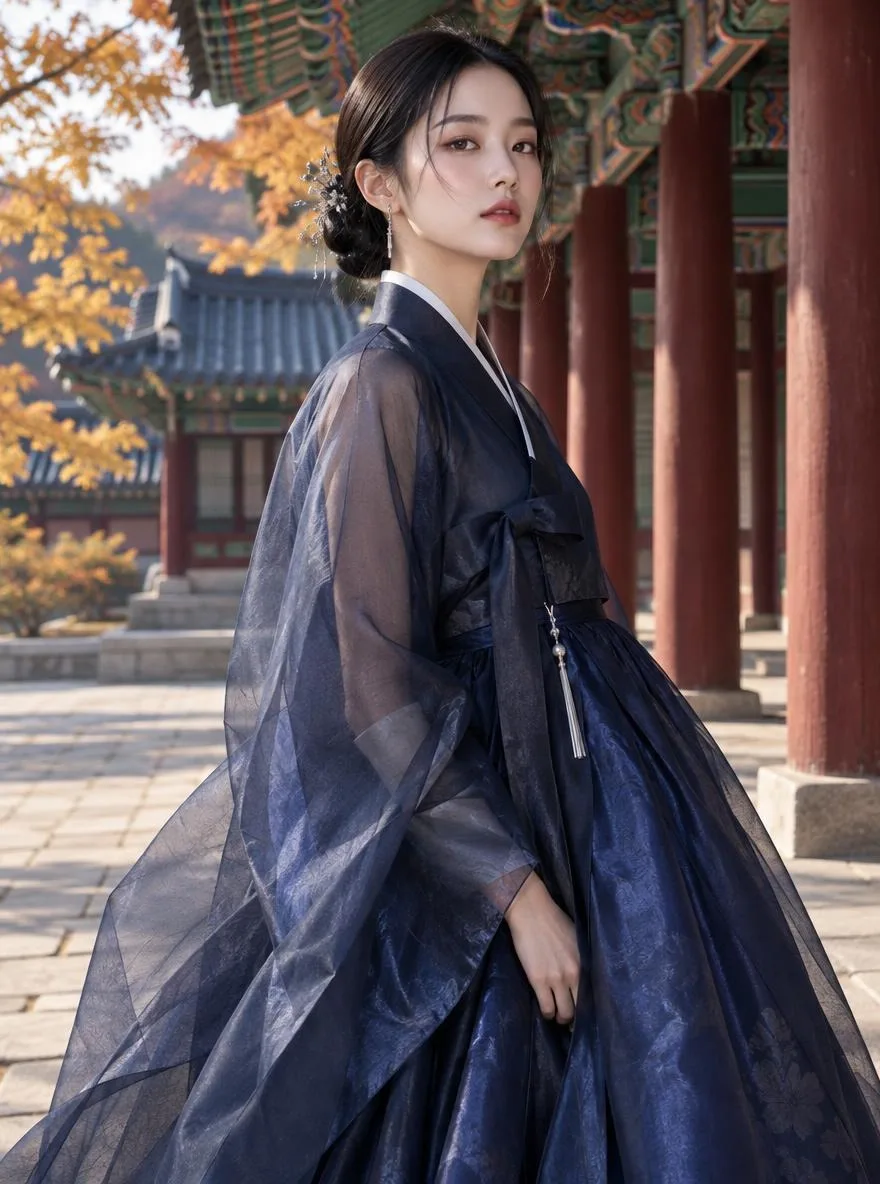
Immagina te stesso nell'hanbok, nel kimono, nel qipao o nell'hanfu.
Mantieniti, scambia lo sfondo con Kyoto, Seoul, Shanghai o Jeju.
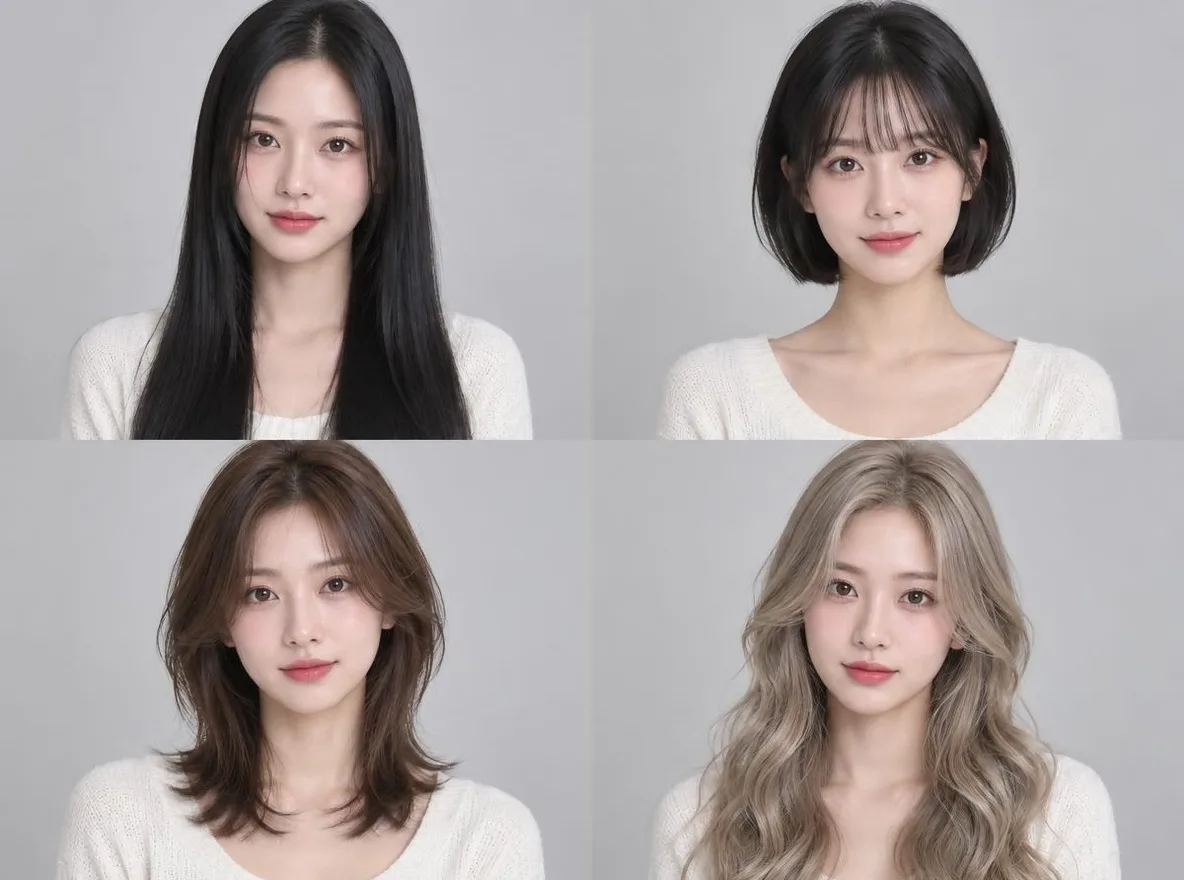
Controlla se un taglio silenzioso, un caschetto o una permanente sono adatti a te prima del salone.
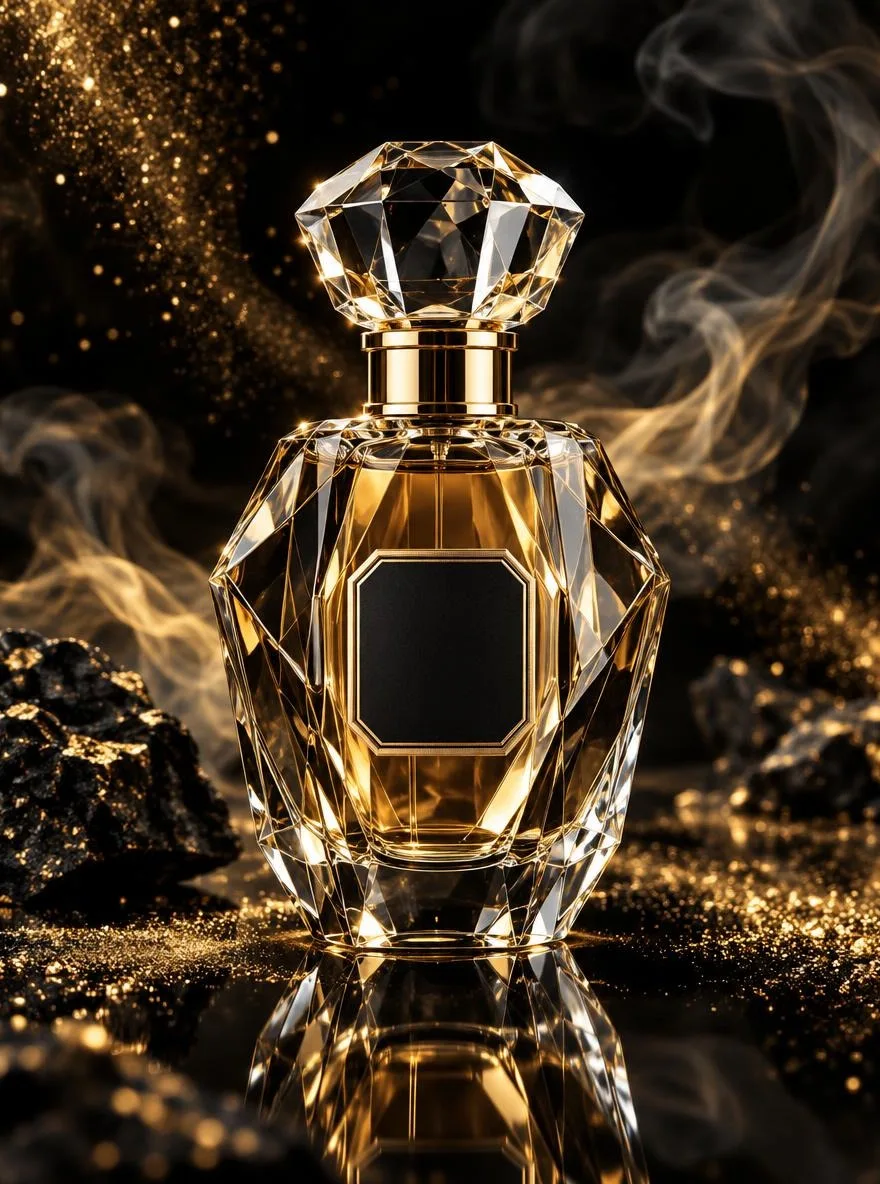
Scatti di prodotti con stile per la scheda dello Store, non è necessario alcun servizio fotografico.
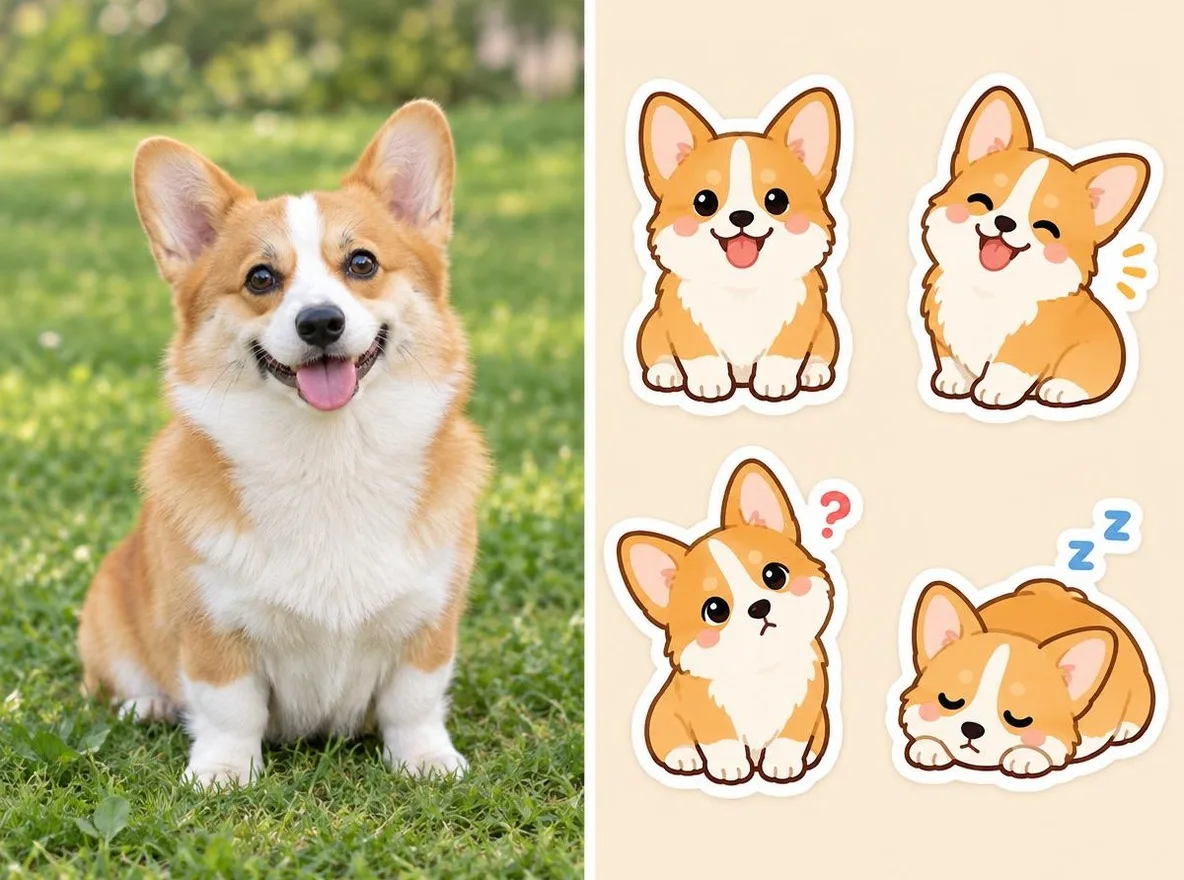
Trasforma il tuo animale domestico o te stesso in adesivi in stile messenger.
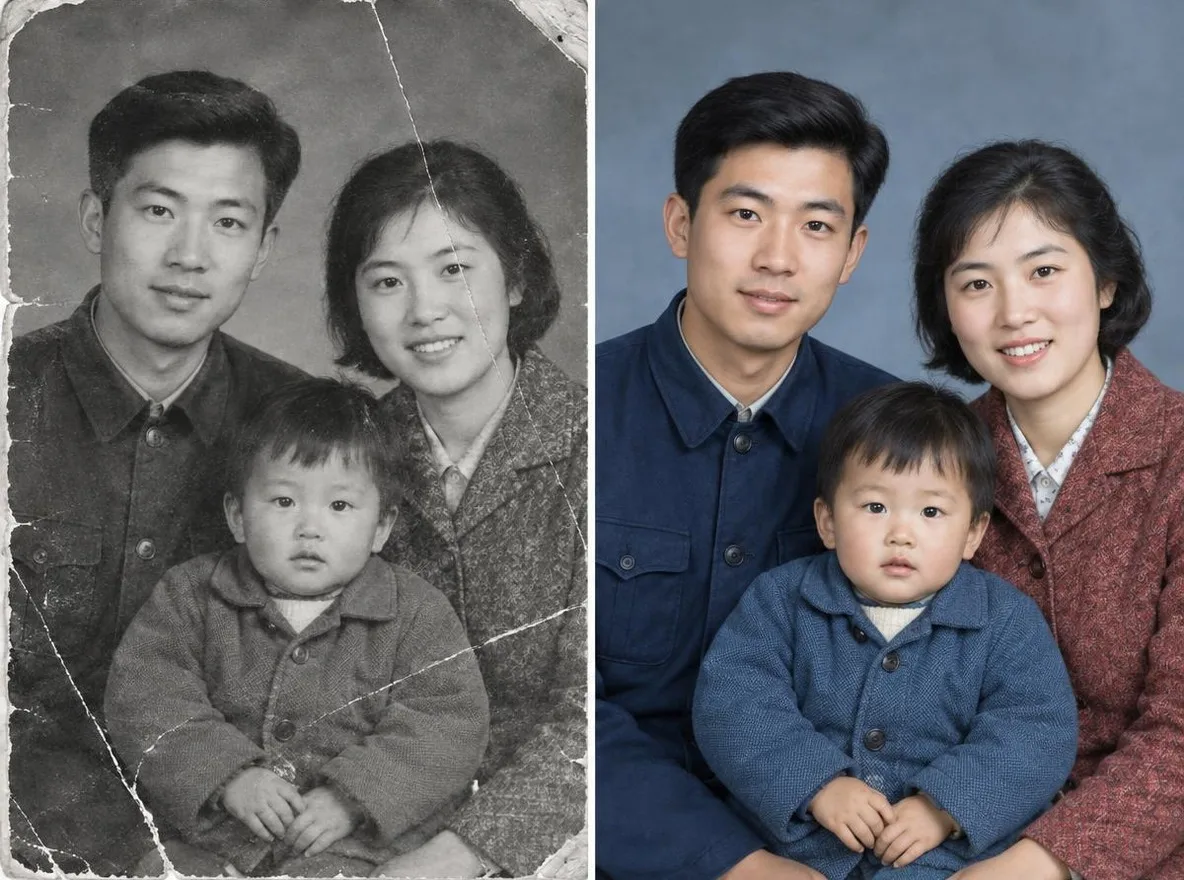
Riporta in vita, a colori, le foto di famiglia graffiate e sbiadite.
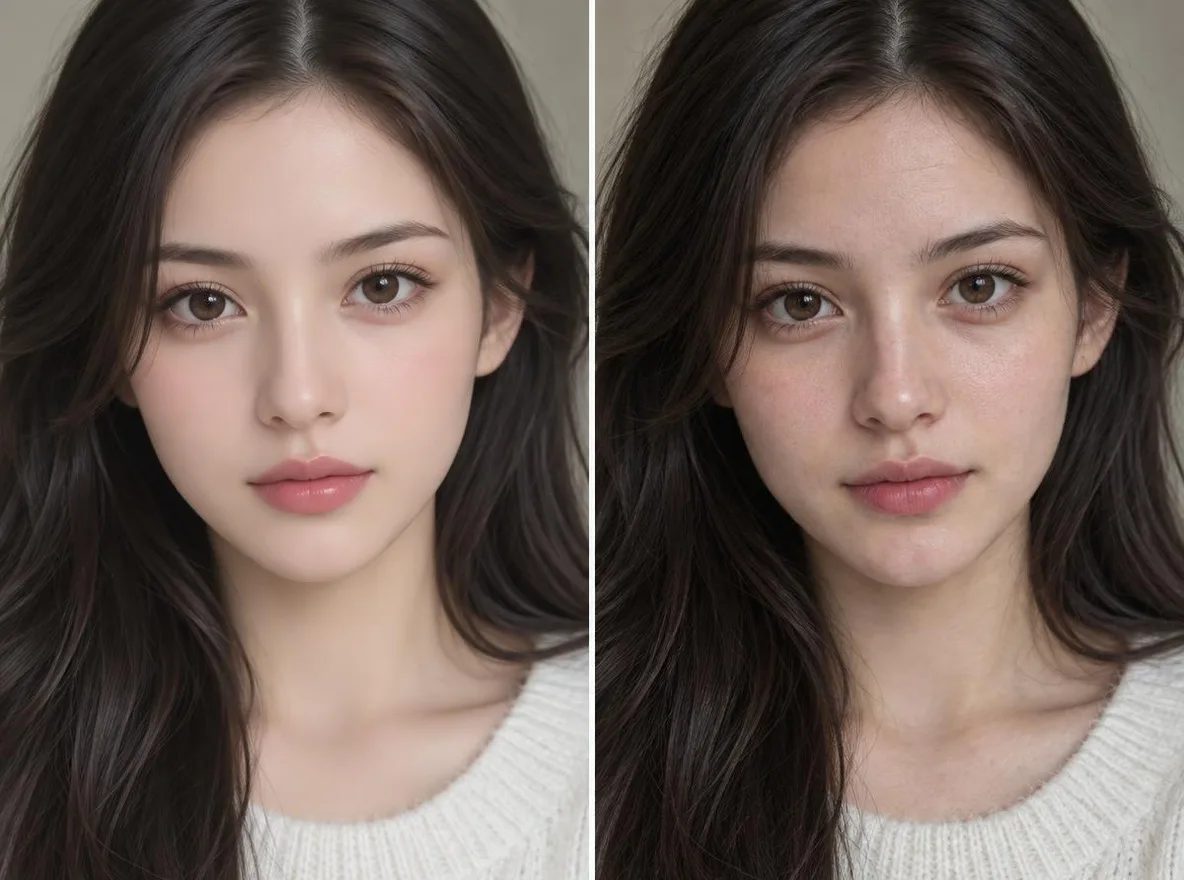
Esalta la struttura e i dettagli naturali della pelle in un ritratto.
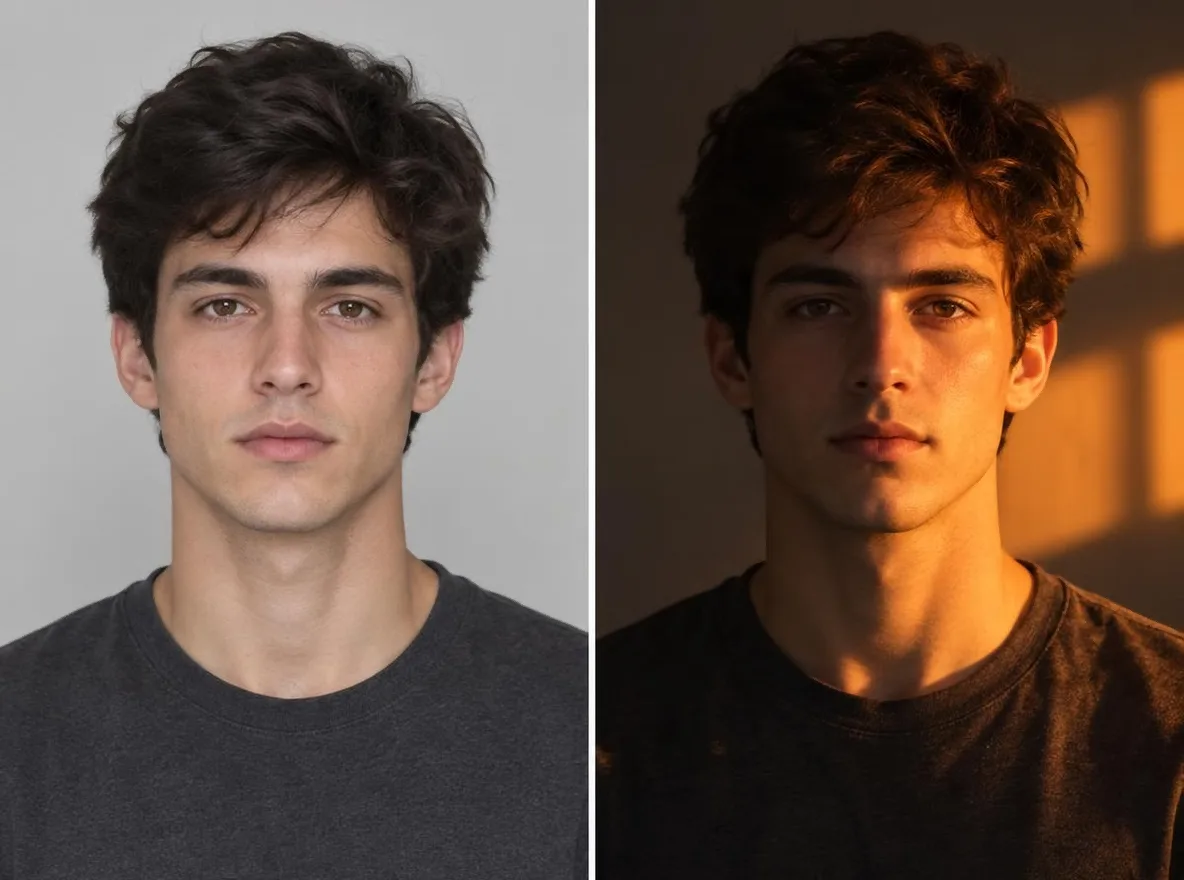
Cambia la direzione e l'atmosfera della luce in una foto: ora d'oro, neon, luce da studio e altro ancora.
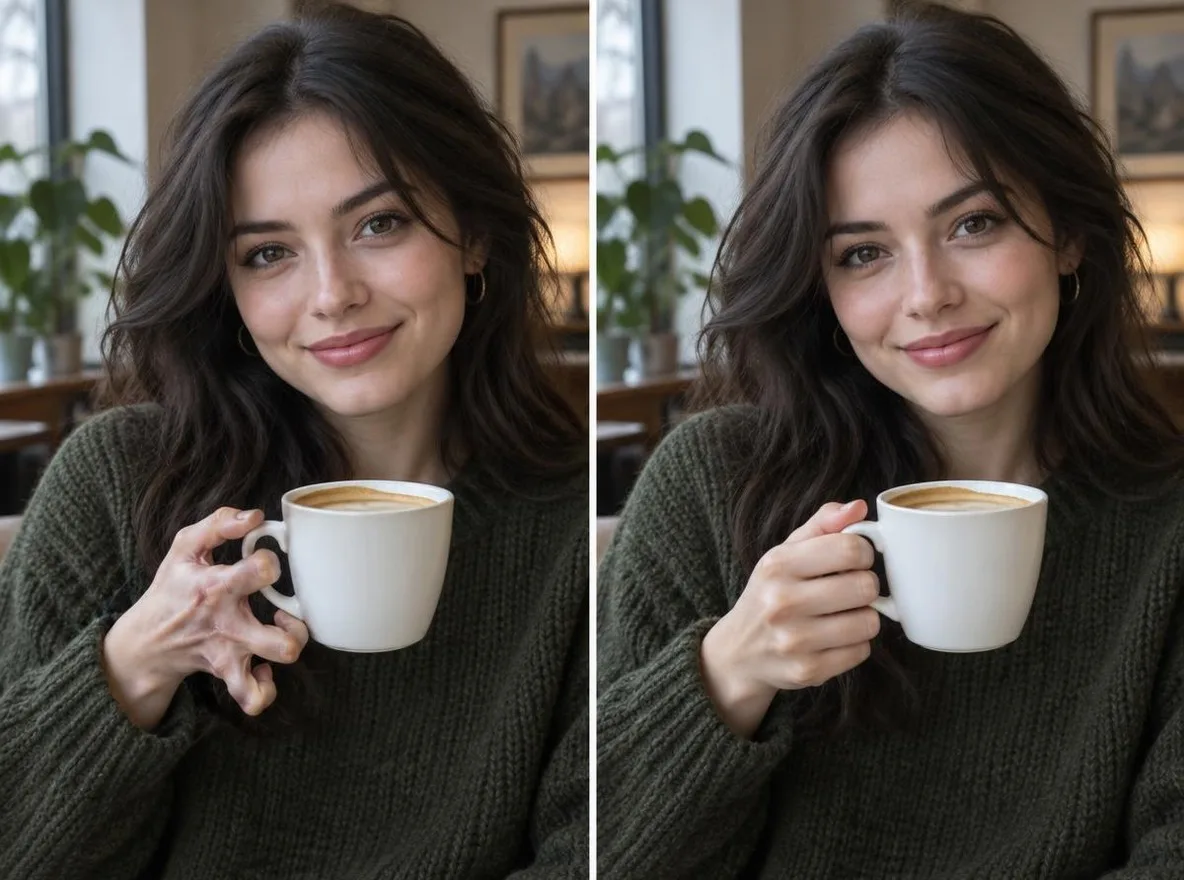
Descrivi cosa aggiustare e migliorerà proprio quella parte, come mani, occhi o piccoli dettagli.
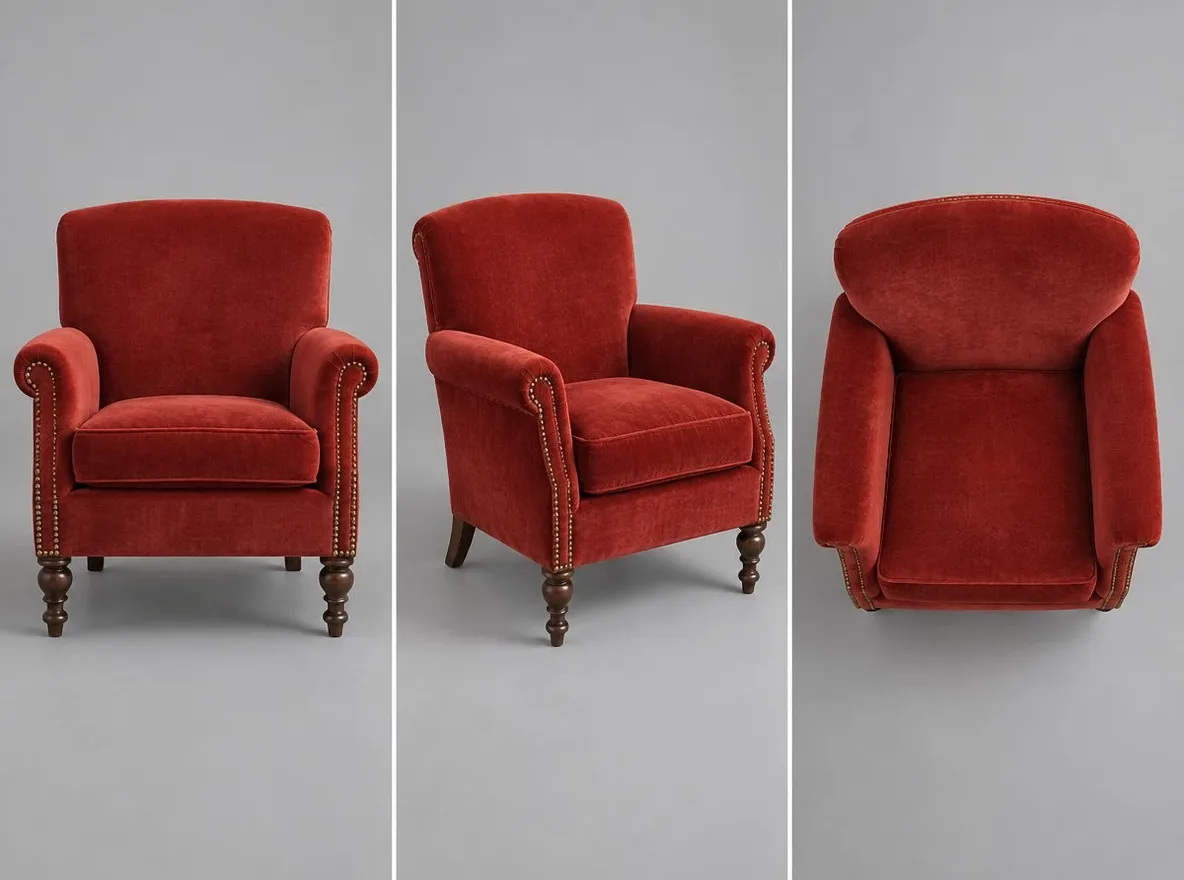
Ridisegna un'immagine da una nuova angolazione della fotocamera: frontale, laterale, dall'alto verso il basso e altro.
Mantiene la persona e cambia solo l'outfit, partendo da una foto dell'outfit o da una descrizione.
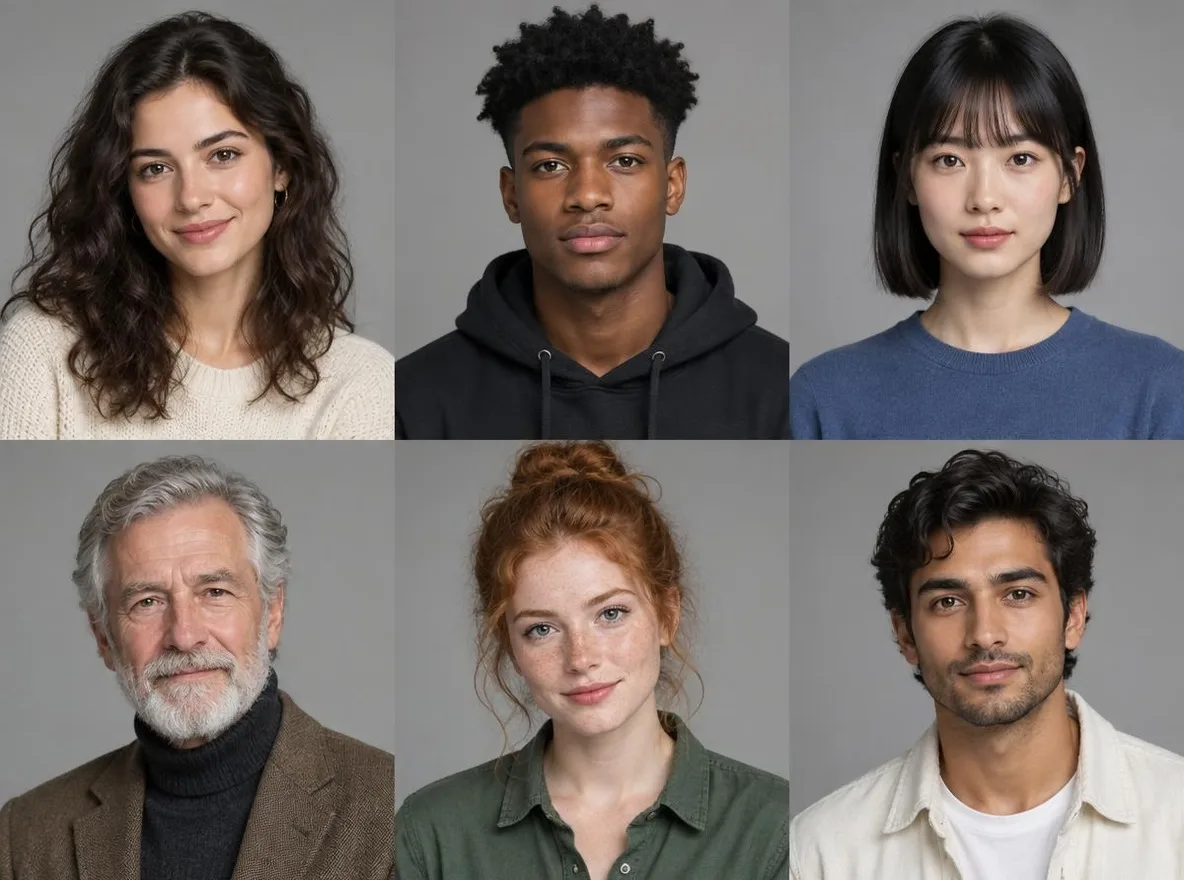
Scegli attributi come sesso, età, colore dei capelli e stile per creare il tuo personaggio AI.
Scegli un'immagine iniziale che ti piace e perfezionala nel tuo personaggio.
Trasforma l'immagine di un personaggio in un foglio con il volto, diversi angoli e dettagli.
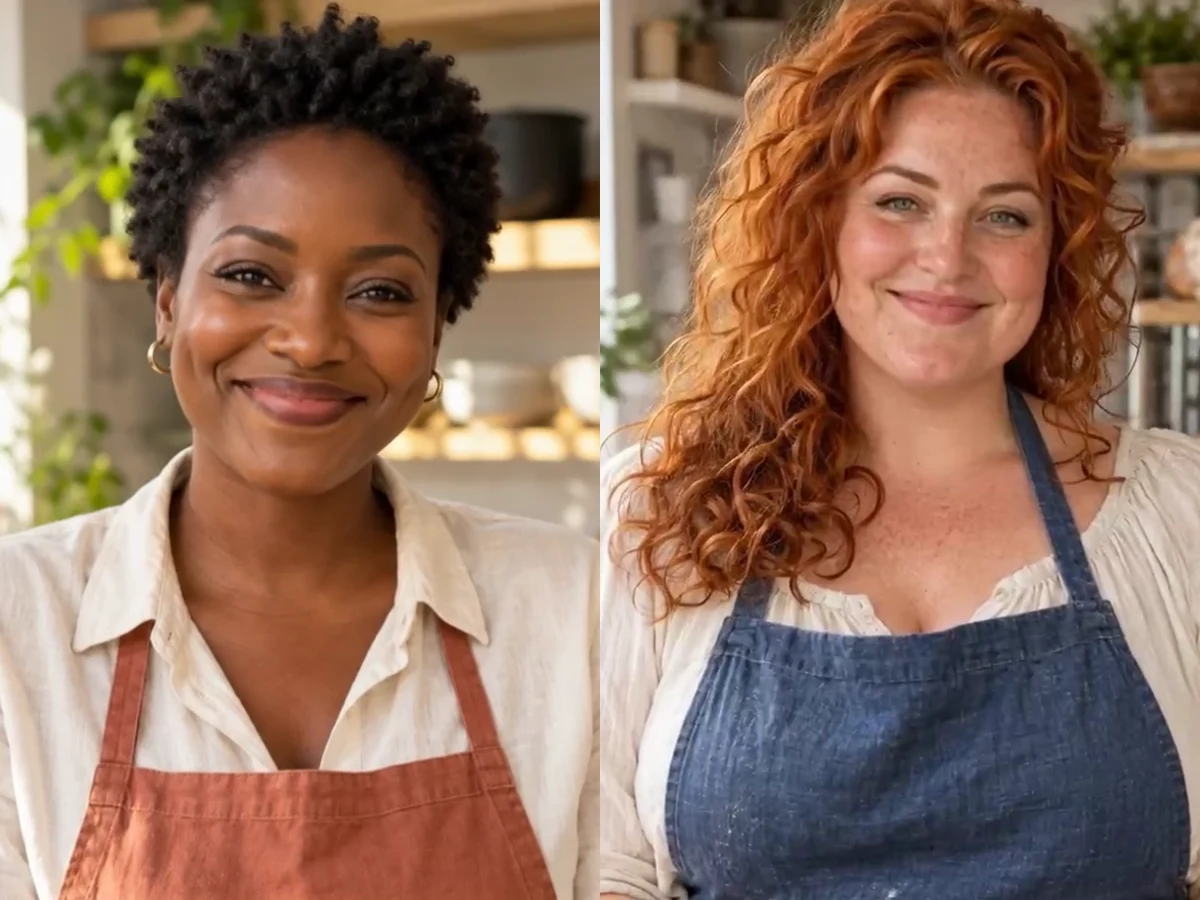
Dona al tuo personaggio AI i movimenti e le espressioni di un video di riferimento.
Skip the guides and start making straight away.
Make pictures from text. Free models cost nothing; premium models show their credits before you run them.
Make video from text or a photo. Each model shows its length, resolution and sound options and the credits before you…
Make voices, music and sound effects. Each model shows its settings and credits before you run it.
From one line of an idea to lyrics, a sung song and cover art.
Edit any photo in the browser: remove or replace the background, erase objects, expand the canvas, add text…
Cut a clip on the timeline, let AI auto edit remove pauses and filler words and add captions…
Dai a Story Studio un suggerimento per la storia e lo divide in scene e le disegna ciascuna in ordine.
Lay out scenes and lines on one storyboard sheet, then export it as a PNG or share it as a post.
Create many variations in one run and follow their progress in one place. How many per run depends on your membership.
Choose the model, aspect ratio, count, seed and negative prompt yourself in the detailed image generation screen.
Build a virtual influencer once, then post a whole feed as the same person: profile shots, daily life…
From an original character to pictures and video